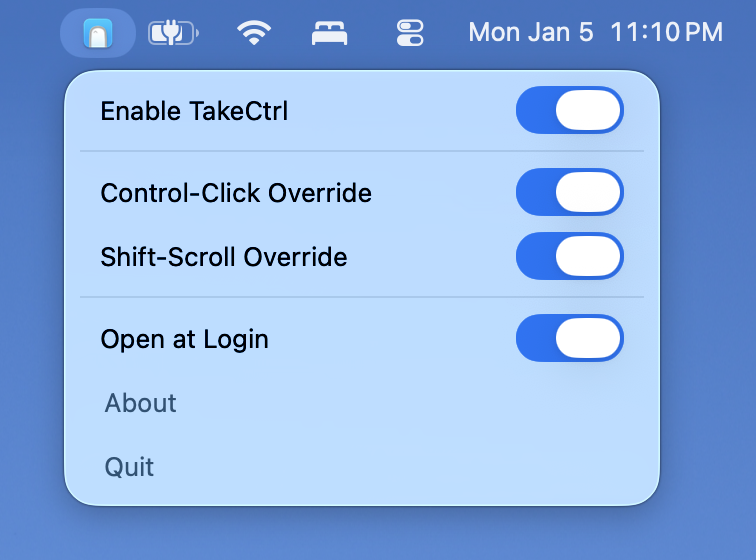
TakeCtrl is a lightweight Mac menu bar app that allows bypassing of some default macOS keyboard and mouse behaviors such as:
- Control + Left Click = Right Click
- Shift + Scroll Wheel = Horizontal Scroll
It's useful for games like Minecraft where you may want to sprint (with the Control key pressed) while left clicking, or use the scroll wheel to select items.
Supports Open at Login functionality.
Take Control of your Mouse + Keyboard with TakeCtrl.
Supports macOS Sonoma (14) and newer.
Releases can be found here.
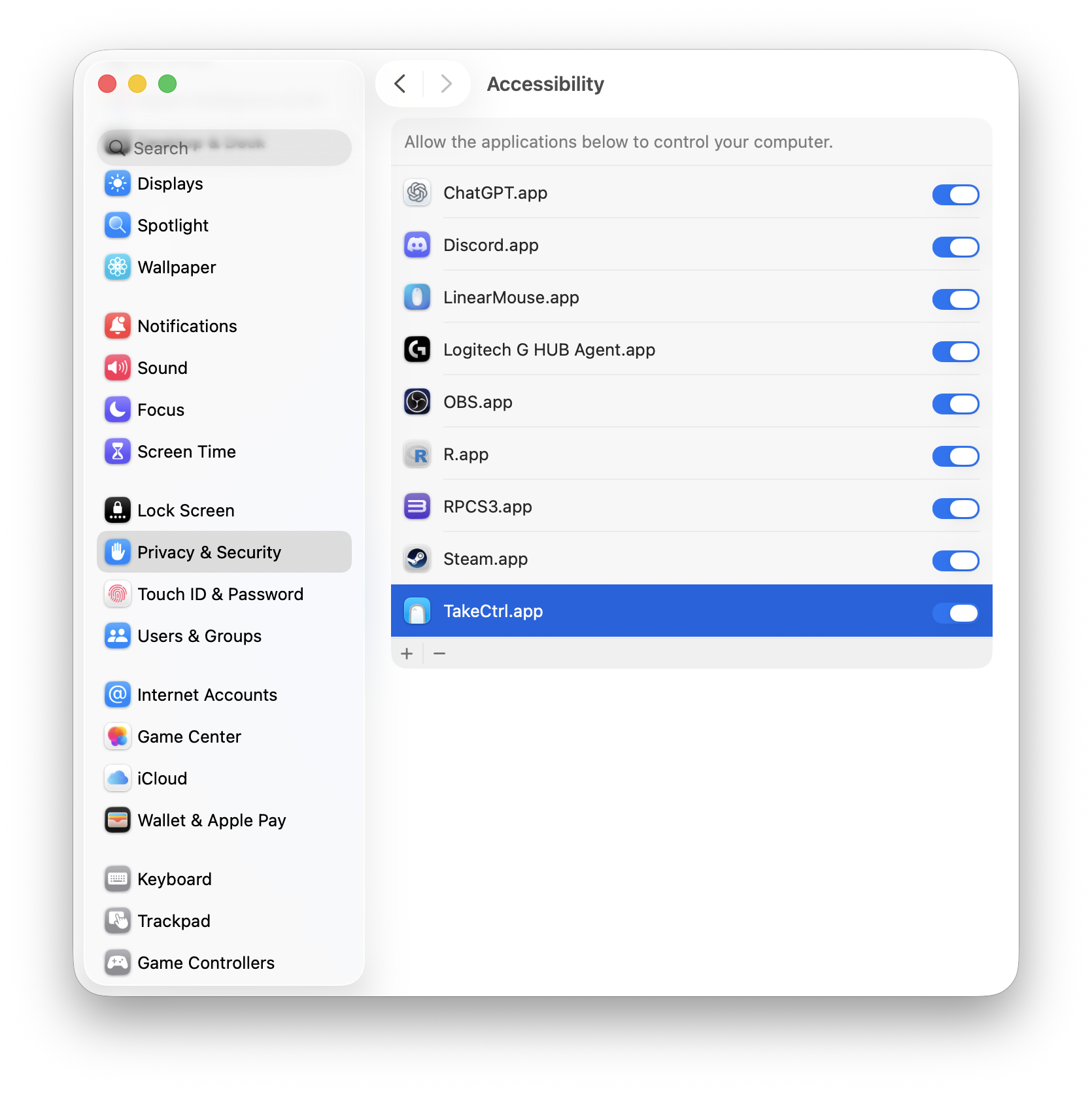
The first time running TakeCtrl, you'll need to give TakeCtrl access to control your Mac under Privacy & Security -> Accessibility.