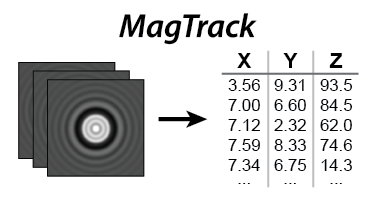



MagTrack is a free open-source Python library for tracking symmetric beads in single-molecule magnetic tweezers experiments.
- Sub-pixel XYZ coordinates
- GPU accelerated (optional, requires a CUDA-capable GPU)
- Python notebook included with examples
- Documented, tested, and benchmarked
- Only depends on NumPy, SciPy, and CuPy
- Runs on Windows, macOS, and Linux
- Easy installation with pip
Try a demo in a Google Colab notebook
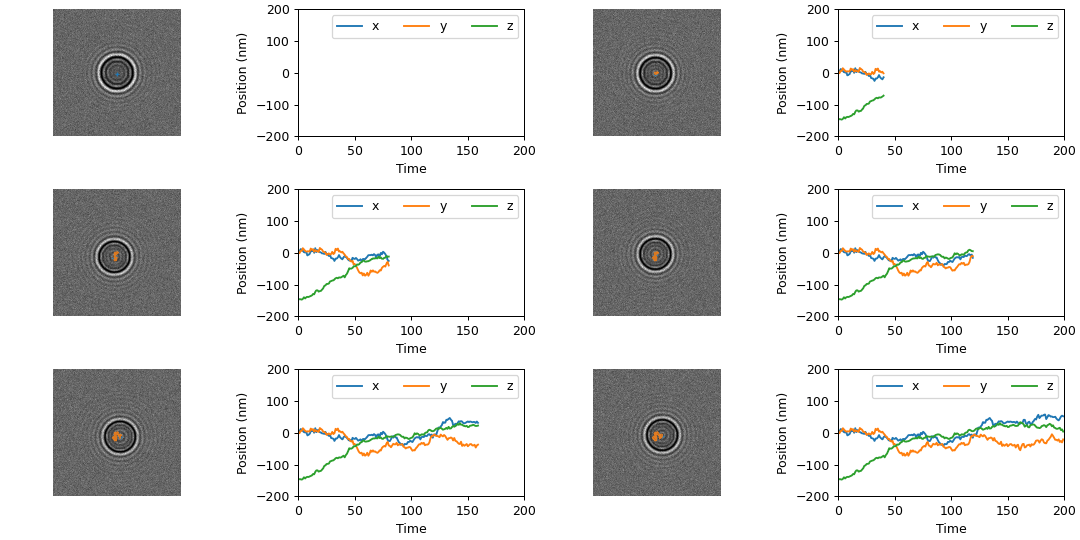
Get started with MagTrack by following the installation instructions.
import magtrack

# Run the full default XYZ pipeline
x, y, z, profiles = magtrack.stack_to_xyzp(stack)

# Or make your own pipeline from algorithms you prefer
x, y = magtrack.center_of_mass(stack)
x, y = magtrack.auto_conv_sub_pixel(stack, x, y)
profiles = magtrack.fft_profile(stack)
...
You can see more examples of how to use MagTrack in this notebook.
Try it out with Google Colab. 
View the full guide to MagTrack at magtrack.readthedocs.io
You can use MagTrack for live video processes using our sister project MagScope.
Report issues and make requests on the GitHub issue tracker.
Having trouble? Need help? Have suggestions? Want to contribute?
Email us at magtrackandmagscope@gmail.com