- User Story
- Acceptable Criteria
- Languages & Techniques
- License
- Screenshot
- Walkthrough Demo
- Contacnt Me
AS A small business owner
I WANT to be able to write and save notes
SO THAT I can organize my thoughts and keep track of tasks I need to complete
GIVEN a note-taking application
WHEN I open the Note Taker
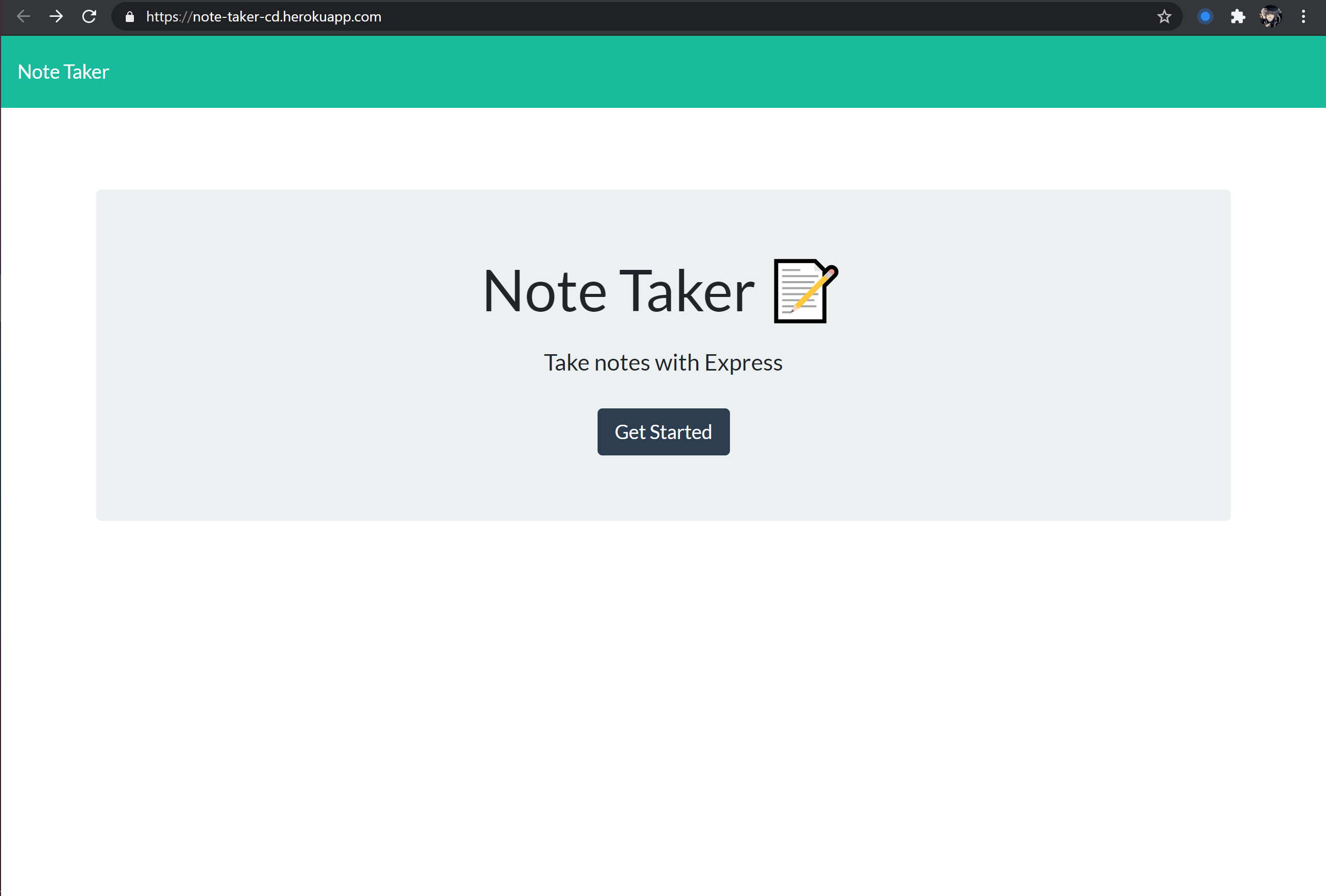
THEN I am presented with a landing page with a link to a notes page
WHEN I click on the link to the notes page
THEN I am presented with a page with existing notes listed in the left-hand column, plus empty fields to enter a new note title and the note’s text in the right-hand column
WHEN I enter a new note title and the note’s text
THEN a Save icon appears in the navigation at the top of the page
WHEN I click on the Save icon
THEN the new note I have entered is saved and appears in the left-hand column with the other existing notes
WHEN I click on an existing note in the list in the left-hand column
THEN that note appears in the right-hand column
WHEN I click on the Write icon in the navigation at the top of the page
THEN I am presented with empty fields to enter a new note title and the note’s text in the right-hand column
- express.js
- uuid
- heroku
MIT