#P08: Resources page setup#77
Conversation


 stefdworschak
left a comment
stefdworschak
left a comment
stefdworschak
left a comment
There was a problem hiding this comment.
@irinatu17 I really like your changes here! I left a few minor comments; if you could make the few changes, that would be great!
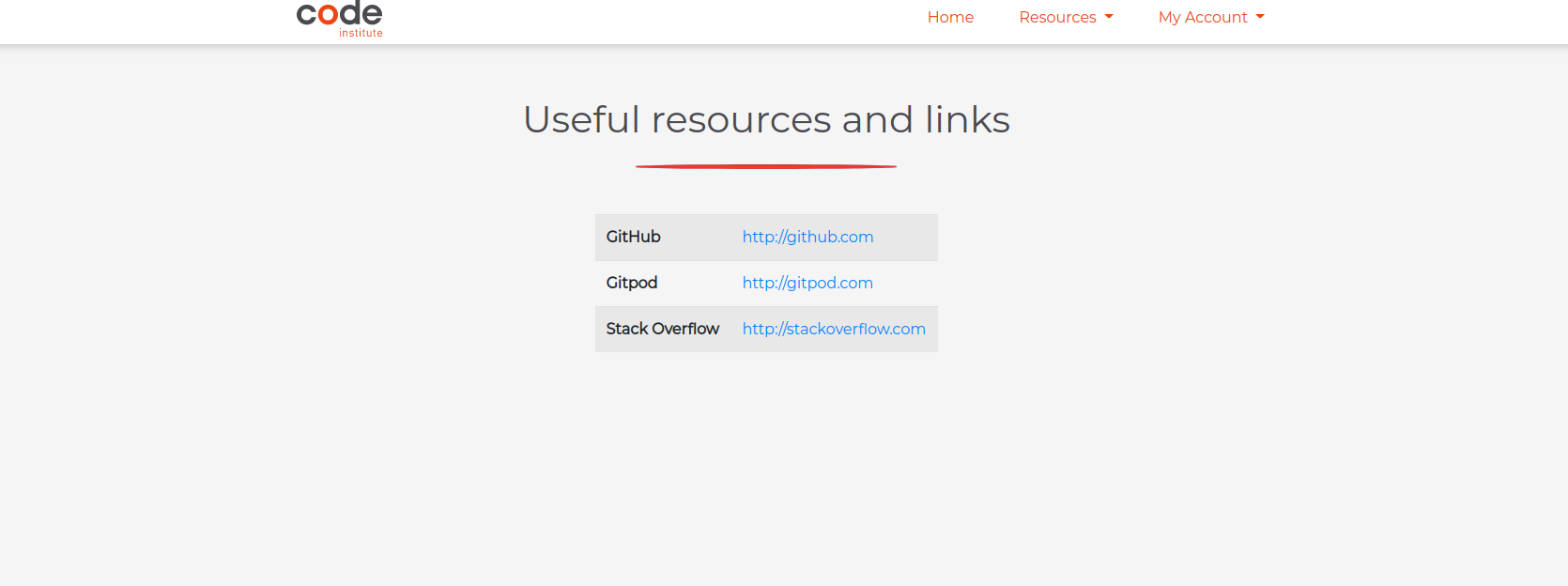
Also, not sure why, but on my screen it seems that the table is a bit small. Maybe you can have a look at that as well. Here a screenshot (1920x1080):
resources/tests.py
Outdated
There was a problem hiding this comment.
I would move creating the Resource instances in the setUp method?
You can then reuse it also in your 2nd test case.
There was a problem hiding this comment.
I'm not sure if I've done that in a correct way, never used setUp() method before. Could you have a look, please?
resources/tests.py
Outdated
There was a problem hiding this comment.
Also when using .objects.create() you don't need to use .save(). The create method will automatically save it
resources/views.py
Outdated
There was a problem hiding this comment.
Not sure you need to create an extra context dict here just for one key. I would just pass an {'resources': resources} into the render function directly.
static/css/style.css
Outdated
There was a problem hiding this comment.
Please properly indent the CSS here.
resources/models.py
Outdated
There was a problem hiding this comment.
Please add a docstring here.
| class Resource(models.Model): | ||
|
|
||
| name = models.CharField(max_length=254) | ||
| link = models.URLField(max_length = 200) |
There was a problem hiding this comment.
Do we only need these keys? I would suggest maybe to add a description as well to give an indication of what you would use each resource for.

|
One last suggestion, maybe as part of this Pull Request you could also add in the resources you had in your screenshot as a json file. You can dump the data from your database by using |


|
@irinatu17 just wanted to see if you have some time to look at my comments and make the suggested changes? No pressure at all if you don't have time. Just really like this PR and would be great if we could merge it 👍 |

|
Hi @stefdworschak and @TravelTimN ! some changes are made, ready for another review! |
stefdworschak
left a comment
stefdworschak
left a comment
There was a problem hiding this comment.
LGTM
@irinatu17 thanks for all the changes! This looks great!


2 participants


User Story ID:
#P08. As Participant, I would like to view useful resources and links.
Description of PR:
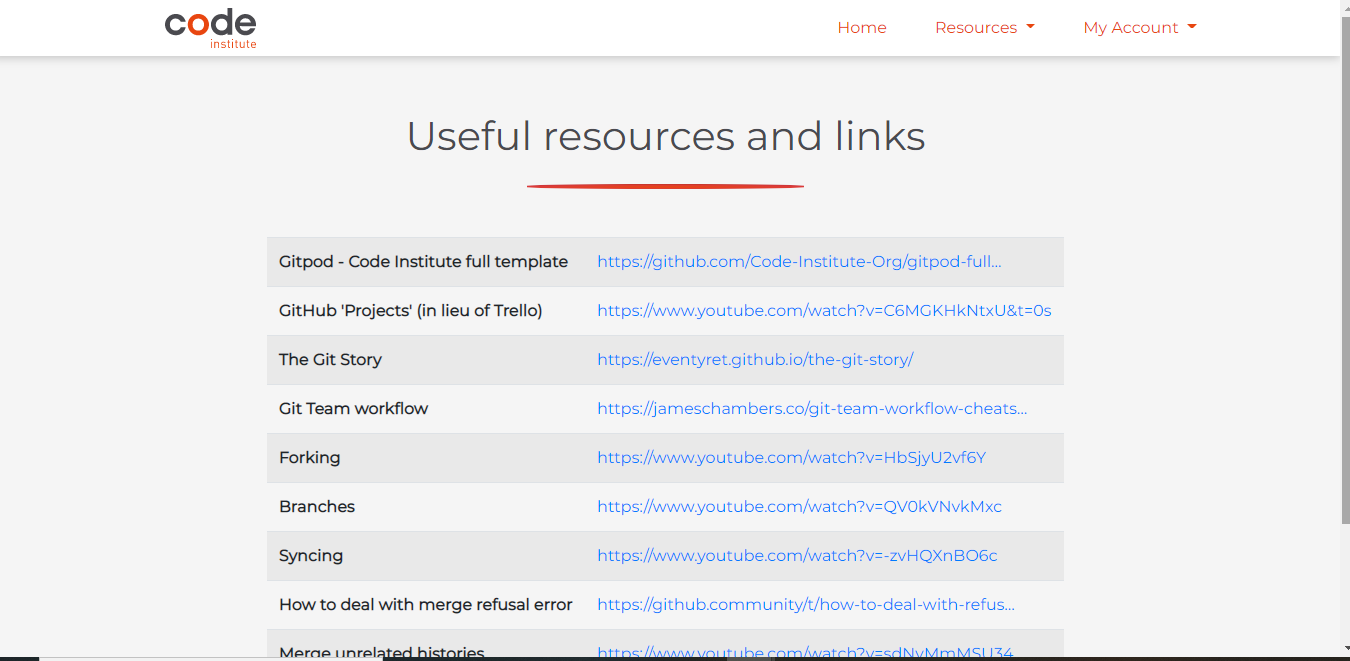
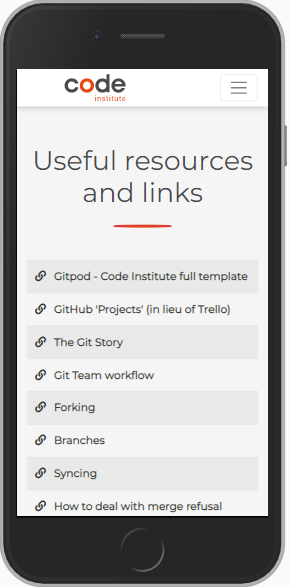
Adding Resources and Links page, that contains a table with names(or descriptions) of the resources and corresponding links that open in a new tab.
Note : the resources data can be loaded by using the following command:
python3 manage.py loaddata resourcesresources = Resource.objects.all(){{ resource.link|truncatechars:50 }}. On the smaller screens only resources' names are displayed (they are clickable, opening a link in a new tab) to achieve better UI and make it less cluttered.Tests:
tests.pyfile in the resources app.Know bugs/errors:
Not found
Screenshots: