Sentiview provides a new way to interview, incorporating face analysis to help you make more informed decisions.
- Usage
- Getting started
- Clone the latest version
- Install Dependencies
- Setup Environment Variables
- Start the application
- Technologies
- Architecture
- Team
- Contributing
Landing Page:
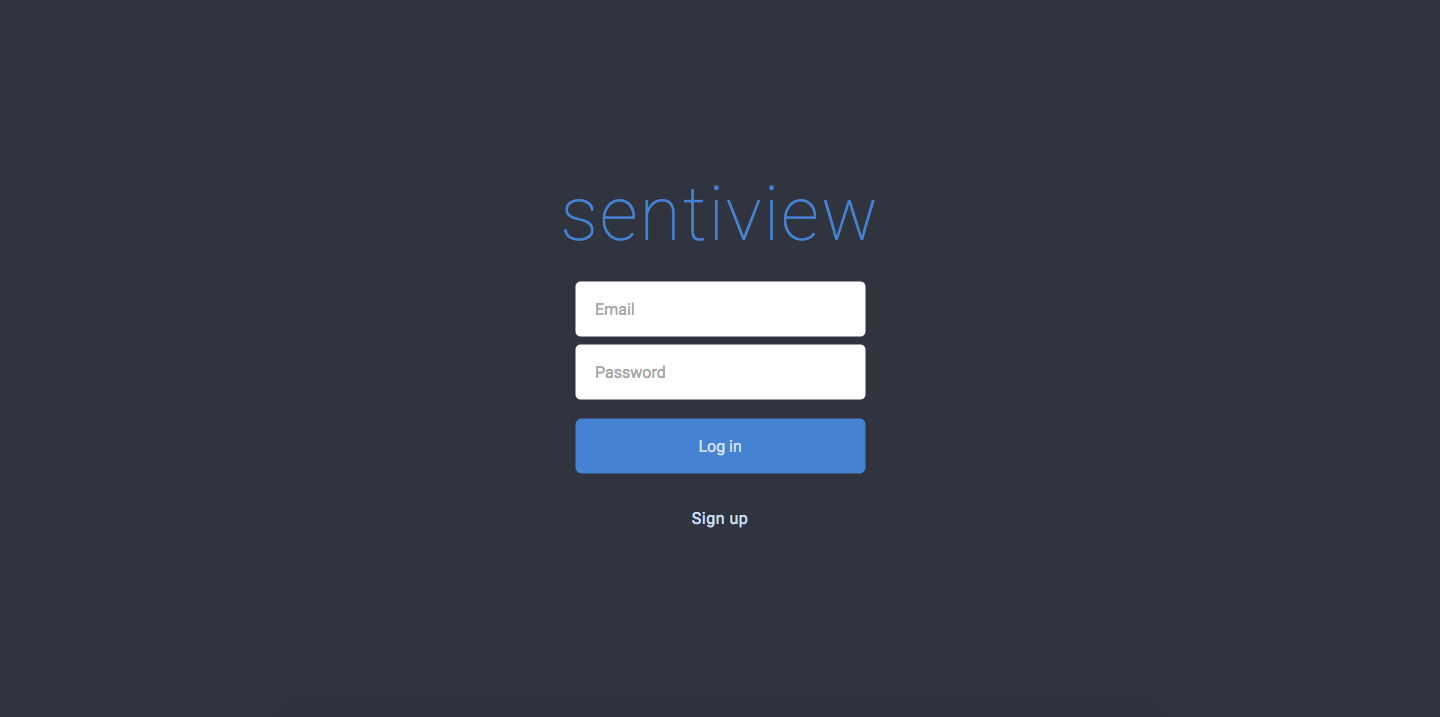
Login:
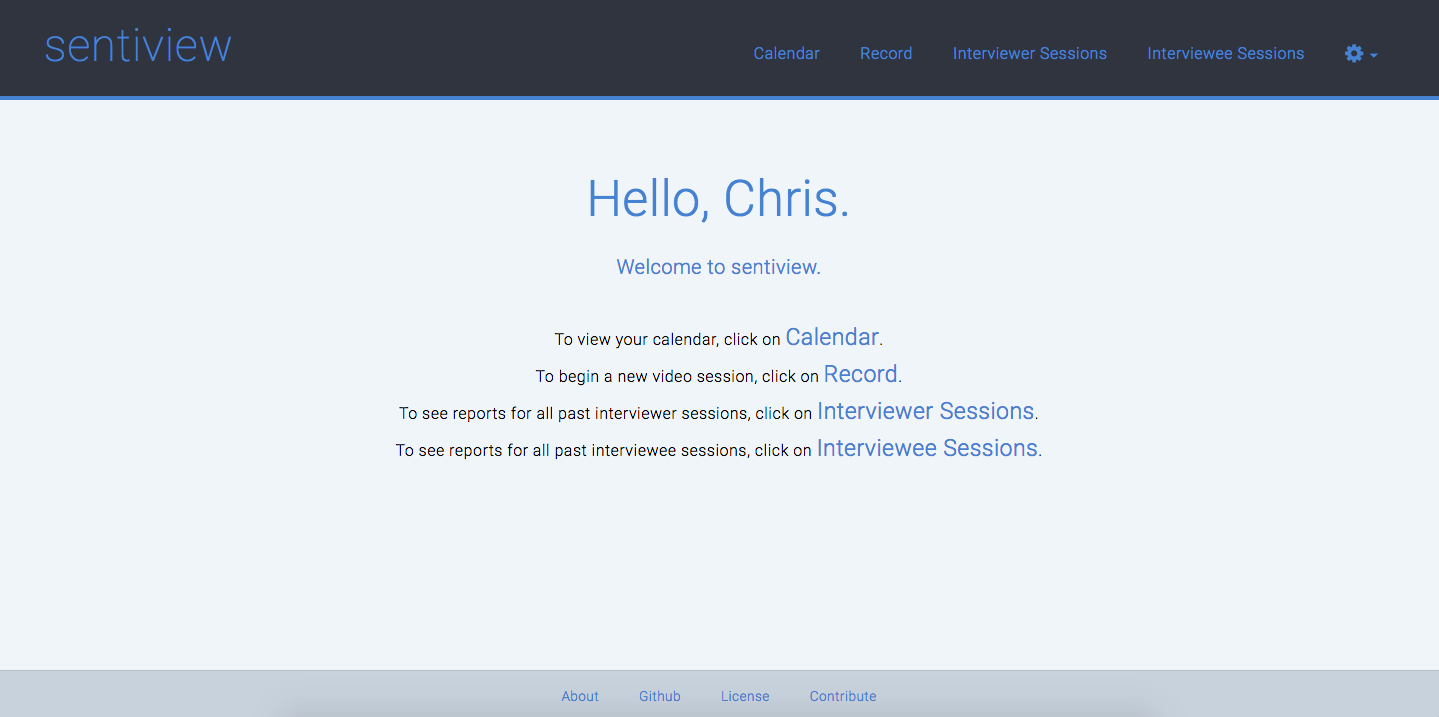
Home:
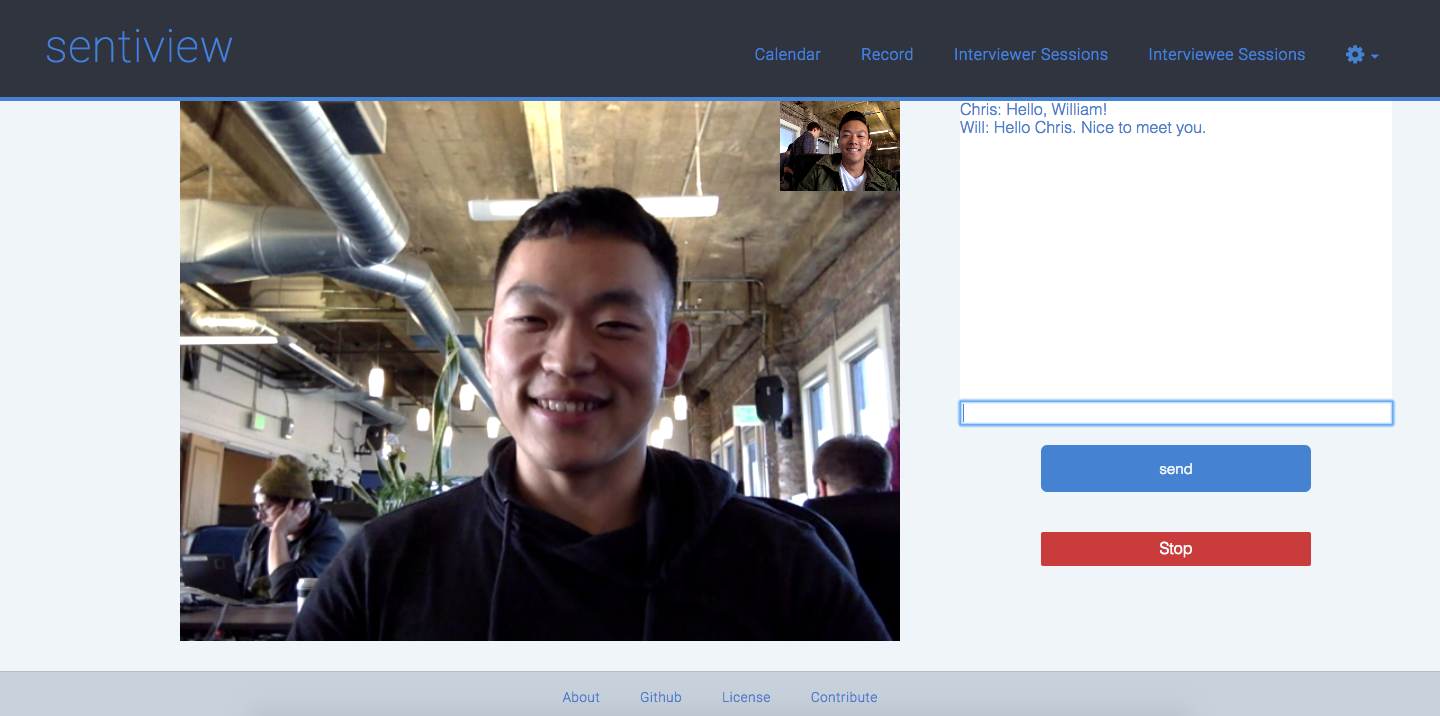
Record:
Graphs:
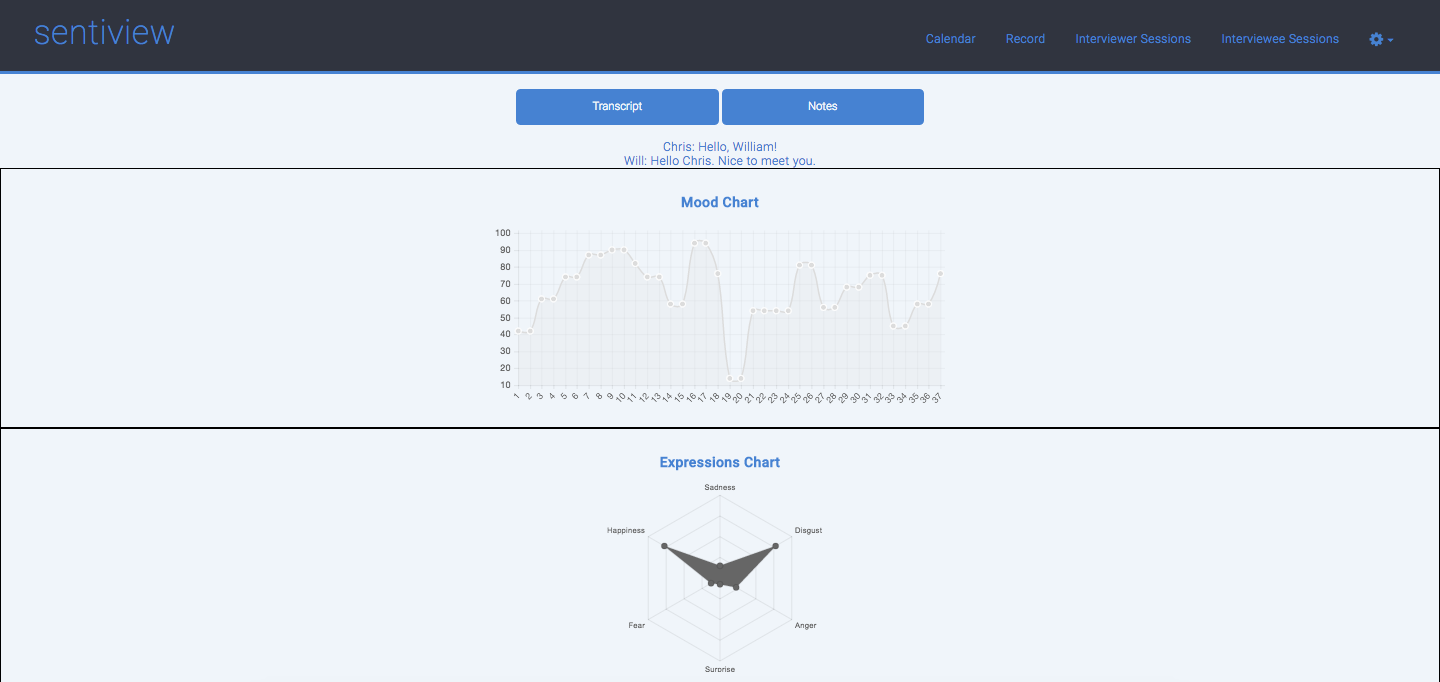
Session Overview:

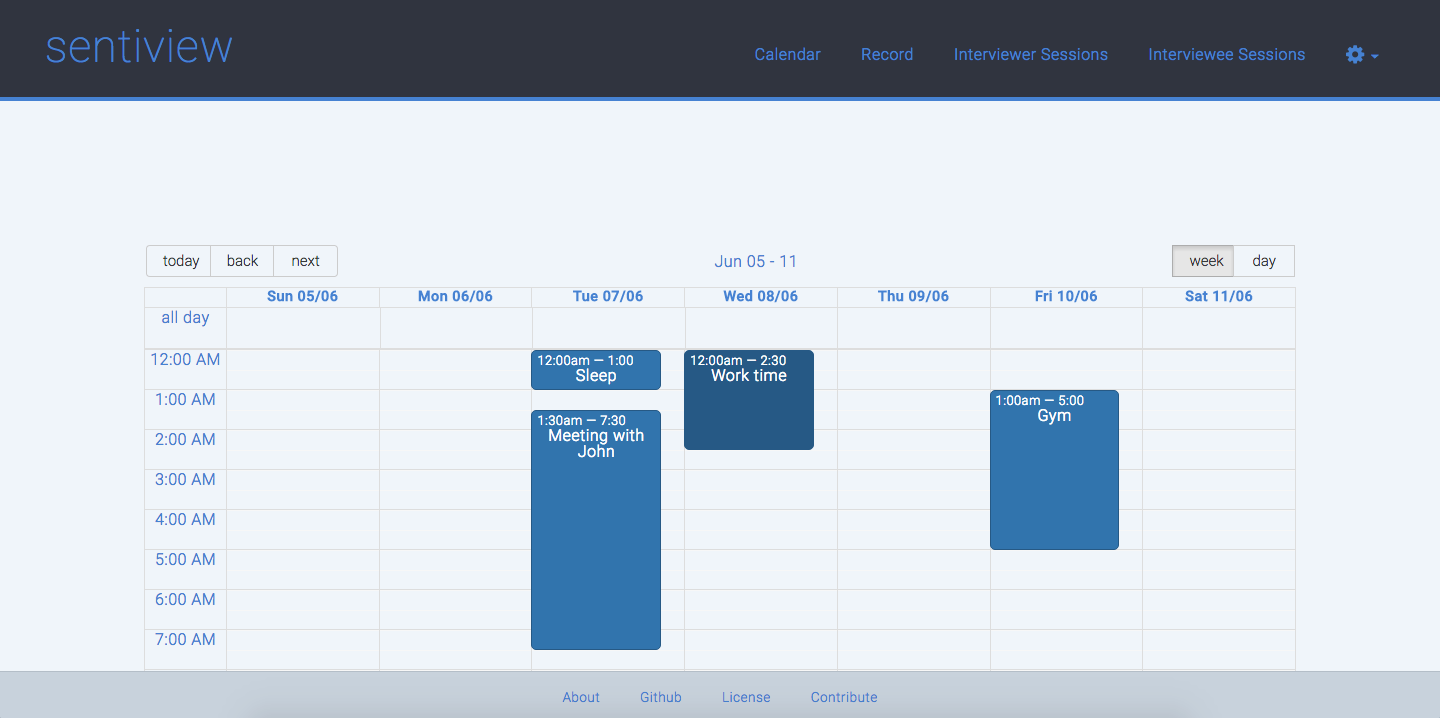
Calendar:
Start by cloning the latest version of Sentiview on your local machine by running:
$ git clone https://github.com/crypticzoologists/sentiview
$ cd sentiviewFrom within the root directory run the following command to install all dependencies:
$ npm install- Copy and save the
example.envfile in the env folder asdevelopment.env. - Replace the port with your desired port and enter the login credentials for your MySQL server (make sure it is running)
- Create a free account on http://face.sightcorp.com/ and create a new application for a new App Key.
- Copy and save the
client-config.example.jsfile in the env folder asclient-config.js. - Enter and save your Client ID and App Key in the
client-config.jsfile.
- Create a build folder within client/build. From within the root directory run the following command to make sure Browserify builds the bundle file and rebuilds on every change with Watchify:
$ npm run bundle- In a new terminal window run the following command to start the application:
$ npm startAfter that open in your browser the localhost with your chosen port, e.g. http://localhost:4568/ to access the application.
Configure the environment variable NODE_ENV prior to running tests.
$ export NODE_ENV=development
$ npm test
You may use npm run test-client or np run test-server to run front-end and back-end tests independently.
- React
- Face Analysis Cloud Engine API by Sightcorp
- PeerJS
- Socket.io
- Browserify
- Chartjs
- Babel
- Node
- Express
- Jade
- Bookshelf/Knex
- MySQL
- Passport
- Mocha
- Chai
- jsdom
- Travis CI
- Digital Ocean Droplet
- pm2: Production Process Manager

├── /env/                       # Environment variables
├── /node_modules/              # 3rd-party libraries and utilities
├── /client/                    # Client source code
│   ├── /build/                 # Build file produced with Browserify
│   ├── /components/            # React components
│     ├── /home-view/           # Home view components
│     ├── /main-layout/         # Main Layout components
│     ├── /record-view/         # Record view components
│     ├── /report-view/         # Reporting view components
│     ├── /calendar-view/       # Calendar view components
│     ├── /sessions-view/       # Sessions view components
│     ├── /App.jsx/             # Main React App
│   ├── /lib/                   # Lib files, e.g. from FACE API
│   ├── /style/                 # CSS Style files
│   ├── /index.jsx              # Index file to attach React to DOM
├── /server/                    # Server source code
│   ├── /config/                # Initial server config files
│   ├── /controllers/           # Controllers for database interaction
│   ├── /lib/                   # Lib for util functions
│   ├── /models/                # Data models
│   ├── /routes/                # Routes for incoming GET and POST requests
│   ├── /views/                 # Jade templating views
│   └── /server.js              # Server-side startup script
├── /test/                      # Server and client side tests
│   ├── /client/                # Client side tests
│   ├── /server/                # Server side tests
|   ├── /data/                  # Holds seed & dummy data
└── package.json                # List of 3rd party libraries and utilities to be installed
└── .babelrc                    # Babel presets
└── .eslintrc                   # ESLint settings
- Product Owner: Chris Ng
- Scrum Master: Will Tang
- Development Team Members: Chris Ng, Will Tang, Daniel Rabinovich
See CONTRIBUTING.md for contribution guidelines.