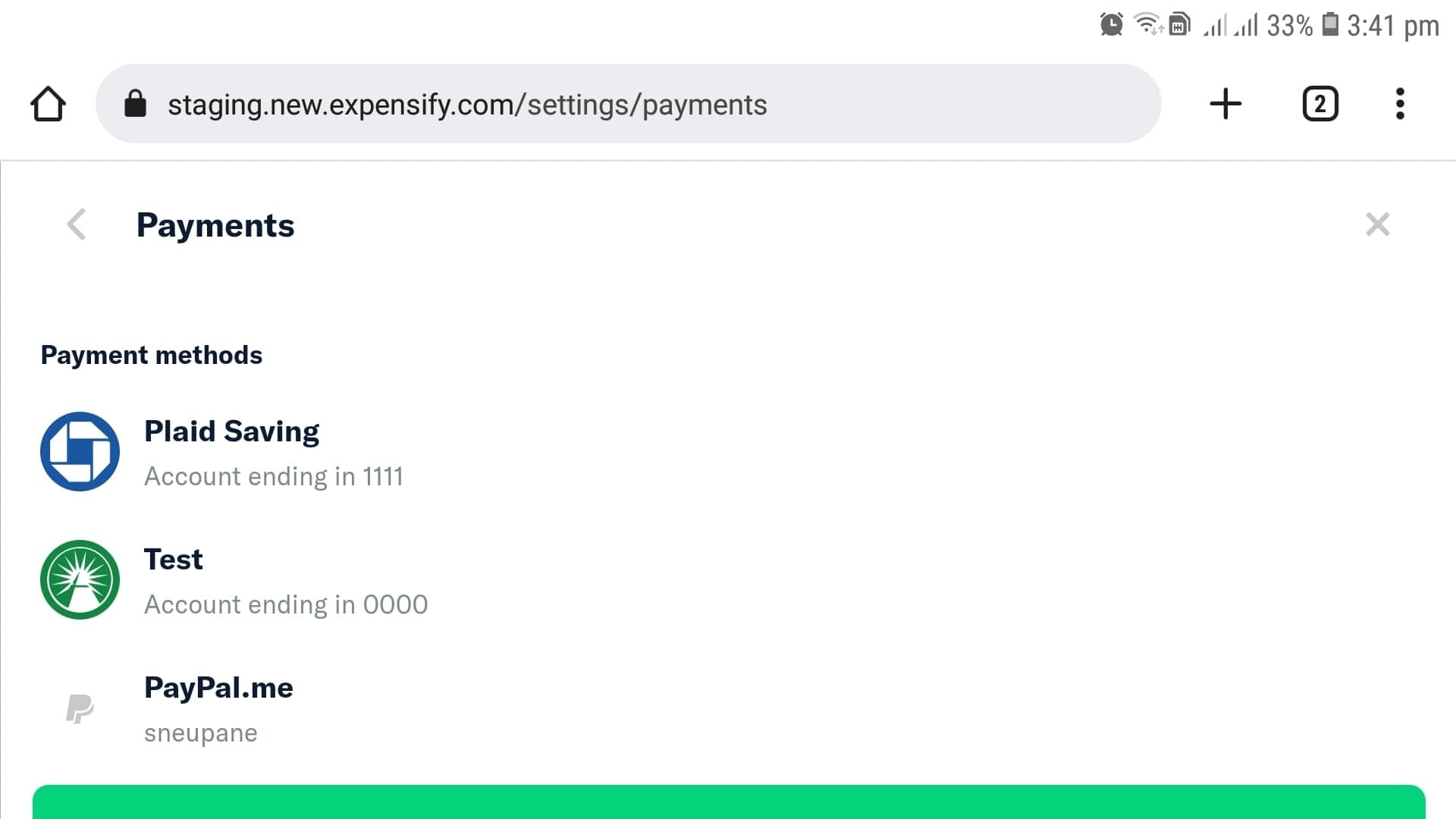
[HOLD for payment 2022-12-05] [$1000] mWeb - Payment Page is not scrollable. Reported by @sobitneupane #11695


Description

If you haven’t already, check out our contributing guidelines for onboarding and email contributors@expensify.com to request to join our Slack channel!
Action Performed:
- Go to staging.new.expensify.com and log in
- Go to Settings
- Click on Payments and try to scroll the page.
Expected Result:
Page should be scrolled
Actual Result:
Page is not scrollable.
Workaround:
Unknow
Platform:
Where is this issue occurring?
- Mobile Web
Version Number: 1.2.12.2
Reproducible in staging?: Yes
Reproducible in production?: Yes
Email or phone of affected tester (no customers): any
Logs: https://stackoverflow.com/c/expensify/questions/4856
Notes/Photos/Videos: Any additional supporting documentation
Screen_Recording_20221002-134356_Chrome.mp4
Upwork URL: https://www.upwork.com/jobs/~01787df7c25949e98d
Issue reported by: @sobitneupane
Slack conversation: https://expensify.slack.com/archives/C01GTK53T8Q/p1664359447566049