Refactor VBBA setup flow with new API ConnectBankAccountWithPlaid #9688
Conversation
This file contains hidden or bidirectional Unicode text that may be interpreted or compiled differently than what appears below. To review, open the file in an editor that reveals hidden Unicode characters.
Learn more about bidirectional Unicode characters


 nkuoch
force-pushed
the
nat-VBBAnewAPIs
branch
2 times, most recently
from
nkuoch
force-pushed
the
nat-VBBAnewAPIs
branch
2 times, most recently
from
d986a19 to
1274748
Compare
nkuoch
force-pushed
the
nat-VBBAnewAPIs
branch
9 times, most recently
from
46e76e6 to
017f40c
Compare
nkuoch
changed the title
nkuoch
force-pushed
the
nat-VBBAnewAPIs
branch
2 times, most recently
from
5a1e431 to
8106e53
Compare

|
Looks like you modified Instead, all new API commands should use API.js, and follow our guidelines for writing new API commands. Unsure if your change is okay? Drop a note in #expensify-open-source! |

Contributor
Author
|
@MariaHCD adding you as an assignee as you're likely to take it over and commit on it while I'm gone, after the design doc is approved |
nkuoch
force-pushed
the
nat-VBBAnewAPIs
branch
7 times, most recently
from
070a385 to
9cea873
Compare
nkuoch
force-pushed
the
nat-VBBAnewAPIs
branch
2 times, most recently
from
0239002 to
22199cc
Compare
nkuoch
force-pushed
the
nat-VBBAnewAPIs
branch
from
22199cc to
b207453
Compare
 nkuoch
force-pushed
the
nat-VBBAnewAPIs
branch
3 times, most recently
from
nkuoch
force-pushed
the
nat-VBBAnewAPIs
branch
3 times, most recently
from
9585b44 to
965a4bc
Compare
nkuoch
force-pushed
the
nat-VBBAnewAPIs
branch
from
965a4bc to
6ff7743
Compare
nkuoch
force-pushed
the
nat-VBBAnewAPIs
branch
from
4e99dd2 to
3af7170
Compare
nkuoch
changed the title
nkuoch
changed the title
Contributor
Author
|
Closing in favor of #11162 because my old commits from my old stolen laptop became unverified |

Sign up for free
to join this conversation on GitHub.
Already have an account?
Sign in to comment


Add this suggestion to a batch that can be applied as a single commit.
This suggestion is invalid because no changes were made to the code.
Suggestions cannot be applied while the pull request is closed.
Suggestions cannot be applied while viewing a subset of changes.
Only one suggestion per line can be applied in a batch.
Add this suggestion to a batch that can be applied as a single commit.
Applying suggestions on deleted lines is not supported.
You must change the existing code in this line in order to create a valid suggestion.
Outdated suggestions cannot be applied.
This suggestion has been applied or marked resolved.
Suggestions cannot be applied from pending reviews.
Suggestions cannot be applied on multi-line comments.
Suggestions cannot be applied while the pull request is queued to merge.
Suggestion cannot be applied right now. Please check back later.
Details
Refactor VBBA flow for 2 1st steps: BankAccountStep and CompanyStep
Fixed Issues
Tests
QA Steps
See screenshots
Screenshots
Web
Go to
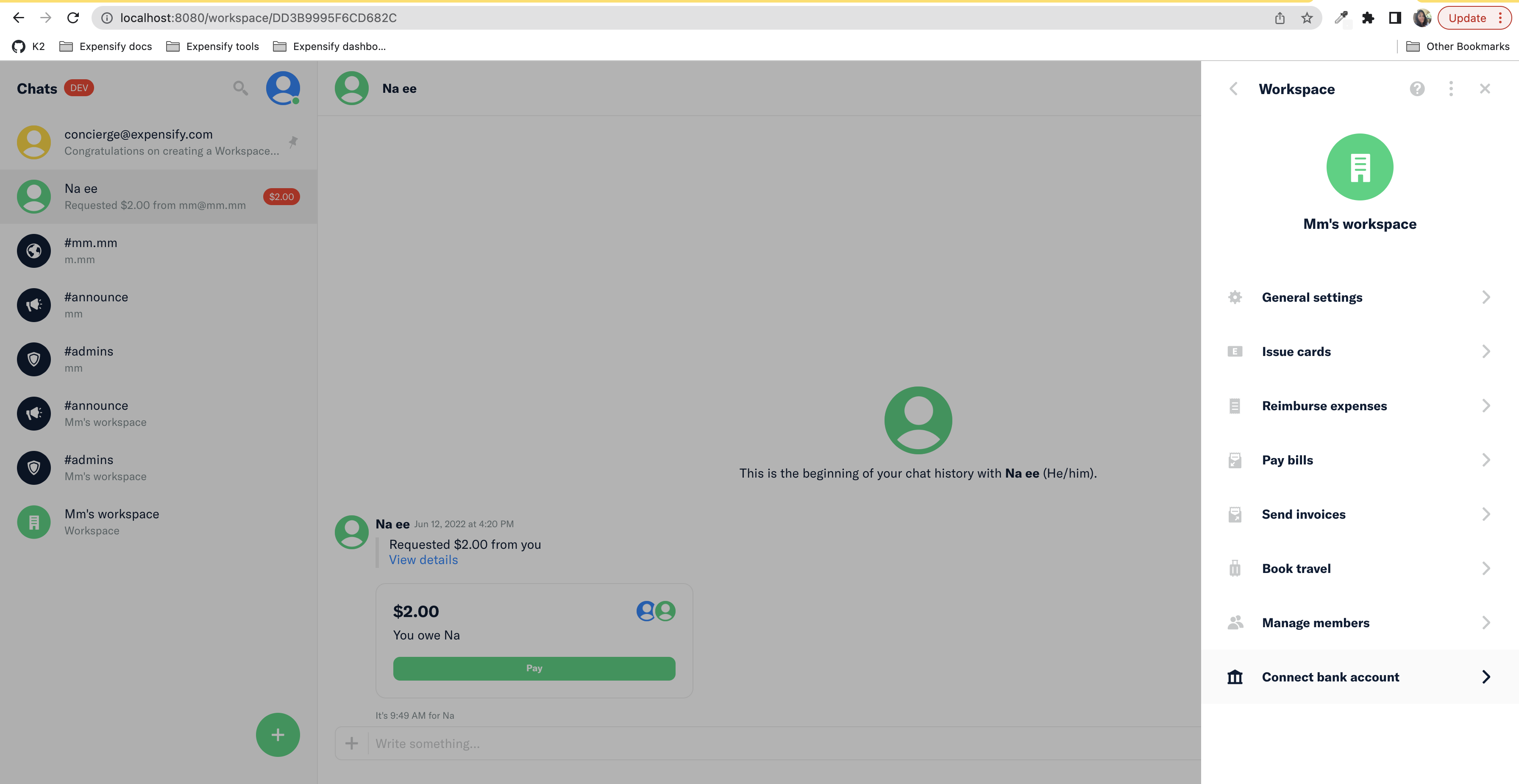
Workspace > Connect Bank AccountClick on
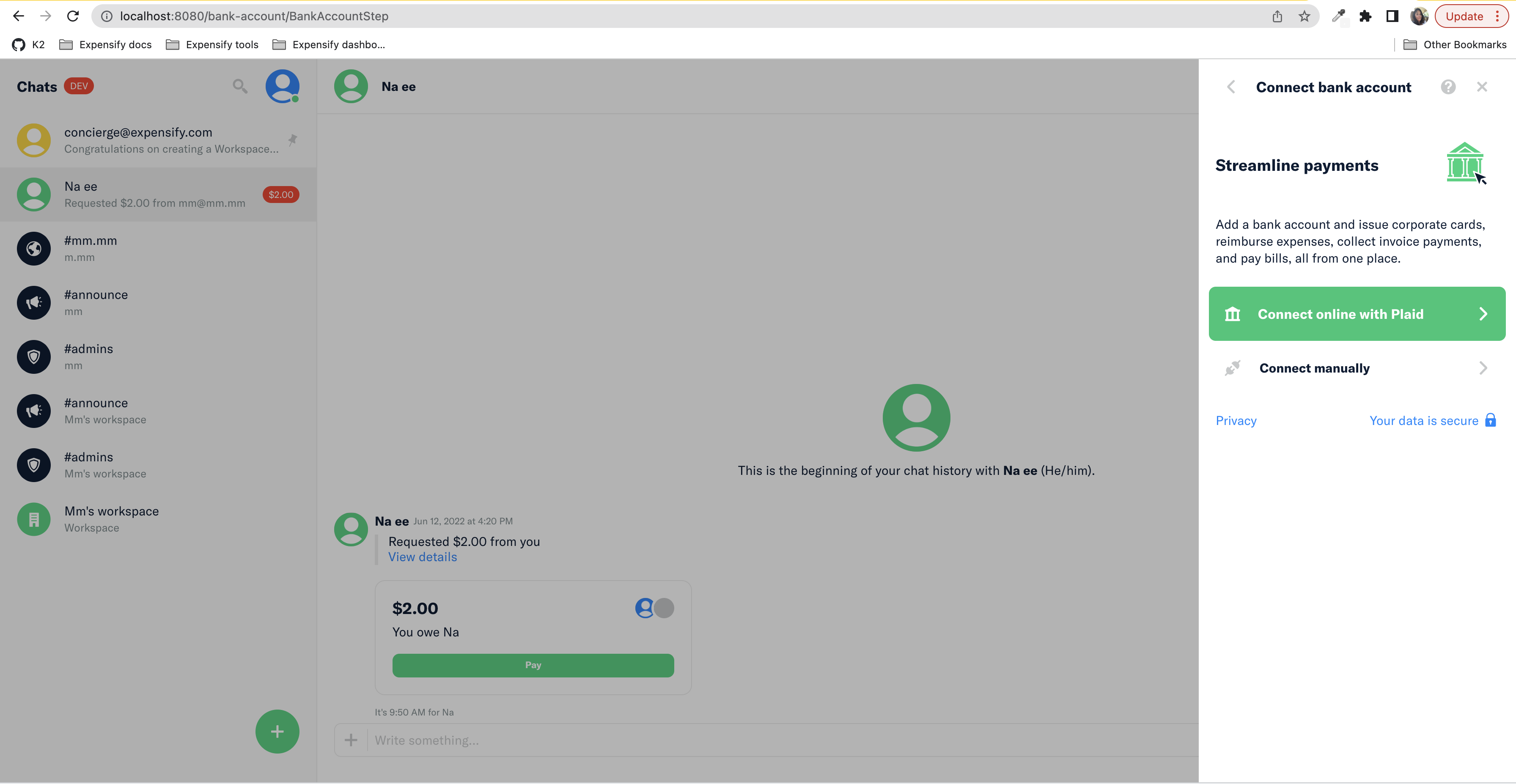
Connect Online with PlaidSelect Chase,
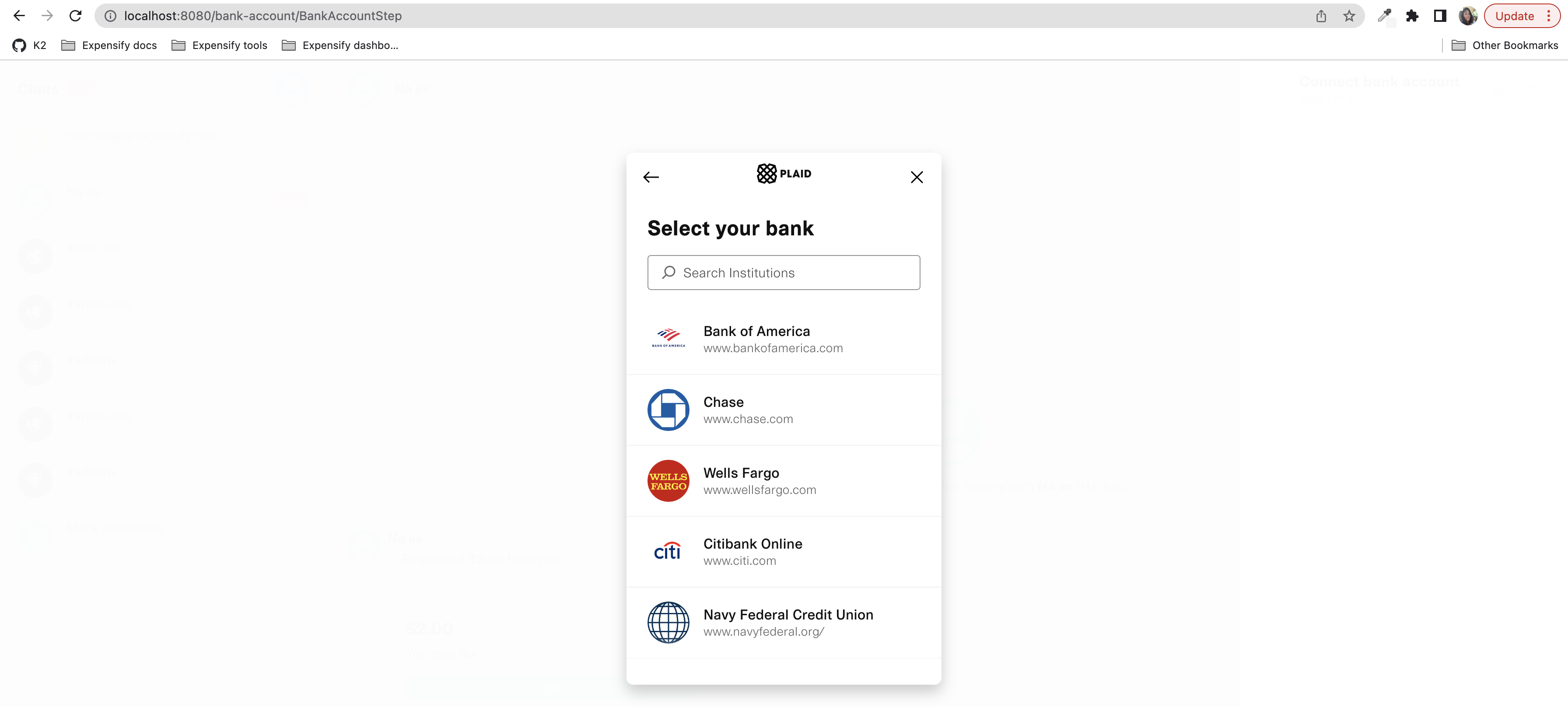
user_good,pass_goodSelect Plaid Saving and submit
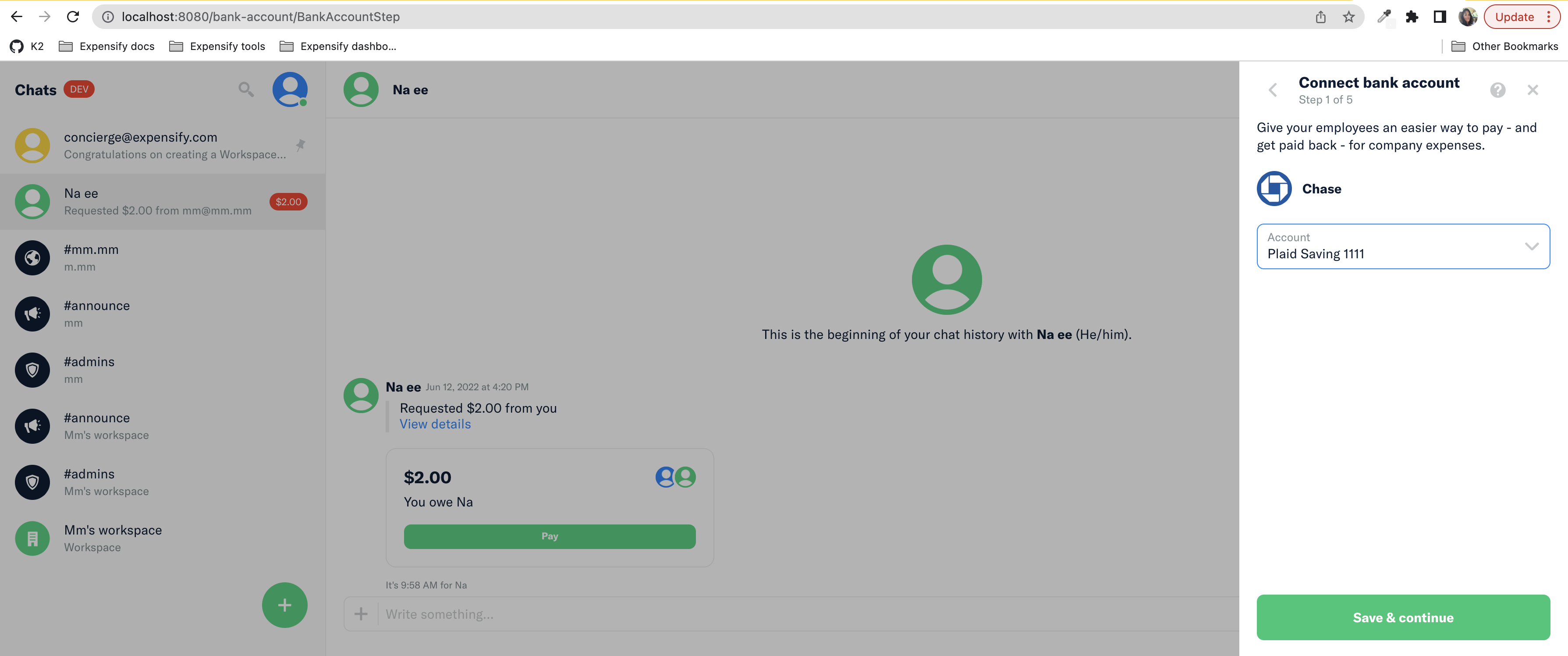
Submit manual form with no account numbers and make sure you see errors.
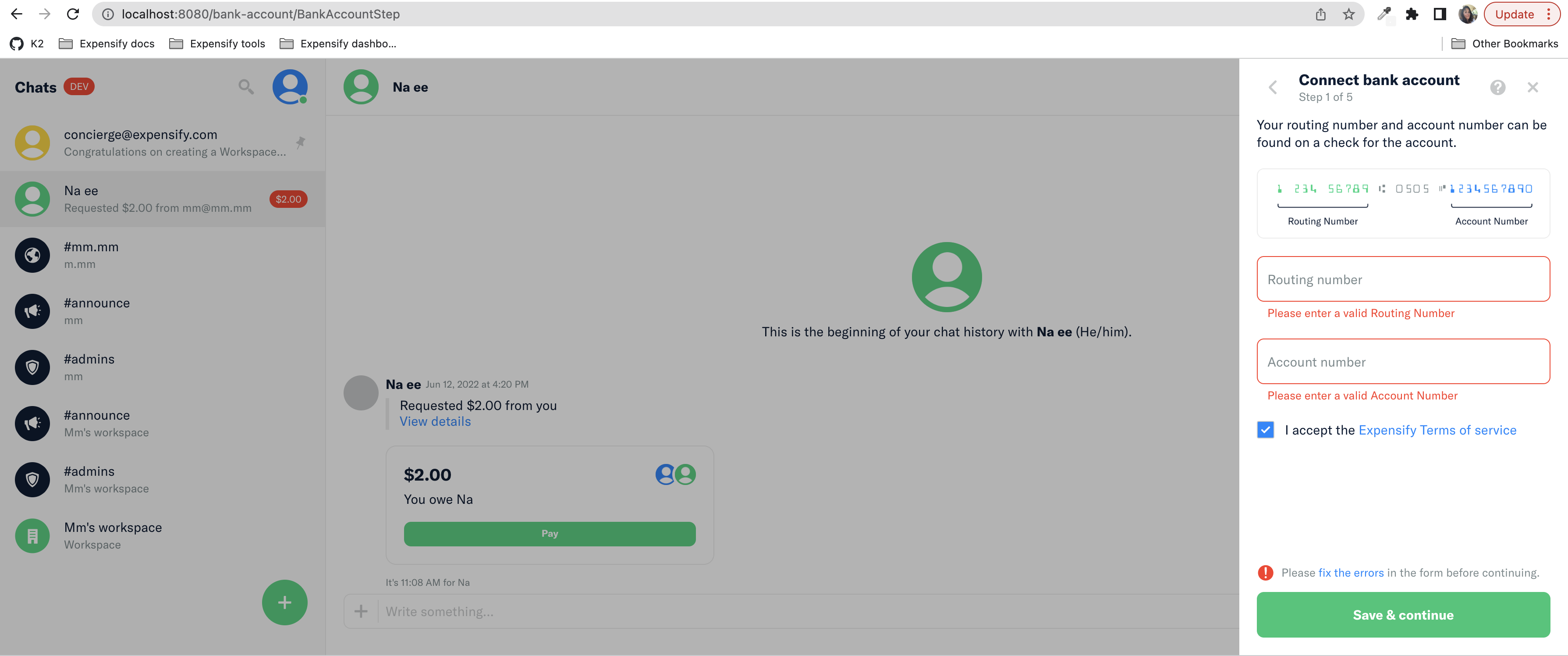
Enter routingNumber 011401533 and accountNumber 1111222233331112. You should see this error on submission:
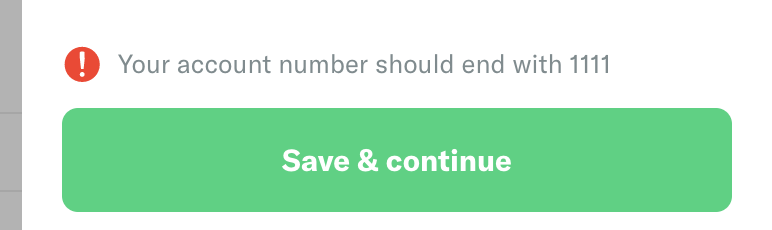
Change accountNumber with 1111222233331111. Submission should work.
Submitting the Company Step without filling the fields should show errors:
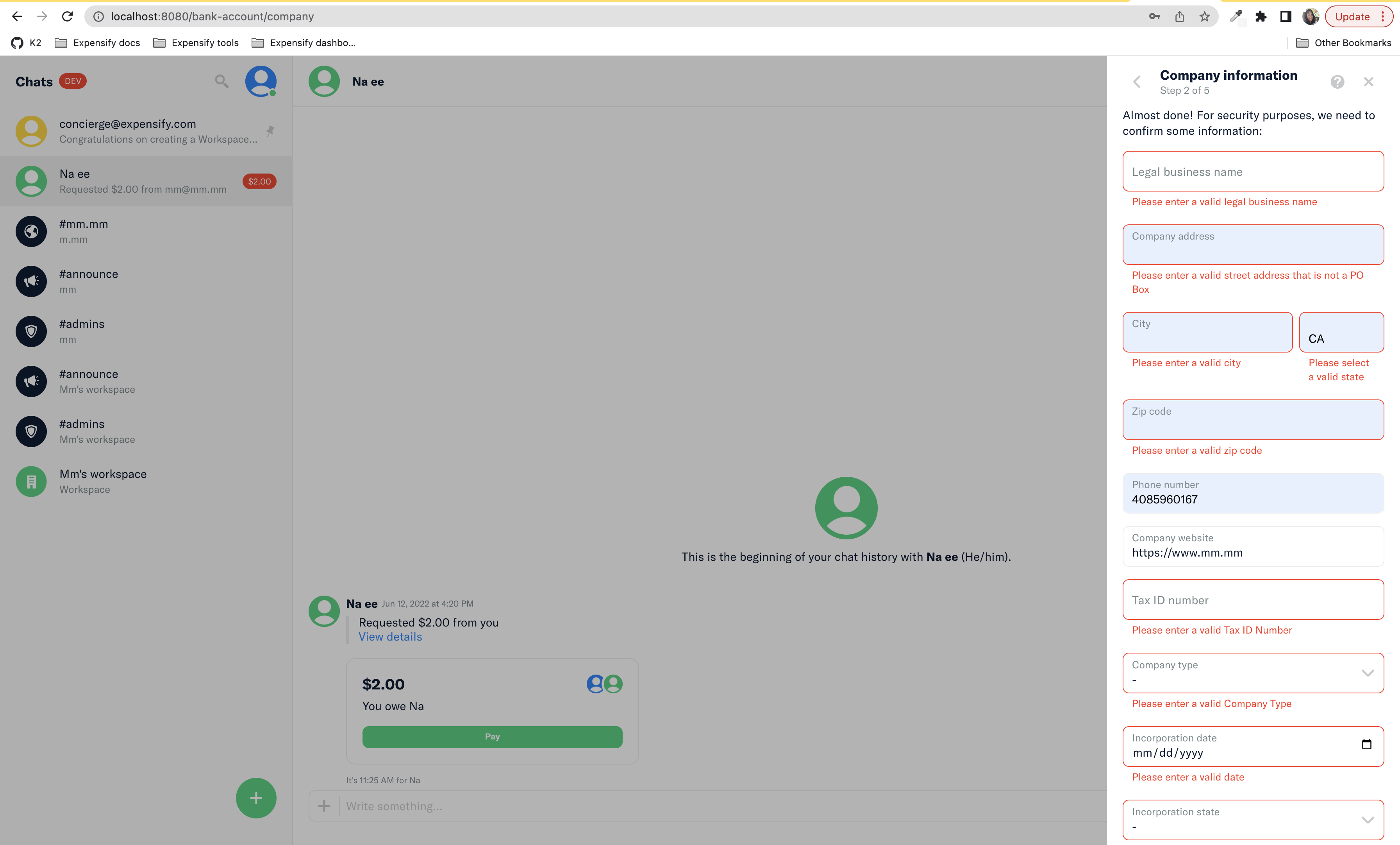
Fill it up with
Alberta Bobbeth Charlesonand123456789. Submit and you should reach the RequestorStepReload the page on
/workspace/DD3B9995F6CD682C/bank-accountYou should see
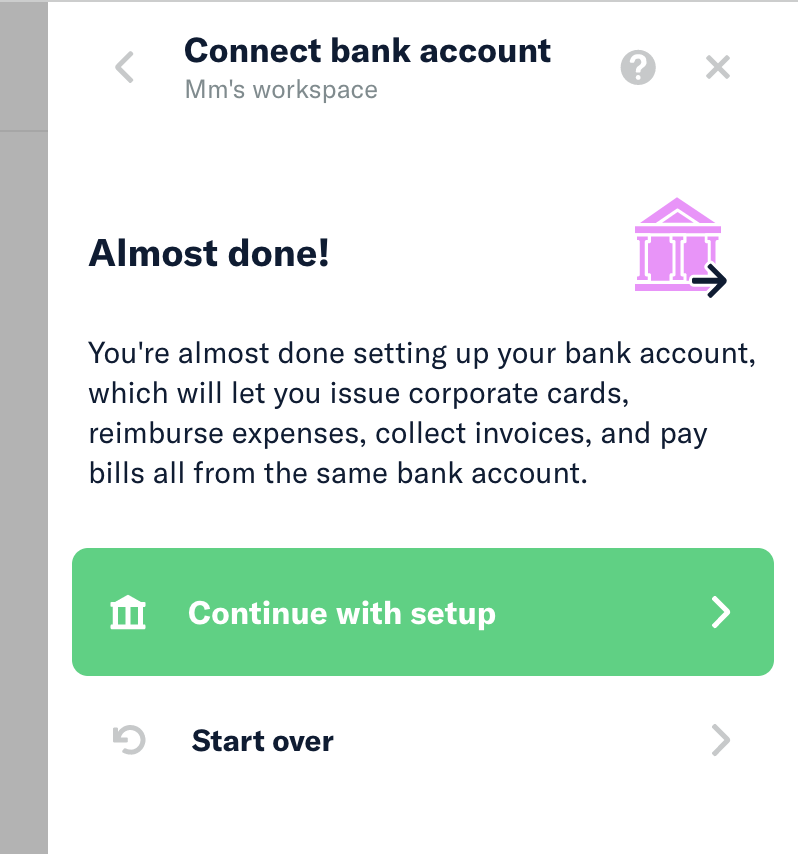
Click on Continue with Setup
Check that previous steps were filled with previous info.
Proceed with all steps.