Add to Wiki how to add a new user to the test email server #1423

Description

To add a new user to the test email server please follow these steps:
- Go to
docker-mailserver/docker-compose.yml. Uncomment#- ./maildata_volume:/var/mail
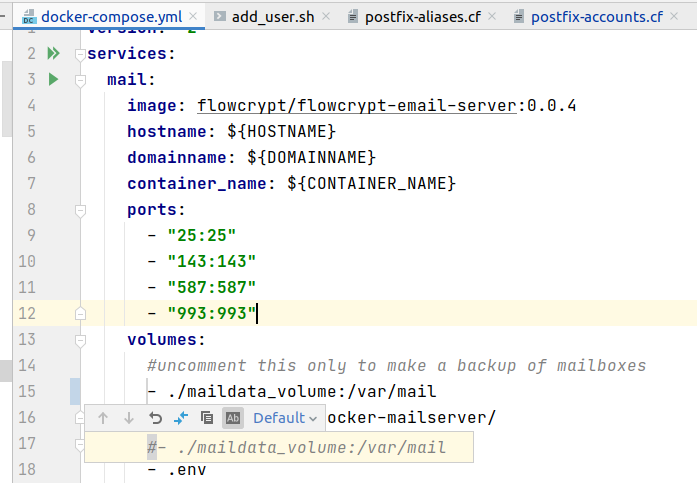
- Run the local email server via
docker-mailserver/run_email_server.sh - Run
docker-mailserver/scripts/add_user.shto add a new user. For example./add_user.sh has_msgs_no_backups@flowcrypt.test - Check
docker-mailserver/config/postfix-accounts.cf. There should be a new account.
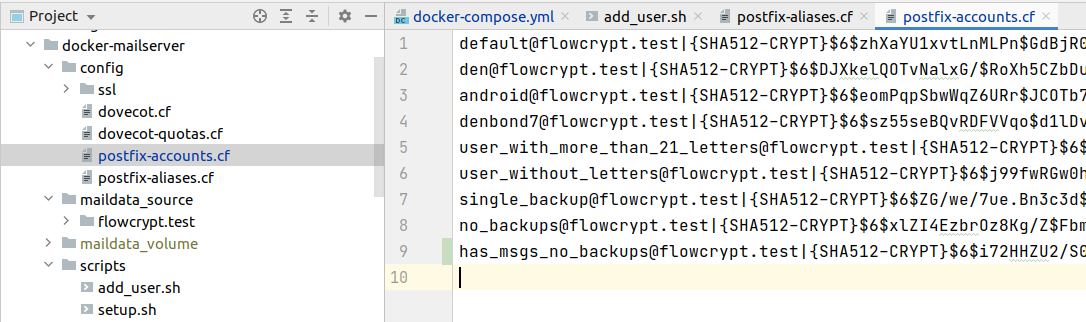
- After that it would be nice to log in with created credentials to prepare the user's folders on the email server. I use
Thunderbirdfor that.
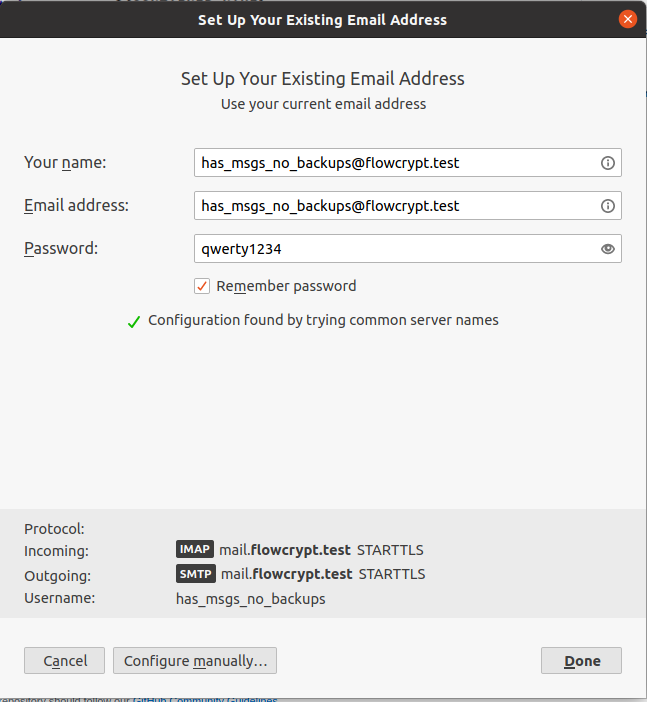
- Then run
docker-mailserver/stop_email_server.shto stop the email server. - Go to
docker-mailserver/docker-compose.yml. Comment- ./maildata_volume:/var/mailto disable storing data locally. - Copy
docker-mailserver/maildata_volume/flowcrypt.testtodocker-mailserver/maildata_source/flowcrypt.test.maildata_sourcewill be used to add changes to a docker image. - After that need to update the docker image to apply changes.
It would be great to add it to Wiki
Originally posted by @DenBond7 in #1421 (comment)