This is a clone of Instagram
Cubeagram is a place for all cubers to get together and share their hobby and sport from 1x1's to 11x11's. All cubes are welcome!
| MVP Feature List | Database Schema | Redux State Shape | User Stories | Wire Frame |










-
Clone this repository (only this branch)
git clone https://github.com/GoodWillHunting11/Cubeagram.git
-
Install dependencies
cd Cubeagram/Cubeagram
pipenv install --dev -r dev-requirements.txt && pipenv install -r requirements.txt -
Create a .env file based on the example with proper settings for your development environment
-
Setup your PostgreSQL user, password and database and make sure it matches your .env file
-
Get into your pipenv, migrate your database, seed your database, and run your flask app
pipenv shell
flask db upgrade
flask seed all
flask run
-
To run the React App, cd into the
react-appdirectory.npm install
npm start
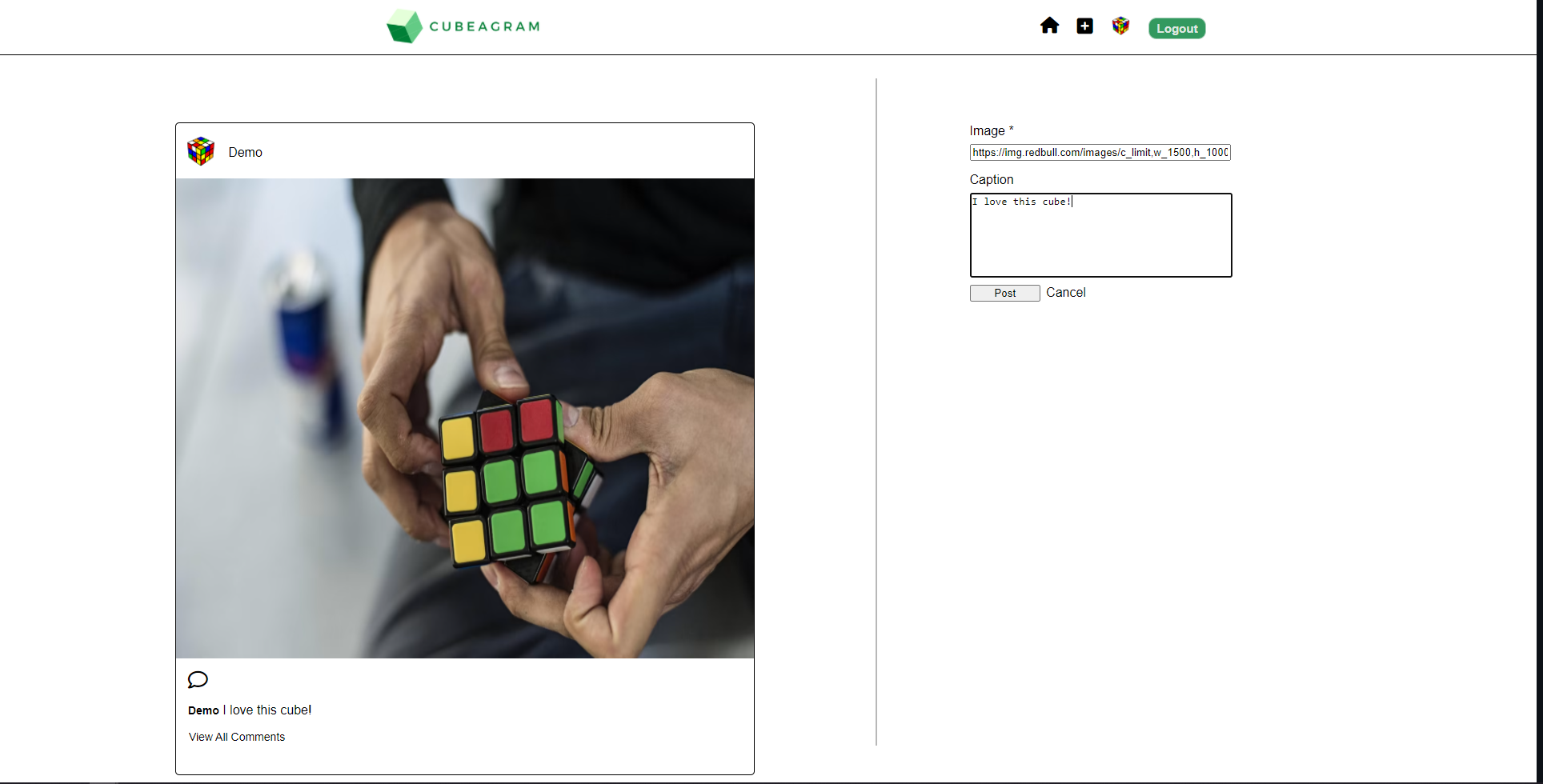
Cubeagram allows users to create a post with an image and a caption talking about their image or experience. When creating a post on Cubeagram Users will be able to see a preview of what their post will look like before submitting their post. This feature ensures that the user is satisfied with the aesthetic of their post. Users also have the luxury of updating their caption and deleting their entire post if they no longer wish to share that content.
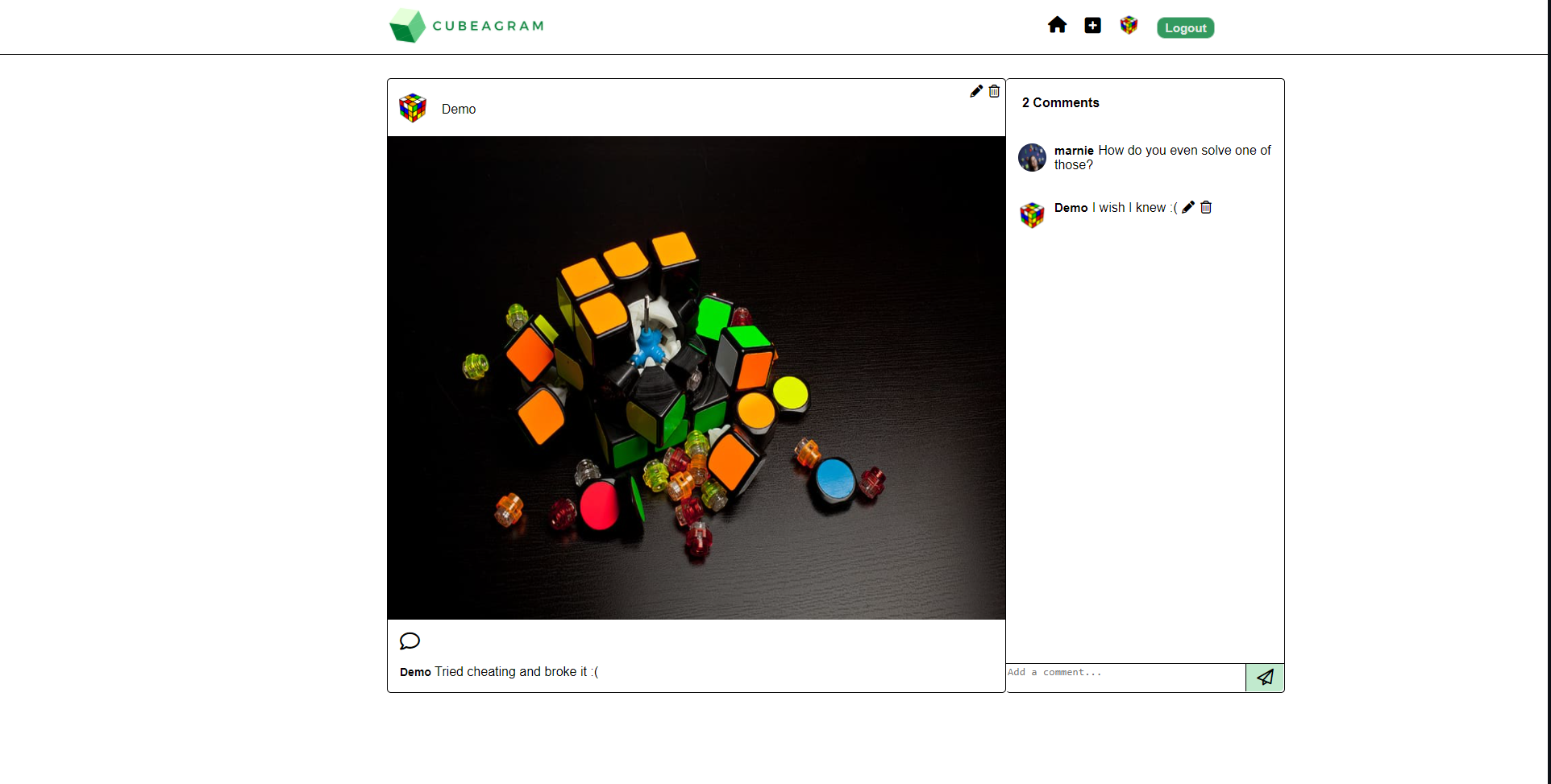
Cubeagram allows users to post a comment on any post so they can share their thoughts about another user's post. Users can update their comments in case of a typo or their thoughts change about the content. Users can also delete their comment if they no longer wish to share their thoughts on the post.
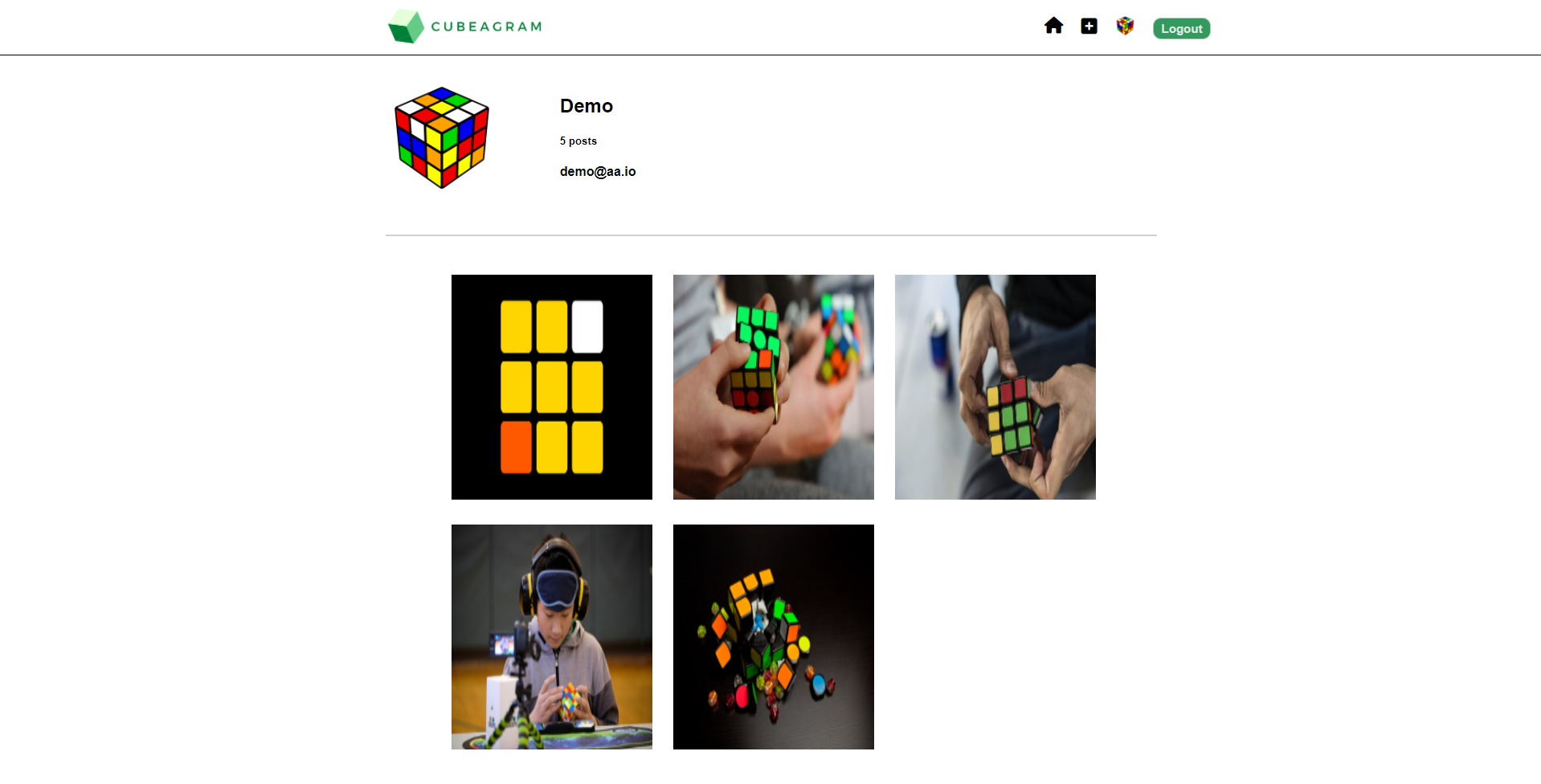
Cubeagram allows users to access their very own user page by clicking their profile image in the nav bar, their username at the top of a post they've made, or their username displayed on the right side of the home feed. Their user page shows all the posts they've made and they can access each post by clicking on the image displayed for that post. Users can also access other users profile pages by clicking on the user's username at the top of a post that they created. This will also display all the posts they've made and can be accessed by clicking on the post's image.
I originally designed Cubeagram to not use modals but fell in love with the look and interactivity of having a modal to edit a comment. Although it looks simple I had to do quite a bit of refactoring to implement this feature.
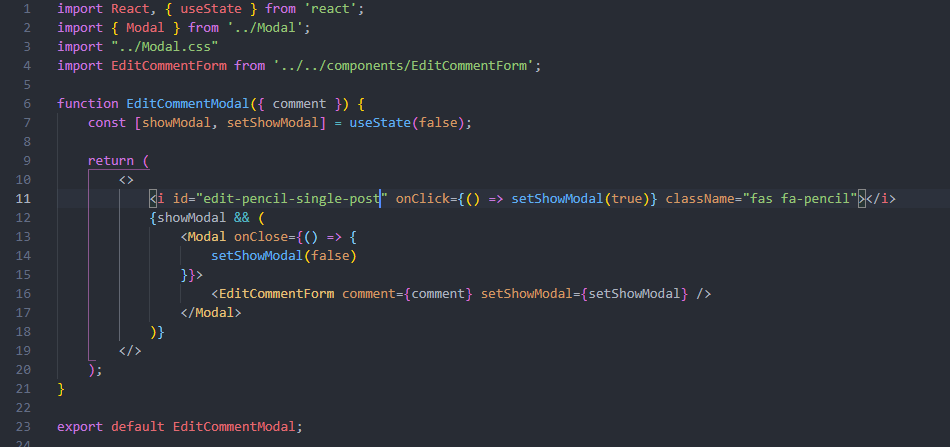
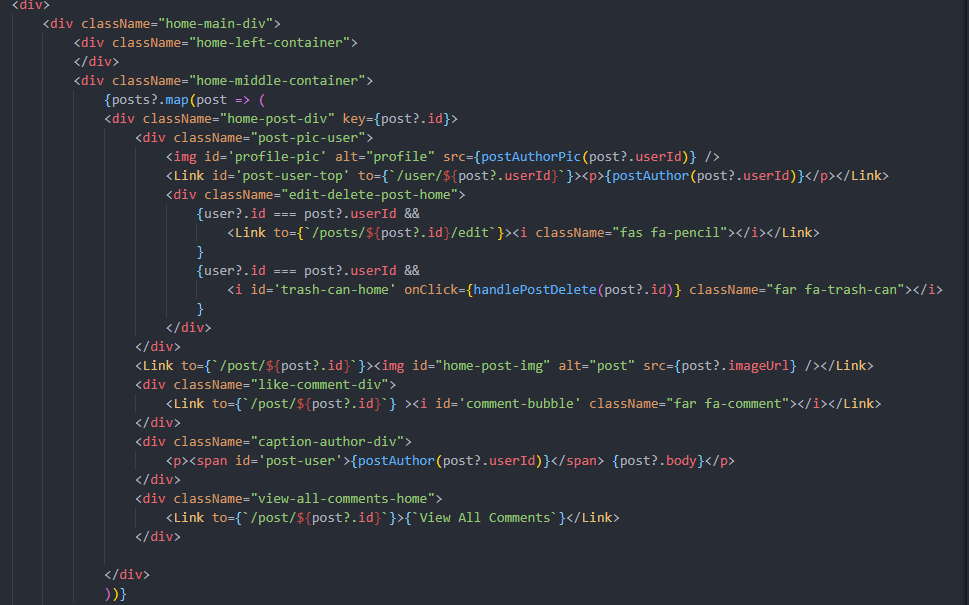
In place of buttons I used Icons from Font Awesome. As easy as this may sound, using these icons causes certain issues with functions that were implemented in the buttons so a bit of refactoring took place to get these to work properly with their onClick functions.
- Search: allows users to search for other users to view their pages.
- Likes: users will be able to like and unlike posts.
- Followers: users will be able to follow and unfollow other users.