Conversation


|
Deploy preview for helix-react ready! Built with commit e3bb849 |

| ...rest | ||
| }) => { | ||
| return ( | ||
| <hx-search-control class={className} id={wrapperId}> |

There was a problem hiding this comment.
we have prop called wrapperId because id is being passed to the input. This seems to be the convention for input that @michaelmang started. Note: <.*-control /> elements don't seem to need id's as frequently as the inputs, search may be the only one control wrapper that needs and ID?
src/Search/SearchAssist.js
Outdated
| /** | ||
| * @see https://helixdesignsystem.github.io/helix-ui/components/search/ | ||
| */ | ||
| const SearchAssist = ({ children, onFocus, onBlur, ...rest }) => { |
There was a problem hiding this comment.
React framework specific implementation of hx-search-assistance that supports opening and closing.

| {...(label && { label })} | ||
| {...(optional && { optional })} | ||
| {...(required && { required })} | ||
| {...(position && { position })} |

There was a problem hiding this comment.
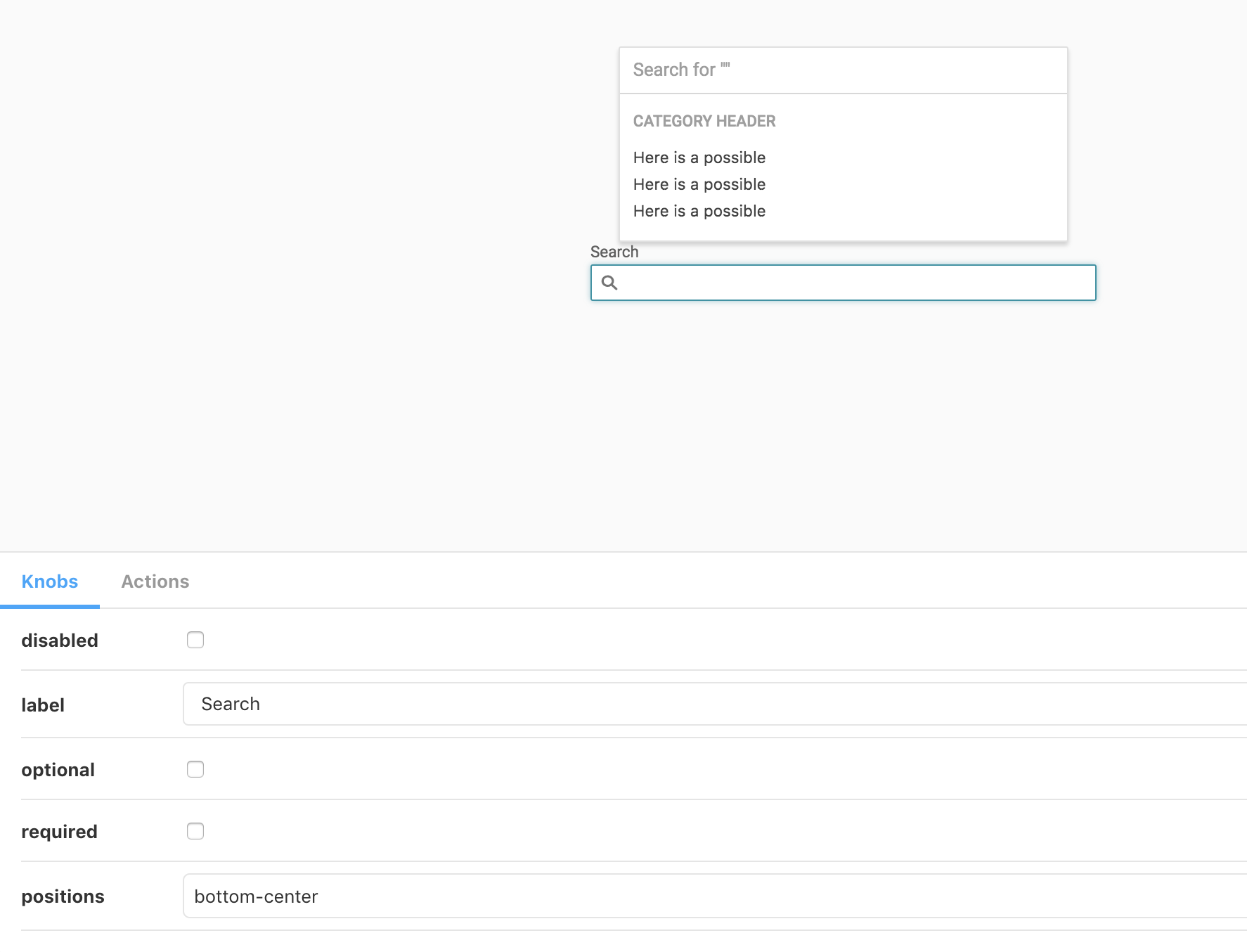
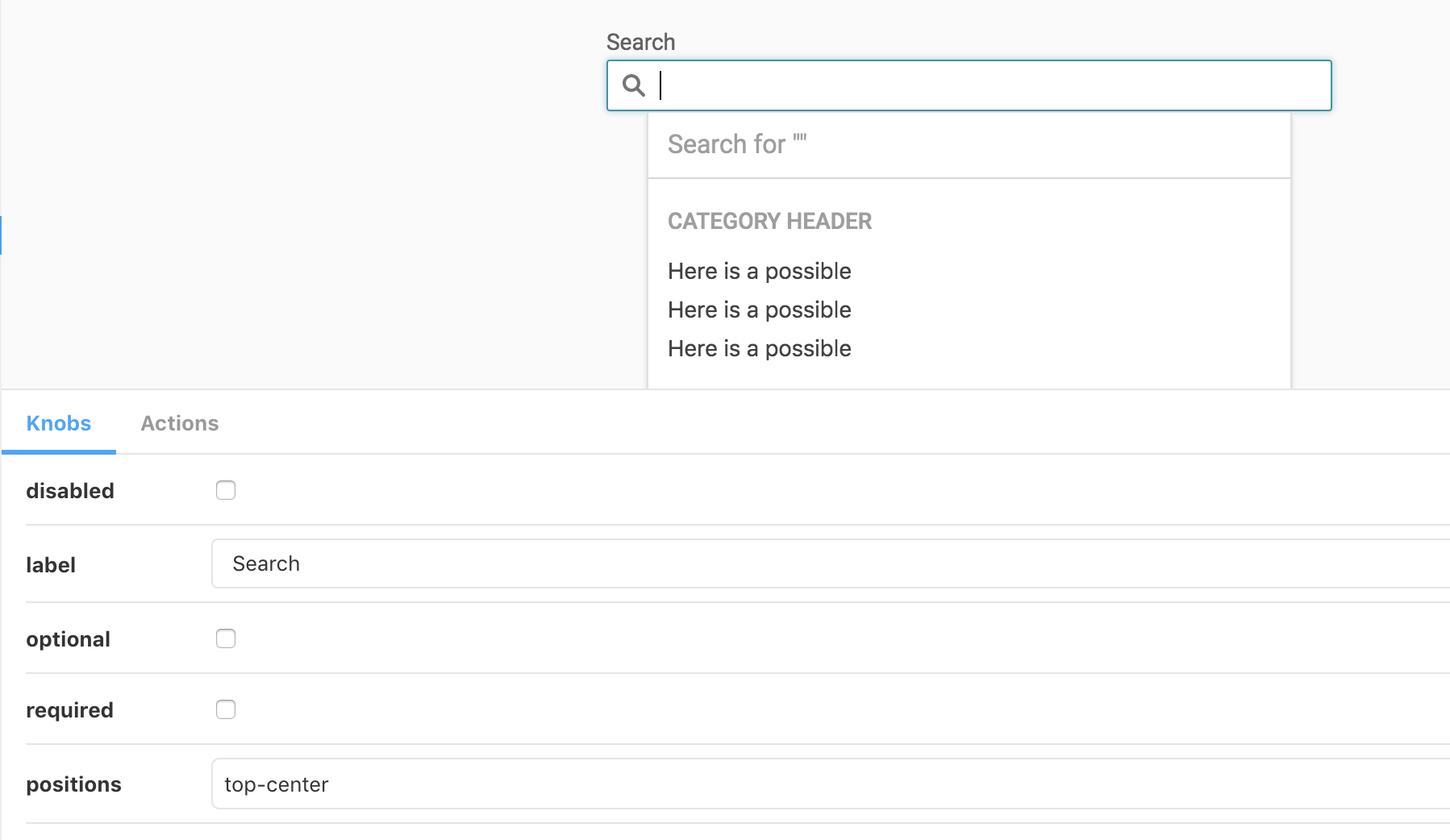
It appears the position is getting transposed for bottom-center and top-center...I wonder if this is something in HelixUI logic?
screenshot bottom-center:
screenshot top-center:
There was a problem hiding this comment.
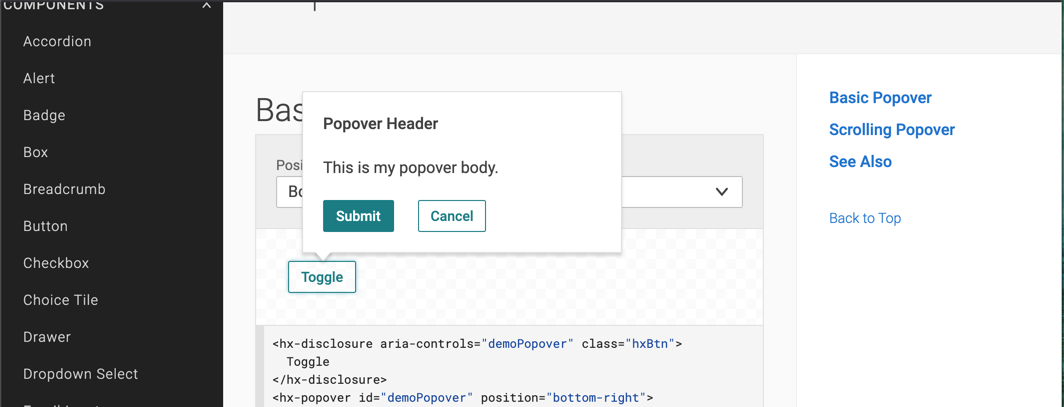
This is an issue in the helix positioning logic. We are sending the correct props. The storybook controls on the bottom for knobs are pushing up against the bottom of the search suggestion box. I think this issue exists for all helix positionable elements.
Examples from official helix docs:
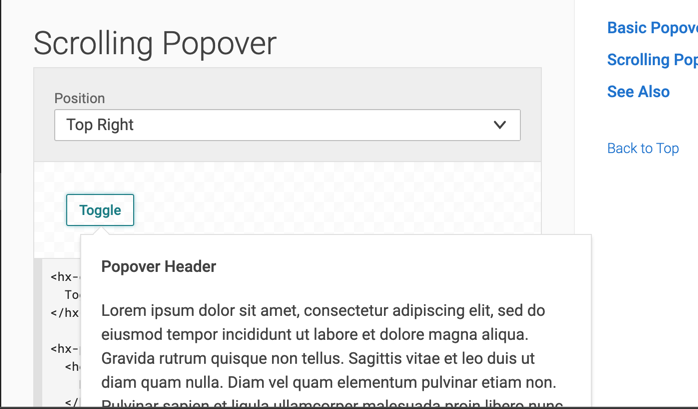
Popover is a good place to reproduce this issue inside helix:
https://helixdesignsystem.github.io/helix-ui/components/popover/
make your window smaller so helix places the popover, on top, then choose the top-right option on popover, and it will reverse the logic.
There was a problem hiding this comment.
Ok makes sense, I see it's the size of the Storybook preview pane for me. Yes, that's the default behavior for HelixUI components with the positioning logic.
There was a problem hiding this comment.
Btw what are your thoughts the positioning behavior? Any tweaks needed?
There was a problem hiding this comment.
I think the fix in helix might look like this: Before trying to reposition an item make sure there is more space in the direction the menu wants to reposition in. Maybe only trigger the reposition if there is at least 50-100px more space in the direction it wants to reposition into. If there is not, then keep its existing position. That may help menus from prepositioning from a bad fit to an unintended worse fit. Or maybe there is an option to disable position changing for use cases that do not need that behavior?
There was a problem hiding this comment.
That's really great feedback. Most of our use cases were based on users scrolling, and the direction they are scrolling.
Here's the collision detection logic:
Good suggestion for allowing implementors an option to disable the collision detection.
src/Search/SearchAssist.js
Outdated
| relativeTo={`${rest.id}-hx-search-control`} | ||
| open={wcBool(open)} | ||
| position={position} | ||
| onClick={() => setOpen(false)} |
There was a problem hiding this comment.
When using onBlur like on the Helix docs one can not register a click on search assistance button before it closes, unless you use a setTimeout. This is a work around for that issue.
There was a problem hiding this comment.
hey @nicko-winner, thanks for bringing this to my attention. I'll log it on my end.
Have you noticed this behavior with other HelixUI components?
There was a problem hiding this comment.
To my knowledge this the the only place where docs are using onBlur behavior connected to a menu like item opening and closing that may require user interaction.


add classname to propTypes

3 participants


Uh oh!
There was an error while loading. Please reload this page.