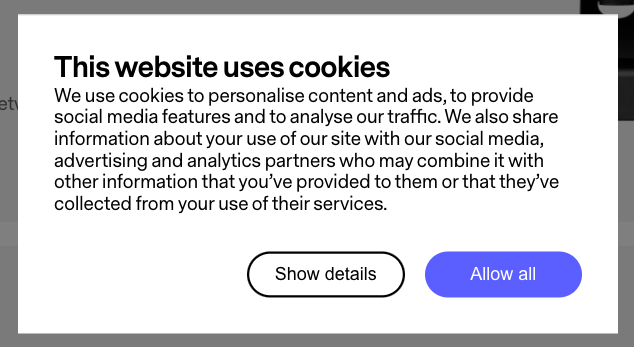
After installing Cookiebot on your website, following these instructions, you can install this repo following these steps:
Because Cookiebot doesn't support new CSS properties, you will manually need to include the css file in your project.
npm install Huddly/cookiebot-popup --saveThen import the following styling in your project:
import '@huddly/cookiebot-popup/dist/popup.css';In the same @huddly/cookiebot-popup/dist/ folder you will find the following files:
popup.htmlpopup.js
Paste the content of these into your cookiebot popup setting fields after selecting the "Custom popup" option.
After this, your Cookiebot popup should look like this: