List the basic environment requirements needed to run the project:
- Operating System: Windows 10 or higher
- .NET Version: .NET 6.0 or higher
To use the Realtime control, you need to install the following NuGet packages:
StarFlare.AudioVisualizer.Core
StarFlare.AudioVisualizer.WinForm
StarFlare.AudioVisualizer.WPF
You can install these packages by running the following commands in the NuGet Package Manager Console:
Install-Package StarFlare.AudioVisualizer.Core
Install-Package StarFlare.AudioVisualizer.WinForm
Install-Package StarFlare.AudioVisualizer.WPF
Alternatively, you can add them via the Package Manager UI by searching for each package.
using AudioVisualizer;
using AudioVisualizer.WinForm;Drag and drop the AudioVisualizerView onto your form or add it programmatically:
AudioVisualizerView audioVisualizer = new AudioVisualizerView();
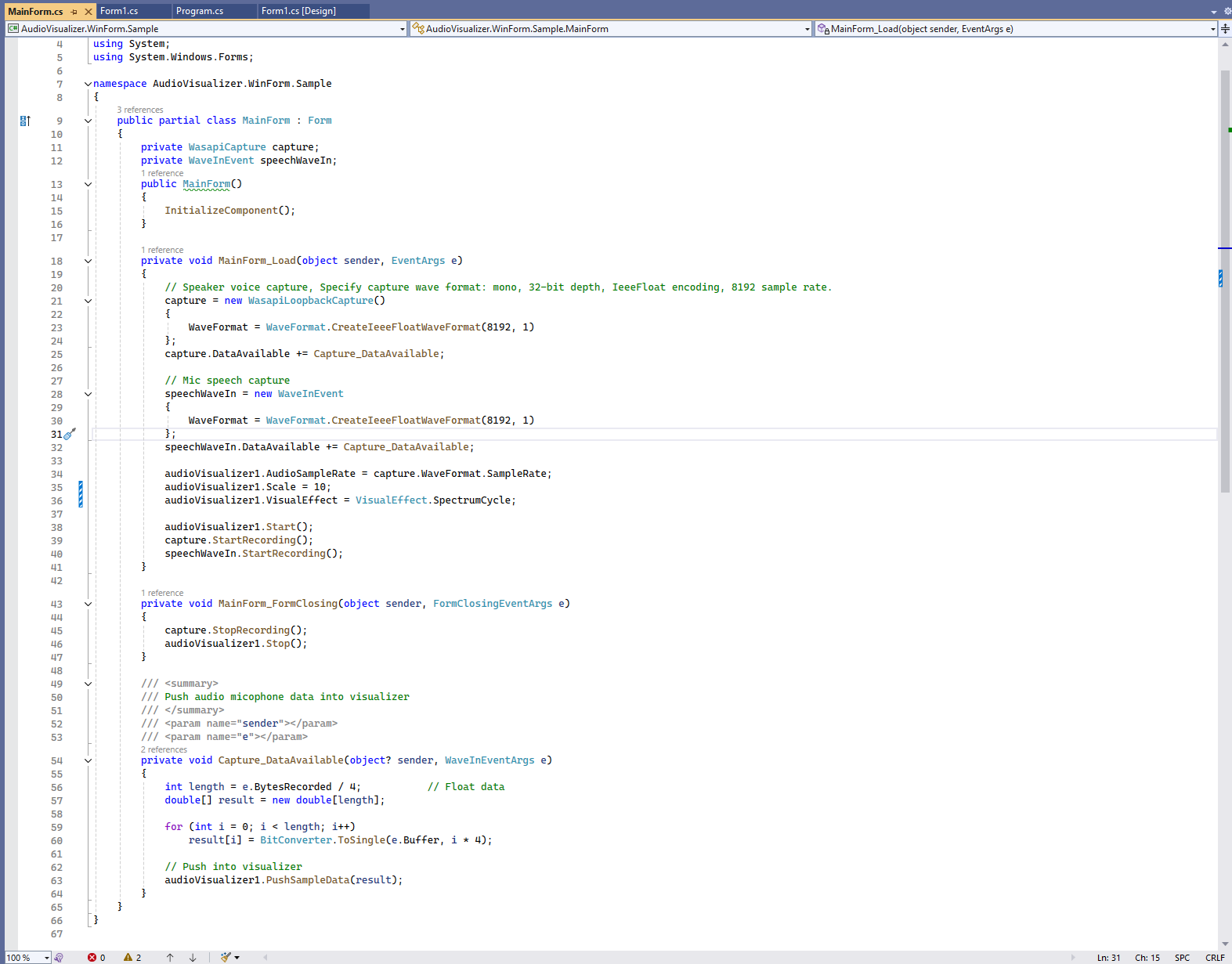
this.Controls.Add(audioVisualizer ); private void MainForm_Load(object sender, EventArgs e)
{
// Speaker voice capture, Specify capture wave format: mono, 32-bit depth, IeeeFloat encoding, 8192 sample rate.
capture = new WasapiLoopbackCapture()
{
WaveFormat = WaveFormat.CreateIeeeFloatWaveFormat(8192, 1)
};
capture.DataAvailable += Capture_DataAvailable;
// Mic speech capture
speechWaveIn = new WaveInEvent
{
WaveFormat = WaveFormat.CreateIeeeFloatWaveFormat(8192, 1)
};
speechWaveIn.DataAvailable += Capture_DataAvailable;
audioVisualizer1.AudioSampleRate = capture.WaveFormat.SampleRate;
audioVisualizer1.Scale = 5;
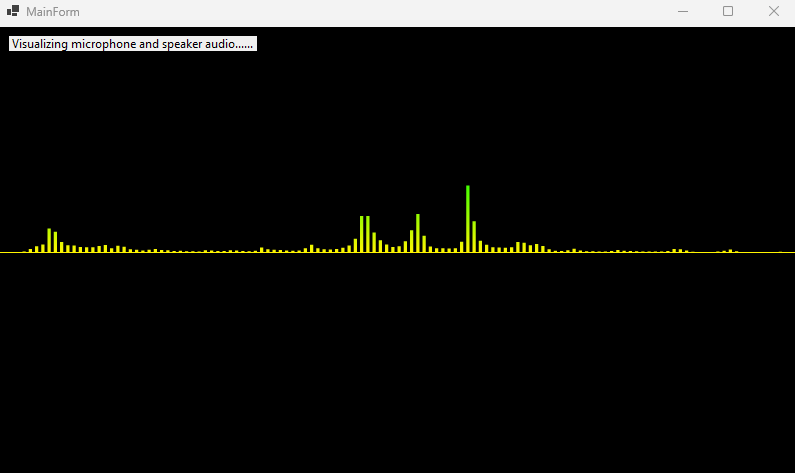
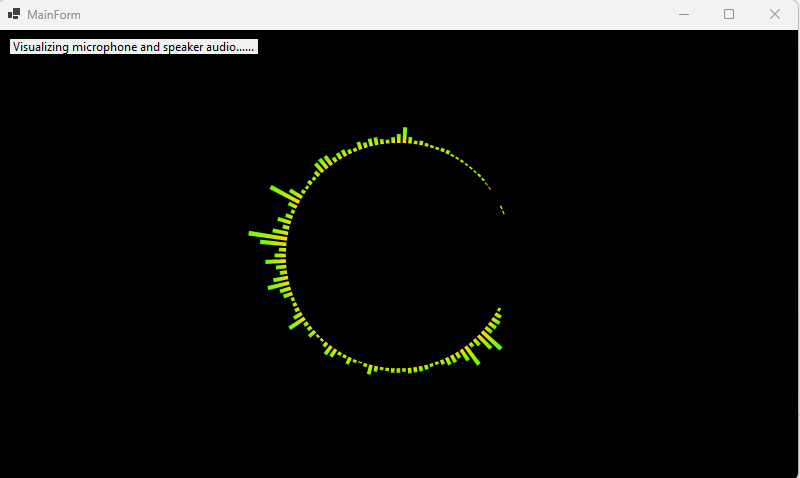
audioVisualizer1.VisualEffect = VisualEffect.SpectrumBar;
audioVisualizer1.Start();
capture.StartRecording();
speechWaveIn.StartRecording();
}
Licensed under the MIT License.