

Observability, prompt management, and evals for LLM engineering teams.



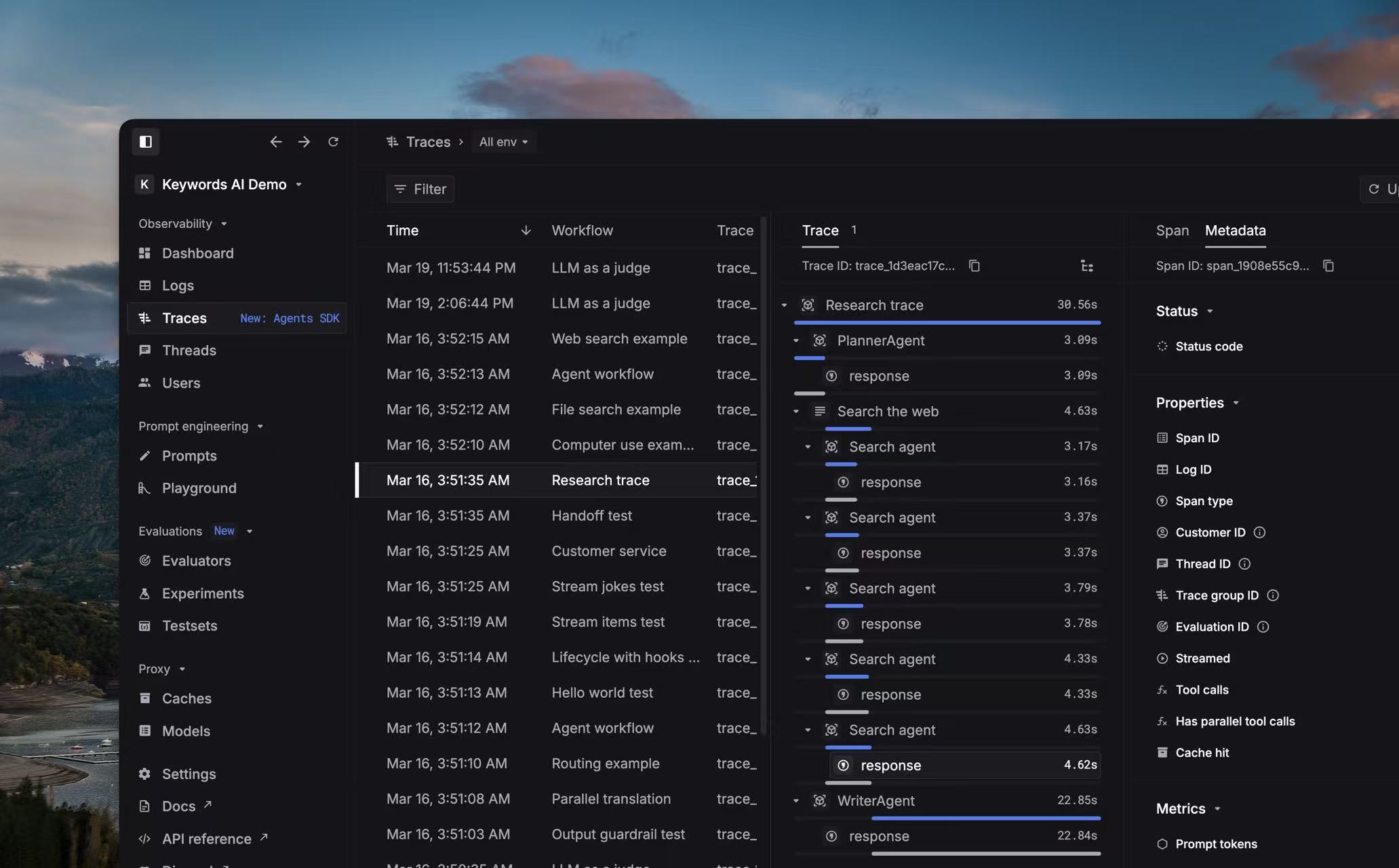
Keywords AI's library for sending telemetries of LLM applications in OpenLLMetry format.


Go to Keywords AI platform and get your API key.
pip install keywordsai-tracingnpm install @keywordsai/tracingimport os
from keywordsai_tracing.main import KeywordsAITelemetry
os.environ["KEYWORDSAI_BASE_URL"] = "https://api.keywordsai.co/api" # This is also the default value if not explicitly set
os.environ["KEYWORDSAI_API_KEY"] = "YOUR_KEYWORDSAI_API_KEY"
k_tl = KeywordsAITelemetry()import { KeywordsAITelemetry } from '@keywordsai/tracing';
// Initialize clients
// Make sure to set these environment variables or pass them directly
const keywordsAI = new KeywordsAITelemetry({
apiKey: process.env.KEYWORDSAI_API_KEY || "",
baseUrl: process.env.KEYWORDSAI_BASE_URL || "",
appName: 'test-app',
disableBatch: true // For testing, disable batching
});You can now trace your LLM applications using the decorators.
A workflow is the whole process of an AI agent run, and a workflow may contains several tasks also could say tools/LLM calls.
In the example, below, this means there's an Agent run named
my_workflowand it contains 1 taskmy_taskin this agent.
from keywordsai_tracing.decorators import workflow, task

@workflow(name="my_workflow")
def my_workflow():
    @task(name="my_task")
    def my_task():
        pass
my_task()You can now trace your LLM applications by wrapping the wrappers around your functions (keywordsAI.withTask in the below example)
A workflow is the whole process of an AI agent run, and a workflow may contains several tasks also could say tools/LLM calls.
In the example, below, this means there's an Agent run named
pirate_joke_workflowand it contains 1 taskjoke_creationin this agent.
async function createJoke() {
    return await keywordsAI.withTask(
        { name: 'joke_creation' },
        async () => {
            const completion = await openai.chat.completions.create({
                messages: [{ role: 'user', content: 'Tell me a joke about TypeScript' }],
                model: 'gpt-3.5-turbo',
                temperature: 0.7
            });
            return completion.choices[0].message.content;
        }
    );
}

async function jokeWorkflow() {
    return await keywordsAi.withWorkflow(
        { name: 'pirate_joke_workflow' },
        async () => {
            const joke = await createJoke();
            return joke;
        }
    );
}
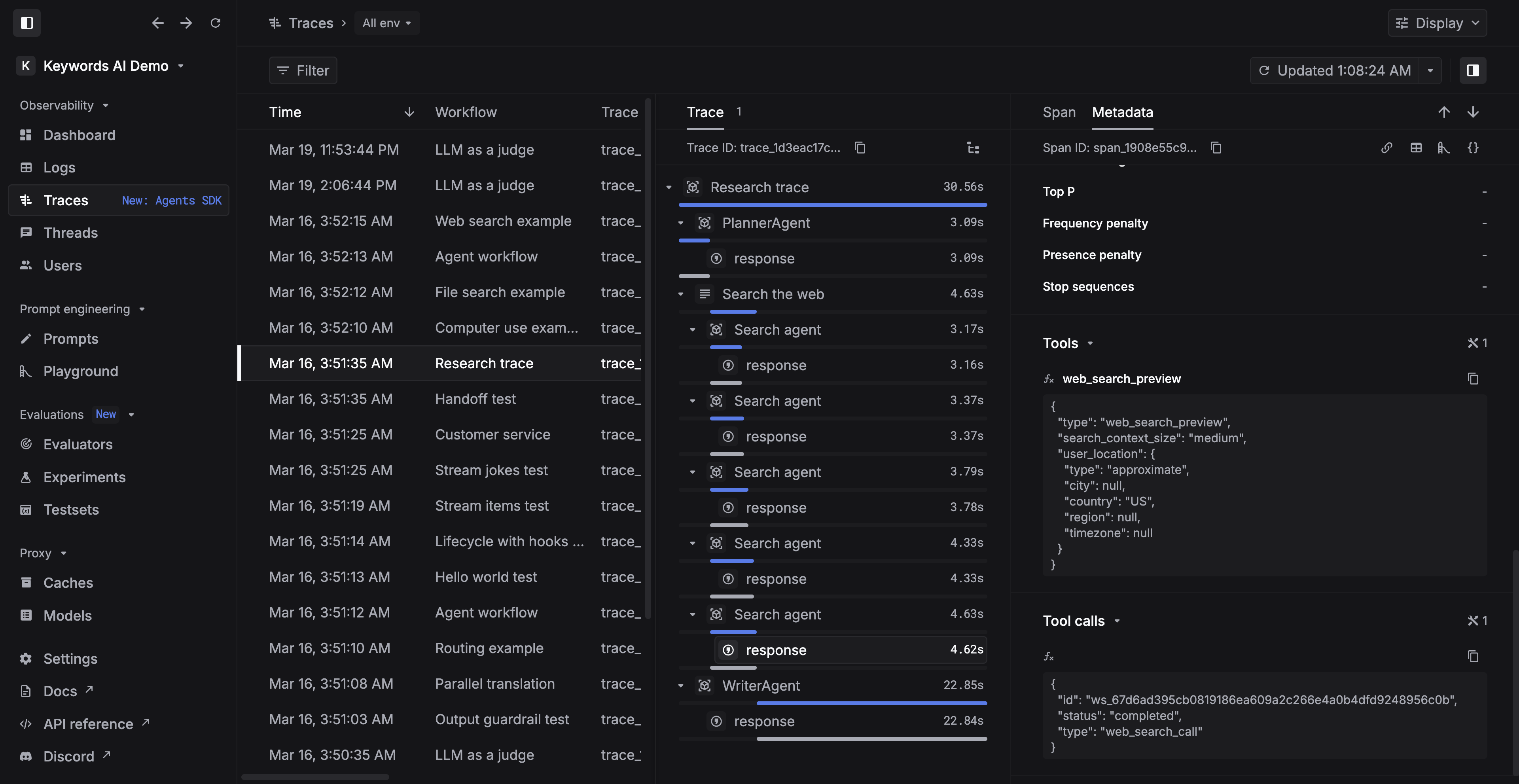
5️⃣ See traces in Keywords AI
Please star us if you found this is helpful!
For a comprehensive example, see the trace example run. Step by step guide can be below: