
|
If you already have disk space on your web host FreeCloud lets you use it as a "cloud drive" with local sync.
If you pay for:
- web hosting
- cloud storage (Dropbox, Google Drive, etc)
- maybe email storage
then you are getting double or even triple charged for the same thing.
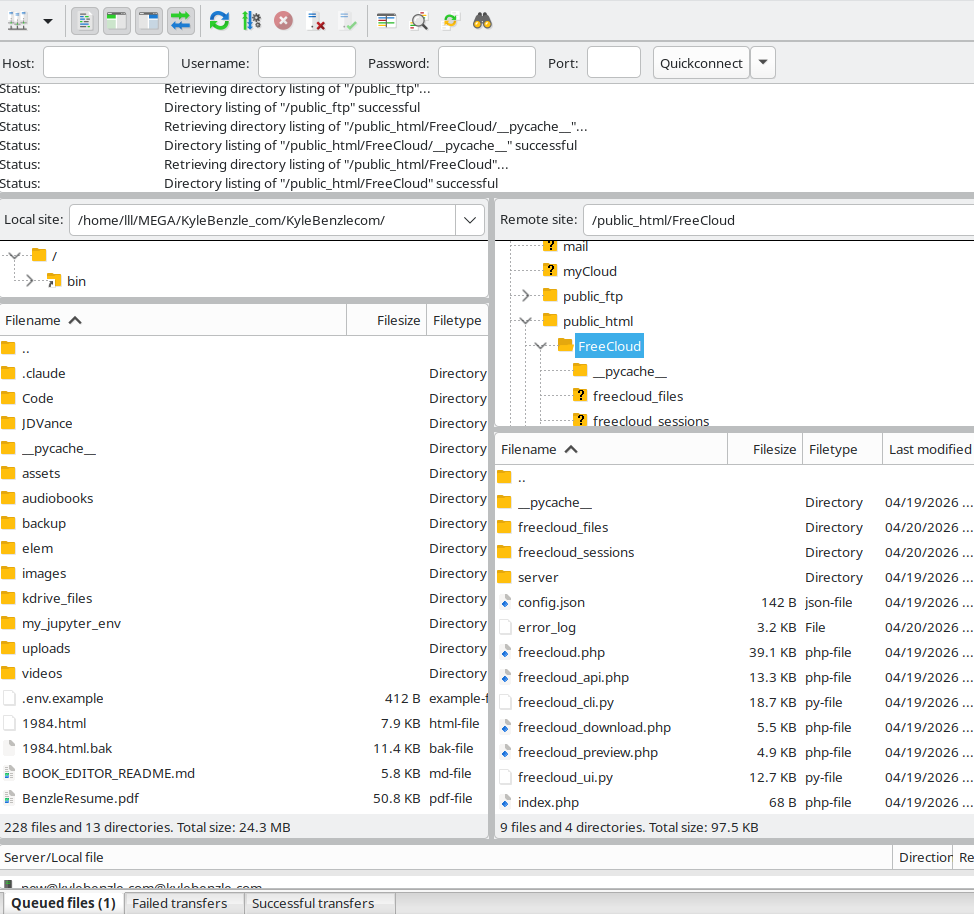
Upload everything inside the server/ folder to your web host.
Create a folder like this:
public_html/FreeCloud/
So on your host:
- go to
public_html - create a folder called
FreeCloud - upload all the server files into it
Then go to:
https://yourdomain.com/FreeCloud
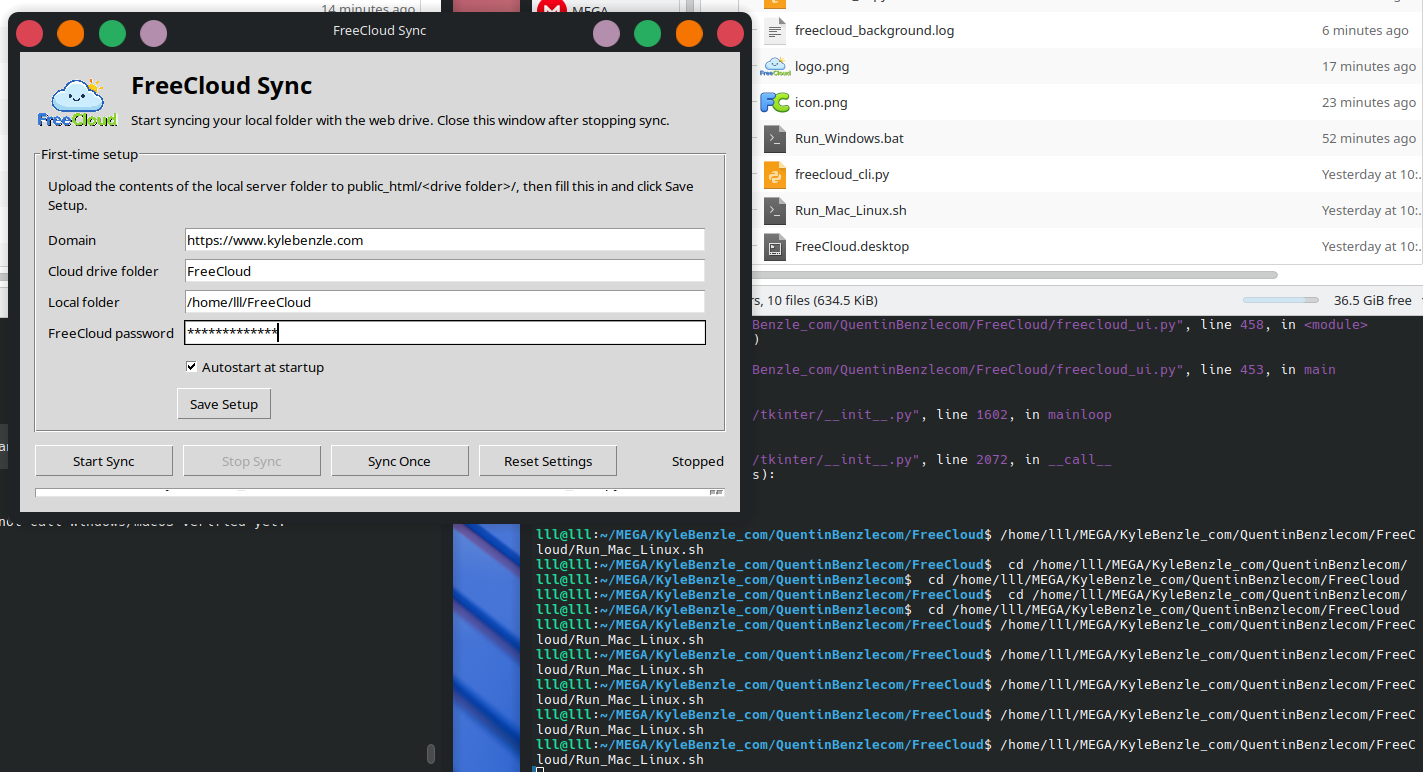
Run:
Mac / Linux:
./Run_Mac_Linux.sh
Windows:
Run_Windows.bat
Fill in:
- your domain (example: https://yourdomain.com)
- your drive folder (FreeCloud)
- your local folder
- your password
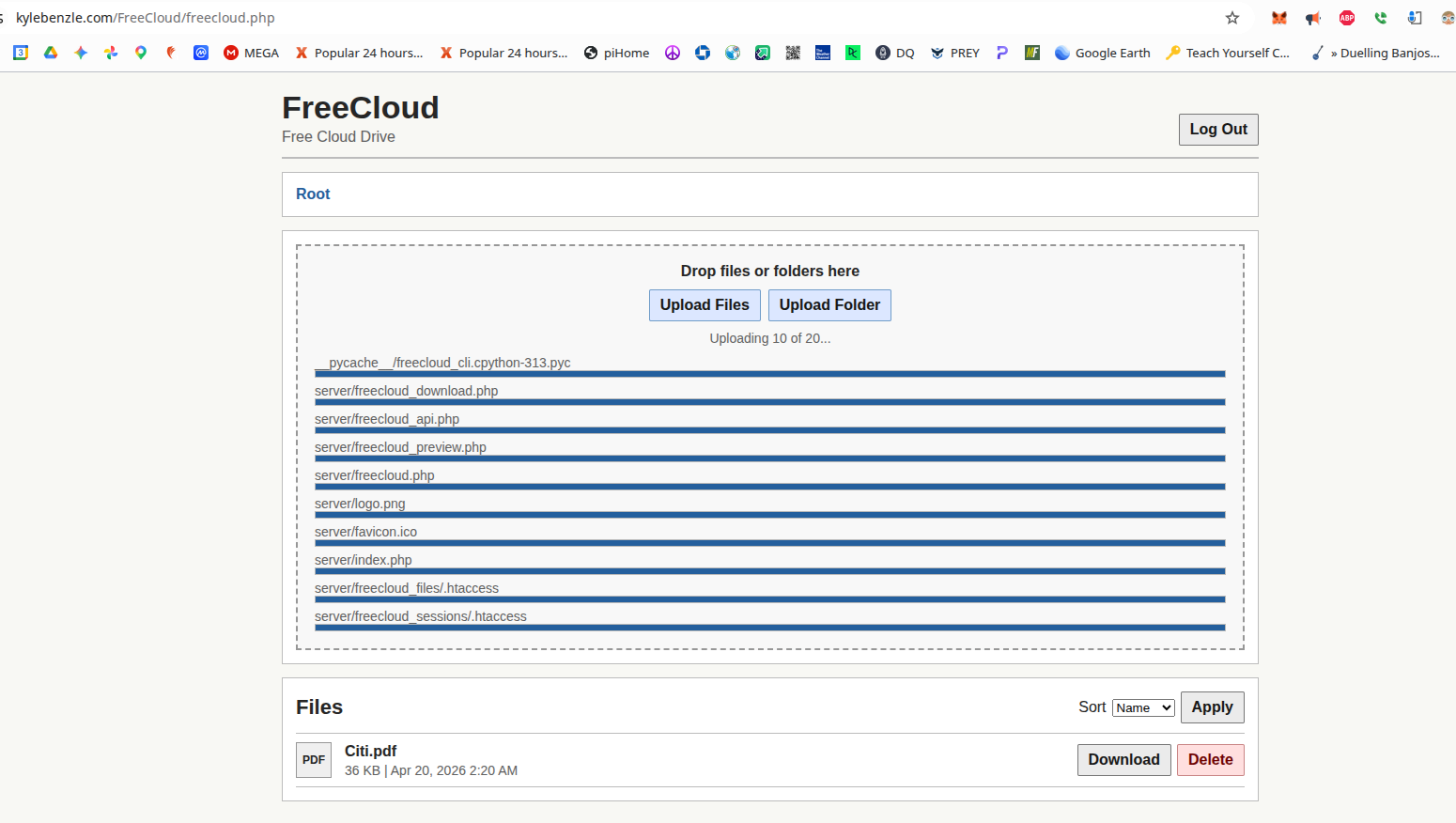
That’s it.
- add/remove files in your local folder → they sync to the web
- add/remove files on the web → they sync to your computer
Access your files anywhere:
https://yourdomain.com/FreeCloud
This is just a normal folder on your computer.
Example:
/Users/you/FreeCloud
If it doesn’t exist, it will be created.
This is your main working folder:
- anything here uploads to your server
- anything on the server downloads here
FreeCloud is a very simple self hosted cloud drive.
No database
No install process
No accounts
You upload it and it works.
- your own cloud drive
- your own storage
- your own files
- running on your own hosting
No subscriptions.
- optional password
- real server side auth
- files locked to storage folder
- no direct public access to stored files
Simple, but not wide open.
Because paying for hosting and then paying again for storage makes no sense.
You already have the space.
Use it.