
Spyglass aims at improving users' editing experience of Minecraft data packs by providing IntelliSense features like real-time error reporting, auto-completion, semantic coloring, code navigation tools, and refactor utilities.
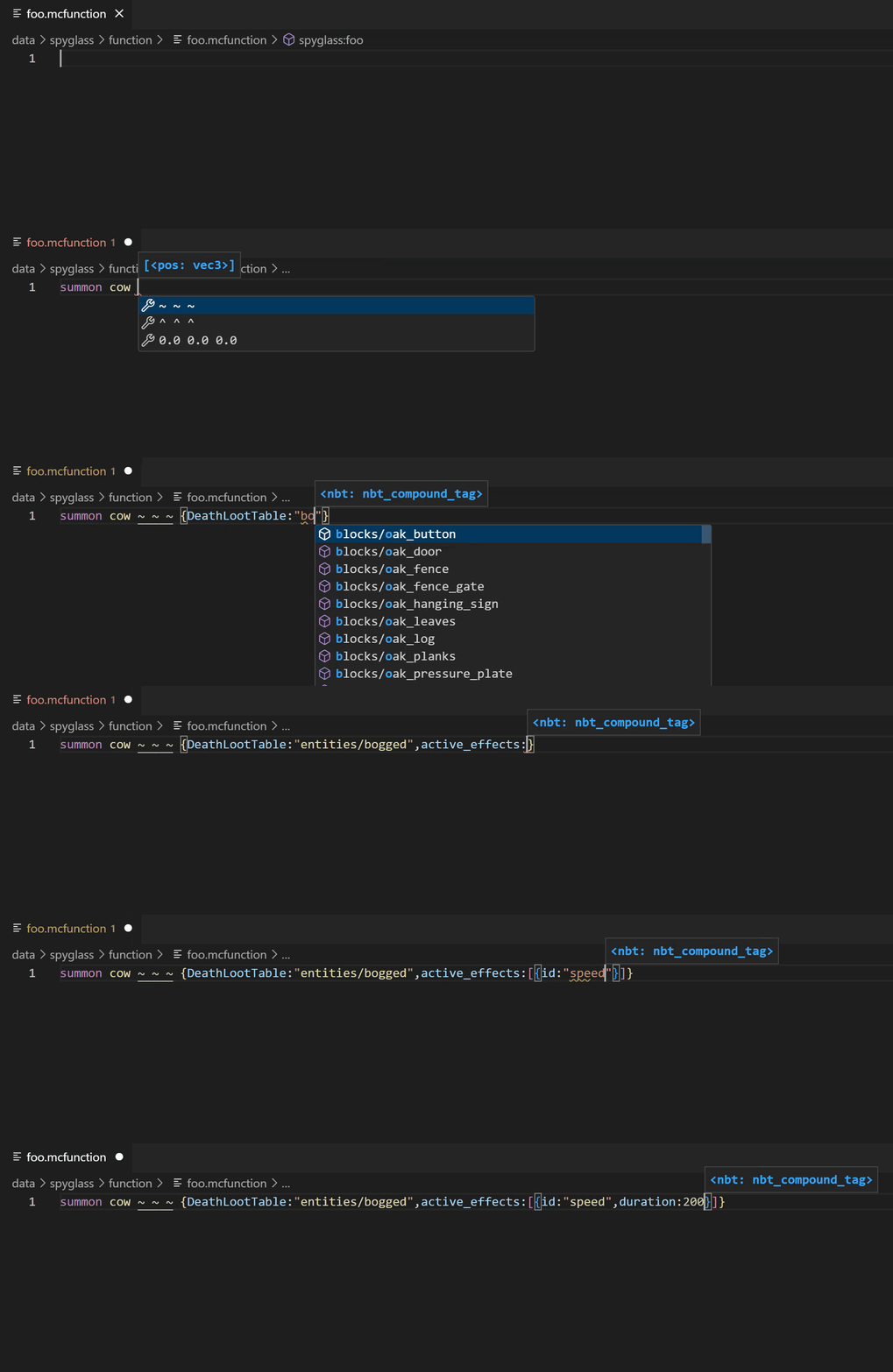
WIP at https://spyglassmc.com.
-
$ git clone https://github.com/SpyglassMC/Spyglass.git
- Install Node.js LTS.
-
$ npm i && npm run build
If you're using VS Code to develop Spyglass:
- Install the recommended ESLint extension. Make a copy of
.vscode/settings.template.jsonand rename it to.vscode/settings.json. Now your VS Code should automatically fix all linting errors every time you save the file. - Press F5 to run the VS Code extension in development environment (
Launch Client). VS Code will automatically compile all packages and build the extension file in watch mode.
Or if you prefer the command line interface:
npm run buildto build all packages.npm run watchto watch changes and build all packages.npm run cleanto remove all js output. Use this when there seem to be caching issues with TypeScript's compiler.npm testto test all packages.npm run lintto check linting errors.npm run lint:fixto fix all auto-fixable linting errors.npm run committo run the [gitmojiCLI][gitmoji]. You actually don't have to worry about commit message as long as you're creating PR, as I can always change it.
Please refrain from using mocha --watch, as it might interface with and break the snapshot testing.
You can debug tests with breakpoints by running the Run Unit Tests configuration and setting your breakpoints accordingly. If you want to run a specific subset of tests, add .only after the test block (e.g. describe.only(), it.only()).
Note that the build will fail in CICD if .only tests are pushed to prevent mistakenly merging .only to main (it should only be used for local testing!).
Tabs for indents, spaces for alignment. Except do not align things because the available tooling is unfortunately terrible.
- Install Jekyll according to its documentation.
- Run
npm run docs:startto start a local preview atlocalhost:4000.
The build script at the root level does the following steps in series:
- Run the
buildscript in./packages/locales. - Run the TypeScript compiler across all packages.
- Then, do the two steps in parallel:
- Run the
buildscript in./packages/playground. - Run the
buildscript in./packages/vscode-extension.
- Run the
The whole Spyglass project, including its source code and output, uses ES module.
However, as VS Code cannot consume ES modules as extensions (microsoft/vscode#130367),
the vscode-extension package defaults to use CommonJS modules, with file extensions mjs and mts to explicitly override that,
The original Spyglass logo was provided by BlackNight0315. The current logo is provided by asd988.