The aim of this project is to develop a software that provides a cheat-free platform for online quizzes with complete authenticity. The system continuously monitors the movements of the candidates to prevent any possibility of cheating. It is also a proctor-free automatic environment validator, making sure that an online quiz is taken with no possibility of cheating whatsoever. This project is built using the MERN (MongoDB, Express, React, Node.js) stack.
- Assign quizzes to individual classes
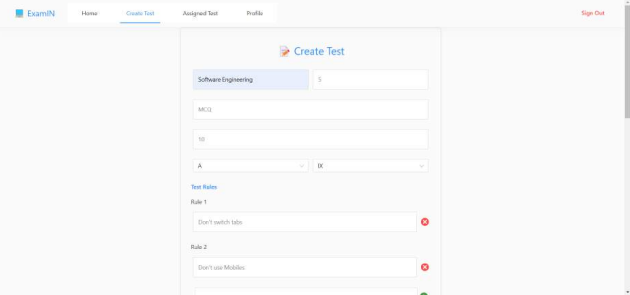
- Add questions to the quizzes
- View results dashboard
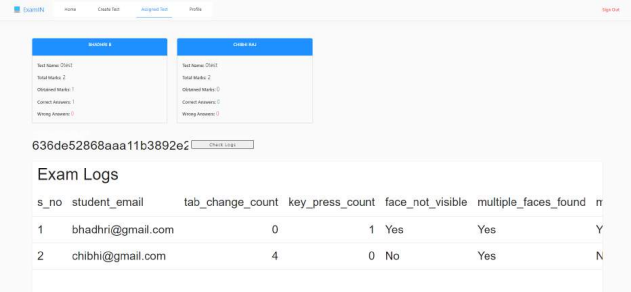
- Monitor the proctoring logs to ensure authenticity of the test
- Take quizzes assigned by the teacher
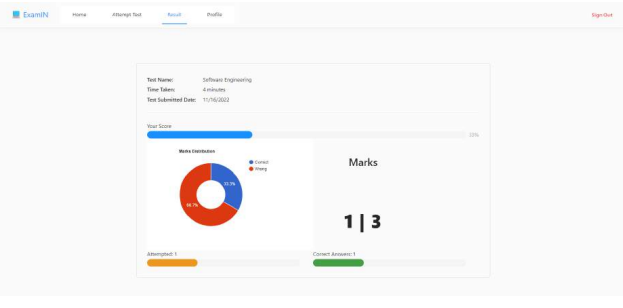
- View results and analyze their performance through visualizations provided
- The project uses the CocoSSD model using TensorFlow API for object detection.
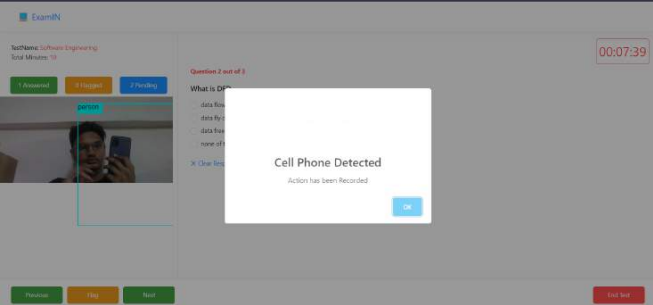
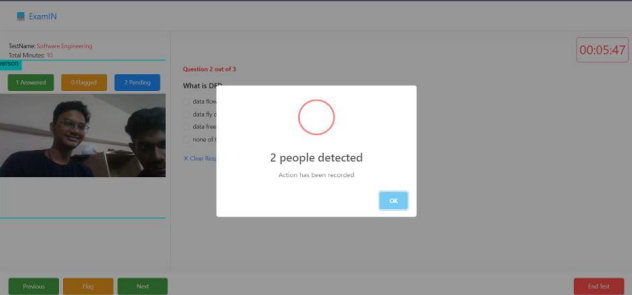
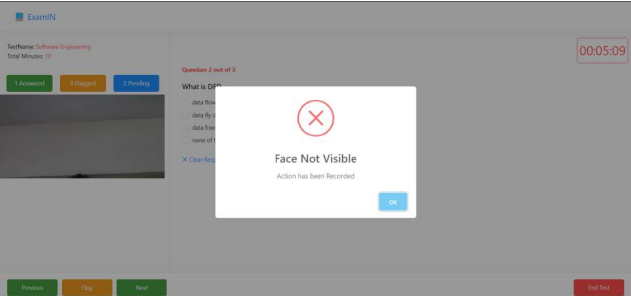
- The model detects mobile, multiple persons, book, laptop, and person not found.
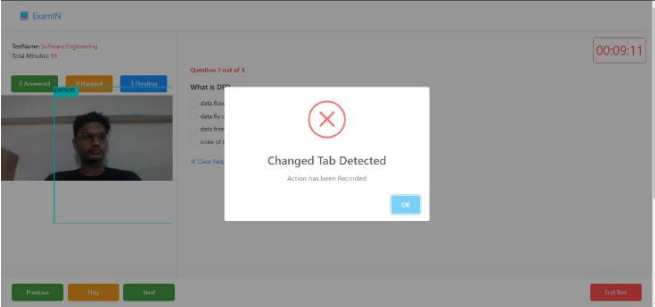
- The system also disables right-click and detects tab switch, Ctrl key press, and Alt key press.
- The system uses React Webcam to send real-time video stream to the CocoSSD model for object detection.
- This feature helps to enhance the accuracy and reliability of the object detection system.
- Clone the repository from GitHub.
- Navigate to the root directory of the project in the terminal.
- npm install and npm start.
- cd client
- cd esm-client
- npm install and npm start
- MERN (MongoDB, Express, React, Node.js) stack
- TensorFlow API
- CocoSSD object detection model
- SignUP page

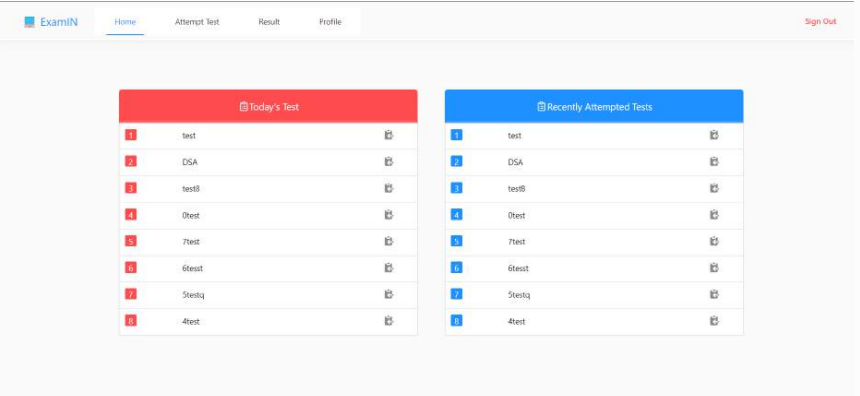
- Student Dashboard
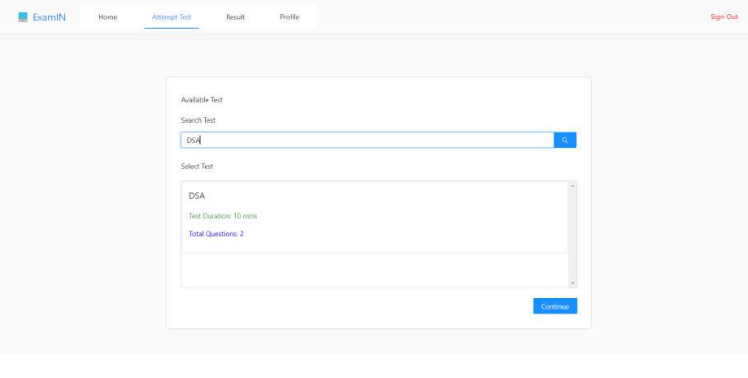
- Attempt Test
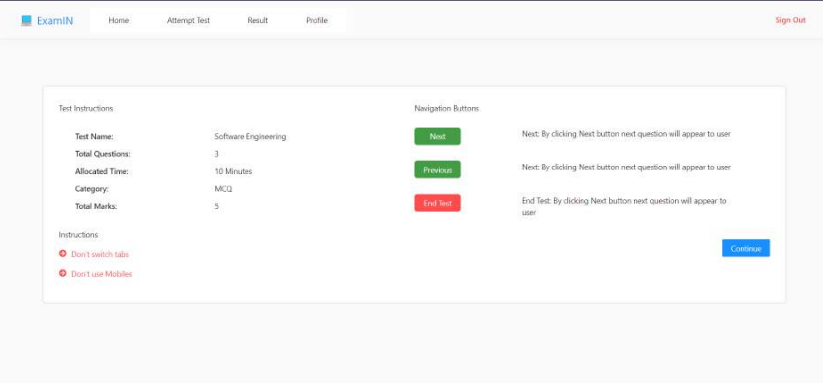
- Test Instruction Page
- Test Page

- Tab Switch detected
- Cell phone detected
- Multi Person Detected
- Face not visible
- Attempted Test Page
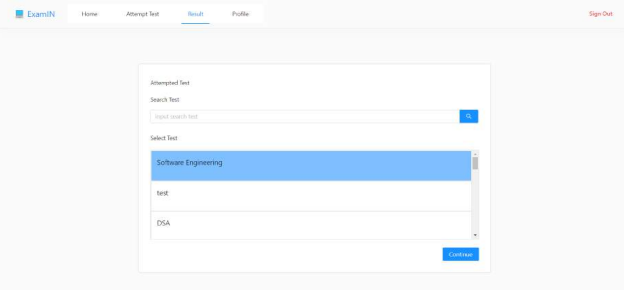
- Result View (Student)
- Create Test Page
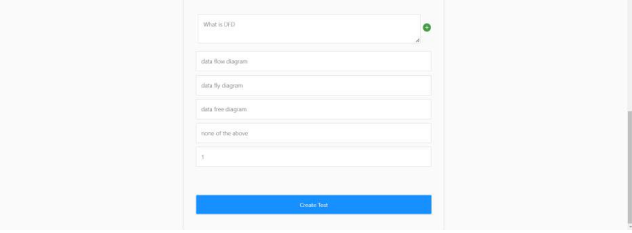
- Student Logs and results