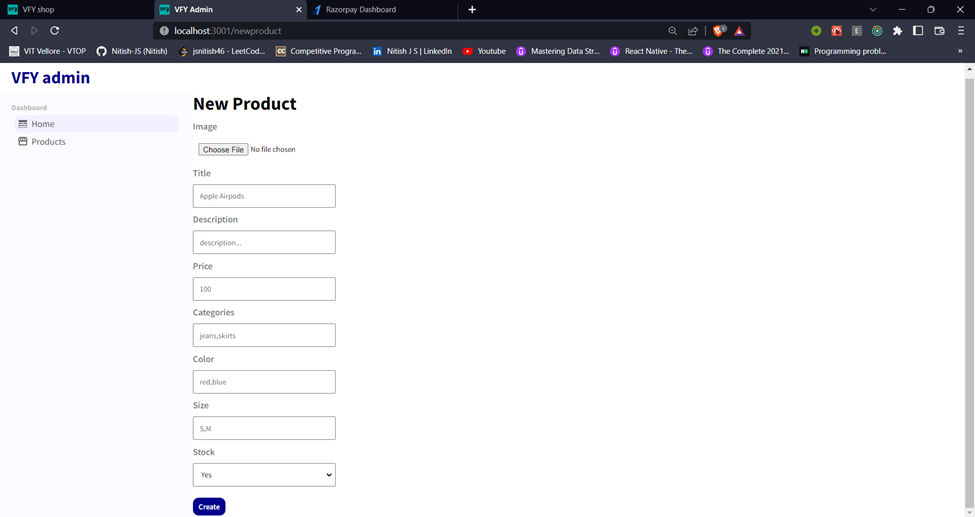
This is an e-commerce website built with React, Redux, Node.js, MongoDB, and Mongoose. The web application has three components - client, server, and admin. The client component is the main e-commerce web app where customers can browse, search, purchase items and make payment through Razorpay gateway. The server component is responsible for handling API requests from the client and authenticating users using JWT tokens. The admin component provides visualizations of customer data and allows the site owner to add or delete items.
- The frontend of the application is built using React, and Redux is used for state management.
- The frontend is designed to provide a user-friendly experience for customers, with a responsive UI that works well on both desktop and mobile devices.
- The website is integrated with a payment gateway using Razorpay API, allowing customers to complete transactions securely and efficiently.
- The frontend also uses JWT authentication to ensure secure user login. This helps to protect user data and prevent unauthorized access to the site.
- The backend of the application is built using Node.js, MongoDB, and Mongoose. MongoDB is a NoSQL database that provides scalability and flexibility, making it ideal for e-commerce applications.
- The backend is responsible for handling API requests from the frontend, managing the site's data, and authenticating users using JWT tokens.
- Mongoose is used to define the data schema and interact with the database. This allows the backend to handle complex queries and transactions efficiently.
- The backend also implements advanced security features such as input validation, sanitization, and error handling, to ensure the safety and integrity of the data.
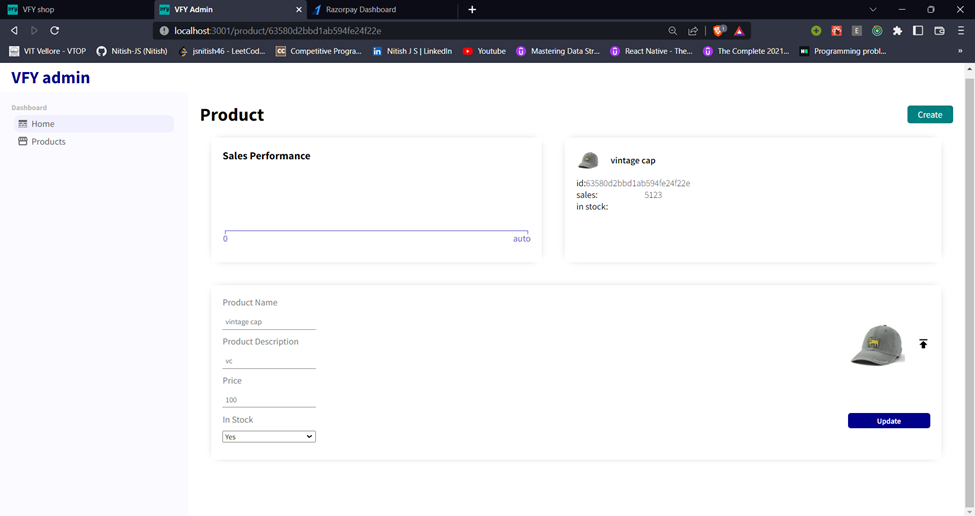
- The admin panel provides a visual interface for managing customer data and adding/deleting items. This helps site owners to keep track of their customers and products, and make informed decisions about their business.
- The admin panel is designed to be easy to use, with a simple and intuitive interface that allows site owners to view and manage data quickly and efficiently.
- In addition to managing customer data and products, the admin panel also allows site owners to upload and manage product images. These images are stored securely in Firebase, making it easy to manage and access them from anywhere.
- The admin panel provides provisions for adding and deleting items, allowing site owners to manage their product inventory and make changes as needed.
Ensure you have Node.js 16 or later installed. If you use Node 17 or newer, set
NODE_OPTIONS=--openssl-legacy-provider when running the development servers to
avoid OpenSSL issues.
- Clone the repository: git clone https://github.com/Nitish-JS/Ecommerce.git
- Navigate to the project directory: cd Ecommerce
- Navigate to the client directory: cd client
- Install dependencies: npm install
- Start the server: npm start
- Navigate to the server directory: cd server
- Install dependencies: npm install
- Start the server: npm start
- Navigate to the admin directory: cd admin
- Install dependencies: npm install
- Start the server: npm start
- Configure env file
- Register as a new user or log in using an existing account.
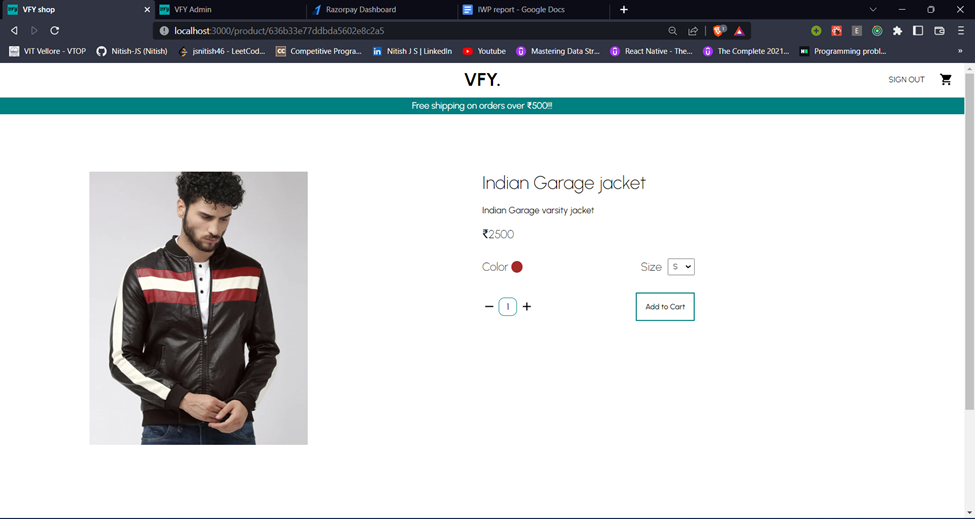
- Browse the available products and add items to your cart.
- Proceed to checkout and complete the payment process.
- The site owner can log in to the admin panel to manage products and view customer data
- Sign Up
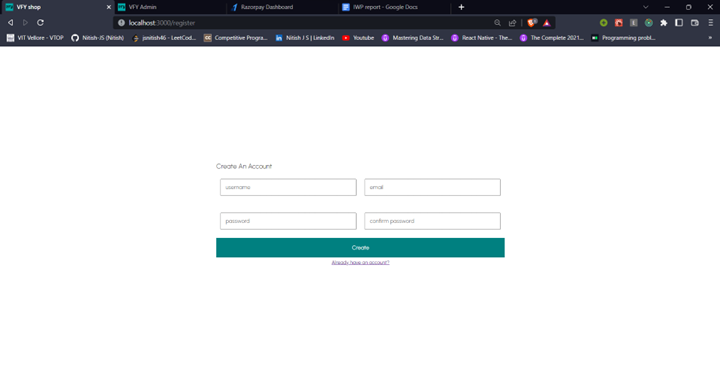
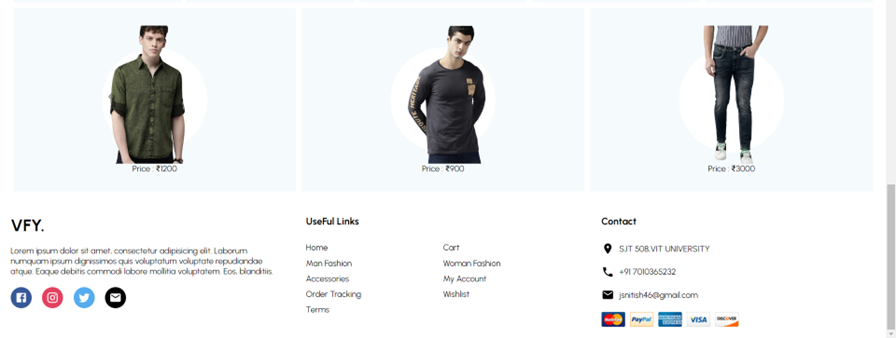
- Landing Page


- Product Information Page
- Cart Page
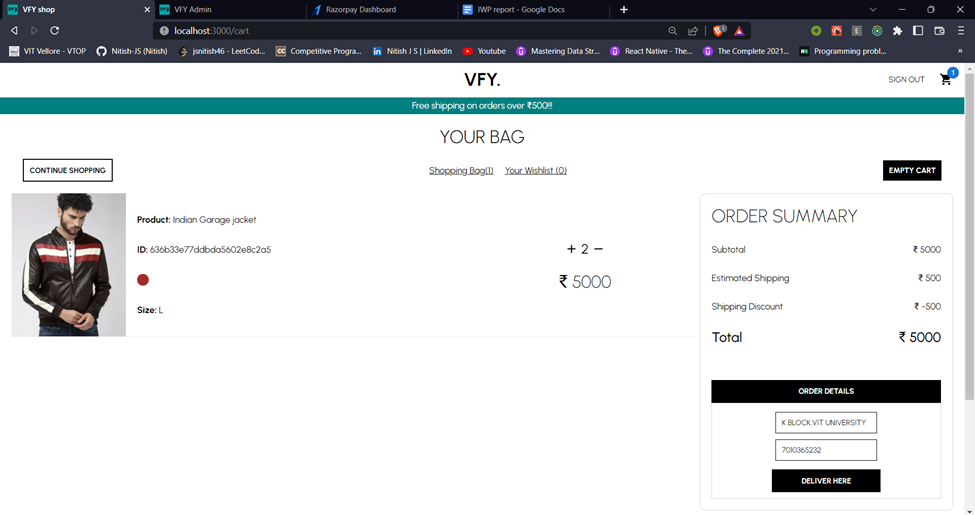
- Checkout Page
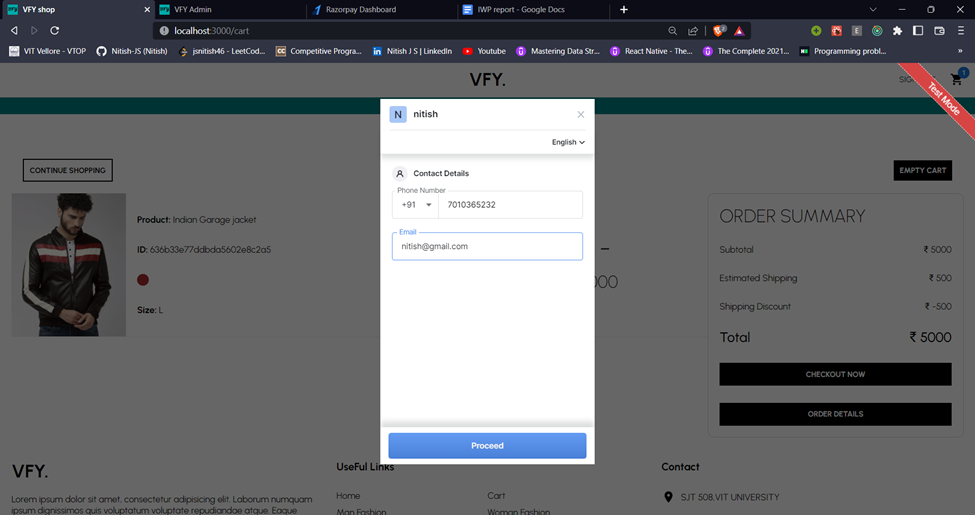
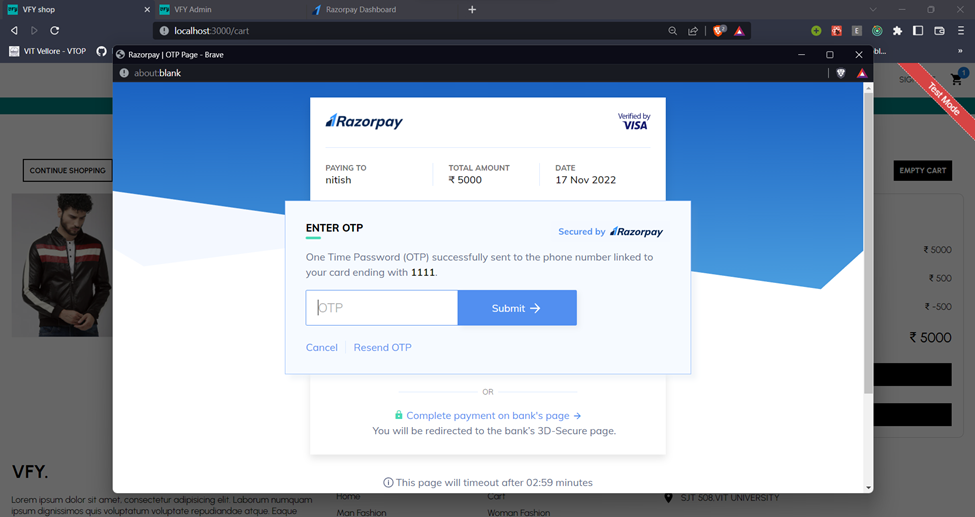
- Payment Gateway
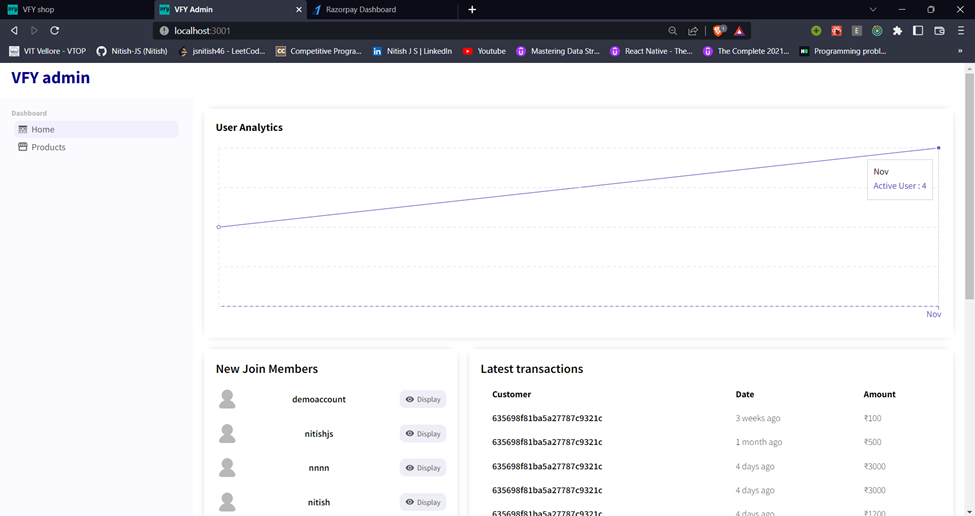
- Landing Page
- Products Page

- Edit/Update Product page
- Create Product Page