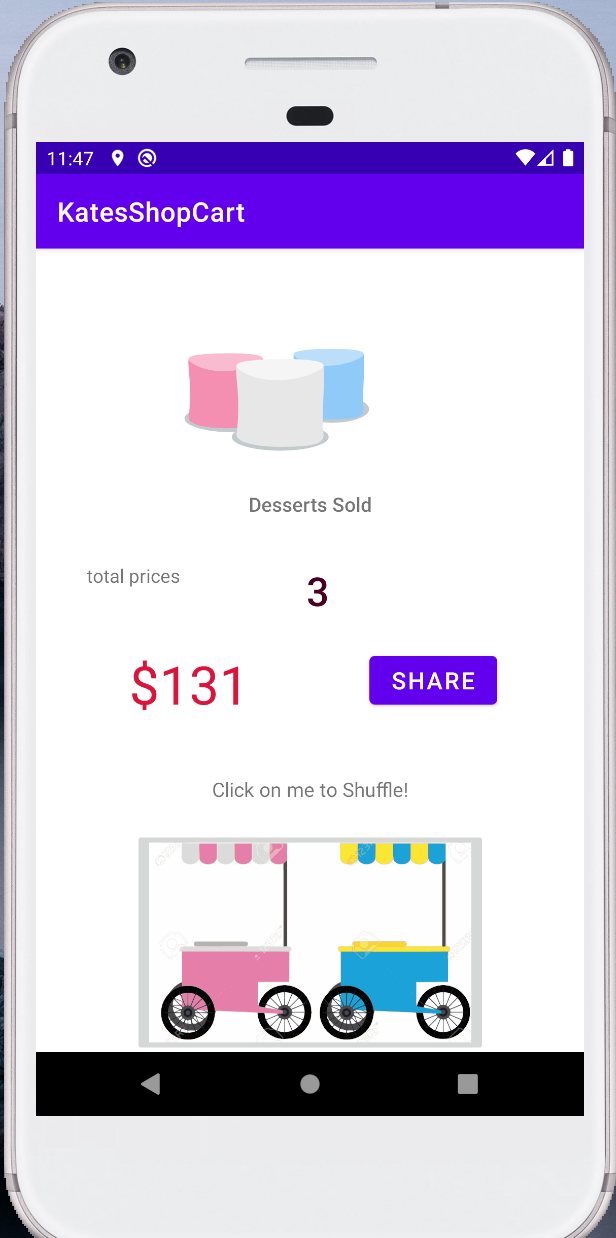
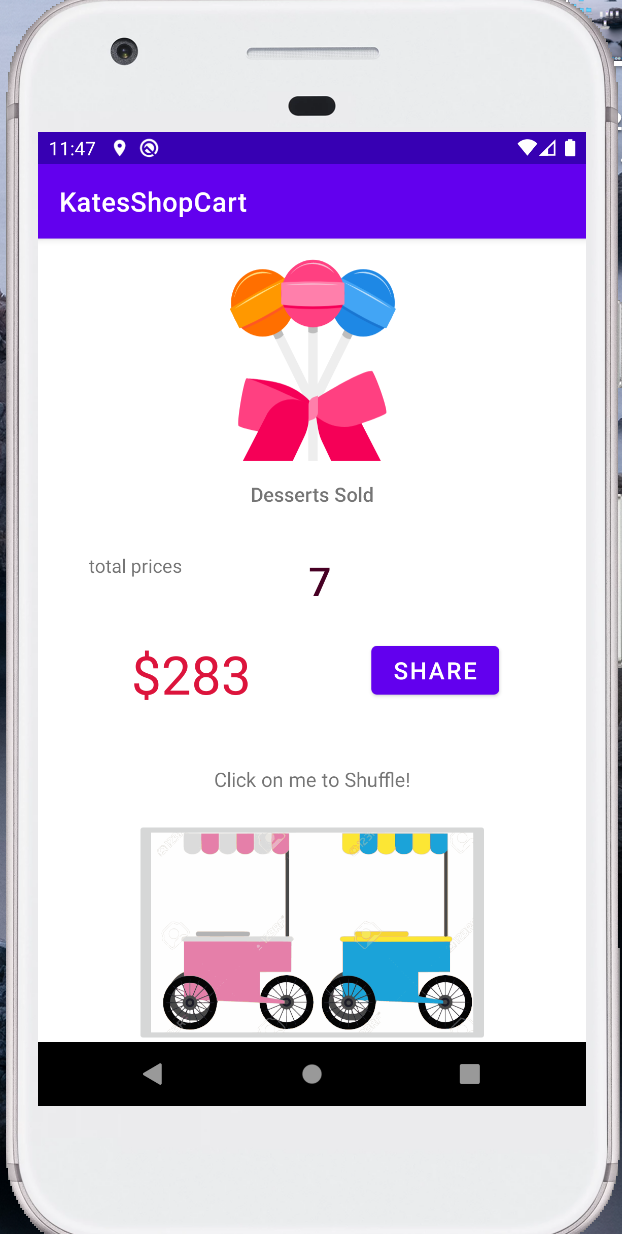
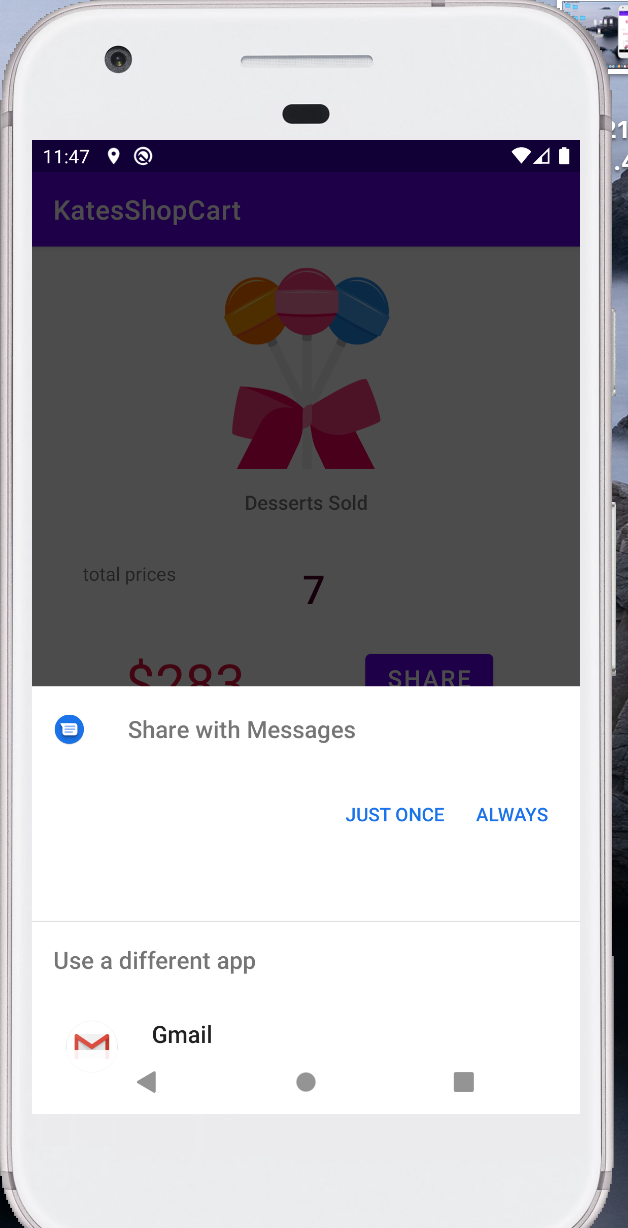
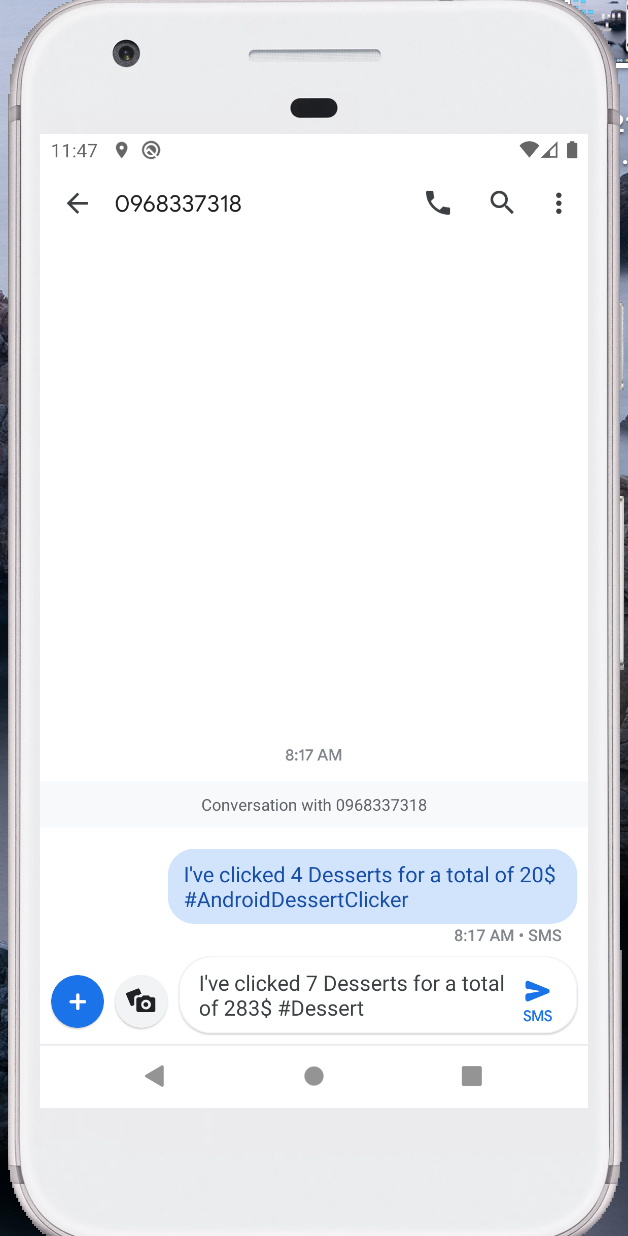
Intent using ShareCompat to share info via Gmail/ SMS
-
share
import androidx.core.app.ShareCompat ShareIntent = ShareCompat.IntentBuilder.from(this) .setText(getString(R.string.share_text, itemSold, revenue)) .setType("text/plain") .intent -
data loop
private fun showNowItem(){ // allItems is a listOf array. var newItem = allItems[0] // Loop for (i in allItems) { if (itemSold >= i.startProductionAmount) { newItem = i // 迴圈的任何元素裝進 newItem 容器中 } else break } // If the new data is actually different than the current data // update the data info if (newItem != nowItem) { // 倘若等號前後不相等則... nowItem = newItem binding.dessertButton.setImageResource(newItem.imageId) binding.amountSold = newItem.startProductionAmount binding.revenue = newItem.price } } -
List
// 資料類別確定了資料的型別,倘若呼叫 Item 時。 data class Item ( val imageId: Int, val price: Int, val amount: Int ) private val allItemFromZero = listOf( Item(R.drawable.lollipop,55,0), Item(R.drawable.marchmello, 45,0), Item(R.drawable.oreo, 38, 0) ) -
data opts
private var nowItem = allItems[0] private var revenue = 0 private var itemSold = 0 //Update the amount & price revenue += nowItem.price itemSold++ -
List opt
        // 建立集合或是陣列?
        data class Item (

                           val imageId: Int,
                           val price: Int,
                           val amount: Int

                       )

        // 建立集合
        private val allItemFromZero = listOf(

                Item(R.drawable.lollipop,55,0),
                Item(R.drawable.marchmello, 45,0),
                Item(R.drawable.oreo, 38, 0)

         )


         // 建立容器
         var newItem = allItemFromZero[0]

         // 集合方法:隨機()
         //也可呼叫 .first() 取值
         newItem = allItemFromZero.shuffled().last()
LiveData 則屬於泛型資料類別:https://ithelp.ithome.com.tw/articles/10239879 免除為龍蛇雜燴的集合工具做轉型運算的煩惱。
- output