Home
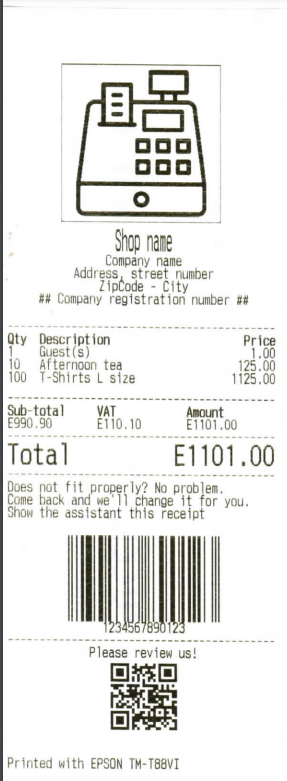
The EscPosLib it's a C# library that allows you to print in a very simple way on a standard ESC/POS thermal printer. Around the internet there are many libraries, but not simple ones. This project is aimed to people that have a basic or zero knowledge of ESC/POS language. With this library you will be able to print receipts, images, QR-Codes, Barcodes and (of course) simple text on ESC/POS printers.
All the commands within the library keep building an imaginary BUFFER that will be sent (all-in-one) to the printer once one of the Print commands are being called.
The library needs to be imported to your current project (it is not included in NuGet), which means you will have to import it manually into your SDK application.
Once has been imported on top of your application file enable the library with using EscPosLib;
-
PrinterThis is our main class, the one we will use throughout the library, which is our printer. It supports 3 parameters: -
IpAddresswhich is the printer's IP Address of course; -
Portis the TCP port that your printer uses for printing, usually9100is the standard -
Regionis the region (type of alphabet) you will be using throughout the print, it will allow printing of special characters (like greek, cyrillic, thai, japanese, etc... alphabets).
Use the constuctor by creating a new printer, like so:
Printer yourPrinter = new Printer("YourIpAddress");
//or
Printer yourPrinter = new Printer("YourIpAddress", 9100);public void Reset()This operation initializes the printer and resets the whole existing BUFFER (by deleting it) is also deletes information such as:
- QR-Codes in the printer image storage area;
- Barcodes in the printer image storage area;
- Region information (if not specified in the
Regionproperty of thePrinterobject);
This function will need to be called as the first after creating the Printer object.