[NEW] Adding the ability to theme#1602
Conversation


Rocket.Chat/Themeable.swift
Outdated
| @objc func applyTheme(_ theme: Theme) | ||
| } | ||
|
|
||
| // TODO: These do not belong here |

There was a problem hiding this comment.
Todo Violation: TODOs should be resolved (These do not belong here). (todo)
| view.clipsToBounds = true | ||
| } | ||
|
|
||
| // TODO: This does not belong here |
There was a problem hiding this comment.
Todo Violation: TODOs should be resolved (This does not belong here). (todo)
Rocket.Chat/AppDelegate.swift
Outdated
| var window: UIWindow? | ||
| var notificationWindow: UIWindow? | ||
|
|
||
| // TODO: This does not belong here |
There was a problem hiding this comment.
Todo Violation: TODOs should be resolved (This does not belong here). (todo)

Codecov Report
@@            Coverage Diff             @@
##           develop   #1602      +/-   ##
==========================================
+ Coverage     34.5%   35.5%   +0.99%
==========================================
  Files          283     292       +9
  Lines        13318   13621     +303
==========================================
+ Hits          4596    4836     +240
- Misses        8722    8785      +63
Continue to review full report at Codecov.
|

Rocket.Chat/Themeable.swift
Outdated
| } | ||
| } | ||
|
|
||
| // TODO: The add/insertSubview methods should not be overridden for UICollectionView, |
There was a problem hiding this comment.
Todo Violation: TODOs should be resolved (The add/insertSubview methods ...). (todo)
| static let defaultFontColor = UIColor.darkGray | ||
| static let systemFontColor = UIColor.lightGray | ||
| static let failedFontColor = UIColor.lightGray | ||
| // TODO: Probably should not be changed here |
There was a problem hiding this comment.
Todo Violation: TODOs should be resolved (Probably should not be changed...). (todo)
Rocket.Chat/Themeable.swift
Outdated
| var theme: Theme? { get } | ||
| } | ||
|
|
||
| // TODO: These do not belong here |
There was a problem hiding this comment.
Todo Violation: TODOs should be resolved (These do not belong here). (todo)


Podfile.lock
Outdated
| PODFILE CHECKSUM: 0af4673565909cbfda00f61124b8286f6433aff3 | ||
|
|
||
| COCOAPODS: 1.5.3 | ||
| COCOAPODS: 1.5.2 |

There was a problem hiding this comment.
Could you please update your CocoaPods to 1.5.3?

|
@Sameesunkaria I enjoyed very much playing with the themes, congrats on the development of it! 👏 Couple of issues I found while testing (on iOS 11.4):
|
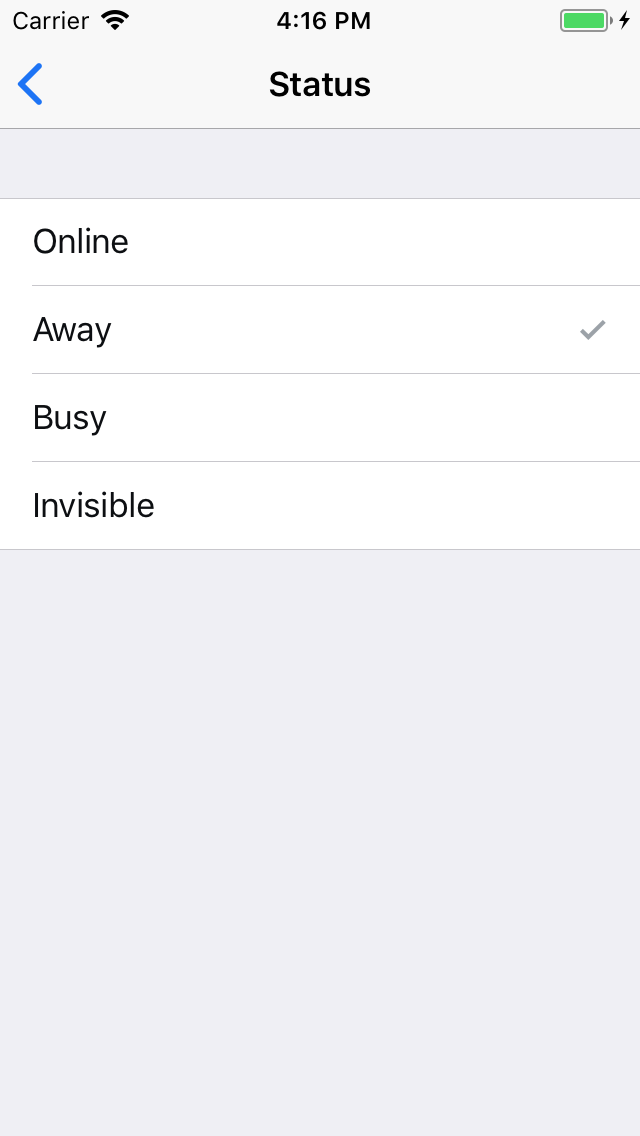
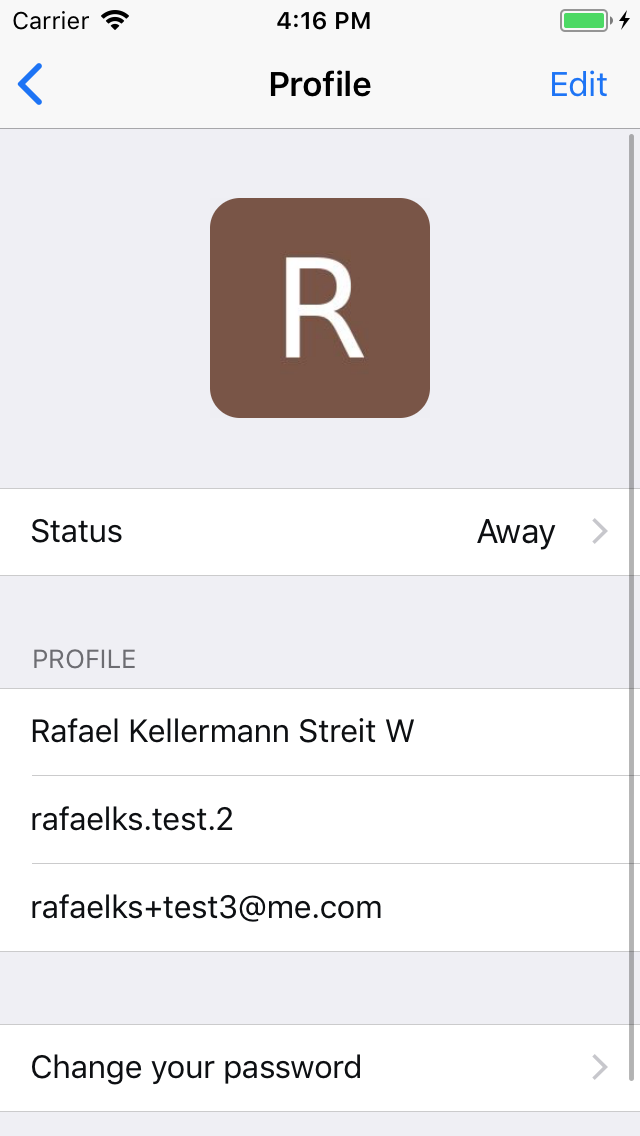
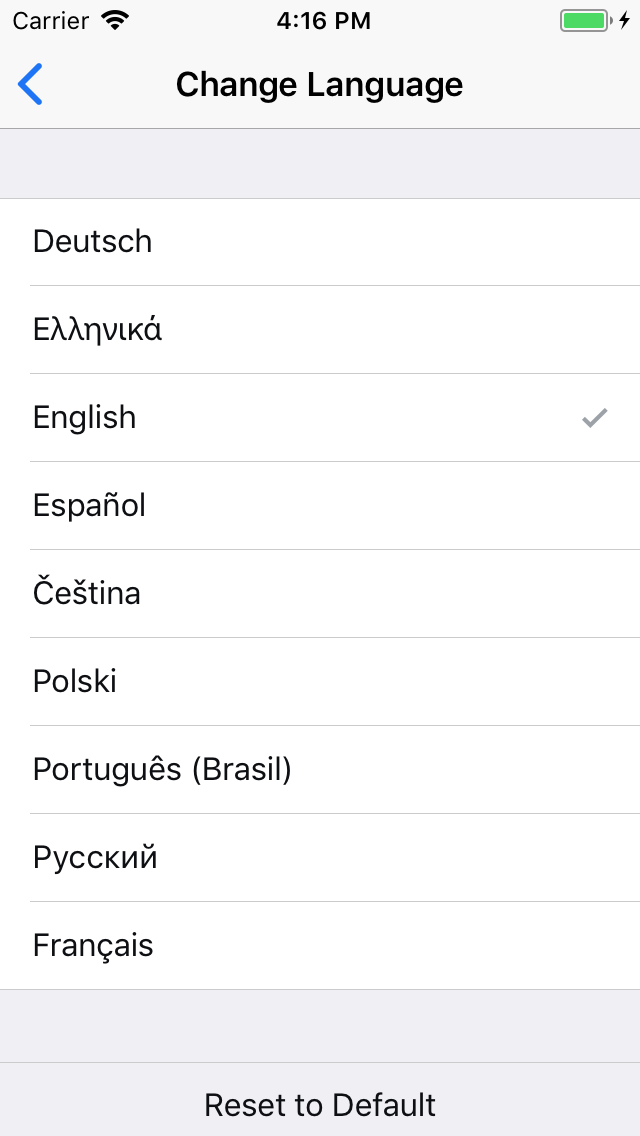
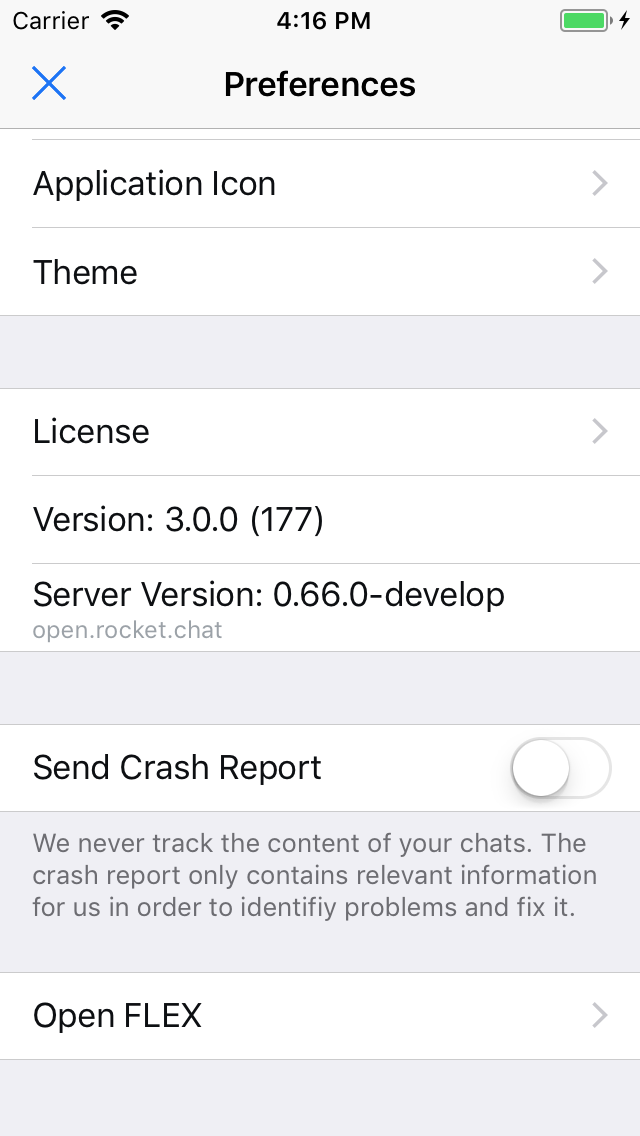
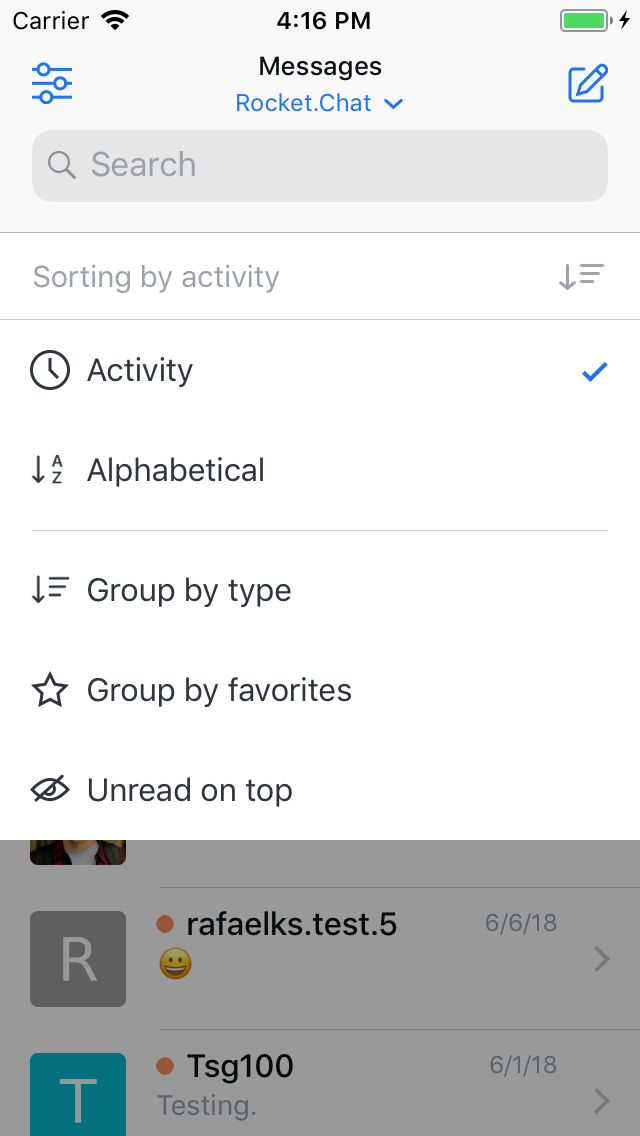
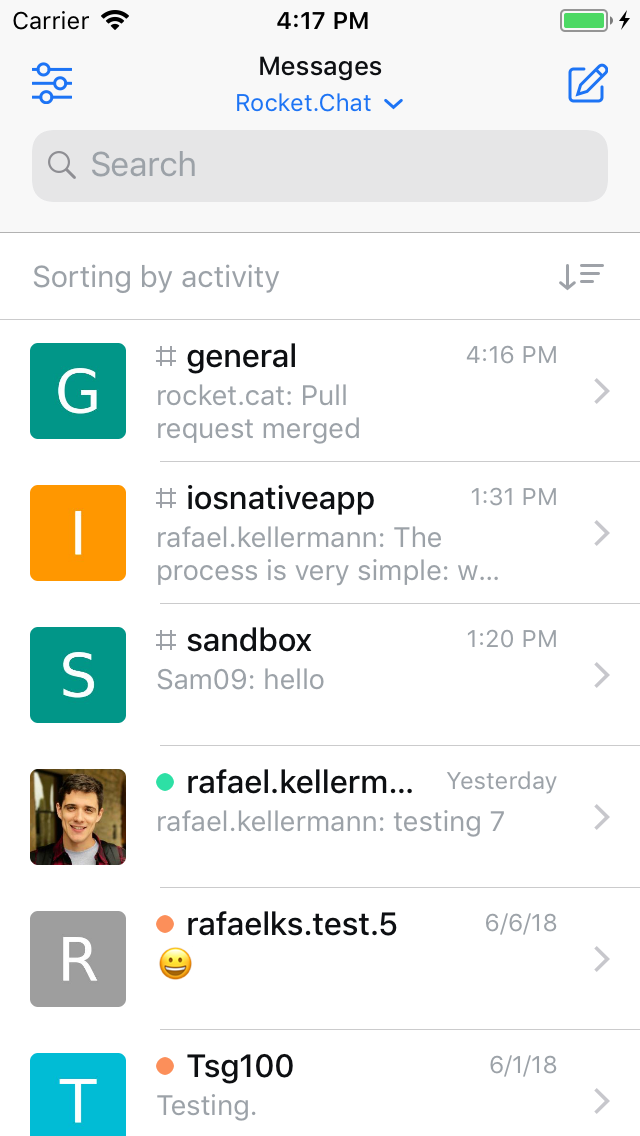
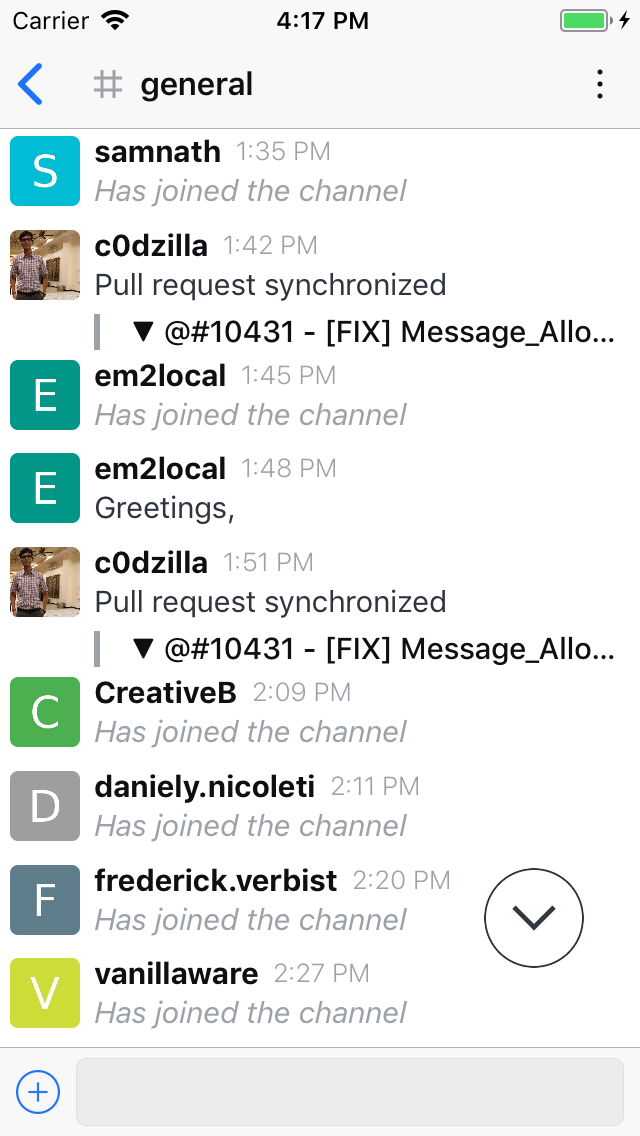
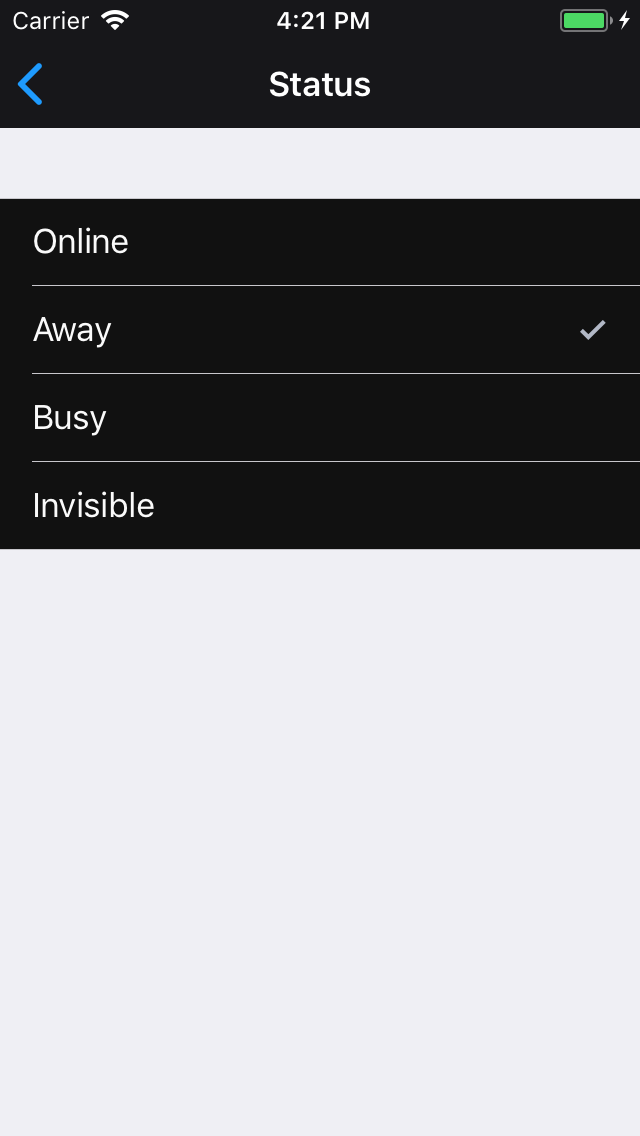
Fixes
|
|
@rafaelks Addressed those concerns. |
|
@Sameesunkaria Looking great! Thanks a lot for the hard work on this one! |

|
@Sameesunkaria Just reviewed it post-merge, it's looking awesome! Thank you 🥇 |
7 participants


@RocketChat/ios
This PR will focus on adding the ability to theme the application. The theme can be applied under Preferences > Theme. Currently there are three themes on the app, "Light", "Dark" and "Black".
A developer's guide for navigating these changes has been provided below.
Theme
A theme has been described as a class, containing the key colors and attributes which are required to theme the application.
Adapting a view for the theme
UIViewconforms to the protocol,ThemeProvider. This protocol has a read-only variablevar theme: Theme? { get }. The value of this variable is determined by itssuperview. In case asuperviewdoes not exist, the value is taken from theThemeManager.To color the UI components based on the selected theme, override the
applyThememethod onUIView. This method comes from the conformance to theThemeableprotocol. Here you can set the colors on the UI components. This is usually done in an extension. Accessing thethemeproperty, will enable you to use the key colors associated with that theme.The base implementation of
applyThemeautomatically sets the background color of the view, and callsapplyThemeon all of its subviews.Here's an example showing how the theme was applied to
ChatMessageAudioView.Note: It is recommended that you call
superwhenever overridingapplyTheme.A basic implementation for most of the UIKit view components has already been provided in
ThemeableViews.swift.Exempting a view from theming
A view and all of its subviews can be easily exempted from theming by overriding the
themeproperty and returningnil.This behaviour can also be adobted from within the Interface Builder, by setting the custom class for the view to
NotThemeableView.Applying a theme
For the theme to take effect, it is required that the view controller or the view add themselves as an observer by calling the
addObserver(_:)method onThemeManager.ThemeManagerexpects that the observers conform to the protocol,Themeable. This protocol contains one required method,applyTheme. By default, calling this method on aUIViewwill theme that view and all of its subviews. And, calling this method on aUIViewControllerwill pass this call to itsview.Using
ThemeManager.addObserver(_:), automatically calls theapplyThememethod on the object being added. TheapplyThememethod is also called on all of the observers when thethemechanges.This behaviour has already been implemented for
BaseViewControllerandBaseTableViewController. Any subclass of the aforementioned view controllers are not required to calladdObserver(_:)so long as they callsuperinviewDidLoad.NOTE:
ThemeManagerdoes not hold a strong reference to the observer, so it is not required to the remove the observer from theThemeManager.The
addObserver(_:)method only callsapplyThemeonce. This will make it so that all of the subviews added after calling theaddObserver(_:)methods, will not be themed.Updating the view after adding new subviews
You are required to call
applyThemeon any of the subviews being added to the view, after the initial call toaddObserver(_:).The whole view is not required to be themed. The
applyThememethod should only be called on the newly added subview.UITableView, UICollectionView & UINavigationBar
UITableView,UICollectionViewandUINavigationBarare already extended to accept new subviews and automatically callapplyThemeon them.Dealing with Navigation Bars
Apply theme method on the
UINavigationBarwill be automatically called when calling theapplyThememethod on aBaseViewControlleror aBaseTableViewController. This behavior can be turned off by either overriding thethemeproperty on theUINavigationBar, or using aNotThemeableNavigationBar.This can be done inside the Interface Builder by setting the class of the
UINavigationBartoNotThemeableNavigationBar.Screenshots
Chat
Preferences