Measure Values don't autofill when you customize the field level data and then load a fully standard data set.
Steps to Recreate
- Open the app, and load/switch to the partial SDTM data set
- Fill in the needed settings on the settings page & view the chart to make sure it renders as expected
- On the data tab, change back to the default AdAM data.
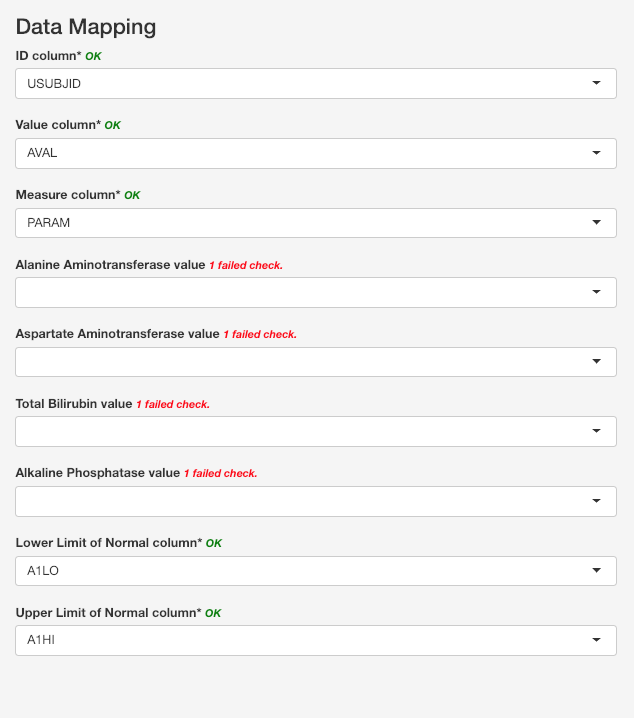
- Change to the settings tab, and note that the measure value fields (Bilirubin, etc) are not filled in (shown below).

Measure Values don't autofill when you customize the field level data and then load a fully standard data set.
Steps to Recreate