Conversation


|
Working great for me. It was breaking because I still had the old safetyCharts package installed, but updating to the latest version fixed that issue. |


|
93bad99 Looks nice. minor comments:
By the way I have a conflict at 11 and sorry to have to skip the V2 call today
|
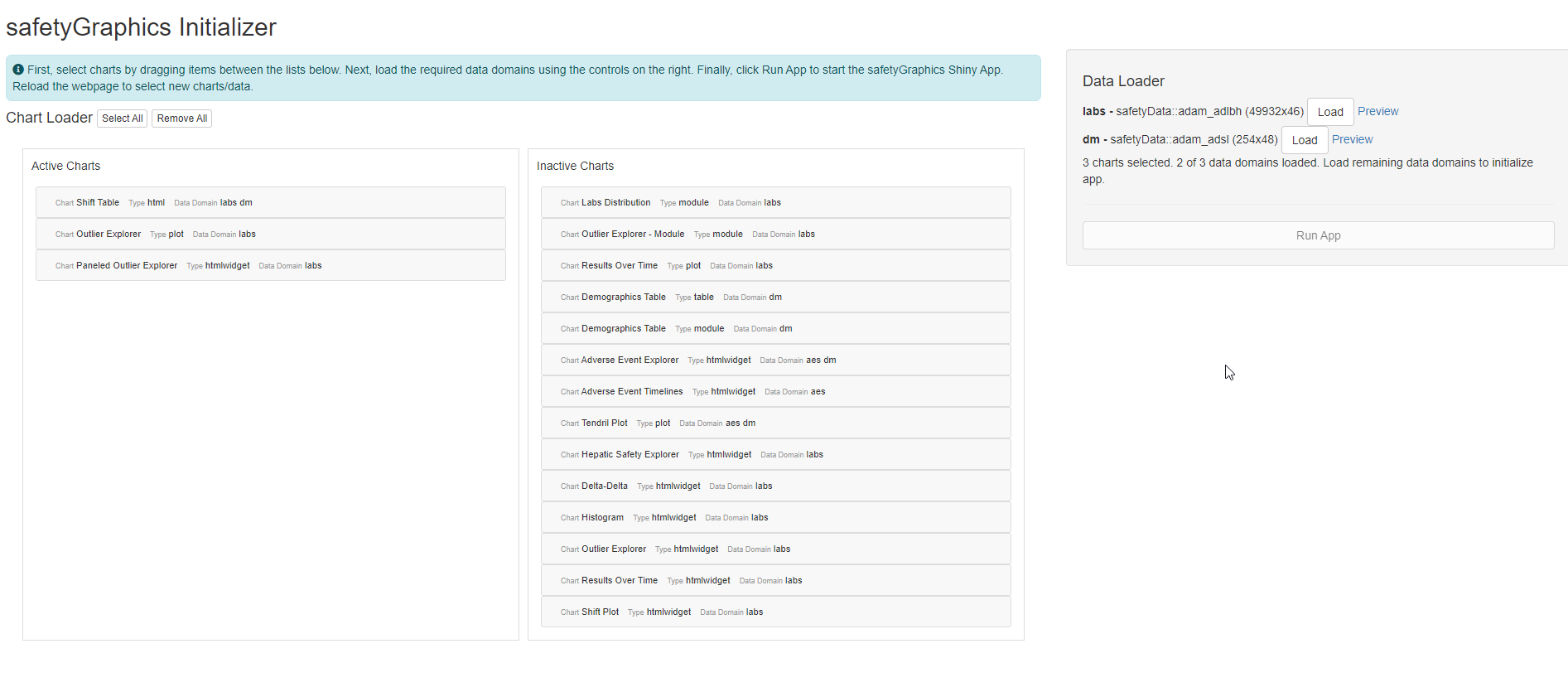
Hmm, I'm able to reproduce, but not sure why this is is happening. Some kind of issue with the reactivity/observers. I'm able to get the buttons to respond by clicking "Remove All" before "Select All", so might just let this slide and file an issue for later.
Good catch - this was a bug that pops up when not all of the domains are active. Fixed now. |
@xni7 - I think this is fixed now too! Let me know if it's working for you. |
|
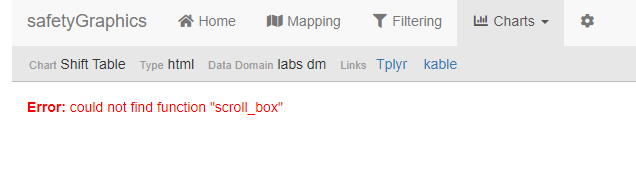
yeah, thanks @jwildfire ! The dragging issue is definitely fixed. The other issue also seems to have been fixed, except for the following shift table issue. I just selected one chart: the Shift Table but couldn't render
|
|
Good deal. Shift Table is a renderer issue. I'll file something over in safetyCharts. Going to merge this now. Thanks for all the quick reviews! |
3 participants


Overview
Usability improvements in
safetyGraphicsInit().Fixes #570 #569 #600
Details
Adds/fixes the following functionality
- #570
- #569
- Don't wipe loaded data when charts change ...
- Add instructions
Test Notes
Run
safetyGraphicsInit()and make sure you can select charts, load data and initialize the app. Chart order in the app should match the order in the sortable list.