



Visual debugging tool for Apple platforms — inspect view hierarchies at runtime with color-coded overlays.
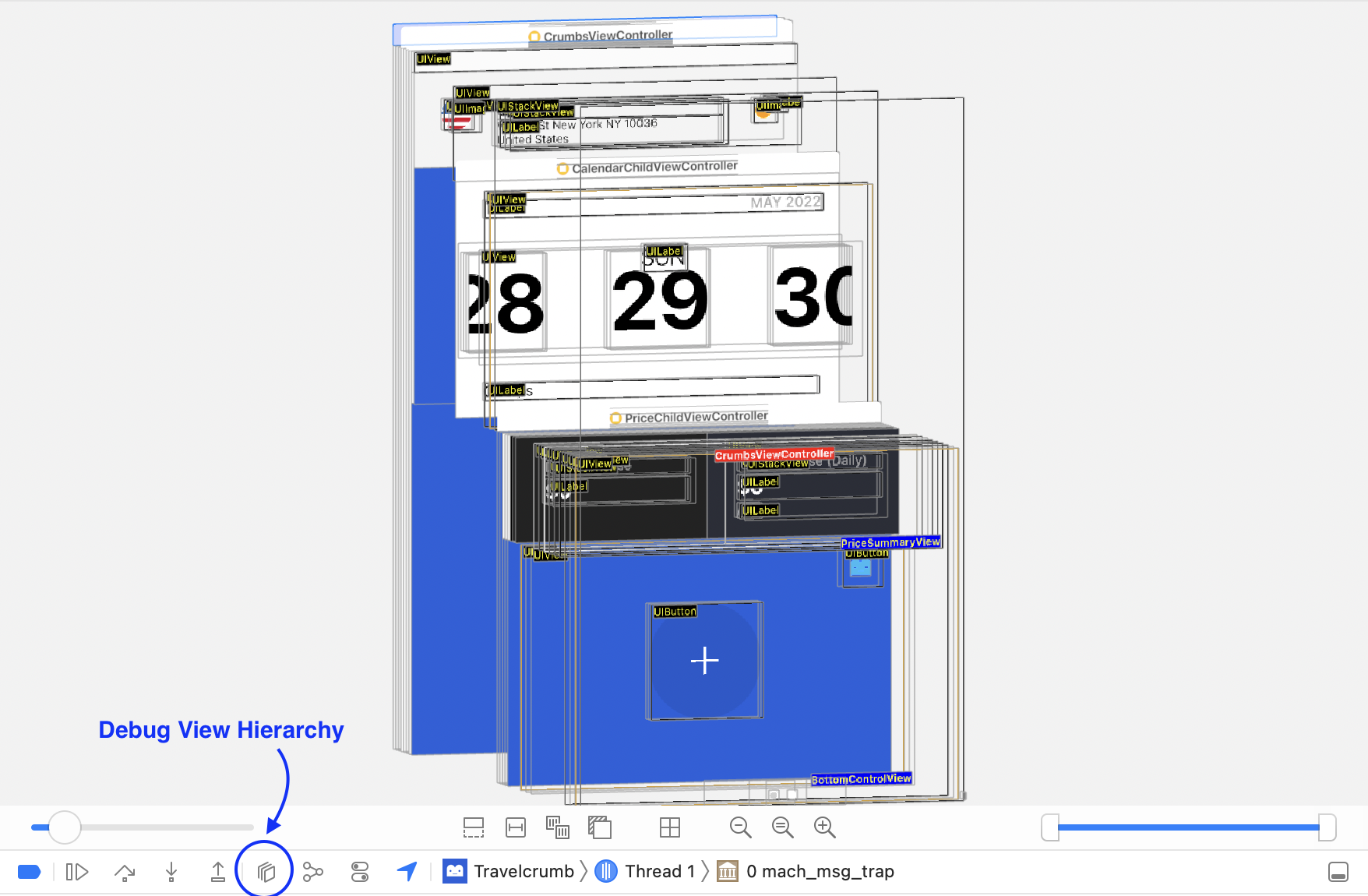
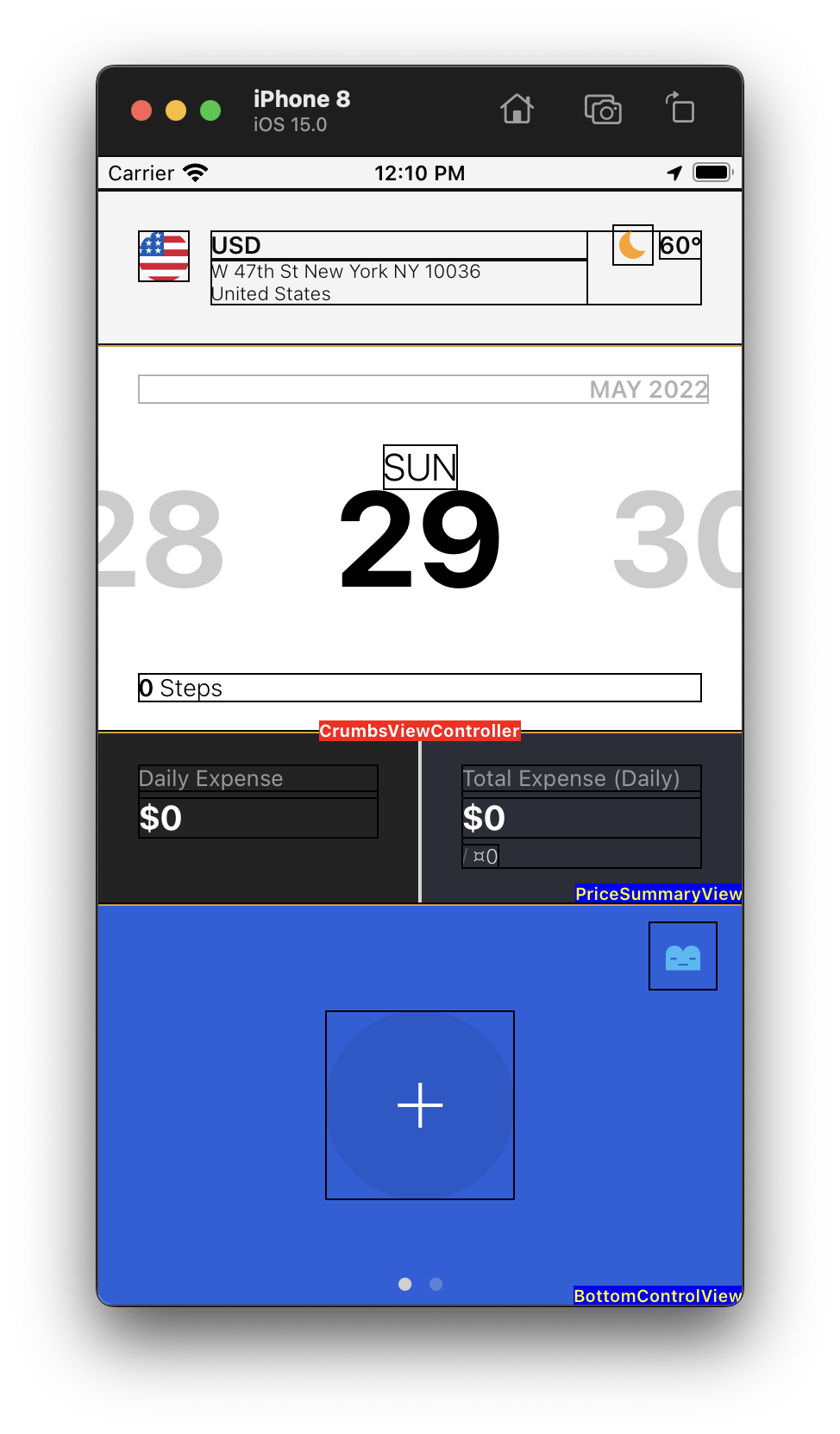
XRay shows all view hierarchies in UIKit without using Xcode's Debug View Hierarchy. Take a screenshot to trigger the overlay.
Status: Stable — feature complete. No active development needed.
XRay.mp4
- Recursively traverses entire view hierarchy
- Color-coded labels by view type:
- Red (center): ViewController
- Blue (trailing bottom): Custom View
- Black (leading top): Standard View
- Complementary color borders for maximum contrast
- Two filter modes:
.all(full hierarchy) and.customClass(custom views only) - Debug-only — safely wrapped in
#if DEBUG
- Swift 5.6+
- iOS 11+
Add to your Package.swift:
dependencies: [
    .package(url: "https://github.com/ShawnBaek/XRay.git", from: "1.0.2")
]
Or in Xcode: File > Add Package Dependencies and enter:
https://github.com/ShawnBaek/XRay.git
In your AppDelegate.swift:
func application(_ application: UIApplication, didFinishLaunchingWithOptions launchOptions: [UIApplication.LaunchOptionsKey: Any]?) -> Bool {
    #if DEBUG
    NotificationCenter.default.addObserver(
        self, selector: #selector(screenshotTaken),
        name: UIApplication.userDidTakeScreenshotNotification, object: nil
    )
    #endif
    return true
}#if DEBUG
@objc func screenshotTaken() {
guard let scene = UIApplication.shared.connectedScenes.first as? UIWindowScene,
let keyWindow = scene.keyWindow,
let topViewController = keyWindow.topViewController() else {
return
}
let xray = XRay(rootViewController: topViewController)
xray.captureXray(classNameOption: .all)
DispatchQueue.main.asyncAfter(deadline: .now() + .seconds(5)) {
xray.removeXray()
}
}
#endif
MIT License. See LICENSE for details.
Shawn Baek — GitHub · shawn@shawnbaek.com