Auto Share is the car renting marketplace. Whether you are hiring a car for business or pleasure, or you need a car or van, Autoshare has the varieties of car for you. Our main aim is to showcase a platform where people can rent their car as well book them and use them whenever they need.
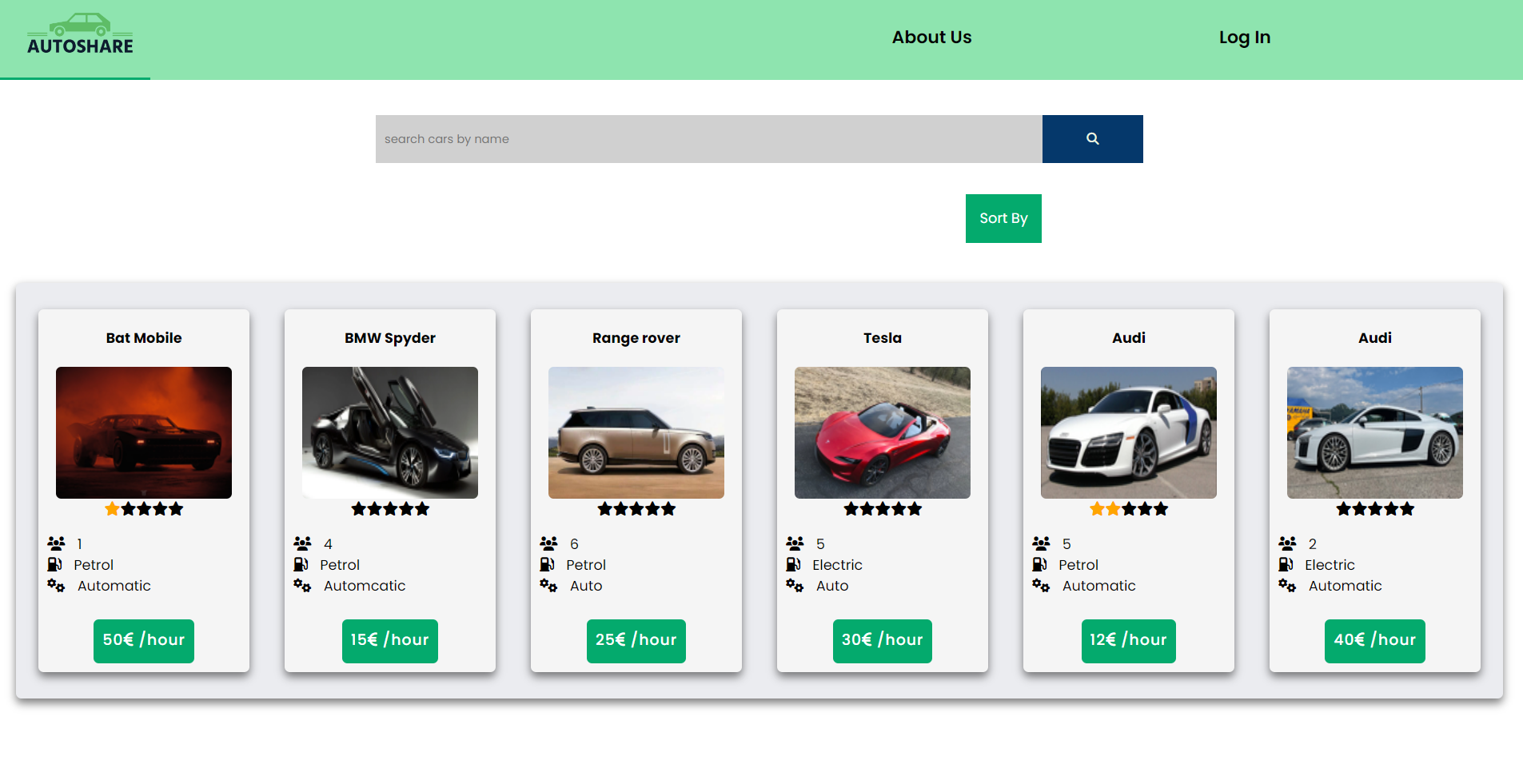
- As an anonymous user, you can view the list of car and search car by name.
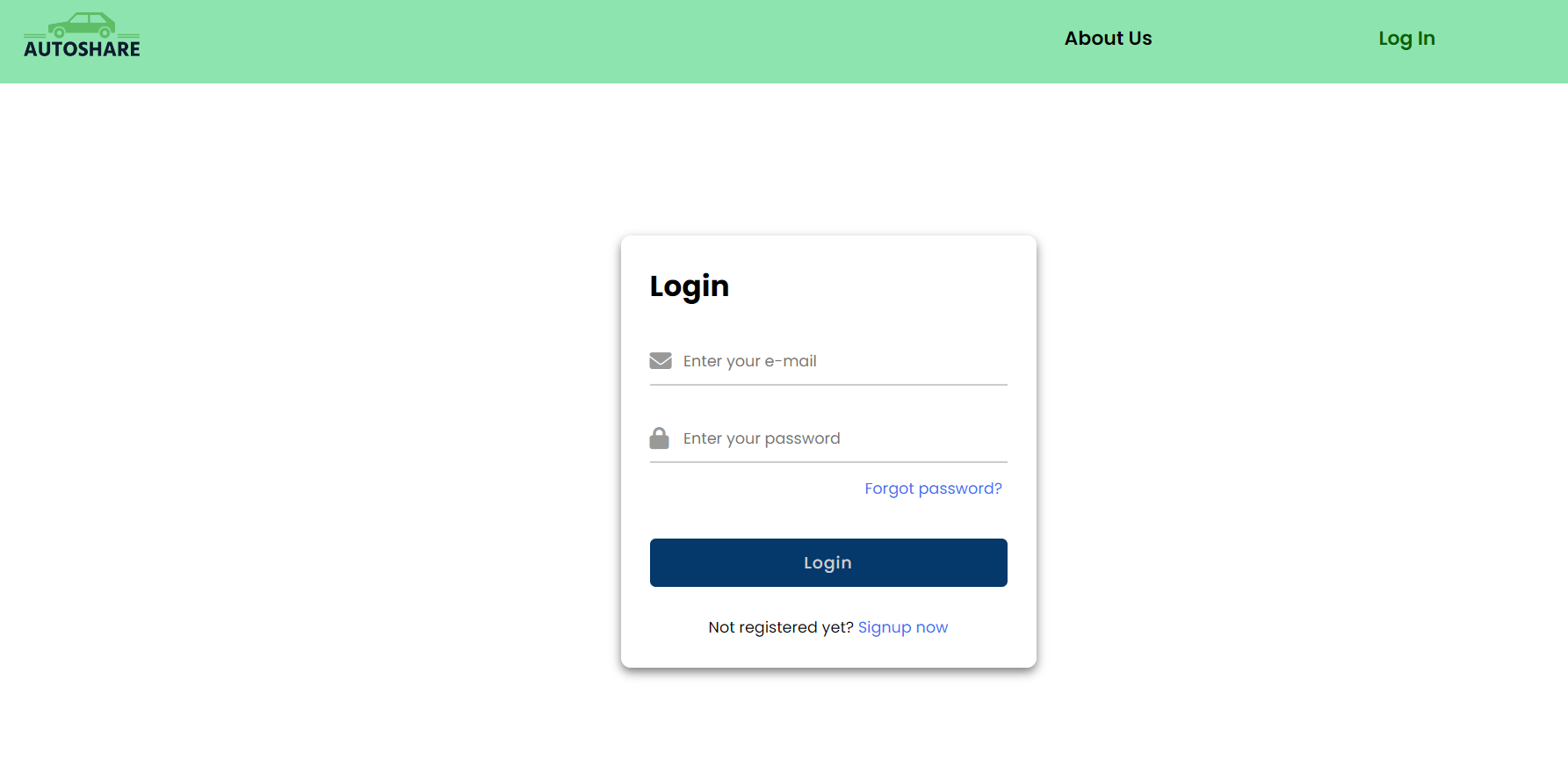
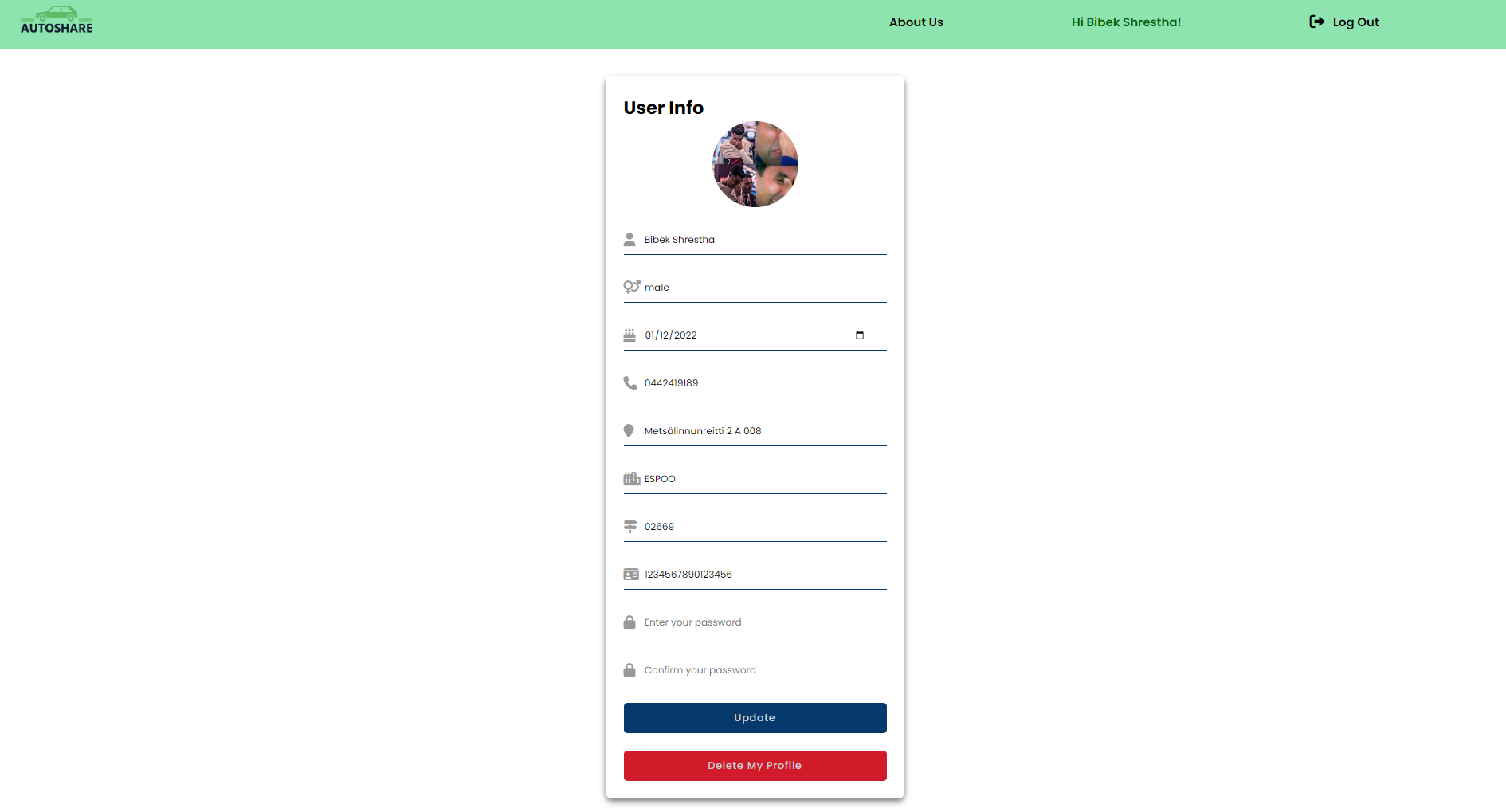
- As a log-in user, in addition to the above features, you can add cars, edit and delete the car. You can create an account, login and logout. Further, in your profile page, you can update your information along with the profile image and password. It is also possible to delete the user account and deleting the user account automatically deletes all the cars owned by that specific user. Likewise, logged in user can check the car in more detail, can check the availability time and date, and make a booking.
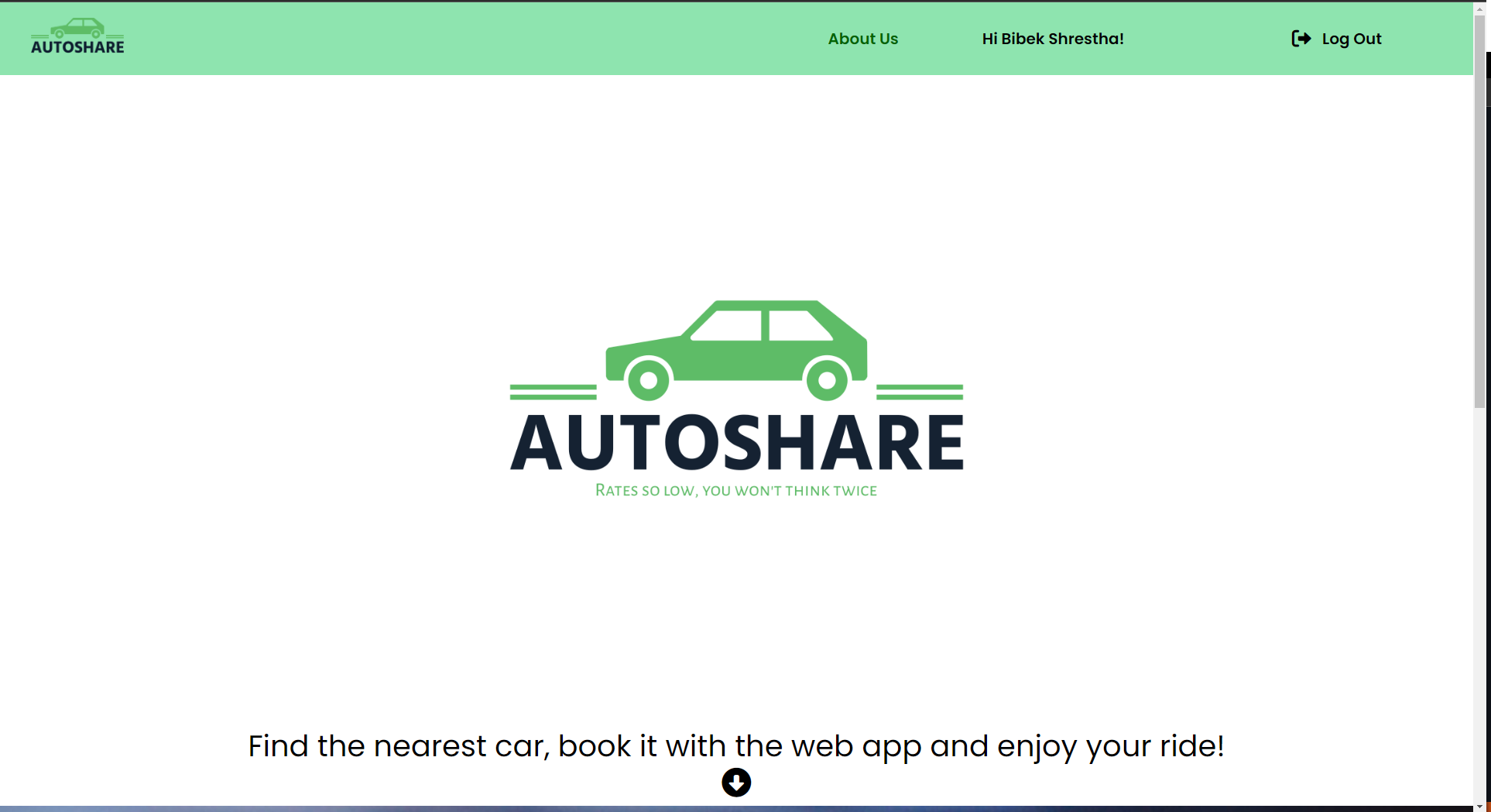
- The website comprises of different pages: Home/front page, Car detail page, Profile page, My car page, About us.
- On the Front page, there is all the list of the cars visbile. It can be sorted out based on average rating, most expensive and the cheapest. Searching the car based on the brand name is possible from the search bar. Logged in user can see their name in the top right of the page.
- On the Car detail page, there is info of the car in more detail including brand, transmission, fuel, year, seats and rent price per hour. There are images of the cars along with the availability details. Further, there is details of the user: name, phone number, email and address. There is map allocating the address for the car pick up. There is also the section for rating. This is page which enables us to do a booking.
- On the Profile page, you can upload the profile image and update all the informations except the email address.
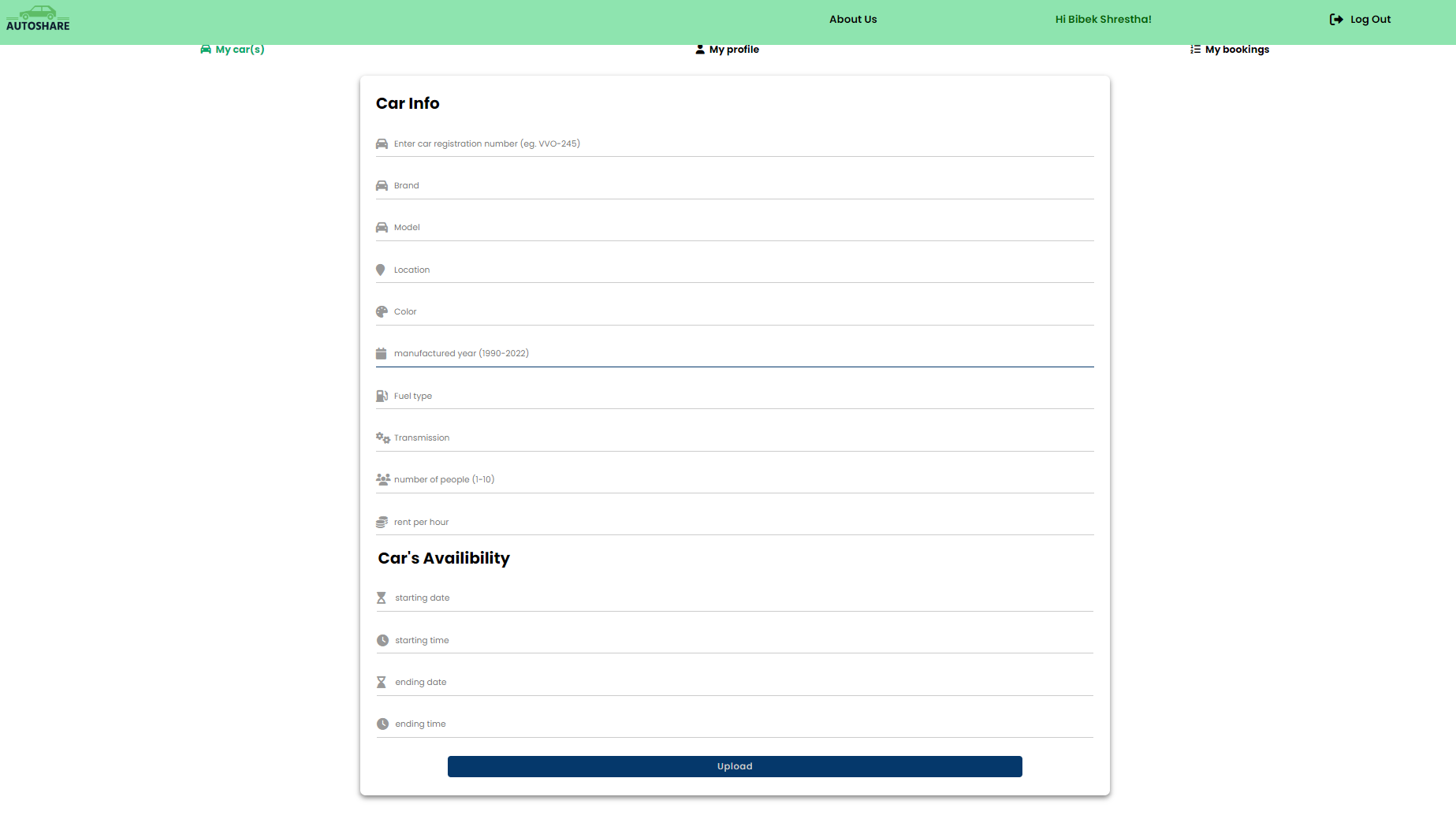
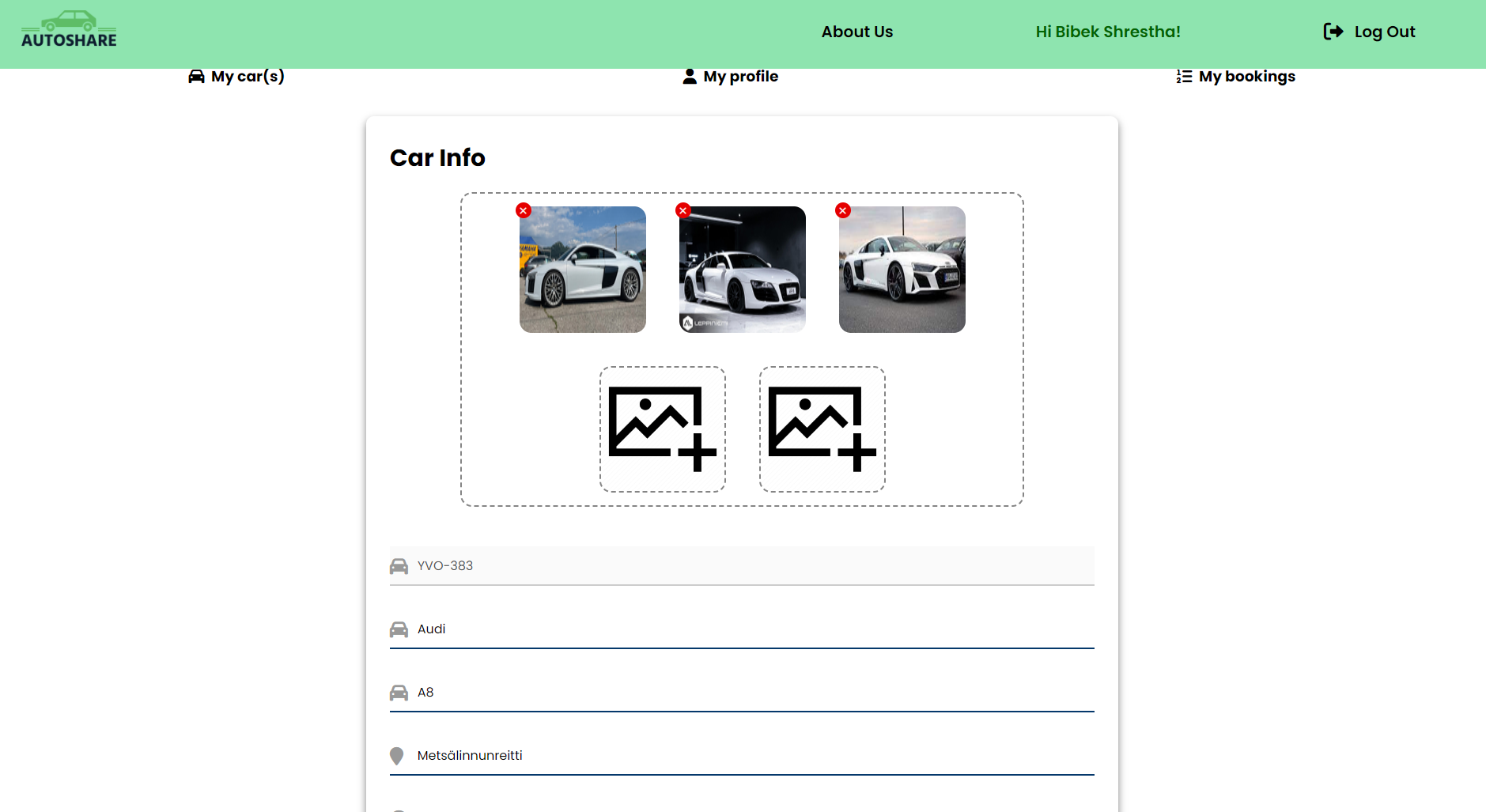
- On the My car page, there is list of your car. It is possible to click it and edit the information of the car and respectively delete the car using the delete button. It is also possible to add a new car from this page and upload the images.
- On About us page, there is more in details about how our website works and our contact details.
- Front-end: HTML and CSS for creating and styling all the pages. Javascript for changing the DOM and communicating with Back-end.
- Back-end: NodeJS and Express
- Database: MariaDB
- For the app deployment in server: Microsoft Azure
git@github.com:Shilupa/autoShare.git cd autoshare
cd server
npm install DB_HOST="localhost"
DB_NAME="autoshare"
DB_USER="autouser"
DB_PASSWORD="test123"
JWT_SECRET="secret"To run front end: For VSCode, you can click the Go Live on the bottom bar to open the web on your default browser.
nodemon
Express
multer
dotenv
express-validator
bcryptjs
jsonwebtoken
npm i mysql2
npm install express-validator
npm i passport passport-local passport-jwt
npm i exif
##Some screenshots from our web page
Bibek Shrestha
Suraj Rana Bhat
Shilpa Singh Yadav