Using OpenCV's dnn module with pre-trained models from tensorflow and caffe
python detectVideo.py --method caffe --file office.mp4
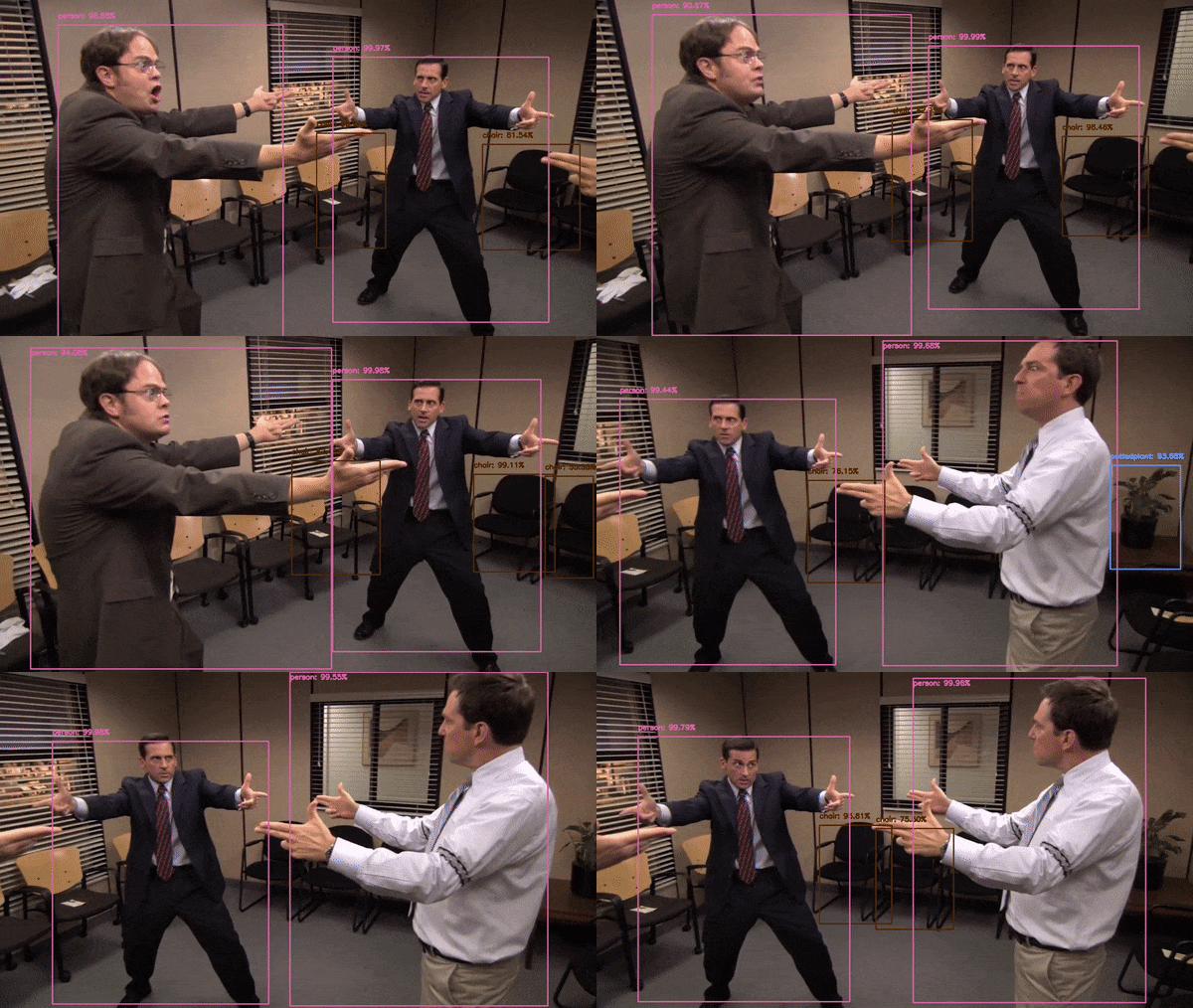
This will show the object detection on screen and output a video in the output directory. Using detectImage on an image file will output an image in the output directory.
Using a custom trained object detector, a stop sign detector and bison detector were done following the tutorial here. The detectImage and detectVideo scripts can use these detectors instead of the pre-trained caffe/tensorflow ones.
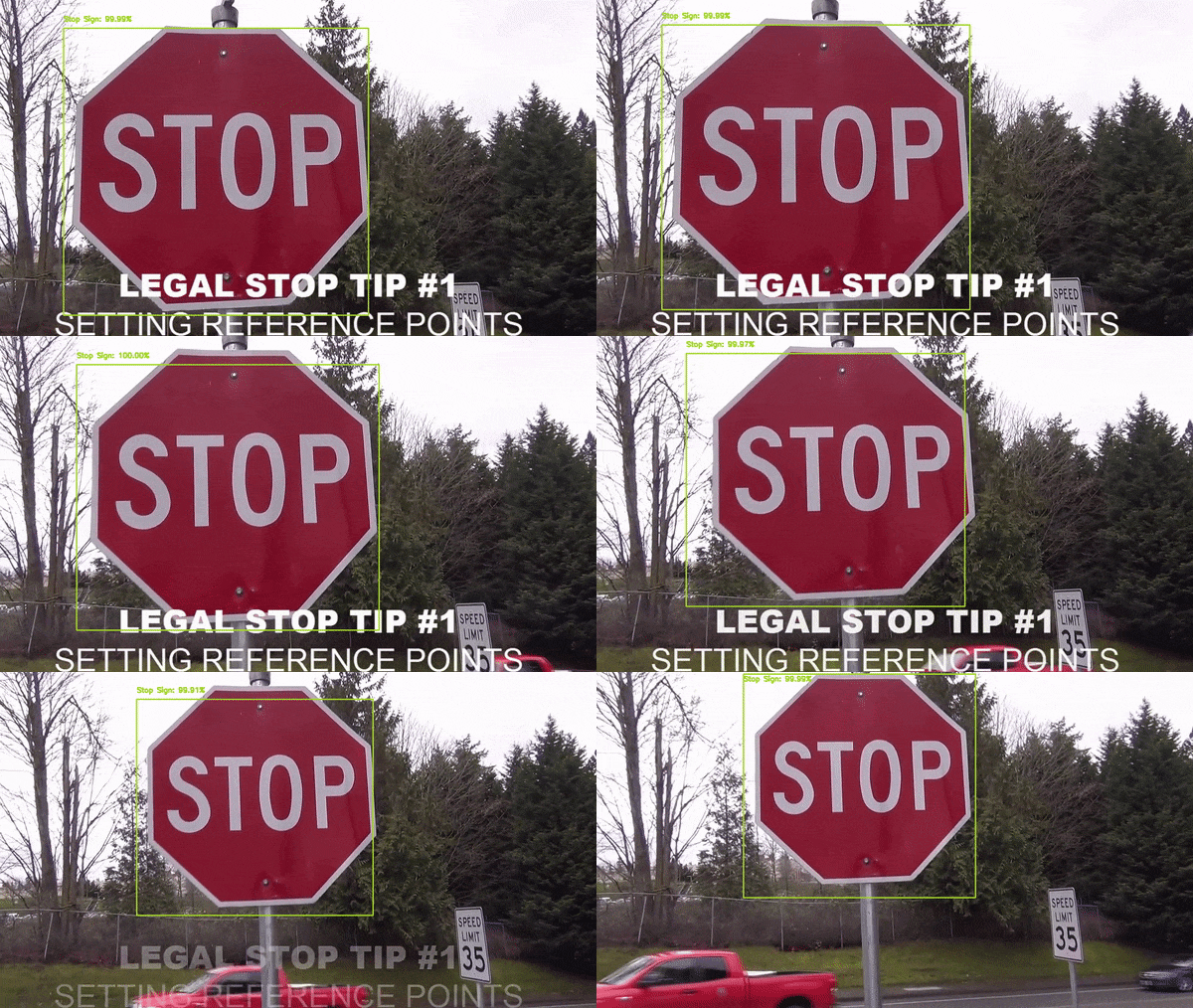
python detectImage.py --method trafficSign --image images/stopSign.jpg

python detectVideo.py --method trafficSign --file stopSign.mp4
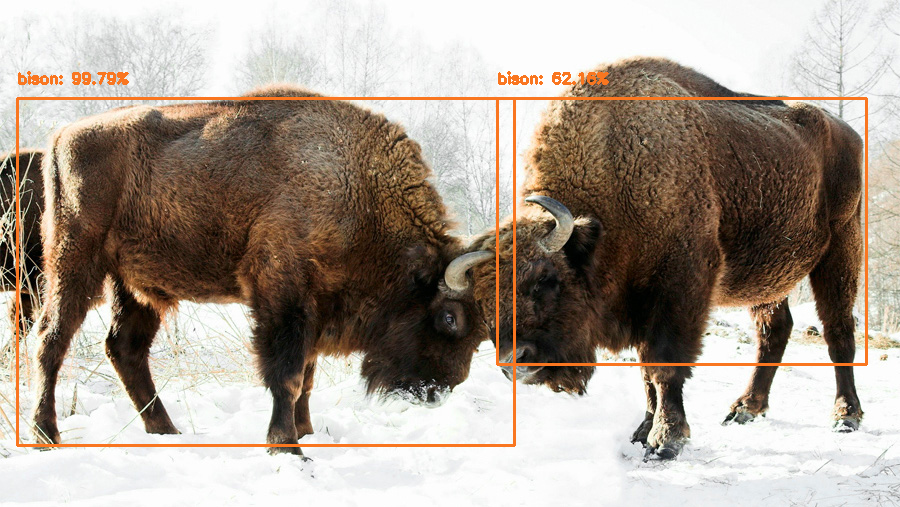
python detectImage.py --method bison --image images/bison.jpg
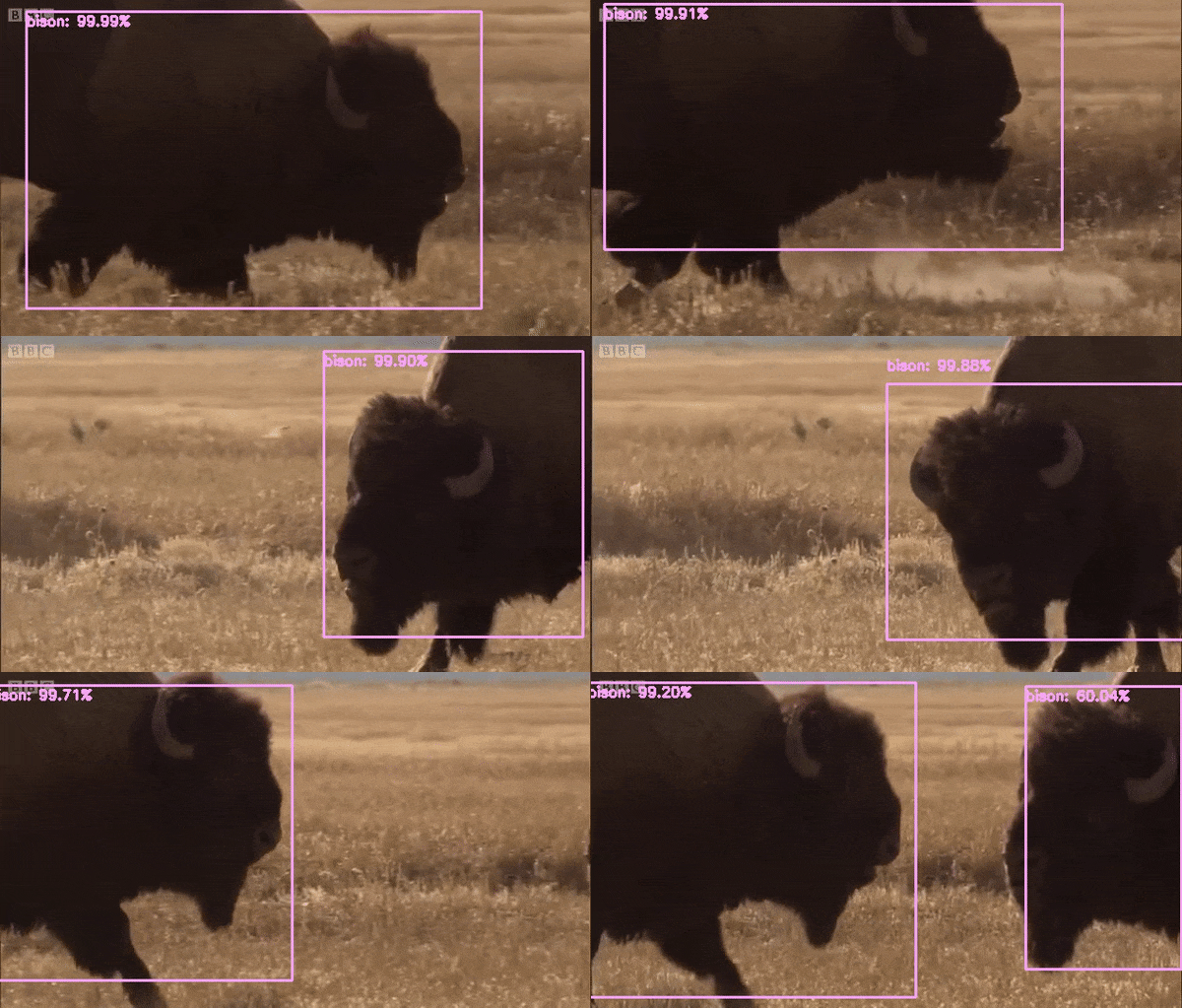
python detectVideo.py --method bison --file bison.mp4
- Arguments for detectVideo are --method, which is caffe, tensorflow, trafficSign or bison, and --file, which is the path to the video
- Arguments for detectImage are --method, which is caffe, tensorflow, trafficSign or bison, and --image, which is the path to the image
- Arguments for detectWebcam are --method, which is caffe or tensorflow
- The training for the bison detector had to be stopped early due to an error, so as of right now it is not great (it will think pretty much anything is a bison)
- The stop sign model does better than the bison one, but is still far from perfect
https://www.pyimagesearch.com/2017/09/18/real-time-object-detection-with-deep-learning-and-opencv/
https://pythonprogramming.net/introduction-use-tensorflow-object-detection-api-tutorial/
https://github.com/tensorflow/models