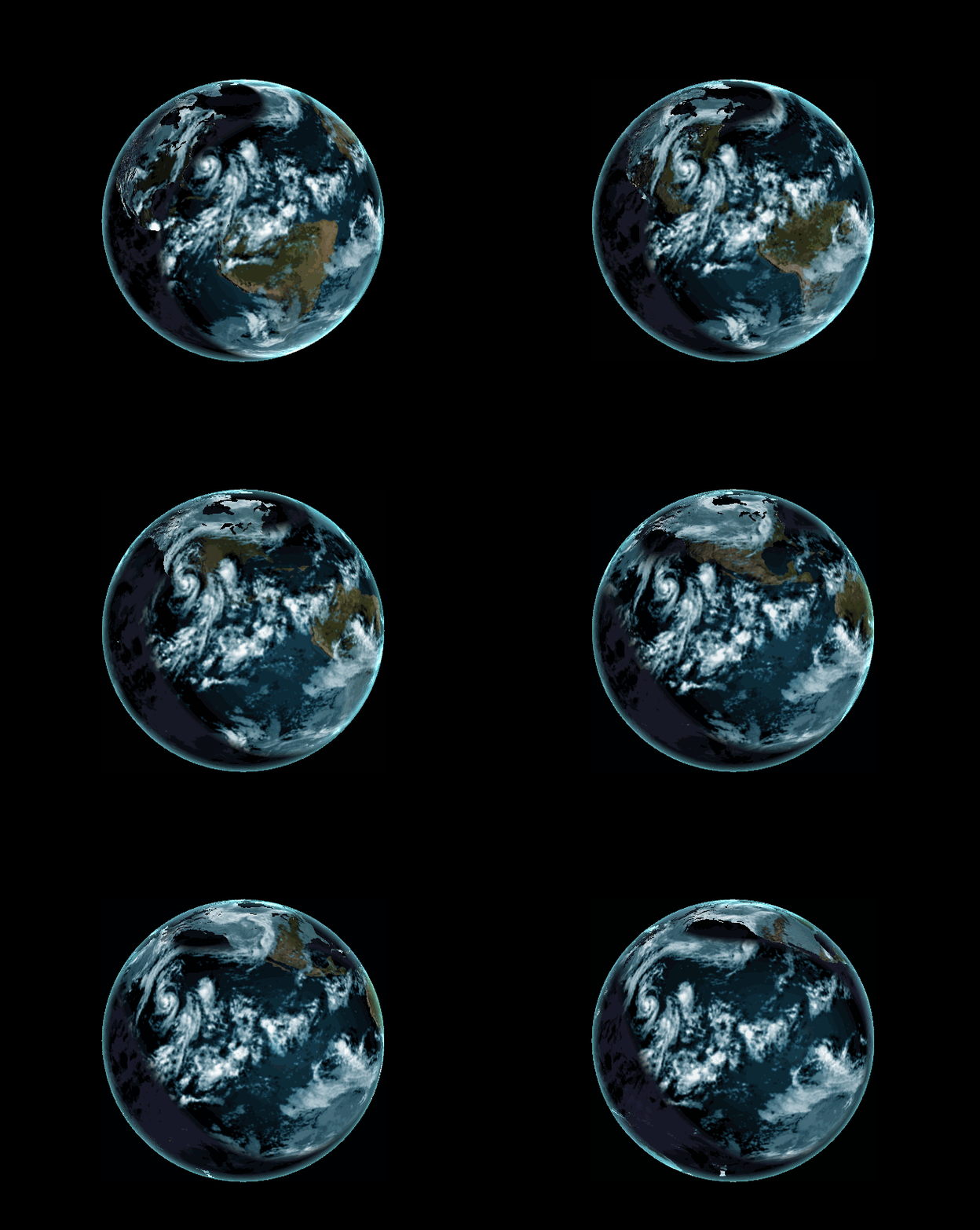
demo link:
In the first part of this project, I implemented a GLSL vertex shader as
part of a WebGL demo.
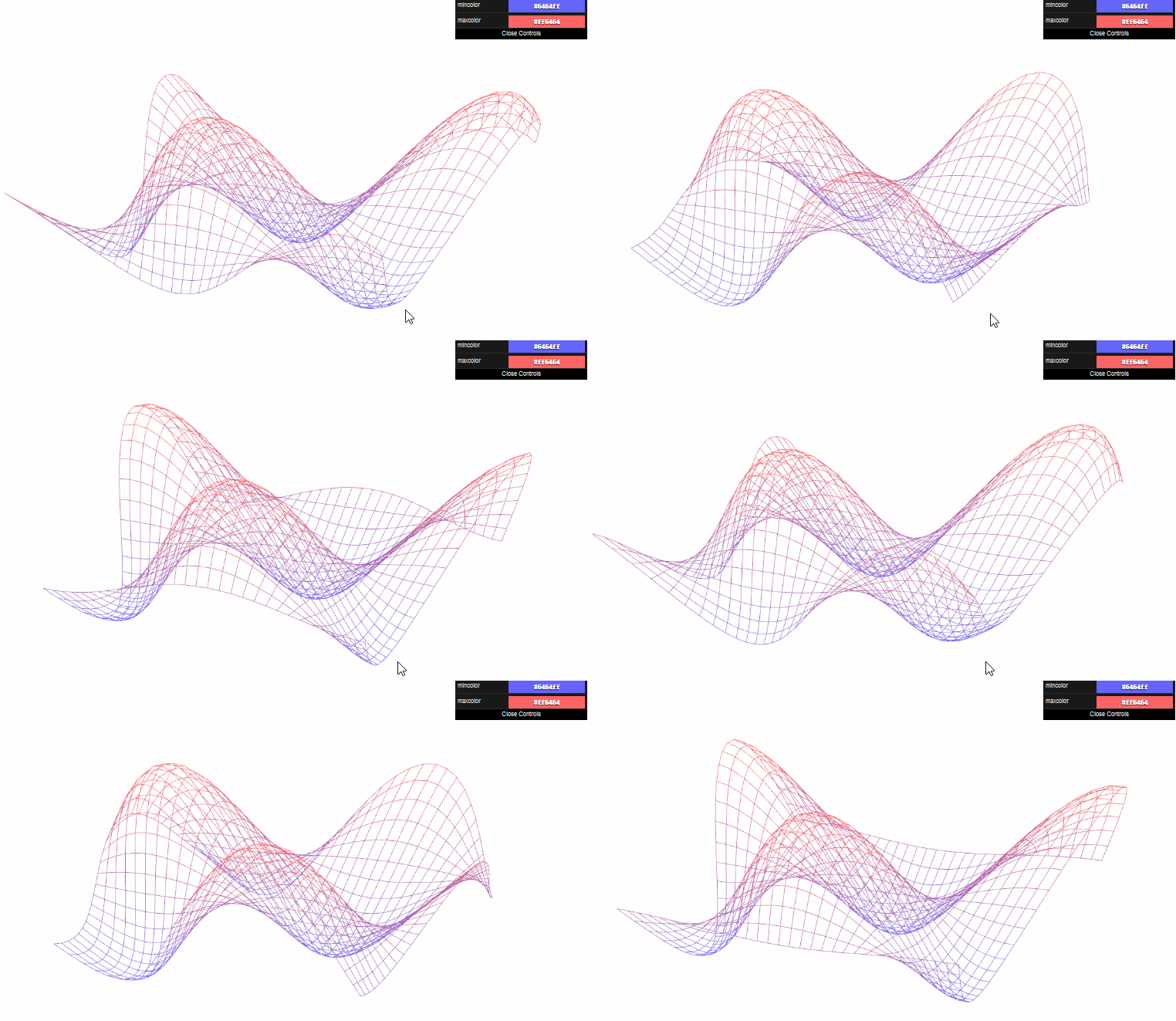
custom vertex shader: Each vertex's color depend on its height. Height will change according to a sin function based on
the distance between this vertex and the center.
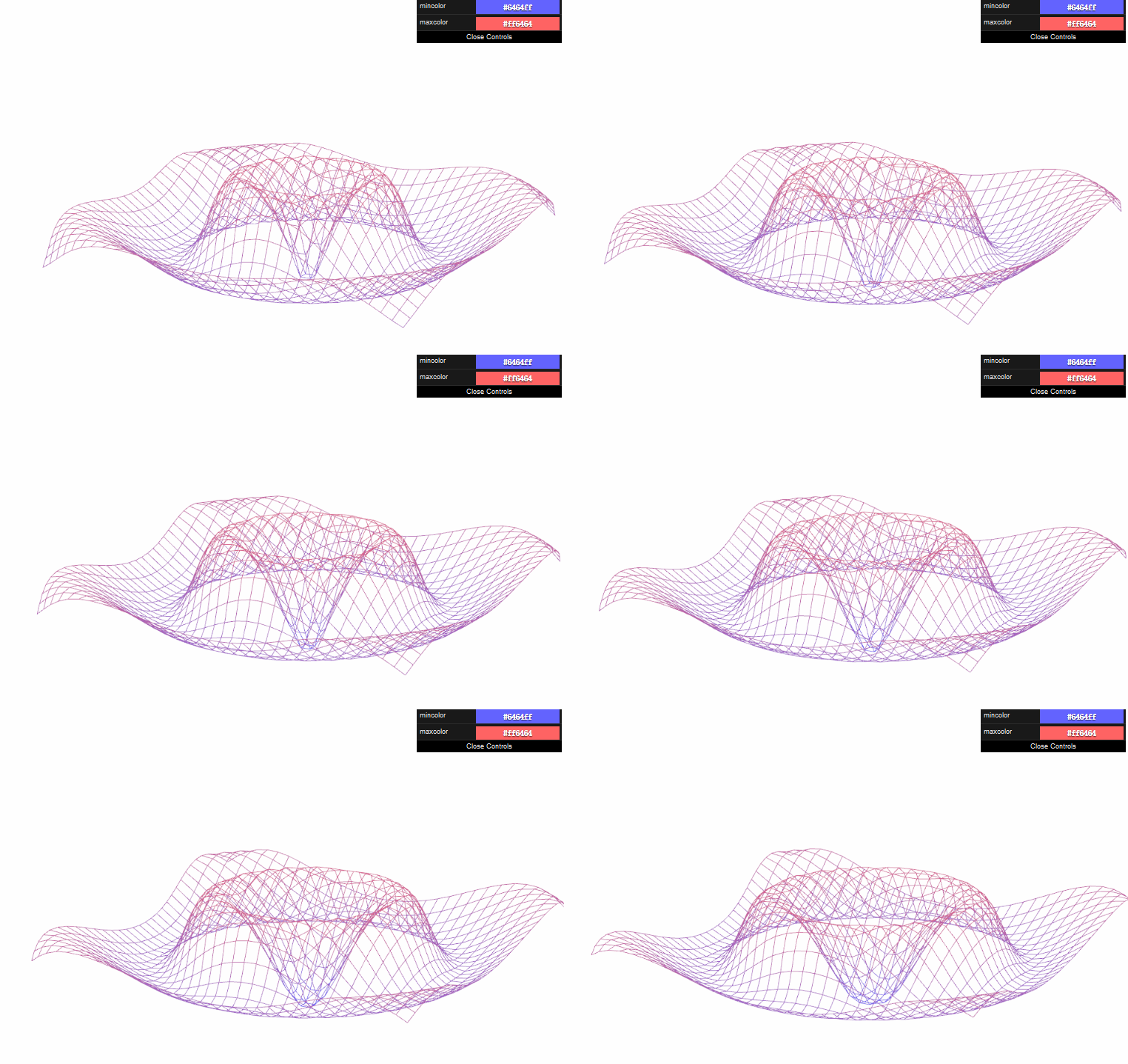
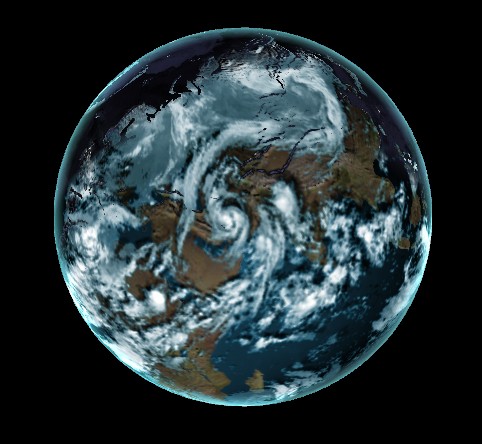
In the second part of this project, I implemented a GLSL fragment shader to render an interactive globe in WebGL. This include texture blending, bump mapping, specular masking, and adding a cloud layer to give globe a uniquie feel.
Given code:
*Rendering a sphere with textures mapped on
*Basic passthrough fragment and vertex shaders
*A basic globe with Earth terrain color mapping
*Gamma correcting textures
*Javascript to interact with the mouse
*Left-click and drag moves the camera around
*Right-click and drag moves the camera in and out
Implemented:
*Bump mapped terrain
*Rim lighting to simulate atmosphere
*Night-time lights on the dark side of the globe
*Specular mapping
*Moving clouds
I also implemented Cloud shadows via ray-tracing through the cloud map in the fragment shader
result without cloud shadows:
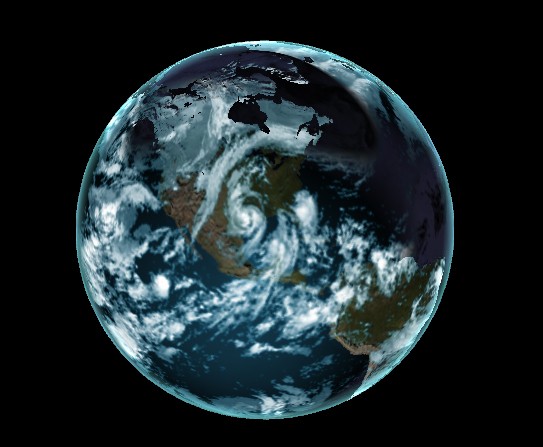
result with cloud shadows:
The feature I implemented in this project seems has little influnce in the performance. The FPS hardly change no matter I added these features or not.