Col resize hit area increase#3414
Conversation


|
Build successful! 🎉 |
|
Build successful! 🎉 |
|
Build successful! 🎉 |

|
Build successful! 🎉 |
|
Build successful! 🎉 |
|
Build successful! 🎉 |
|
Build successful! 🎉 |
|
Build successful! 🎉 |

 reidbarber
left a comment
reidbarber
left a comment
reidbarber
left a comment
There was a problem hiding this comment.
LGTM, working as intended in Chrome/FF/Safari/iOS Safari.

|
Build successful! 🎉 |

 LFDanLu
left a comment
LFDanLu
left a comment
LFDanLu
left a comment
There was a problem hiding this comment.
Confirmed that I can actually resize the columns with my Android phone now with the larger hit areas! Noticed one issue, feel free to add to a followup if you want
| keysBefore.push(key); | ||
| key = tableState.collection.getKeyBefore(key); | ||
| } while (key != null); | ||
| let resizerPosition = keysBefore.reduce((acc, key) => acc + columnState.getColumnWidth(key), 0); |
There was a problem hiding this comment.
I think you'll have to account for scroll position here, try going to https://reactspectrum.blob.core.windows.net/reactspectrum/64ad9faffb499da09831a4beeb35e78613d787a2/storybook/index.html?path=/story/tableview--allowsresizing-many-columns-and-rows&providerSwitcher-scale=large&providerSwitcher-toastPosition=bottom and scrolling a bit to the right and then trigger resizing via the column header dropdown. You'll see the indicator is offset from the actual resizer by the amount you scrolled.
A similar class of issue happens when you drag the column resizer of the first column past the width of the visible table, then trigger the resize mode for the same column via the dropdown. The column will scroll the resizer into view but the nubbin indicator will be in the position the resizer was in before scrolling
# Conflicts:
#	packages/@react-aria/table/intl/ar-AE.json
|
Build successful! 🎉 |
|
Build successful! 🎉 |
|
Build successful! 🎉 |
|
Build successful! 🎉 |
|
Build successful! 🎉 |
|
Build successful! 🎉 |
|
Build successful! 🎉 |
LFDanLu
left a comment
LFDanLu
left a comment
There was a problem hiding this comment.
Tested in Chrome/Safari/FF and Chrome Android, works pretty well. I did find one more edge case that I'll describe below, but I'm approving since it feels like exceeded the original scope of this PR so feel free to handle it in a followup alongside my other nitpicks
Repro:
- Navigate to https://reactspectrum.blob.core.windows.net/reactspectrum/86644b16aae2d50e58adf67798194f50dad07dcc/storybook/index.html?path=/story/tableview--allowsresizing-uncontrolled-dynamic-widths&providerSwitcher-toastPosition=bottom
- Hover over the "Type" column and drag its resizer to the right a little bit.
- Click on the "Focusable before" input and tab into the tableview. Sometimes focus moves to the first column header instead of to the "Type" column
- If focus is on the first column header, trigger keyboard resizing via the menu. Note that focus jumps from the resizer back to the "Type" column
Really weird and not 100% reproducible, must be something with the tracked focusedkey messing up.
| /* don't want the divider to add to the resizer's width since it's */ | ||
| &:active, | ||
| &:focus-ring { | ||
| &::after { | ||
| background-color: var(--spectrum-global-color-blue-400); | ||
| background-color: unset; |
There was a problem hiding this comment.
mega nit:
is this comment supposed to be here? Just trying to figure out how unsetting the background color is related to the resizer width here.
There was a problem hiding this comment.
I've got an element that sits on top and isn't the button, when focused, I don't want it visible, it causes a tiny wiggle because the anti-aliasing is strong than it should be, so this looks better
|
Build successful! 🎉 |

|
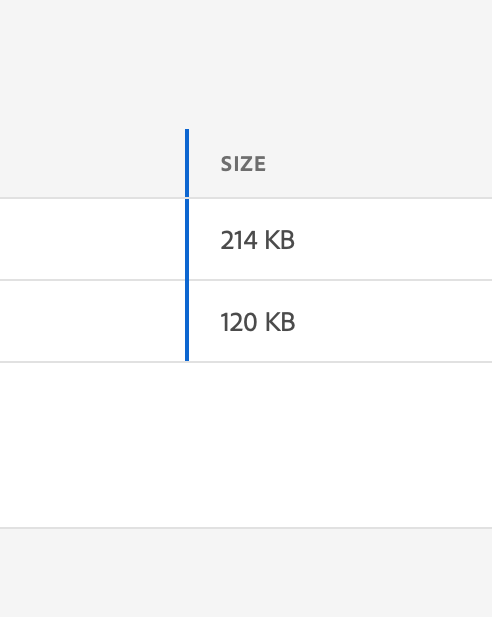
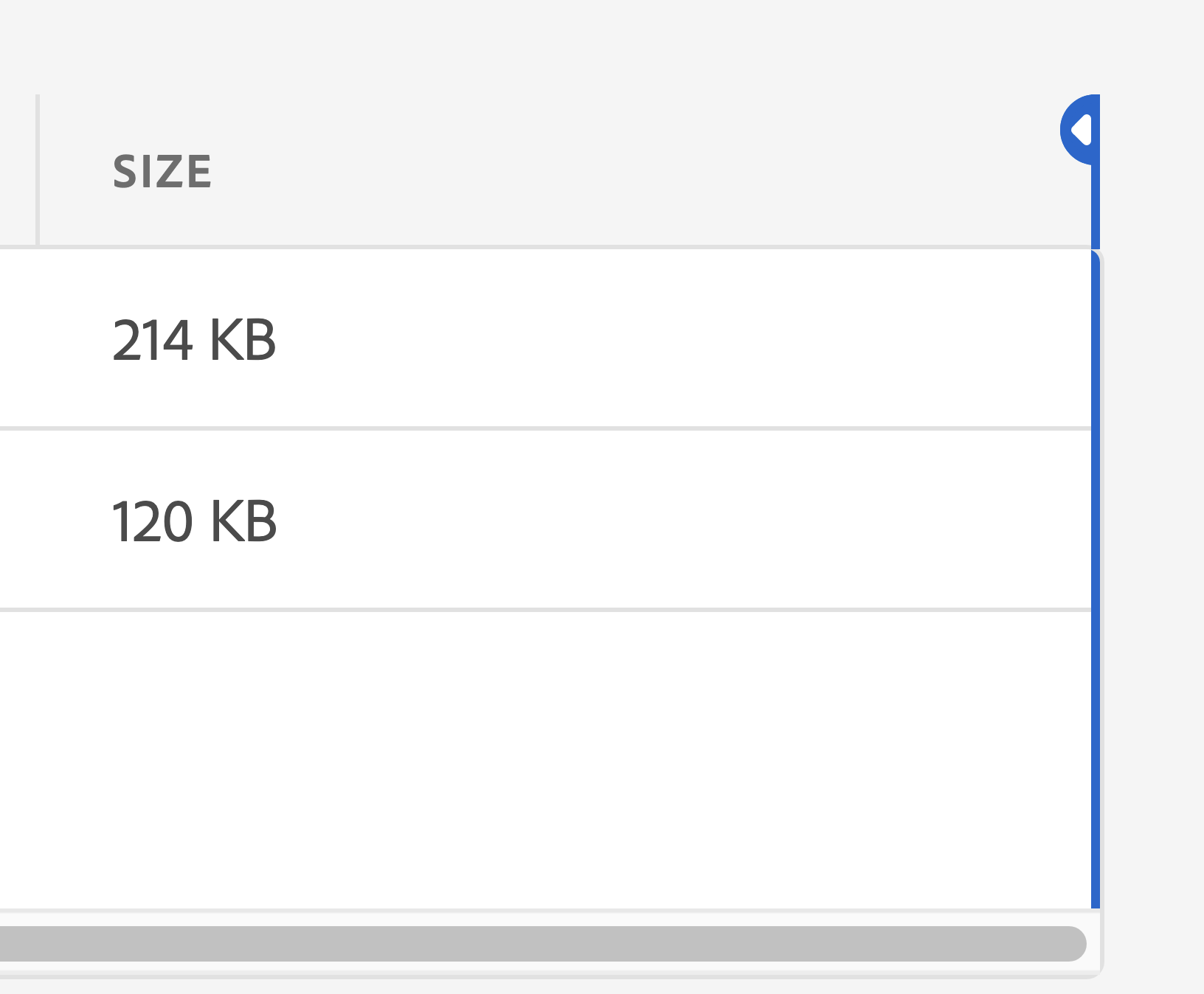
2 things:
|
|
Build successful! 🎉 |
|
Build successful! 🎉 |
reidbarber
left a comment
reidbarber
left a comment
There was a problem hiding this comment.
LGTM, tested Chrome/FF/Safari/iOS Safari.
|
Build successful! 🎉 |

6 participants


Closes
✅ Pull Request Checklist:
📝 Test Instructions:
🧢 Your Project: