feat: change generate SVG function#88
Conversation


|
|

|
This pull request is being automatically deployed with Vercel (learn more). 🔍 Inspect: https://vercel.com/apiseven/contributor-graph/AdWjMQpjqChC1RRouZsAii6cXEup |

 Baoyuantop
changed the title
Baoyuantop
changed the title


|
Please take a look if possible 😄 cc @Yiyiyimu |

 Yiyiyimu
left a comment
Yiyiyimu
left a comment
Yiyiyimu
left a comment
There was a problem hiding this comment.
Actually I know nothing about Node.js😿, so maybe I need some help here to review that part. Also @LiteSun could you help to make sure the output layout is the same as with the front-end
BTW, the reason we choose to get the graph from the front-end is mainly that we don't want to maintain code for one function in two different places, to increase the burden of maintenance. But considering there is nothing much to change on the front end for now, I do agree to build the graph generation also on the back-end.
|
|
||
| [](https://www.apiseven.com/en/contributor-graph?chart=contributorMonthlyActivity&repo=apache/apisix&merge=true) | ||
|
|
||
| ## Development |
There was a problem hiding this comment.
Since normal contributors could not get access by default, so maybe we could move it to a separate file and leave a link here, so not all people need to see it on README.
Also maybe we could also add guidance on how to get access.
There was a problem hiding this comment.
Agree, we do need a guide to tell a new developer how to start this project.
There was a problem hiding this comment.
Yes it's pretty complicated, since we deploy it on something we pay for, we need to find the way to give enough permission for users to contribute, but also avoid people abusing it
| svg = strings.Replace(svg, "%", "%%", -1) | ||
| fmt.Fprintf(w, svg) | ||
| } else { | ||
| w.Header().Add("content-type", "image/png") |
There was a problem hiding this comment.
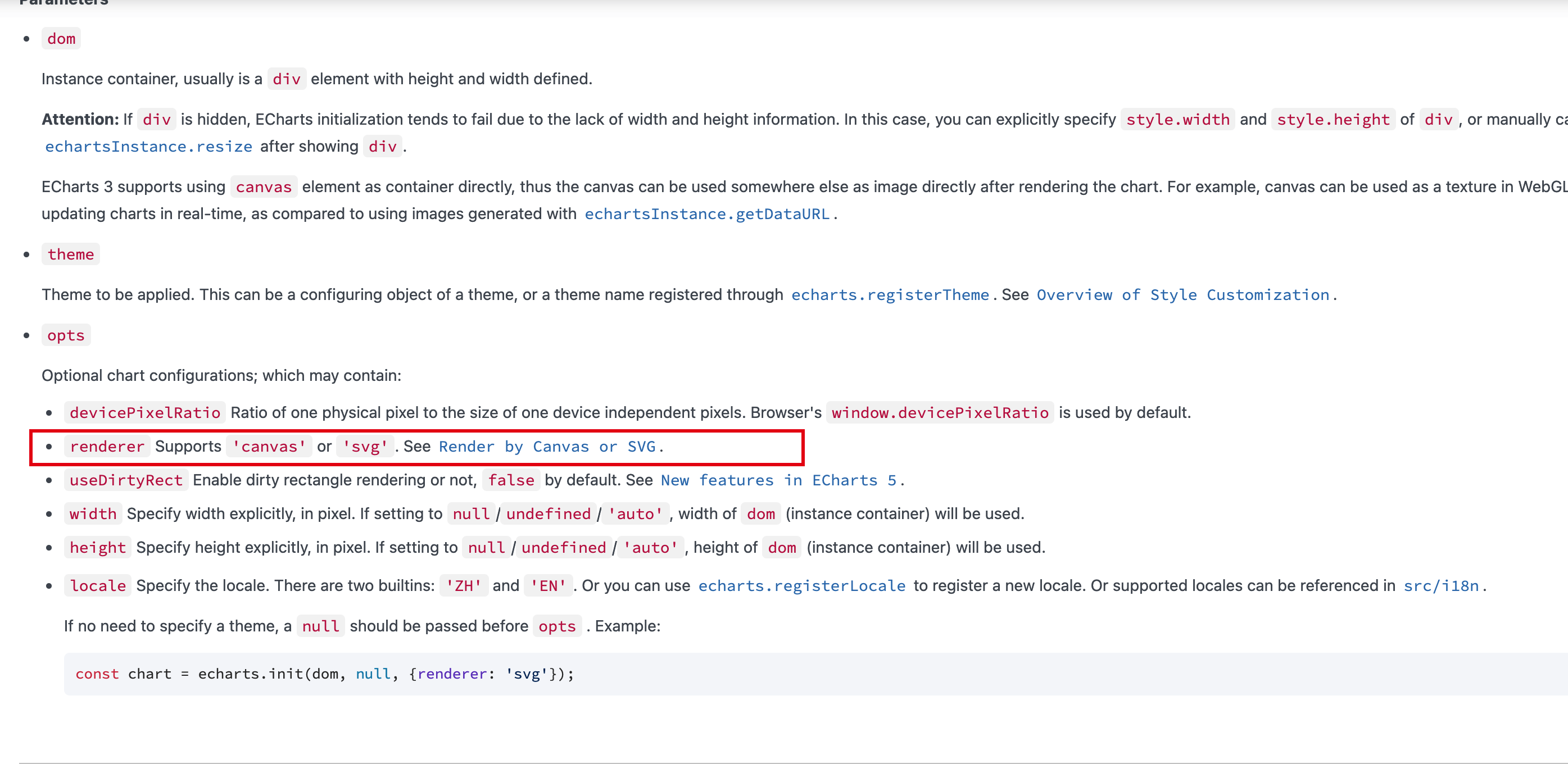
we choose svg but not png before is because svg is relative small (at least 5 times smaller I believe).
Is there any reason to change to png
There was a problem hiding this comment.
I can only produce png when I render the picture in Google Cloud Function. Any better suggestions? thanks
There was a problem hiding this comment.
I believe Echarts support both png and svg. I think @LiteSun know more about it
There was a problem hiding this comment.
SVG is better, let me check the method again, @LiteSun do you have any good suggestions?

| defer client.Close() | ||
|
|
||
| graphFunctionUrl := "https://cloudfunction.contributor-graph.com/svg?repo=" + repo | ||
| graphFunctionUrl := "https://asia-east2-api7-301102.cloudfunctions.net/png" + repo |
There was a problem hiding this comment.
Use the original url, which is actually the local balancer URL of the cloud function which adds google cloud armor
There was a problem hiding this comment.
I don’t know much about Google Cloud, I just want to point it to my newly deployed function.
There was a problem hiding this comment.
I think you could bind your new function to the load balancer and there are docs talking about it
| return []byte(strings.Join(lines, "\n")), nil | ||
| } | ||
| } | ||
| // svg := string(svgBytes[:]) |
There was a problem hiding this comment.
If we would like to remove this function, we could directly remove it and use git to look for history version
| | ---- | ---- | ---- | ---- | ---- | | ||
| | repo | true | string | The name of repository | apache/apisix,apache/skywalking | | ||
| | merge | false | boolean | Whether to view all repos related to this repo, when chart is `contributorMonthlyActivity`, can not be set true | true | | ||
| | chart | false | contributorOverTime contributorMonthlyActivity | chart type | | |
There was a problem hiding this comment.
something goes wrong here
| const { updateSeries } = require('./utils'); | ||
|
|
||
| const config = { | ||
| width: 896, |
There was a problem hiding this comment.
is there any reason to choose this resolution? Maybe larger graph is better for people to use, especially we encode it as png but not svg

At present, this method does cause duplicate code. |
|
transfer #96 |
5 participants


resolve #87
The current request contributor image API relies on the Google Cloud function, which uses the browser to render the image and return, which makes the speed very slow and the memory usage is large and often crashes.
In order to improve this situation, I made the first modification: modify the cloud function to fetch the required contributor data and then use the data in the node environment to render the chart image with the help of echart. This is helpful in terms of the speed of the development environment.
But there are still some problems that I need to continue to modify. The code in the current PR is obviously immature. I will continue to modify, Please help me review and commit your comments, thanks a lot ~.