A subclass of UIView for managing progress, which can be customized according to your application design. AJProgressView is well managed for all devices including landscape support.
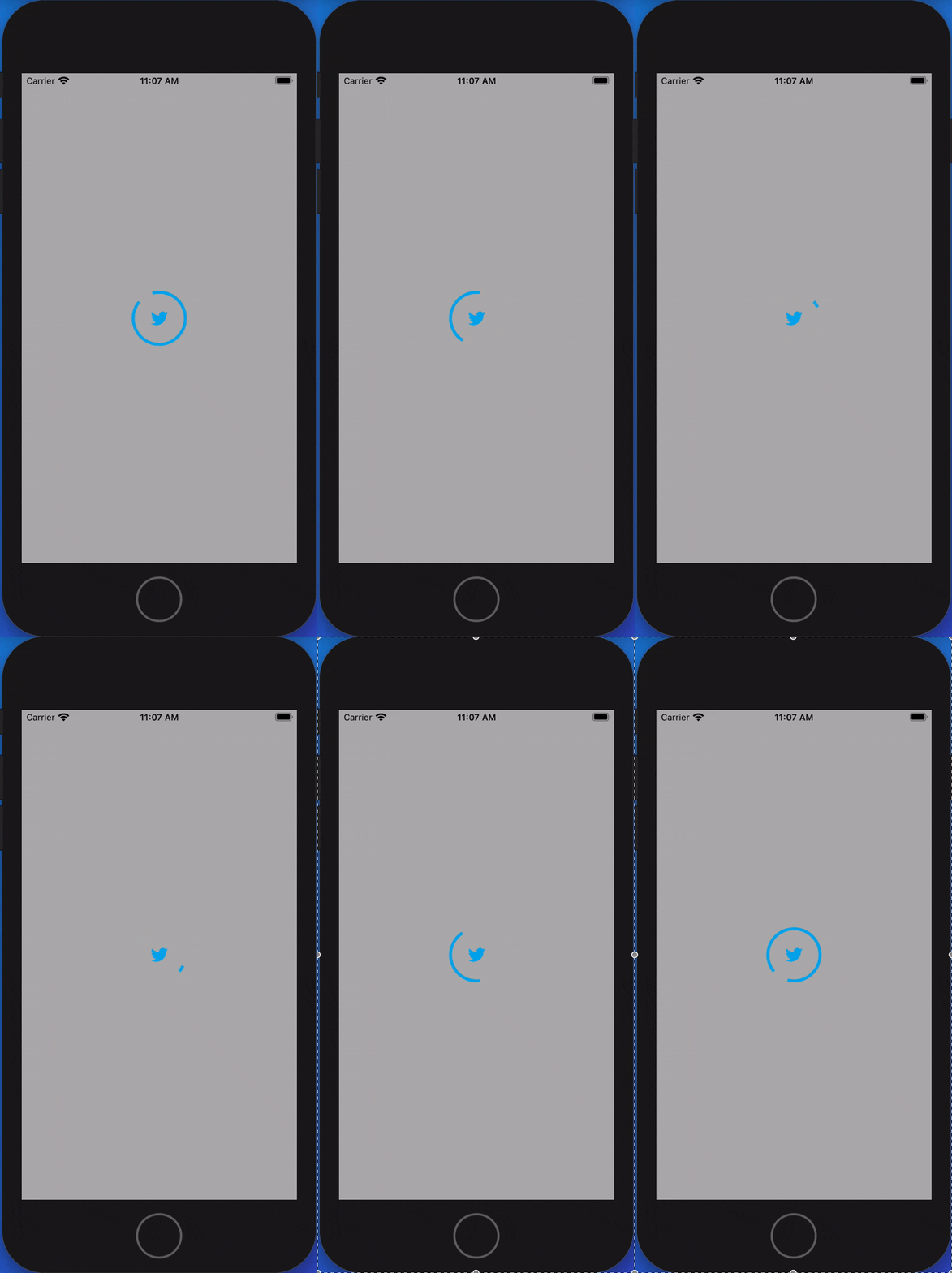
iOS 10.0 and Swift 5 and above.
Just Drag and Drop AJProgressView.swift in your project and set the image which to be used for AJProgressView.
NOTE: For better result use image of at least 128*128 dimension
To see it in action clone the repo and run the sample project
To show the AJProgressView
objAJProgressView.show()To hide the AJProgressView
objAJProgressView.hide()To check if AJProgressView is animating
objAJProgressView.isAnimating// Pass your image here which will come in centre of ProgressView
objAJProgressView.imgLogo = UIImage(named:"twitterlogo")!
// Pass the colour for the layer of progressView
objAJProgressView.firstColor = UIColor.blue
// If you want to have layer of animated colours you can also add second and third colour
objAJProgressView.secondColor = UIColor.blue
objAJProgressView.thirdColor = UIColor.blue
// Set duration to control the speed of progressView
objAJProgressView.duration = 3.0
// Set width of layer of progressView
objAJProgressView.lineWidth = 4.0
//Set backgroundColor of progressView
objAJProgressView.bgColor = UIColor.black.withAlphaComponent(0.2)AJProgressView is available under the MIT license. See the LICENSE file for more info.
For any queries and suggestions reach out at arpit.cor@gmail.com