[doc] Wiki update about user custom. #968

Description

Feature description
Wiki needs updating for user custom suggested in #931.
This will be a large edit, and will be updated after discussion.
We may also need to change the Tutor.
Raw markdown code
Get to know this configuration: `:Tutor dots`!
## Universal settings
All commonly used entries have been implemented in [`[settings.lua](https://github.com/ayamir/nvimdots/blob/main/lua/core/settings.lua)`](https://github.com/ayamir/nvimdots/blob/main/lua/core/settings.lua).
## Structure
`init.lua` is the kernel config file. It requires configuration in `lua`
directory.
- `lua` directory contains 4 parts.
- `core` directory contains base configuration of neovim.
- `keymap` directory contains keybindings of plugins.
- `modules` directory contains three main subfolders.
- `plugins/{scope}.lua` contains plugins within the scope.
- `configs/{scope}/ ` directory contains plugin settings according to the scope.
- `utils/icons.lua` contains icons used for plugin settings. See below for details.
- `utils/init.lua` contains utility functions used by plugins. See below for details.
- **{scope} definition**
- `completion` contains plugins for code completion.
- `editor` contains plugins that improve the default ability of vanilla `nvim`.
- `lang` contains plugins related to certain programming languages.
- `tool` contains plugins using external tools and changing the default layout which provides new abilities to `nvim`.
- `ui` contains plugins rendering the interface without any actions after the user fires `nvim`.
- `user` directory contains user custom configs.
- `plugins/{scope}.lua` contains user-added plugins within the scope.
- `configs/{plugin-name}.lua` contains default plugin override settings according to the plugin name.
- `configs/{scope}/` directory contains user-added plugin settings according to the scope.
- `dap-clients/` directory contains the settings of DAP clients.
- `lsp-servers/` directory contains the settings of LSP servers.
- `keymap/` directory contains custom keybindings of plugins.
- `event.lua` contains custom user events.
- `options.lua` contains override vanilla `nvim` options.
- `settings.lua` contains override settings.
- The `modules` directory default file tree is as follows:
```console
init.lua
└── lua/
└── modules/
├── plugins/
│ ├── completion.lua
│ ├── editor.lua
│ ├── lang.lua
│ ├── tool.lua
│ └── ui.lua
├── configs/
│ ├── completion/
│ ├── editor/
│ ├── lang/
│ ├── tool/
│ └── ui/
└── utils/
├── icons.lua
└── init.lua
```
## How to customize
### Modify plugin setting
1. Check whether the plugin is written in `lua` or not.
2. Add a new entry in `user/configs/<plugin-name>.lua`
3. If your plugin is written in `lua`, override it with _(See below for an example)_
- Return a table when replacing some items in `lua/modules/configs/<scope>/<plugin-name>.lua`.
- Return a function if you want to completely replace the setting in `lua/modules/configs/<scope>/<plugin-name>.lua`.
**Note** About override settings
- A custom merge function honors user preferences.
- Replaces the value if the key exists in the table.
- Add the key and value if the key does not exist in the table.
- If the existing table value is a nested table, it behaves as follows:
- If the user gives a table,
- Add values if the nested table is a list.
- Update value or add key and value if nested table is a dictionary
- If the user gave a function,
- It completely replaces nested tables.
4. If your plugin is written in `vimscript`, override it with _(See below for an example)_
- Return a function containing `vim.g.<options> = foobar`.
Here is an example (If the plugin is made by `lua`):
- `lua/user/configs/telesccope.lua`
- Update value or add key and value by `return` a table.
```lua
return {
defaults = {
mappings = {
n = {
["q"] = "close",
},
},
},
}
```
- Full replacement of values by `return` a function
```lua
return {
defaults = function()
return {
mappings = {
n = {
["q"] = "close",
},
},
}
end,
}
```
Here is an example (If the plugin is made by `VimScript`):
- `lua/user/configs/telesccope.lua`
```lua
return function()
vim.g.go_doc_keywordprg_enabled = 1
end
```
### Add a new plugin
1. Make a sub-directory called `<scope>` under `user/configs` and a file called `<scope>.lua` under `plugins/`. `<scope>.lua` should contain the following initial content:
**Note** Here we adopt a structure similar to `lua/modules/configs` for user configuration
```lua
local custom = {}
return custom
```
2. Add this new plugin following the format that other plugins are configured in `plugins/` and `configs/`. Specifically:
- Add a new entry in `user/plugins/<scope>.lua` _(See below for an example)_
- Create a new `.lua` file with plugin name as the filename under `user/configs/<scope>` _(the filename can be slightly different, as long as it can be understood by you)_.
Here is an example:
- `lua/user/plugins/editor.lua`
```lua
local custom = {}
custom["folke/todo-comments.nvim"] = {
lazy = true,
event = "BufRead",
config = require("user.configs.editor.todo-comments"), -- Require that config
}
return custom
```
- `lua/user/configs/editor/todo-comments.lua`
```lua
return function() -- This file MUST return a function accepting no parameter and has no return value
require("todo-comments").setup()
end
```
_(If you need help, feel free to open an issue.)_
### Remove a plugin
1. Add `settings["disabled_plugins"]` to `lua/user/settings.lua`.
2. Enter the name of the plugin you want to remove.
Here is an example:
- `lua/settings.lua`
```lua
-- Disable the two plugins
settings["disabled_plugins"] = {
"karb94/neoscroll.nvim",
"dstein64/nvim-scrollview",
}
```
### Modify Keymaps
- For vanilla `nvim` keymap
Modify `lua/user/keymap/core.lua`
- For specific plugin's keymap
Modify `lua/user/keymap/<scope>.lua`
- Command breakdown
```lua
┌─ sep ┌── map_type
["n|gb"] = map_cr("BufferLinePick"):with_noremap():with_silent(),
│ └── map_key │ └── special │
└──── map_mode └── map_content └── special (can be chained)
```
- Set the value to empty or `false` to remove the default keymap
Here is an example
- `lua/user/keymap/ui.lua`
```lua
local bind = require("keymap.bind")
local map_cr = bind.map_cr
local map_cmd = bind.map_cmd
local map_callback = bind.map_callback
return {
-- Remove default keymap
["n|<leader>nf"] = "",
["n|<leader>nr"] = false,
-- Plugin: telescope
["n|<leader><S-cr>"] = map_callback(function()
_command_panel()
end)
:with_noremap()
:with_silent()
:with_desc("tool: Toggle command panel"),
}
```
### Modify LSPs, linters and formatters
- Add/remove Language Server Protocol (LSP) servers
Modify `lua/user/settings` -> `settings[lsp_deps]`, users can find available sources [[here](https://github.com/neovim/nvim-lspconfig/tree/master/lua/lspconfig/server_configurations)](https://github.com/neovim/nvim-lspconfig/tree/master/lua/lspconfig/server_configurations). Then add a server config file in `lua/user/configs/lsp-servers`, see `lua/modules/configs/completions/servers/` for how to configure servers, users can take other server's config file as a reference. Restart `nvim` to install the new LSP servers.
**Note**: Some LSPs are already being shipped when installing the runtime packages. Like `dartls` is being shipped when installing `dart` runtime, so users won't see those LSPs when calling `:Mason`, see #525.
- Add/remove linters and formatters
Modify `lua/user/settings` -> `settings[null_ls_deps]`, users can find available sources [[here](https://github.com/jose-elias-alvarez/null-ls.nvim/tree/main/lua/null-ls/builtins)](https://github.com/jose-elias-alvarez/null-ls.nvim/tree/main/lua/null-ls/builtins). If users want to change the behavior of a specific `null-ls` source, set the extra arguments in `lua/user/configs/null-ls.lua` -> `sources` table. _(See below for an example)_ Restart `nvim` to install the new `null-ls` sources.
Here is an example
- `lua/user/configs/null-ls.lua`
```lua
local null_ls = require("null-ls")
local btns = null_ls.builtins
return {
sources = {
btns.formatting.black.with({
filetypes = { "python" },
extra_args = { "--fast", "-q", "-l", "120", "extend-ignore = E203, E501" },
}),
},
}
```
**Note**: Some linters and formatters are already being shipped when installing the runtime packages. For example, `dart_format` is being shipped when installing `dart` runtime, so users won't see those formatters when calling `:Mason`. Just set `dart_format`, for example, in the `settings[null_ls_deps]` table, and `mason-null-ls` will set it up for you, see #525 for more.
- Change Formatter's global behavior
- Disable formatting on certain filetype
Modify `lua/user/settings` -> `settings[formatter_block_list]`.
- Disable formatting ability on certain LSP server
Modify `lua/user/settings` -> `settings[server_formatting_block_list]`.
- Changes in LSP server and Linter behavior
- Create and edit `lua/user/configs/lsp-servers/<server-name>.lua`.
- See `lua/modules/configs/completions/servers/`.
### Modify Dap
- Add/remove Debug Adapter Protocol (DAP) clients
Modify `lua/user/settings` -> `settings[dap_deps]`, users can find available sources [[here](https://github.com/jay-babu/mason-nvim-dap.nvim/blob/main/lua/mason-nvim-dap/mappings/source.lua)](https://github.com/jay-babu/mason-nvim-dap.nvim/blob/main/lua/mason-nvim-dap/mappings/source.lua). Then add a client config file in `lua/user/configs/dap-clients`, see `lua/modules/configs/tool/dap/clients/` for how to configure dap clients, users can take other client config files as a reference. Restart `nvim` to install the new DAP clients.
### Modify event defined by `autocmd`
- Modify `lua/user/event.lua`
- See `lua/core/events.lua` for the key.
Here is an example
- `lua/user/events.lua`
```lua
local definitions = {
-- Example
bufs = {
{ "BufWritePre", "COMMIT_EDITMSG", "setlocal noundofile" },
},
}
return definitions
```
### Modify vanilla `nvim` options
- Modify `lua/user/options.lua`
- Global options are listed directly.
Here is an example
- `lua/user/options.lua`
```lua
vim.g.editorconfig = 0
local options = {
autoindent = true,
}
return options
```
### Modify settings
- Modify `lua/user/settings.lua`.
- See `lua/core/settings.lua` for the keys and corresponding valid values.
Here is an example
- `lua/user/settings.lua`
```lua
local settings = {}
-- Examples
settings["use_ssh"] = true
settings["colorscheme"] = "catppuccin"
return settings
```
### Switch `colorscheme`
- Modify the value of `colorscheme` in `lua/user/settings.lua`.
```lua
-- Set colorscheme to catppuccin-latte for example
settings["colorscheme"] = "catppuccin-latte"
```
**NOTE**: The `colorscheme` of `lualine` will also be changed according to the current `colorscheme` of `nvim`. Please see the function `custom_theme` in `lua/modules/configs/ui/lualine.lua` if you are interested in it.
All of the modified configs will have effects after you restart `nvim`.
## Global assets
### Palette
This configuration provides a global unified palette. You may use `require("modules.utils").get_palette({ <color_name> = <hex_value> }?)` to get the global color palette. Specific colors may be overwritten in [`[settings.lua](https://github.com/ayamir/nvimdots/blob/6d814aad5455aa8d248ed6af7b56fc4e99e40f48/lua/core/settings.lua#L18-L23)`](https://github.com/ayamir/nvimdots/blob/6d814aad5455aa8d248ed6af7b56fc4e99e40f48/lua/core/settings.lua#L18-L23) or can be passed in as function parameter(s). You will get parameter completion when typing.
The order of priority for modifying the palette is:
```
preset colors < global colors defined in `settings.lua` < incoming function parameters
```
All available colors can be found [[here](https://github.com/ayamir/nvimdots/blob/6d814aad5455aa8d248ed6af7b56fc4e99e40f48/lua/modules/utils/init.lua#L3-L30)](https://github.com/ayamir/nvimdots/blob/6d814aad5455aa8d248ed6af7b56fc4e99e40f48/lua/modules/utils/init.lua#L3-L30). You can also explore implementation details in this file.
### Icons
This configuration also provides a dedicated icon set. It can be accessed via `require("modules.utils.icons").get(category, add_space?)`. You will get parameter completion when typing.
You can find the list of icons [[here](https://github.com/ayamir/nvimdots/blob/main/lua/modules/utils/icons.lua)](https://github.com/ayamir/nvimdots/blob/main/lua/modules/utils/icons.lua).
## Operation manual
- Find word
[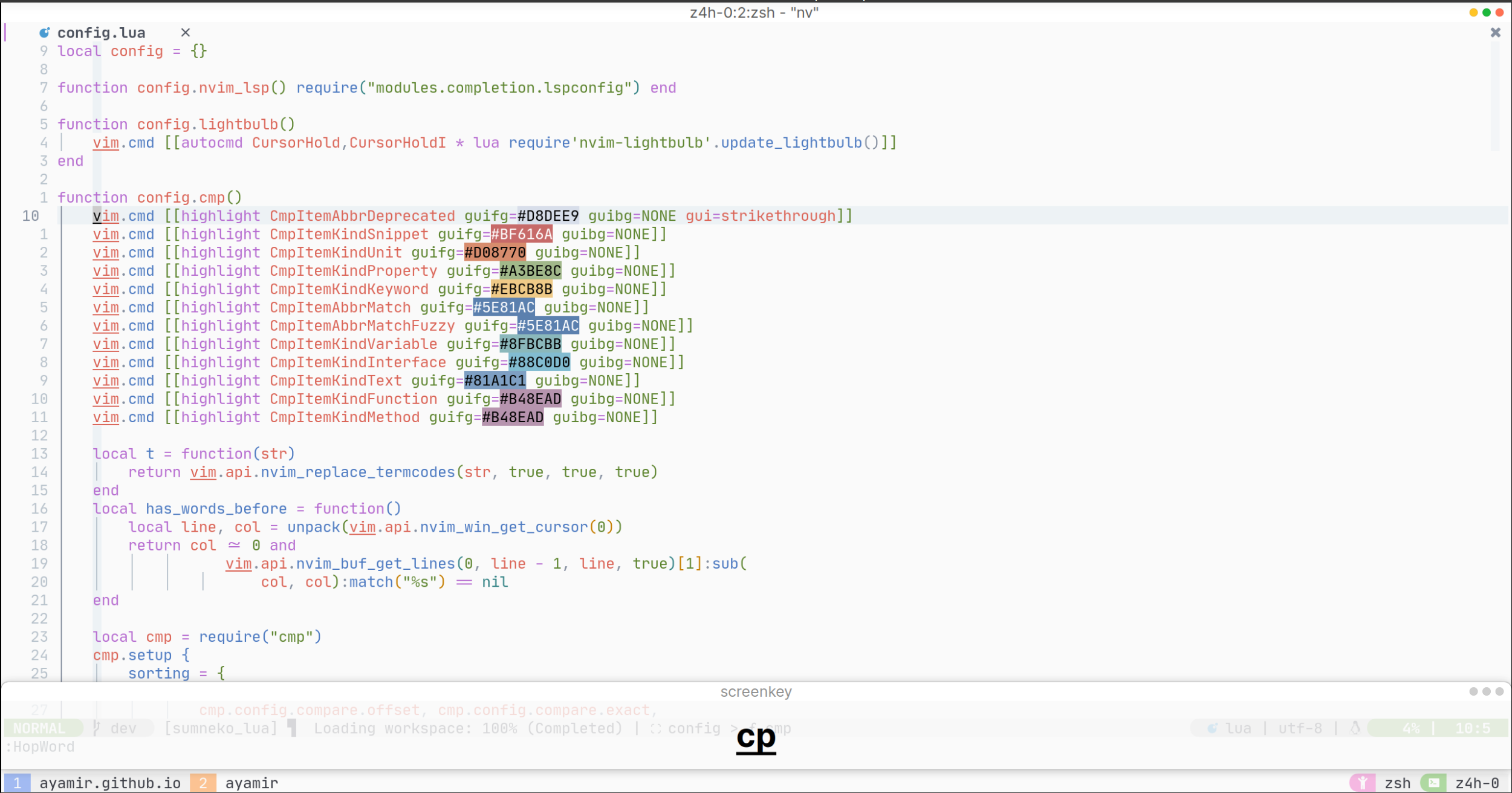](https://youtu.be/Otz09Gdk4NA)
- Region operation
[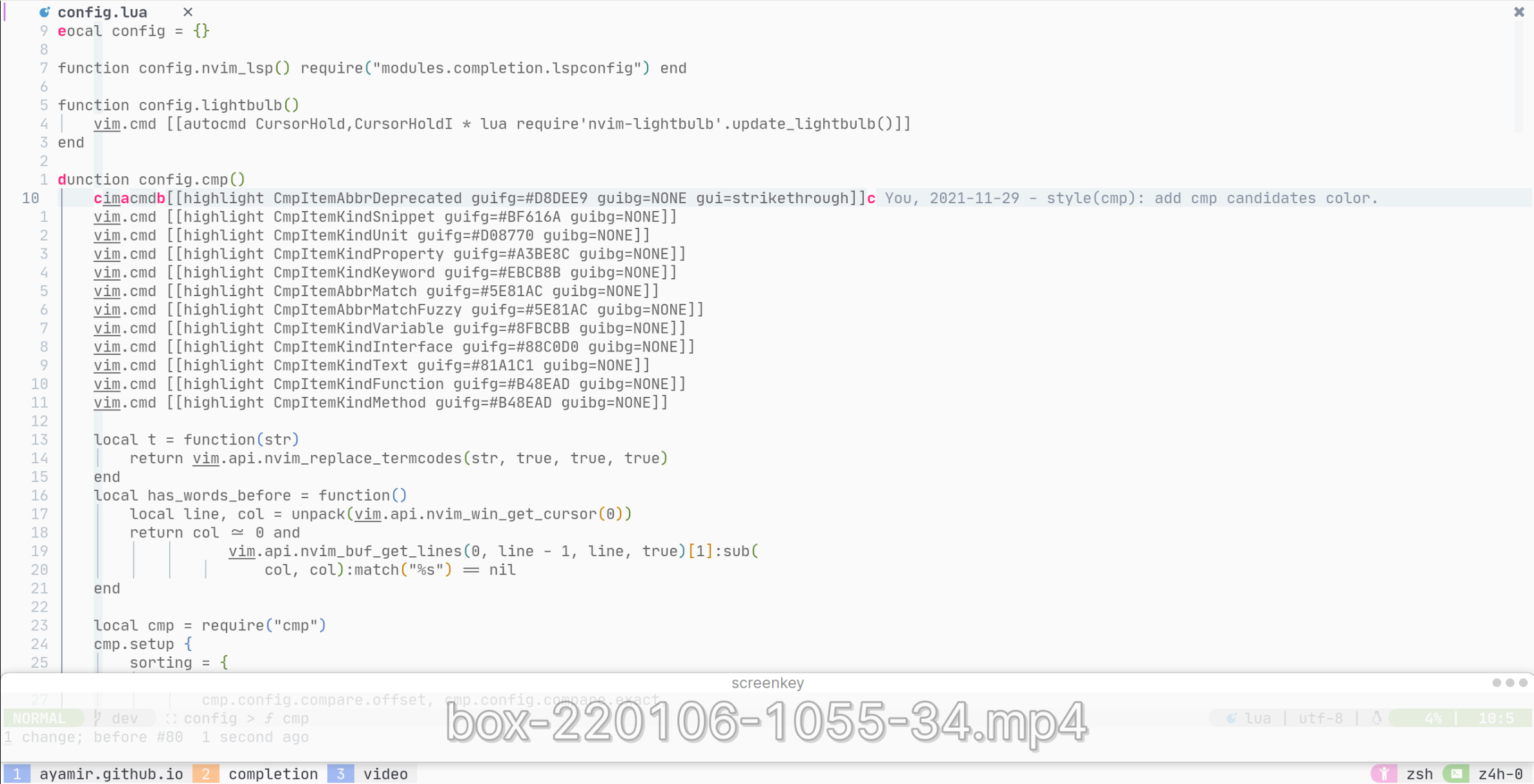](https://youtu.be/4esdUMHXNTo)
## Guide on how to use the catppuccin colorscheme
### What is Catppuccin? <sup><a href="https://www.reddit.com/r/neovim/comments/r9619t/comment/hna3hz8">[[1]](https://www.reddit.com/r/neovim/comments/r9619t/comment/hna3hz8)</a></sup>
> Catppuccin is a community-driven soothing pastel theme that aims to be the middle ground between low and high-contrast themes, providing a warm color palette with 26 eye-candy colors that are bright enough to be visible during the day, yet pale enough to be easy on your eyes throughout the night.
### Basic Usage
Modify [[these lines](https://github.com/ayamir/nvimdots/blob/6d814aad5455aa8d248ed6af7b56fc4e99e40f48/lua/modules/configs/ui/catppuccin.lua#L2-L89)](https://github.com/ayamir/nvimdots/blob/6d814aad5455aa8d248ed6af7b56fc4e99e40f48/lua/modules/configs/ui/catppuccin.lua#L2-L89). _(Note: This link might be slightly different from `HEAD`, but it can be used as a reference.)_ See detailed explanation of each option below.
#### General
These settings are unrelated to any group and are globally independent.
- `flavour`: _(Can be any one of: `latte`, `frappe`, `macchiato`, or `mocha`)_ this is **mandatory**. You **must** set this value in order to make catppuccin work correctly. Note that `latte` is a light colorscheme, and the rest are dark schemes; The `mocha` palette is the only one that has been modified to make catppuccin look like the v0.1 one. Check out [[this PR](https://github.com/ayamir/nvimdots/pull/163)](https://github.com/ayamir/nvimdots/pull/163) for details.
- `transparent_background`: _(Boolean)_ if true, disables setting the background color.
- `term_colors`: _(Boolean)_ if true, sets terminal colors (a.k.a., `g:terminal_color_0`).
#### Dim inactive
This setting manages the ability to dim **inactive** splits/windows/buffers.
- `enabled`: _(Boolean)_ if true, dims the background color of inactive window or buffer or split.
- `shade`: _(string)_ sets the shade to apply to the inactive split or window or buffer.
- `percentage`: _(number from 0 to 1)_ percentage of the shade to apply to the inactive window, split or buffer.
#### Styles
Handles the style of general highlight groups _(see `:h highlight-args` for detailed explanation)_:
- `comments`: _(Table)_ changes the style of comments.
- `functions`: _(Table)_ changes the style of functions _(e.g., [`[button](https://github.com/ayamir/nvimdots/blob/6d814aad5455aa8d248ed6af7b56fc4e99e40f48/lua/modules/configs/ui/alpha.lua#L28)`](https://github.com/ayamir/nvimdots/blob/6d814aad5455aa8d248ed6af7b56fc4e99e40f48/lua/modules/configs/ui/alpha.lua#L28) in config)_.
- `keywords`: _(Table)_ changes the style of keywords _(e.g., `local`)_.
- `strings`: _(Table)_ changes the style of strings.
- `variables`: _(Table)_ changes the style of variables.
- `properties`: _(Table)_ changes the style of a phantom field with only getter and/or setter _(e.g., field access `tbl.field`)_.
- `operators`: _(Table)_ changes the style of operators.
- `conditionals`: _(Table)_ changes the style of conditional check keywords _(e.g., `if`)_.
- `loops`: _(Table)_ changes the style of loop keywords _(e.g., `for`)_.
- `booleans`: _(Table)_ changes the style of booleans.
- `numbers`: _(Table)_ changes the style of numbers.
- `types`: _(Table)_ changes the style of types _(e.g., `int`)_.
#### Integrations
These integrations allow catppuccin to set the theme of various plugins. To enable an integration you need to set it to `true`.
#### Using the auto-compile feature
> Catppuccin is a highly customizable and configurable colorscheme. This does however come at the cost of complexity and execution time.
Catppuccin can pre-compute the results of configuration and store the results in a compiled lua file. These pre-cached values are later used to set highlights. The cached file is stored at `vim.fn.stdpath("cache") .. "/catppuccin"` by default _(use `:lua print(vim.fn.stdpath("cache") .. "/catppuccin")` to see where it locates on your computer)_. You may change this behavior by modifying [[this line](https://github.com/ayamir/nvimdots/blob/6d814aad5455aa8d248ed6af7b56fc4e99e40f48/lua/modules/configs/ui/catppuccin.lua#L17)](https://github.com/ayamir/nvimdots/blob/6d814aad5455aa8d248ed6af7b56fc4e99e40f48/lua/modules/configs/ui/catppuccin.lua#L17).
> **Note**: As of 7/10/2022, catppuccin should be able to automatically recompile when the setup table changed. You cannot disable this feature.
### Advanced Feature
#### Customizing the palette
Not satisfied with the current appearance? You may modify the palette yourself, like `mocha`!
#### Get catppuccin colors
```lua
local latte = require("catppuccin.palettes").get_palette "latte"
local frappe = require("catppuccin.palettes").get_palette "frappe"
local macchiato = require("catppuccin.palettes").get_palette "frappe"
local mocha = require("catppuccin.palettes").get_palette "mocha"
local colors = require("catppuccin.palettes").get_palette() -- current flavour's palette
```
These lines would all return a table respectively, where the key is the name of the color and the value is its hex value.
#### Overwriting highlight groups
Global highlight groups can be overwritten like so:
```lua
custom_highlights = function(cp)
return {
<hl_group> = { <fields> }
}
end
```
Here is an example:
```lua
require("catppuccin").setup({
custom_highlights = function(cp)
return {
Comment = { fg = cp.flamingo },
["@constant.builtin"] = { fg = cp.peach, style = {} },
["@comment"] = { fg = cp.surface2, style = { "italic" } },
}
end,
})
```
Per flavour highlight groups can be overwritten starting from [[this line](https://github.com/ayamir/nvimdots/blob/6d814aad5455aa8d248ed6af7b56fc4e99e40f48/lua/modules/configs/ui/catppuccin.lua#L121)](https://github.com/ayamir/nvimdots/blob/6d814aad5455aa8d248ed6af7b56fc4e99e40f48/lua/modules/configs/ui/catppuccin.lua#L121) like so:
```lua
highlight_overrides = {
all = function(cp) -- Global highlight, will be replaced with custom_highlights if exists
return {
<hl_group> = { <fields> }
}
end, -- Same for each flavour
latte = function(latte) end,
frappe = function(frappe) end,
macchiato = function(macchiato) end,
mocha = function(mocha) end,
}
```
Here is an example:
```lua
local ucolors = require("catppuccin.utils.colors")
require("catppuccin").setup({
highlight_overrides = {
all = function(colors)
return {
NvimTreeNormal = { fg = colors.none },
CmpBorder = { fg = "#3E4145" },
}
end,
latte = function(latte)
return {
Normal = { fg = ucolors.darken(latte.base, 0.7, latte.mantle) },
}
end,
frappe = function(frappe)
return {
["@comment"] = { fg = frappe.surface2, style = { "italic" } },
}
end,
macchiato = function(macchiato)
return {
LineNr = { fg = macchiato.overlay1 },
}
end,
mocha = function(mocha)
return {
Comment = { fg = mocha.flamingo },
}
end,
},
})
```
Additionally, if you want to load other custom highlights later, you may use this function:
```lua
require("catppuccin.lib.highlighter").syntax()
```
For example:
```lua
local colors = require("catppuccin.palettes").get_palette() -- fetch colors from palette
require("catppuccin.lib.highlighter").syntax({
Comment = { fg = colors.surface0 }
})
```
> **Note**: Custom highlights loaded using the `require("catppuccin.lib.highlighter").syntax()` function **won't** be pre-compiled.
>
> Unlike the `:highlight` command which can update a highlight group, this function completely replaces the definition. (`:h nvim_set_hl`)
#### Overwriting colors
Colors can be overwritten using `color_overrides` starting from [[this line](https://github.com/ayamir/nvimdots/blob/6d814aad5455aa8d248ed6af7b56fc4e99e40f48/lua/modules/configs/ui/catppuccin.lua#L90)](https://github.com/ayamir/nvimdots/blob/6d814aad5455aa8d248ed6af7b56fc4e99e40f48/lua/modules/configs/ui/catppuccin.lua#L90), like so:
```lua
require("catppuccin").setup {
color_overrides = {
all = {
text = "#FFFFFF",
},
latte = {
base = "#FF0000",
mantle = "#242424",
crust = "#474747",
},
frappe = {},
macchiato = {},
mocha = {},
}
}
```
#### Customizing auto-compile Hook
##### Available Compile Commands
```vim
:CatppuccinCompile " Create/update the compile file
```
Catppuccin also provides the following function to work with the catppuccin compiler:
```lua
require('catppuccin').compile() -- Create/update the compile files
```
##### Post-install/update hooks
- You may add `:CatppuccinCompile` to post-install/update hooks [[here](https://github.com/ayamir/nvimdots/blob/bf80e8eb74d8132642fd36dd7e30a4ebec492226/lua/modules/plugins/ui.lua#L13-L17)](https://github.com/ayamir/nvimdots/blob/bf80e8eb74d8132642fd36dd7e30a4ebec492226/lua/modules/plugins/ui.lua#L13-L17), like so:
```lua
ui["catppuccin/nvim"] = {
lazy = false,
name = "catppuccin",
config = require("ui.catppuccin"),
build = ":CatppuccinCompile"
}
```
#### Want to know more details?
- Visit catppuccin on [[github](https://github.com/catppuccin/nvim)](https://github.com/catppuccin/nvim)!Get to know this configuration: :Tutor dots!
Universal settings
All commonly used entries have been implemented in settings.lua.