


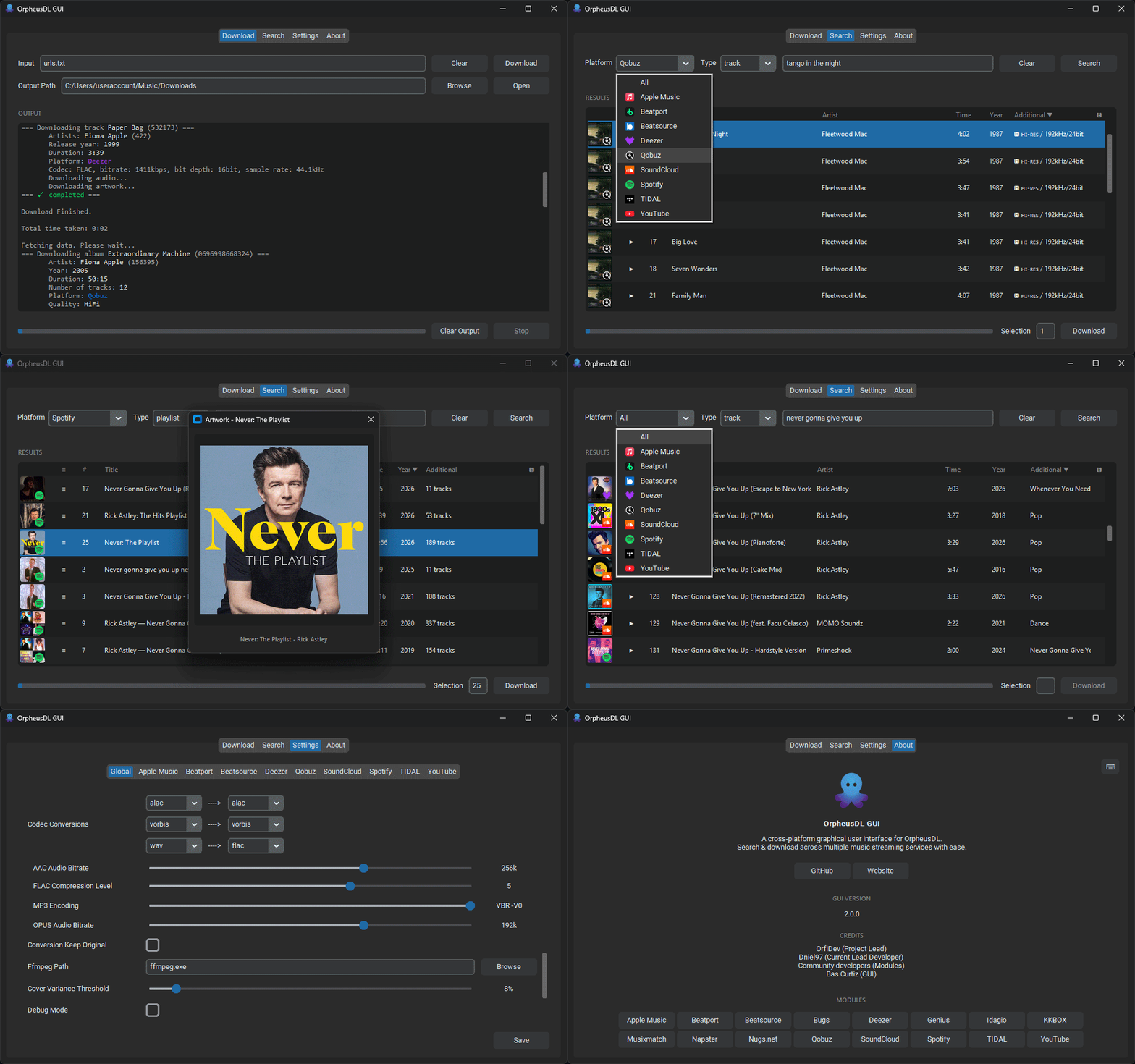
Watch trailer: https://youtu.be/RAXsW67SjGU
- Download the compiled installer from the Releases page.
- Double-click the exe/app
- Windows - Demo how to install: https://youtu.be/tMG7nhIdy34 (1m4s)
- macOS - Demo how to install: https://youtu.be/VdDNldZc-mI (1m54s)
- macOS - For older macOS / if Homebrew isn't supported: https://youtu.be/x_5IZyUFTbM (1m30s)
- Linux - Demo to install: https://youtu.be/MwGeAFFH-Sg (1m8s)
- Make sure OrpheusDL is installed
- Clone this repository (
git clone https://github.com/bascurtiz/OrpheusDL-GUI) or download the ZIP file. - Ensure all files from this repository are placed in the same folder where your
orpheus.pyis located. - Update your package list:
sudo apt update - Install the Python virtual environment and Tkinter packages:
sudo apt install python3-venv python3-tk - Create a virtual environment:
python3 -m venv venv - Activate the virtual environment:
source venv/bin/activate - Install the required dependencies:
pip3 install -r requirements-gui.txt - Ensure FFmpeg is installed (usually includes
ffplay).- Ubuntu/Debian:
sudo apt install ffmpeg - Fedora:
sudo dnf install ffmpeg - Arch:
sudo pacman -S ffmpeg
- Ubuntu/Debian:
- Run the GUI:
python3 gui.py
| OS | Tested |
|---|---|
| Windows 10 | ✅ |
| Windows 11 | ✅ |
| macOS 11.4+ | ✅ |
| Linux Ubuntu 24 | ✅ |
| Platform | Tested | Platform | Tested | Platform | Tested | Platform | Tested |
|---|---|---|---|---|---|---|---|
| Apple Music | ✅ | Beatport | ✅ | Beatsource | ✅ | Bugs | * |
| Deezer | ✅ | Genius | * | Idagio | * | ❌ | |
| KKBOX | * | Musixmatch | * | Napster | * | Nugs.net | * |
| Qobuz | ✅ | SoundCloud | ✅ | Spotify | ✅ | Tidal | ✅ |
| YouTube | ✅ |
* If this platform isn't working properly and you have a valid subscription you can share, please open an issue or contact me. I'm willing to debug!
