Take a note on SafeNotes
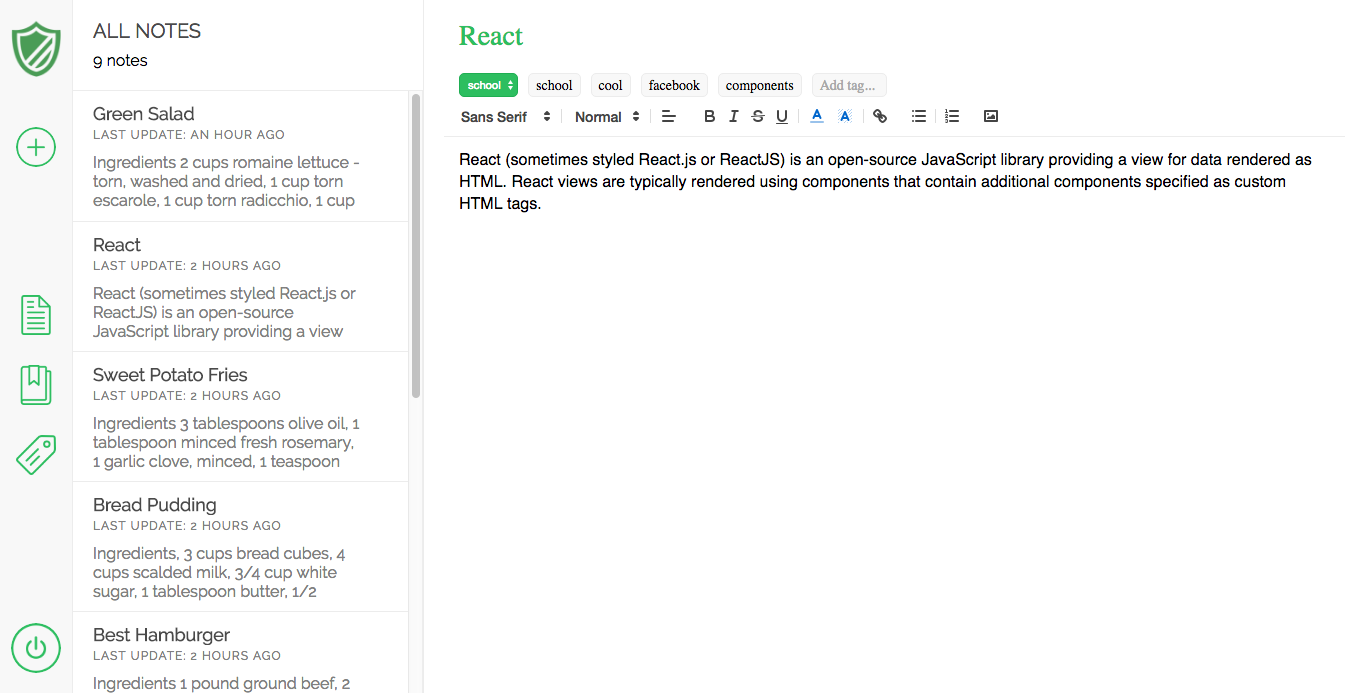
SafeNotes is web application inspired by Evernote. It is built with Ruby on Rails backend, PostgreSQL database and React.js frontend framework with Redux architecture.
SafeNotes has 5 main features:
- User accounts with secure authentication
- Notes, that can be created, edited, autosaved, deleted
- Notebooks for organizing notes
- Tags for connecting notes, that aren't necessarily included in the same notebook
- Rich text editor for styling notes ( repo )
- User authentication based on hashed password (BCrypt) for high level database security.
- Unique session token (SecureRandom) for each user during each session protects user's data, so no one has access to anyone's notes but their own
  # User model

  # saving password digest instead of raw password
  def password=(password)
    @password = password
    self.password_digest = BCrypt::Password.create(password)
  end

  def password?(password)
    BCrypt::Password.new(self.password_digest).is_password?(password)
  end

  # session token is being reset for each session
  def reset_session_token
    self.session_token = User.generate_session_token
    self.save
    self.session_token
  end

  def self.generate_session_token
    SecureRandom.urlsafe_base64(128)
endTo create note you have to type title, pick notebook and start typing text. Autosave will update your note after half second after you stop typing. Note can be tagged with any amount unique tags. To untag note just click on tag name in text editor
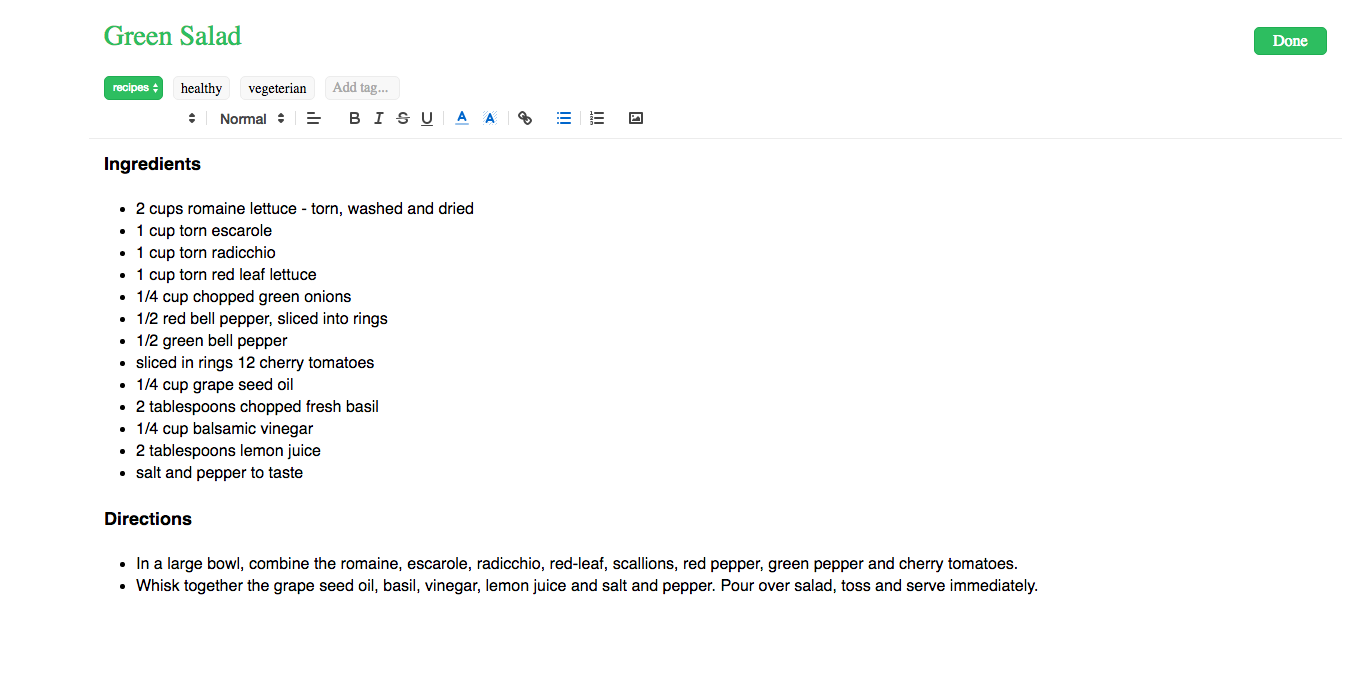
Notes are rendered within NotesIndex component. Header shows type of sorting (notebook/tag) and amount of notes. Each NoteItem component is shown with title, time from last update and at most three lines of text body. Note can be deleted by clicking on trash can icon
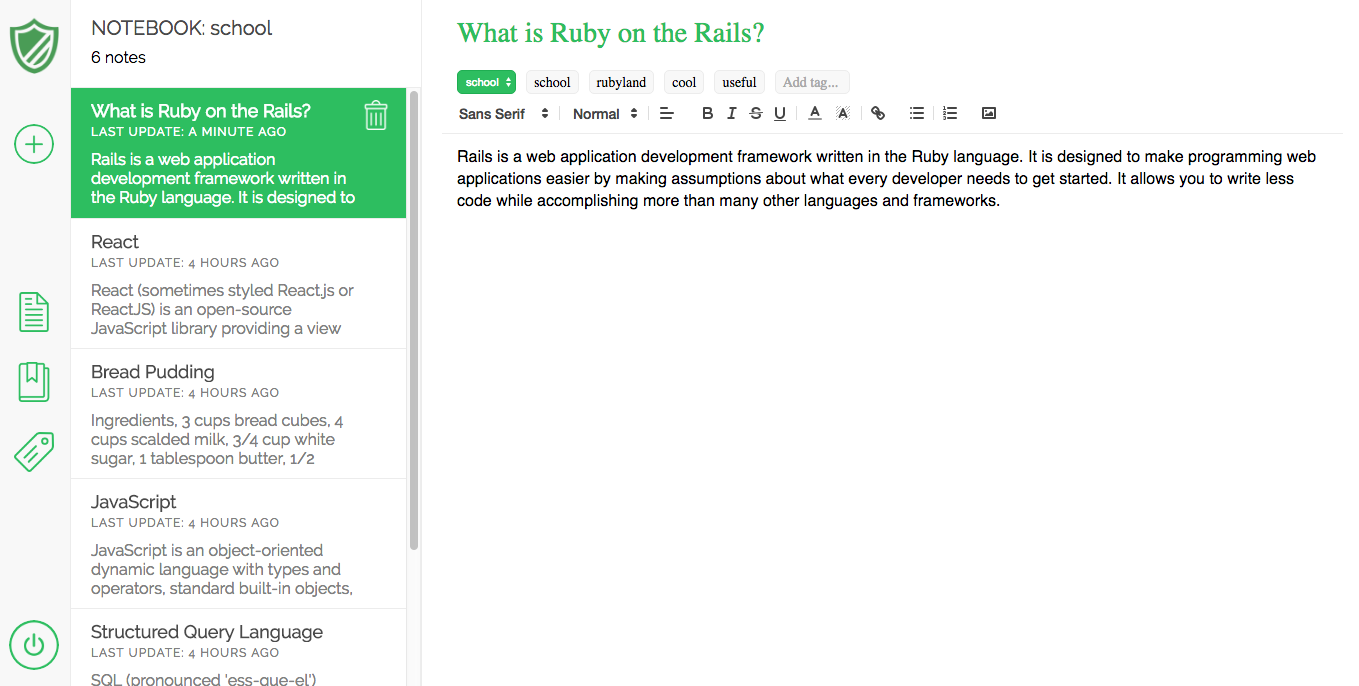
Notebooks are used for organizing notes. Notebook can be created, updated and deleted. Each NotebookItem shows notebook title and amount of notes inside. Notes can be sorted by notebook
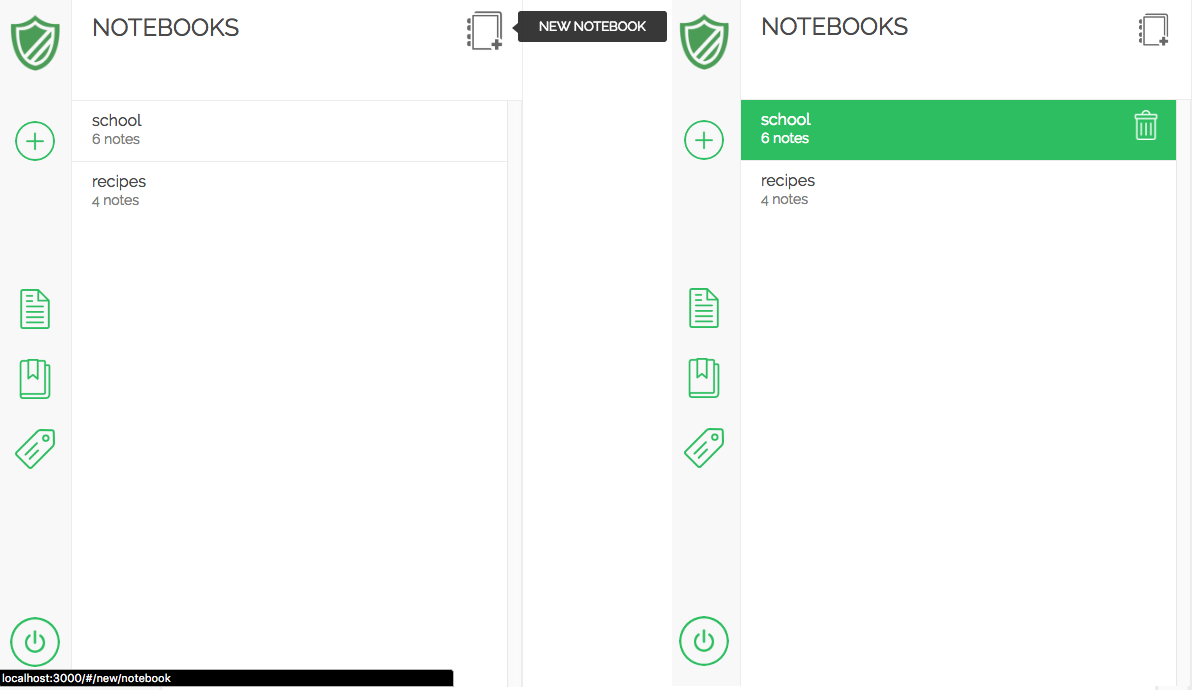
Tags allow user create additional relations between notes, even if they are not in same notebook. Tag can be added to note and removed as well. I used same form component for notebook and tag creation. Props specify content of component depends and trigger right action on form submit
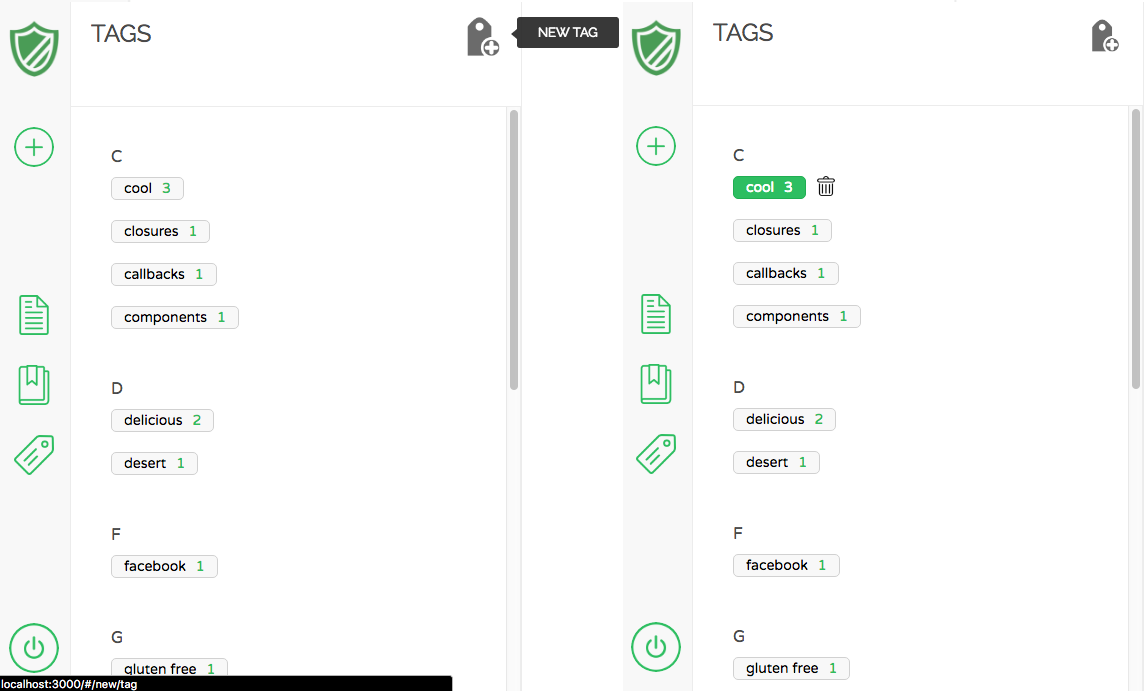
There are two options for creating tags: by itself or for given note. To avoid storing tags with same name, before create tagging it might use already existed tag with same name
# Tags Controller

def create
  # to avoid saving tags with same name looking for tag name first
  @tag = Tag.find_by_name(params[:tag_name]) ||
    # if tag doesn't exist create new tag
    Tag.create(name: params[:tag_name], author: current_user)

  if params[:note_id]
    # Tagging connects tag and note
    tagging = Tagging.new(tag: @tag, note_id: params[:note_id])

    if tagging.save
      render :show
    else
      render json: tagging.errors.full_messages, status: 422
    end
  else
    render :show
  end
endRich text editor was provided by the Quill.js library. It includes font, font-weight, align, text and background color, links, lists, highlighting, etc.
- Ruby on Rails
- PostgreSQL
- React.js
- Redux
- Multi Sessions - allow using app from different devices for same user
- Sharing Notes - user can give other people access to his notes (with different level of access)
- Infinite Scroll - fetch notes in batches using async ajax requests
- Search - implement search notebook and title by name