


Live remote copy-pasta explorer for code training sessions
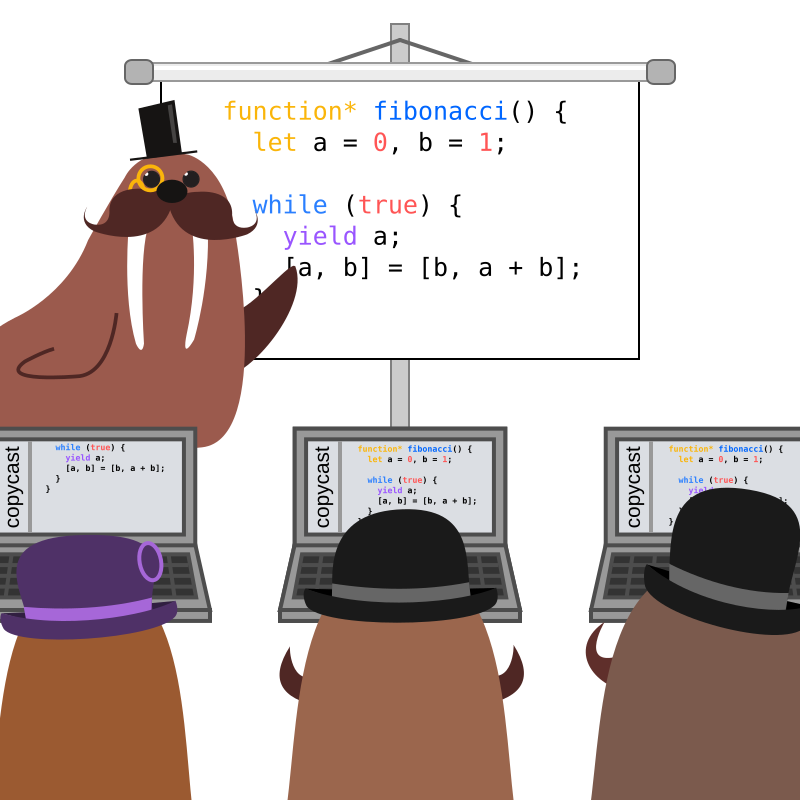
Long code workshops (like a few days) can rapidly turn into hell for trainees.
The sessions rhythm is usually quite high and attendees often have a hard time to follow oral instructions and advices, watch demos on the main screen and keep coding their projects simultaneously.
After only a few hours, the frustration is quite painful: people tend to give up because their project gets broken and they can't follow anymore despite the repeated help of the teacher.
copycast was created to fix this situation.
copycast = file system watcher + websocket server + reactive webclient
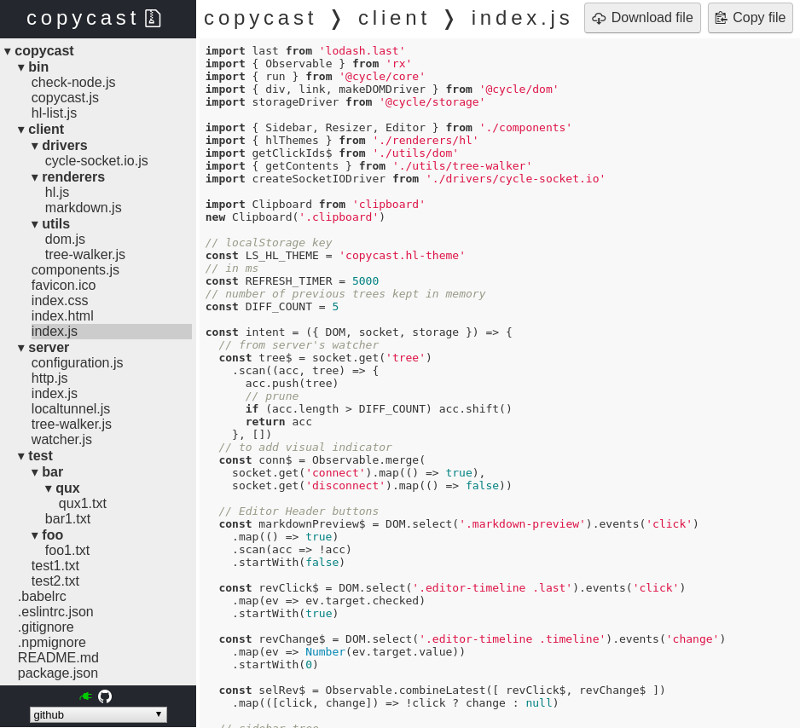
- At the beginning of the session, the teacher starts copycast on its machine, watching a specific directory.
- Attendees connect through their web browser to the provided local network address.
- Their screen displays the directory tree on the left and the selected file on the right, like a readonly text-editor.
- Each time the teacher edit and save a file, the change is broadcasted to every student who can freely copy-paste snippets to stay up to date.
- The code is highlighted with the theme of your choice
- Timers indicate recent file modifications
- Files can be downloaded
- Files can be copied to clipboard
- Markdown preview
- Images, fonts, .git, and any file matched by your .gitignore are excluded
- Integration with localtunnel
- If a
.gitfolder is found, you cangit pull http://{HOST}:{PORT}/project.git
npm i -g copycastcopycast -d YOUR_DIR -p YOUR_PORT
Open localhost:YOUR_PORT in a web browser
-d: default to.-p: default to42000-l [subdomain]: to enable localtunnel if you need a public URL, default to false-G: disable Git support
Note: if you open a localtunnel, the subdomain will be automatically stored in a local .copycast file and will be requested next time so that URL won't change between sessions.
To start the server and build the client:
npm i
npm run watch
To print debug logs:
DEBUG=watcher,socket npm run startMade by the ByteClub
ISC