| At a glance: Notes | |||
|---|---|---|---|
 |
 |
 |
 |
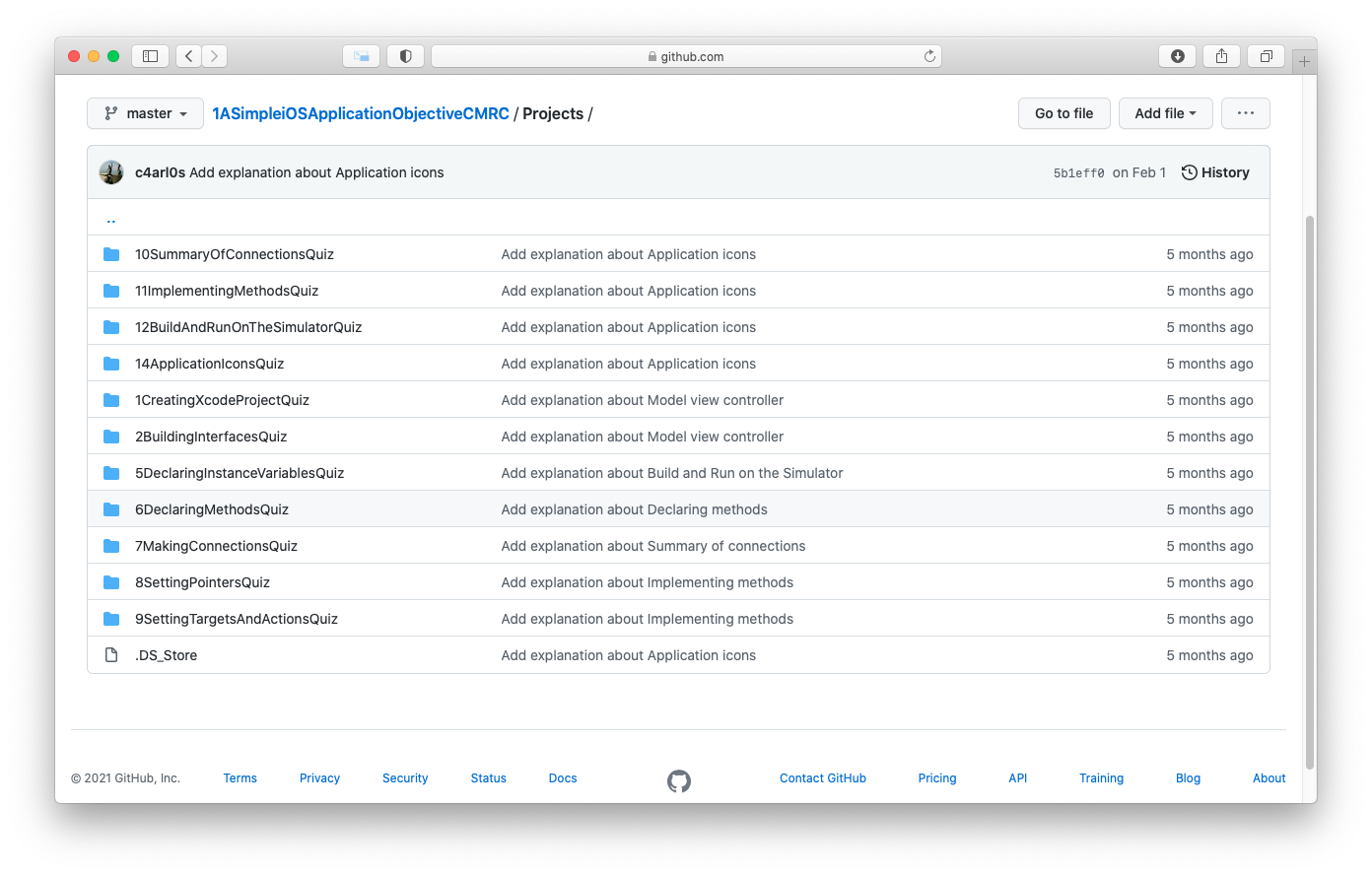
- 1. Creating Xcode Project
- 2. Building Interfaces
- 3. Model-View-Controller
- 4. Declarations
- 5. Declaring Instance variables
- 6. Declaring methods
- 7. Making connections
- 8. Setting Pointers
- 9. Setting targets and actions
- 10. Summary of connections
- 11. Implementing methods
- 12. Build and Run on the Simulator
- 13. Deploying an Application
- 14. Application icons
- 15. Launch Images
| At a glance: Notes | |||
|---|---|---|---|
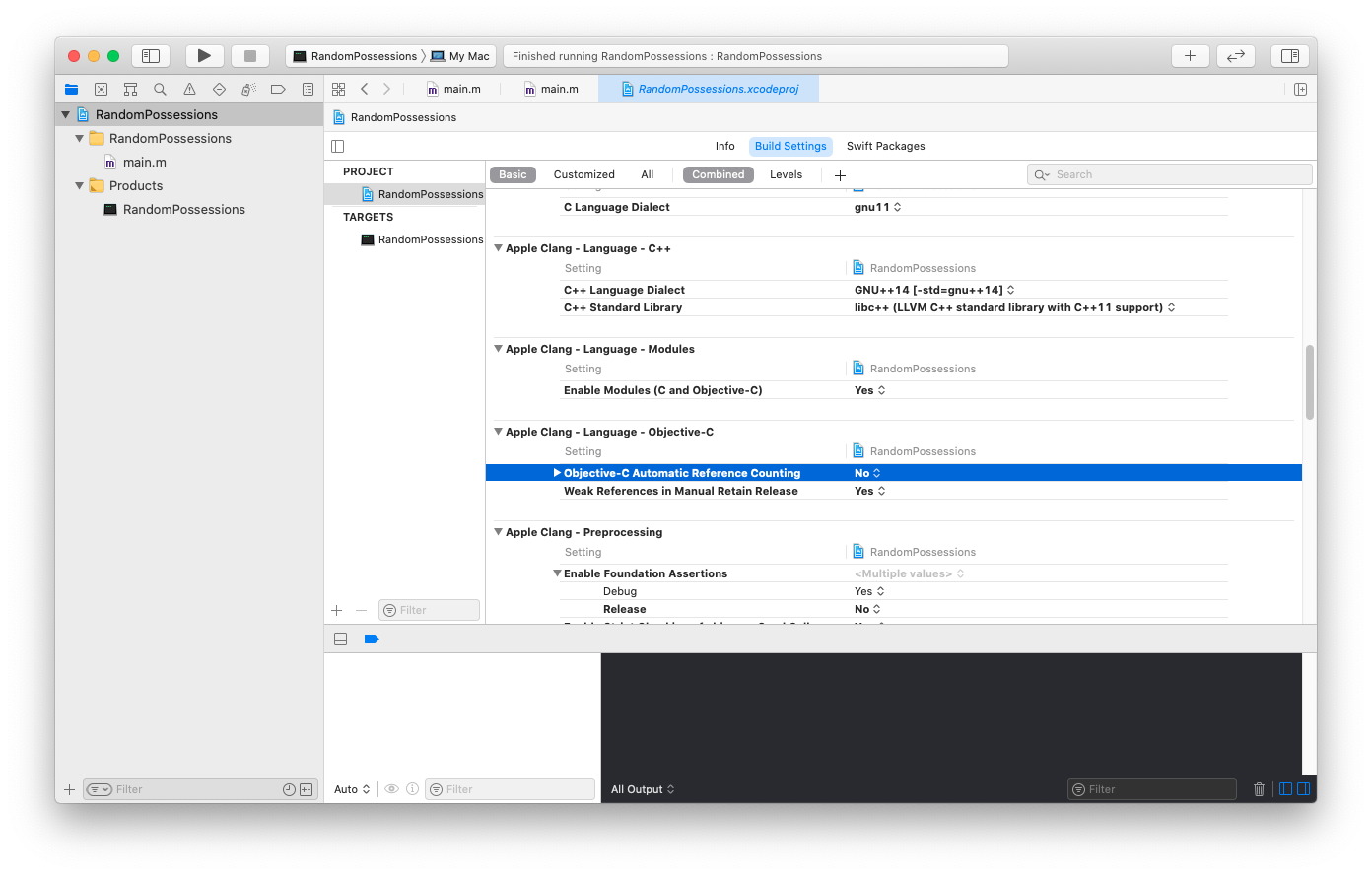 |
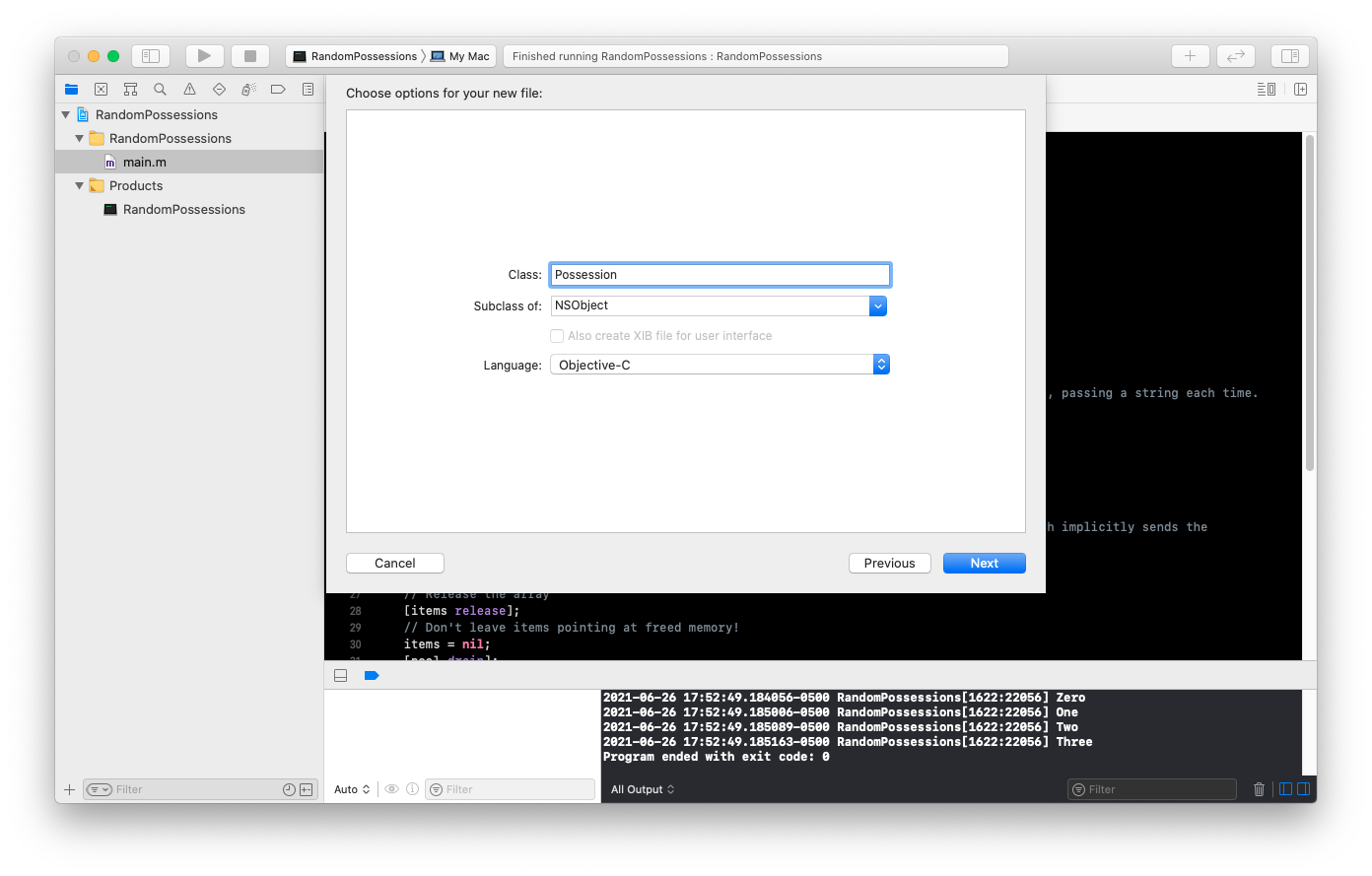 |
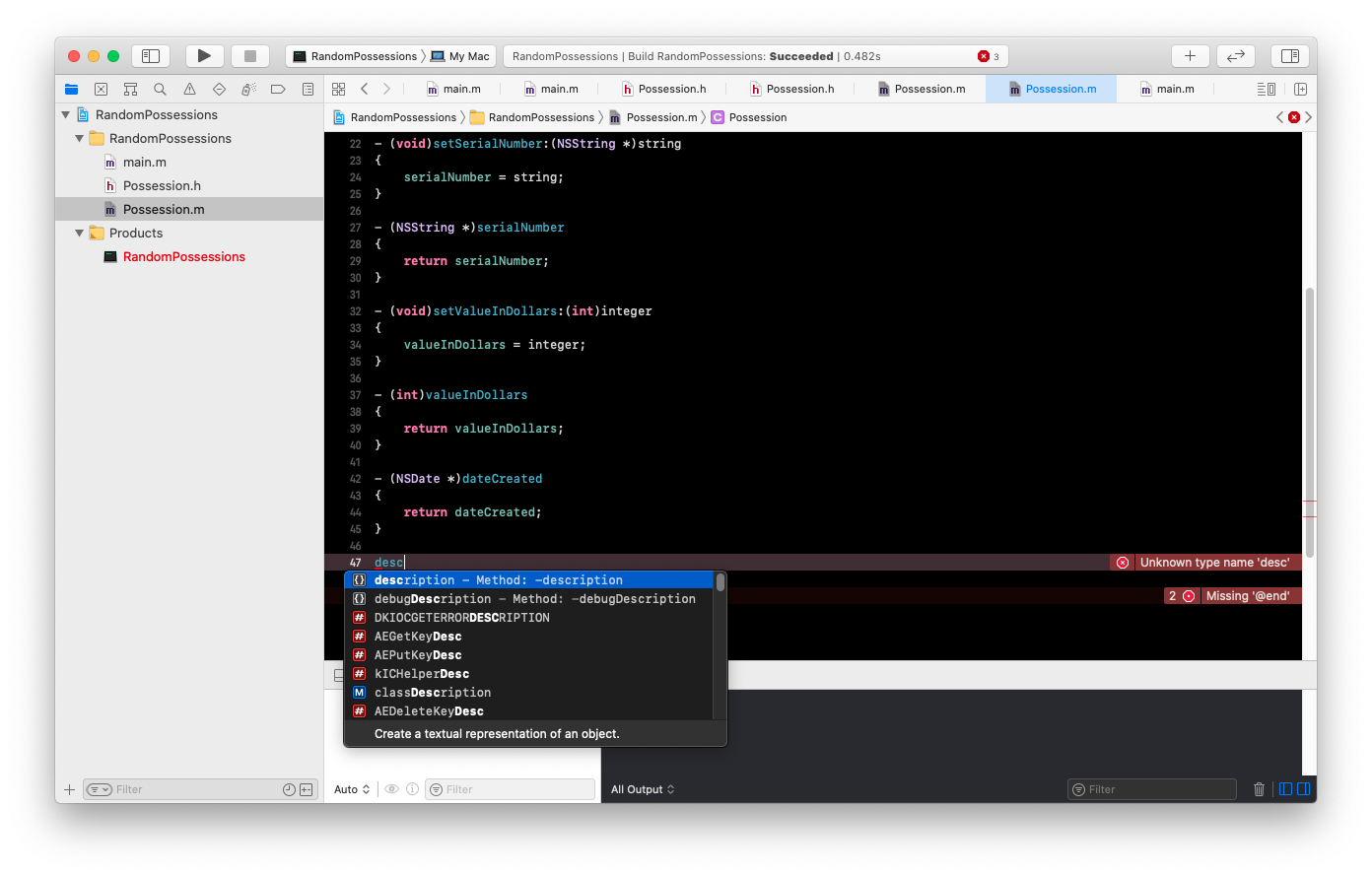 |
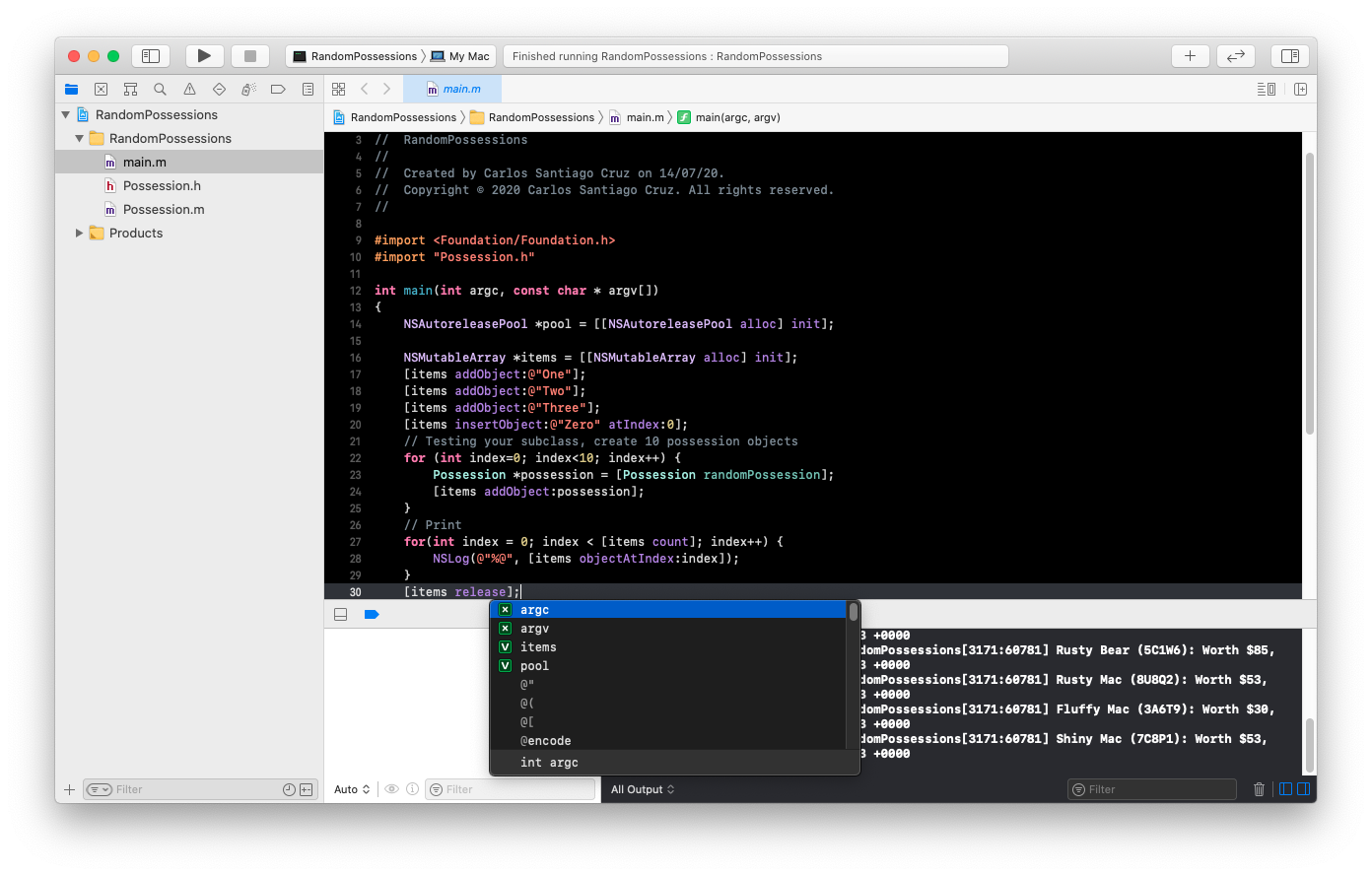 |
- 1. Objects
- 2. Using instances
- 3. Creating objects
- 4. Sending messages
- 5. Destroying objects
- 6. Writing the RandomPossession tool
- 7. NSString
- 8. NSArray and NSMutableArray
- 9. Subclassing an Objective-C class
- 10. Instance variables
- 11. Accessor methods
- 12. Instance methods
- 13. Initiazers
- 14. id
- 15. isa
- 16. Implementing the designated initializer
- 17. self
- 18. super
- 19. Other initializer and the initializer chain
- 20. class methods
- 21. Testing your subclass
- 22. Exceptions and the console window
- 23. Fast enumeration
- 24. Challenge
| At a glance: Notes | |||
|---|---|---|---|
 |
 |
 |
 |
- 1. Memory Management Basics
- 2. Managing Memory in C
- 3. Managing Memory with Objects
- 4. Reference Counting
- 5. Using retain counts
- 6. Using autorelease
- 7. Accessors and Memory Management
- 8. Implementing dealloc
- 9. Simplifying accessors with Properties
- 10. copy and mutablecopy
- 11. Retain count rules
- 12. For the More Curious: More on Memory Management
| At a glance: Notes | |||
|---|---|---|---|
 |
 |
 |
 |
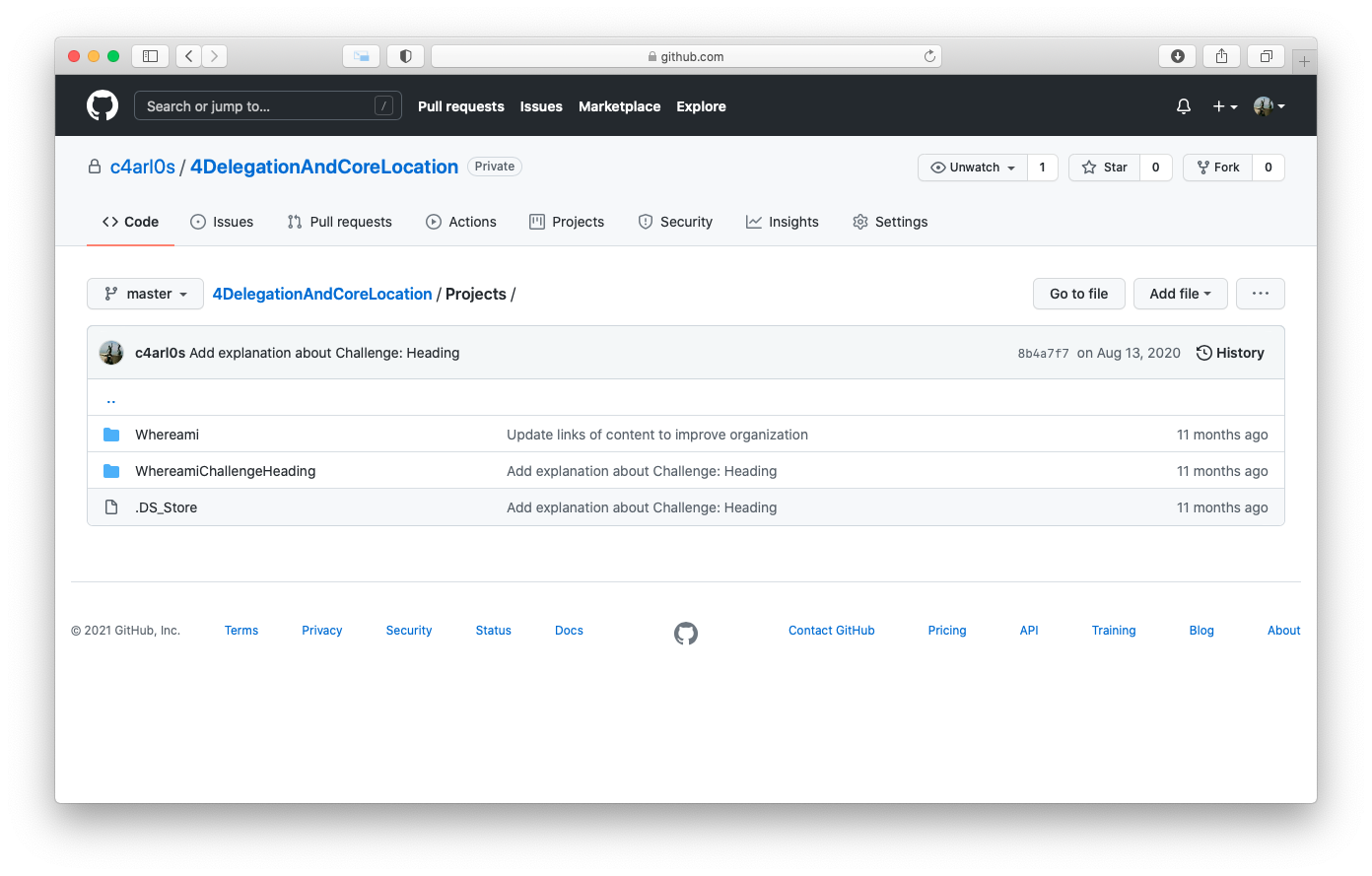
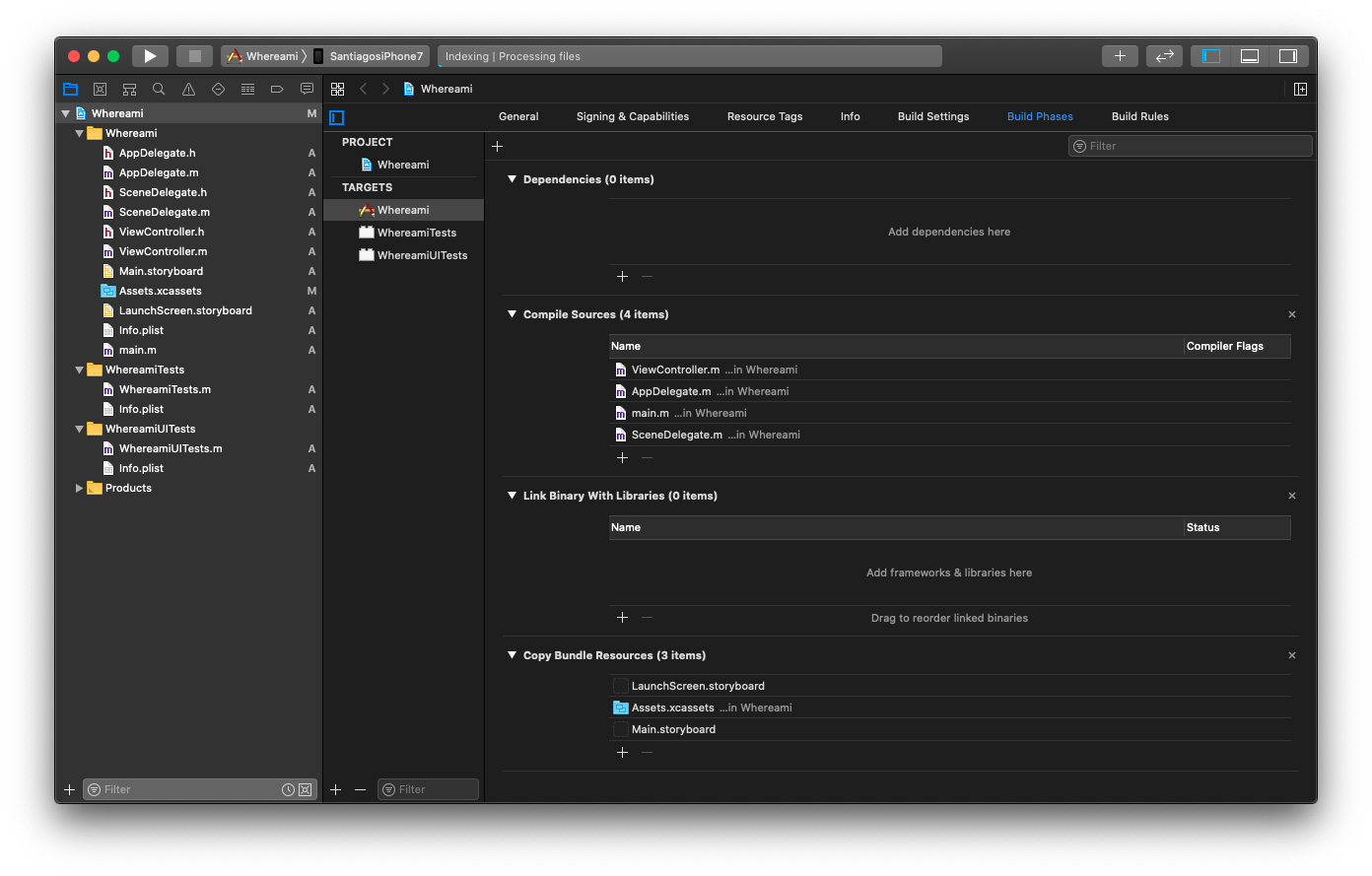
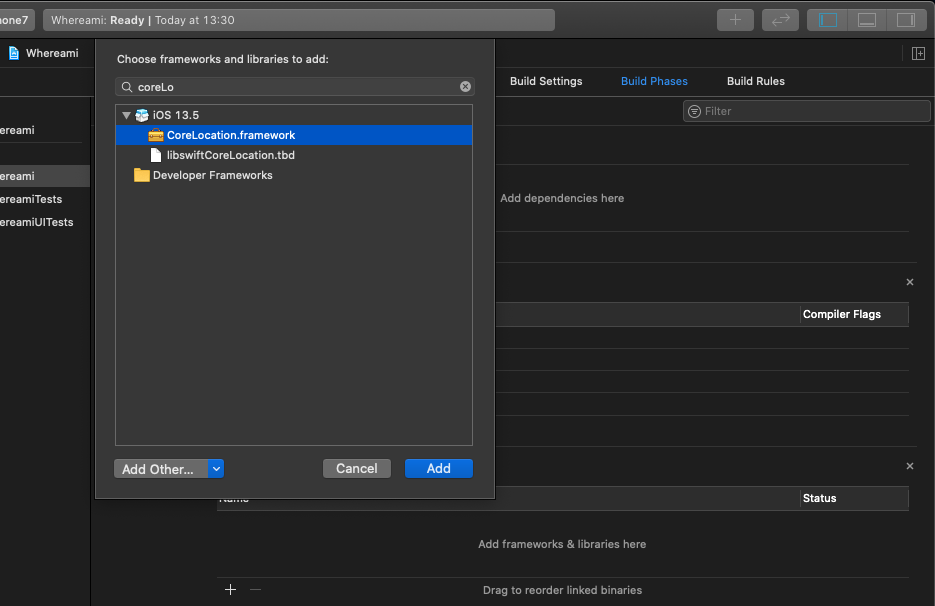
- 1. Projects, targets, and frameworks
- 2. Core Location
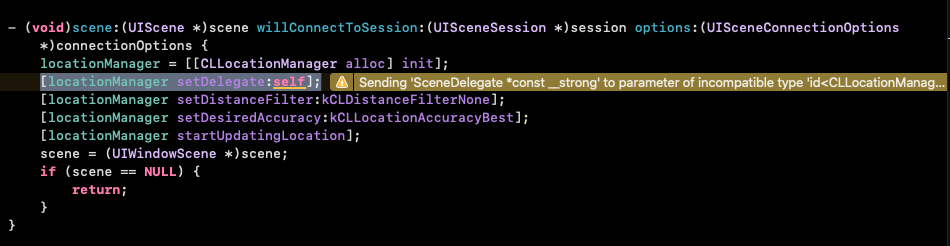
- 3. Receiving updates from CLLocationManager
- 4. Delegation
- 5. Protocols
- 6. Protocol Methods
- 7. Delegation, controllers and Memory Management
- 8. Using the Debugger
- 9. Challenge: Heading
- 10. For the most curious: Build Phases, Compiler Errors, and linked Errors
| At a glance: Notes | |||
|---|---|---|---|
 |
 |
 |
 |
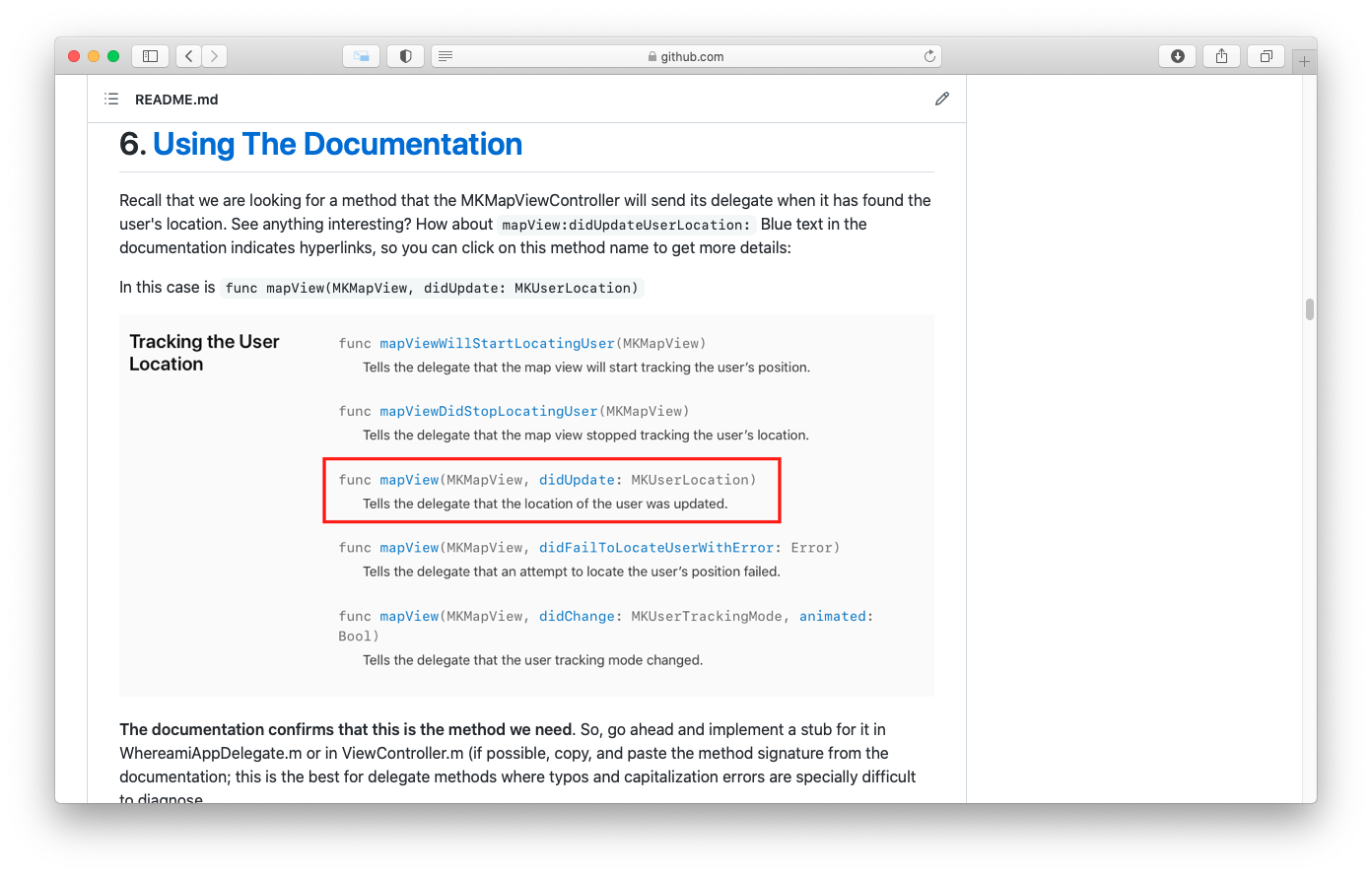
- 1. Map Kit and Text Input - Intro
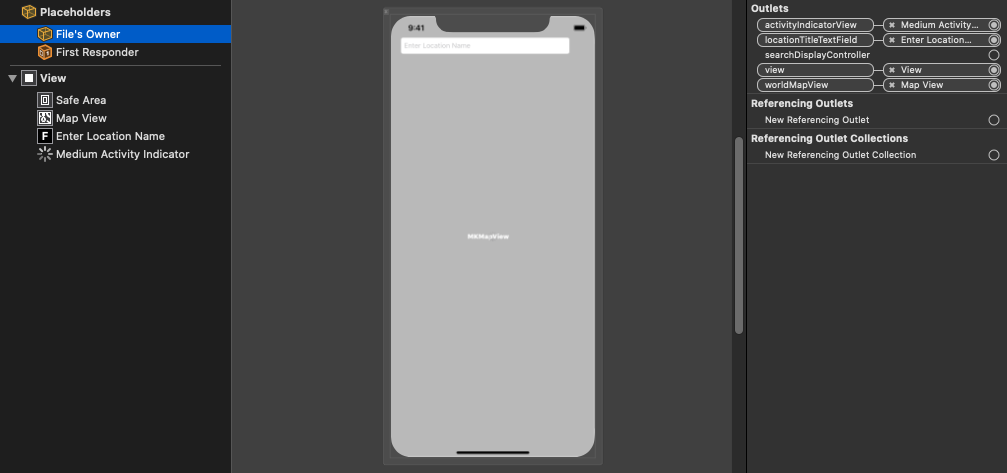
- 2. Object Diagrams
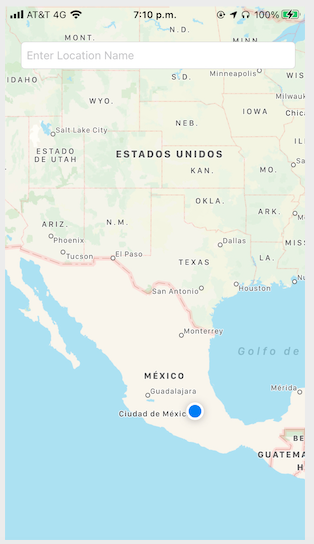
- 3. MapKit Framework
- 4. Interface Properties
- 5. Being a MapView Delegate
- 6. Using The Documentation
- 7. Your own MKAnnotation
- 8. Tagging locations
- 9. Putting the pieces together
- 10. Challenge: Annotation Extras
- 11. Challenge: Reverse Geocoding
Hypnosister is an application that fills the screen with concentric circles, draw text and enable scrolling and zooming, it also uses the accelerometer to move this concentric circles. It changes color of the concentric circles using a shake motion detection.
| Notes | xcodeproj | ||
|---|---|---|---|
 |
 |
 |
 |
- 1. Creating a Custom View
- 2. The drawRect: method
- 3. Instantiating a UIView
- 4. Drawing Text and Shadows
- 5. Using UIScrollView
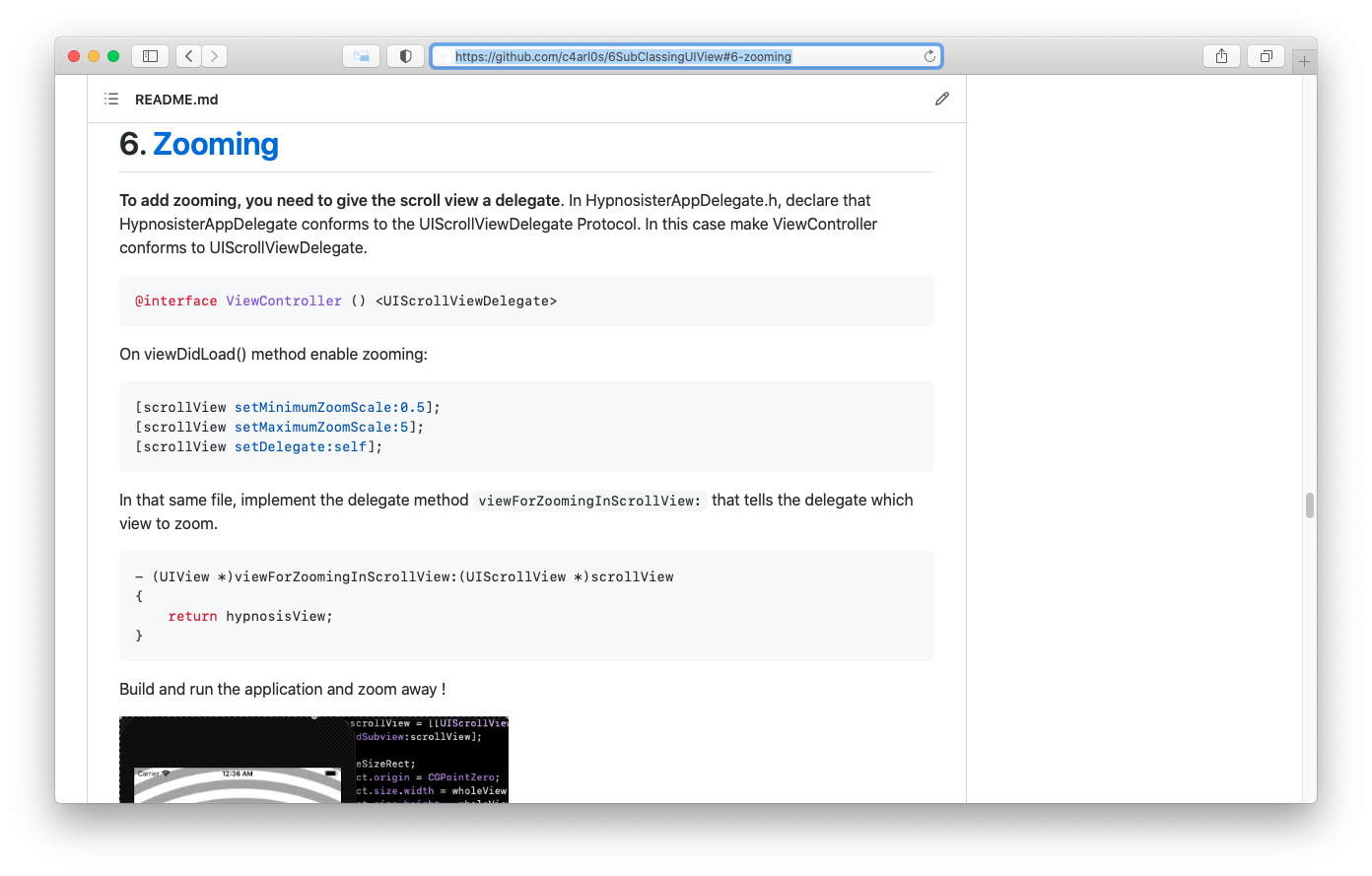
- 6. Zooming
- 7. Hiding the Stabus bar
- 8. Challenge: Colors
- 9. For the More Curious: Retain Cycles
- 10. For the More Corious: Redrawing Views
| At a glance: Notes | |||
|---|---|---|---|
 |
 |
 |
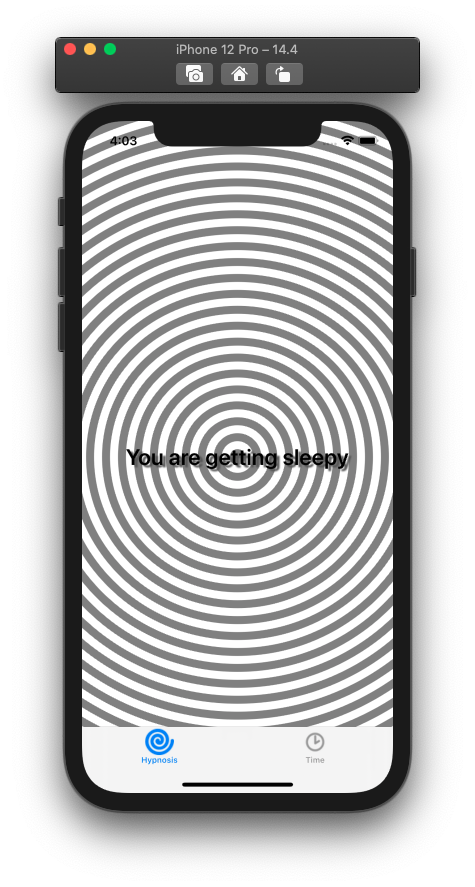 |
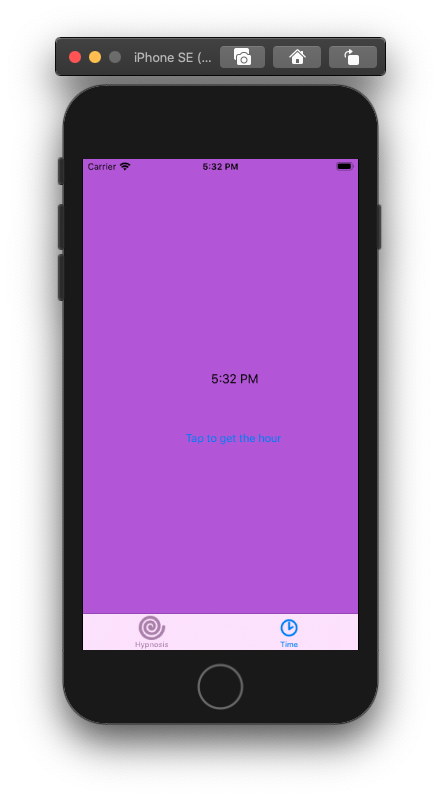
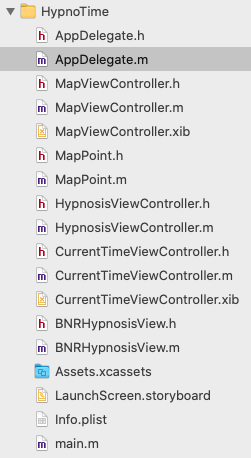
- 1. View Controllers and XIB Files
- 2. Using View Controllers
- 3. Creating the UITabBarController
- 4. Creating view controllers and tab bar items
- 5. Creating views for the view controllers
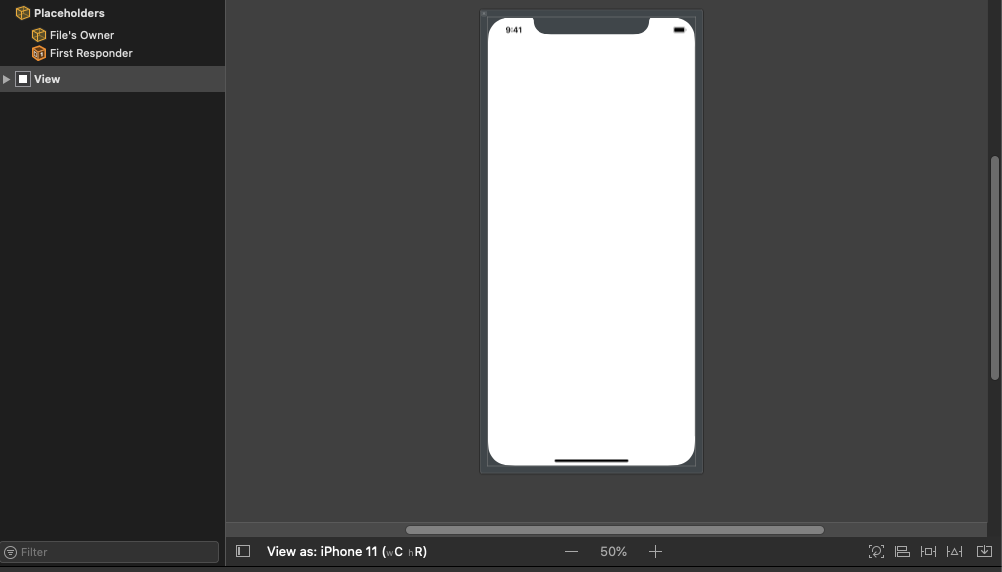
- 6. Demystifying the XIB: File's Owner
- 7. Appearing and Disappearing Views
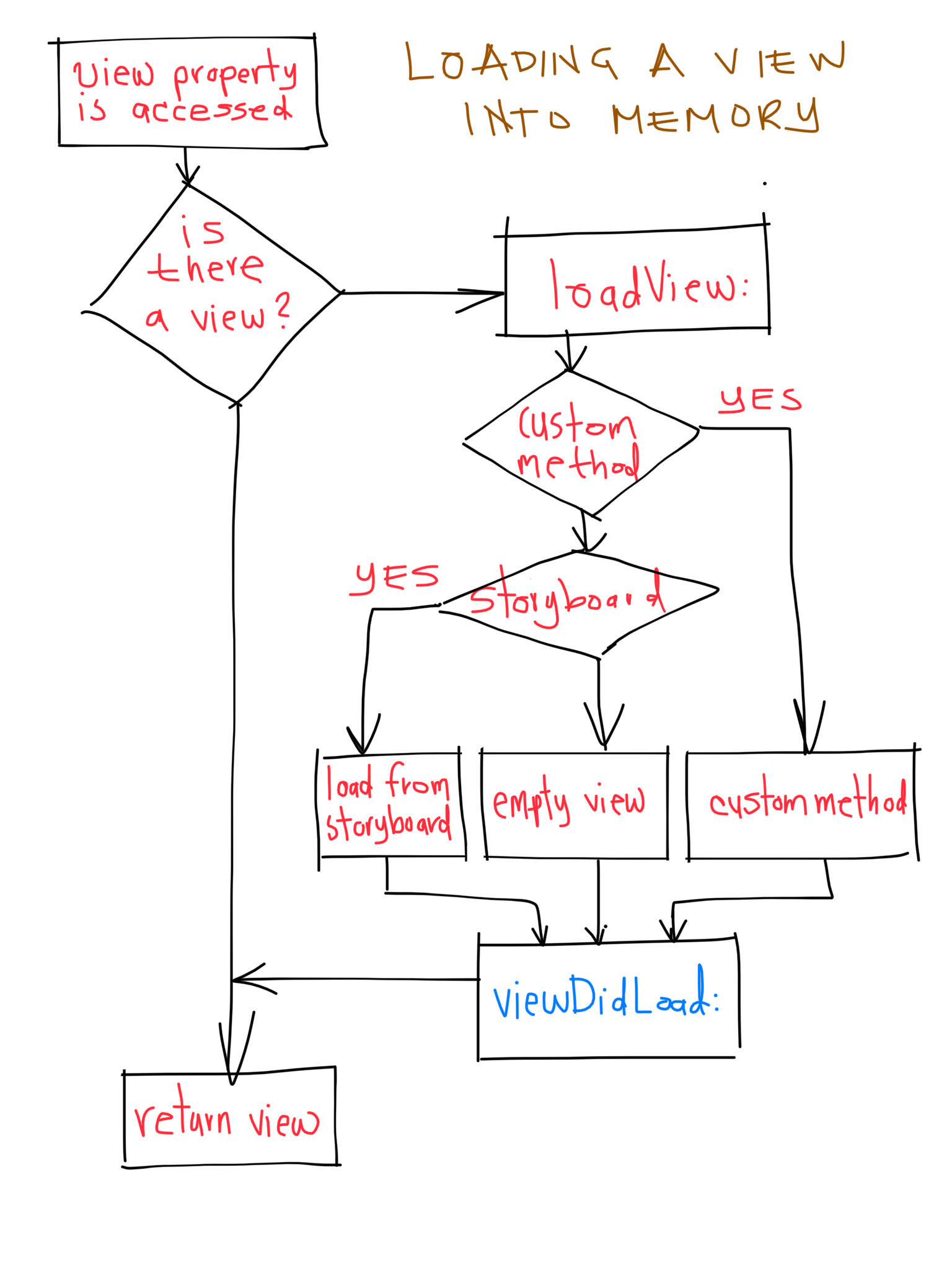
- 8. The View Controller LifeCycle and Low-Memory Warnings
- 9. View Controllers Subclasses and Templates
- 10. Challenge: Map Tab
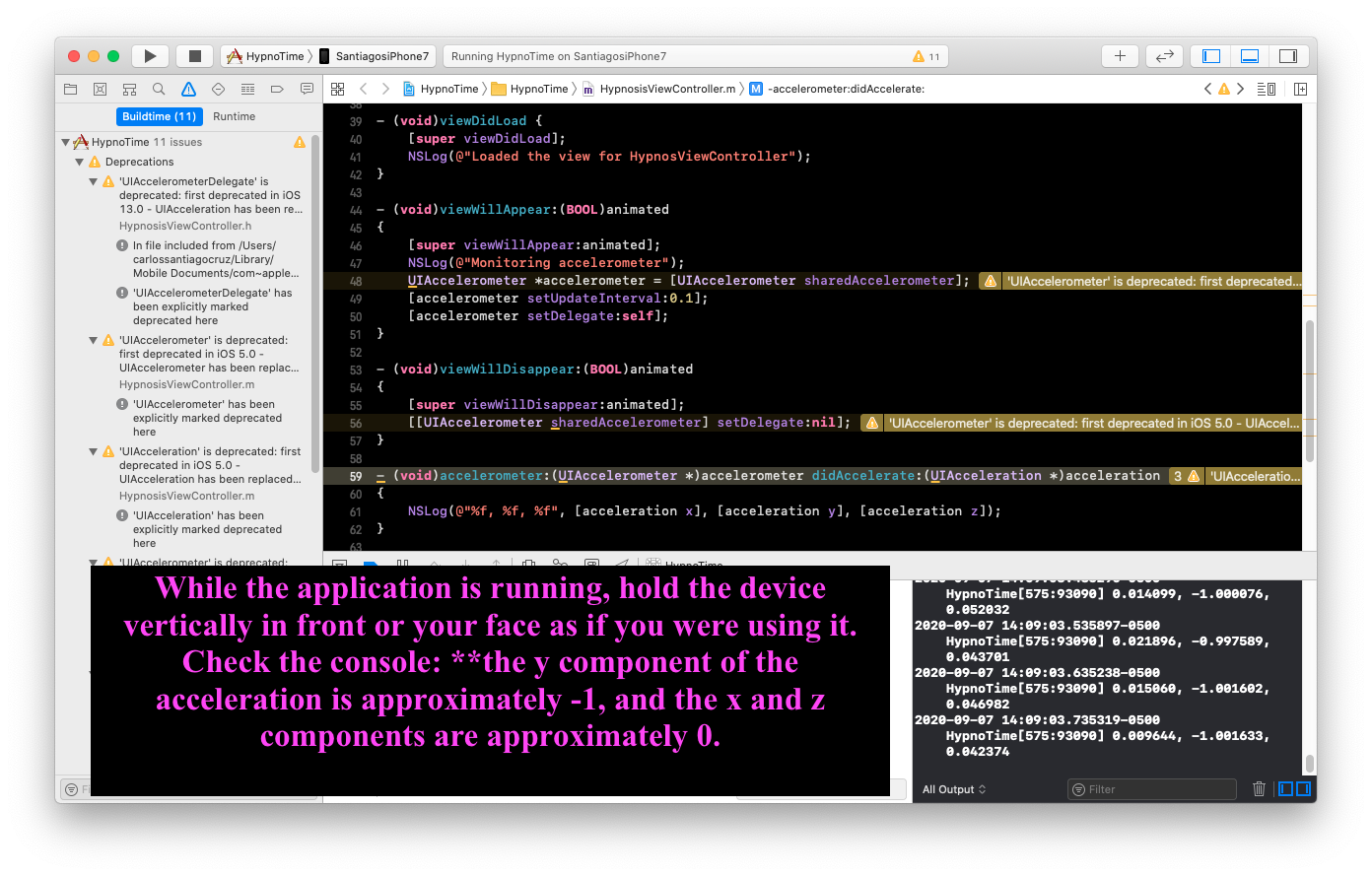
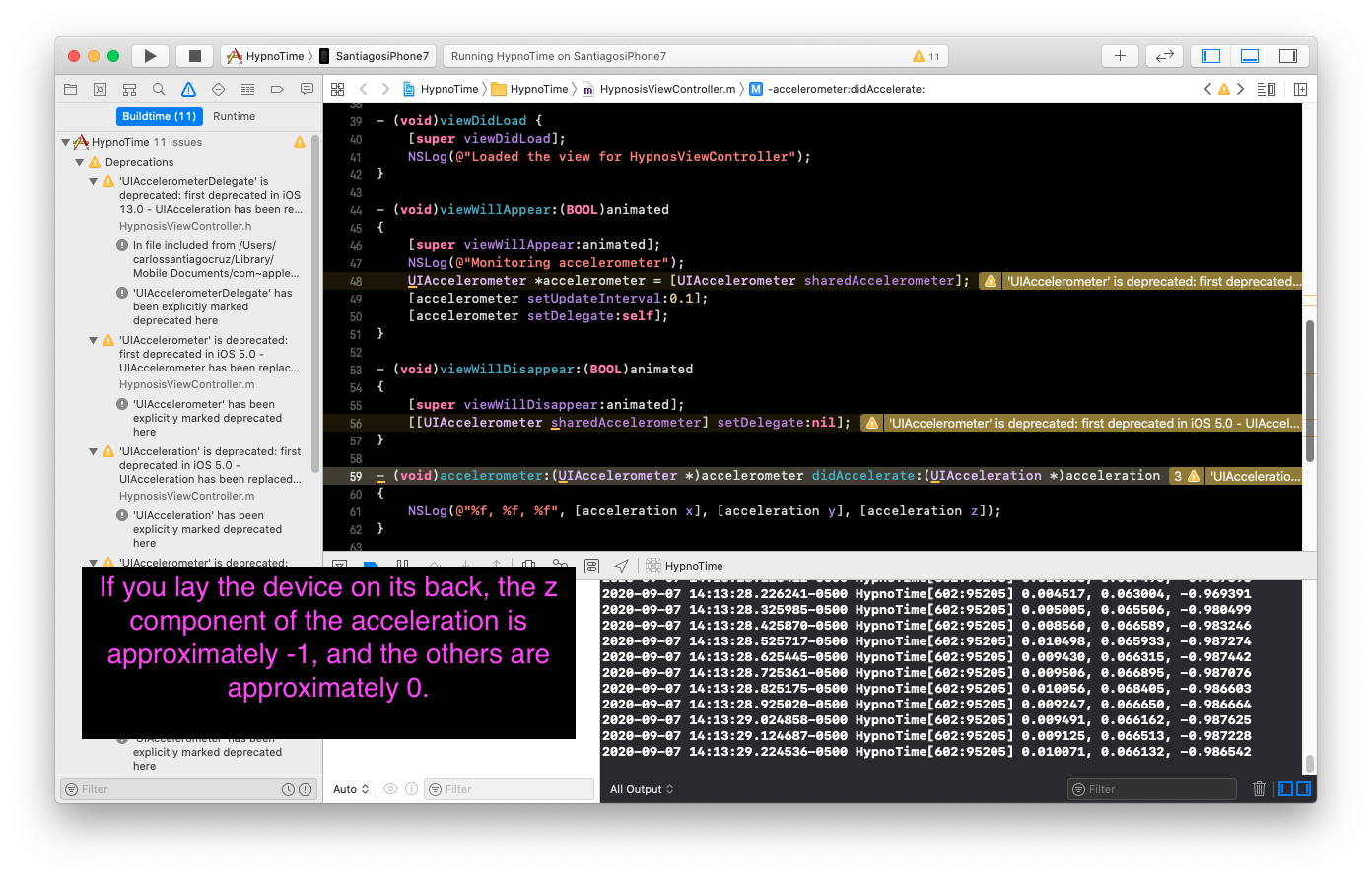
UIAccelerometer is deprecate. It was substitute with CoreMotion framework.
| At a glance: Notes | |||
|---|---|---|---|
 |
 |
 |
 |
- 1. Setting up the Accelerometer
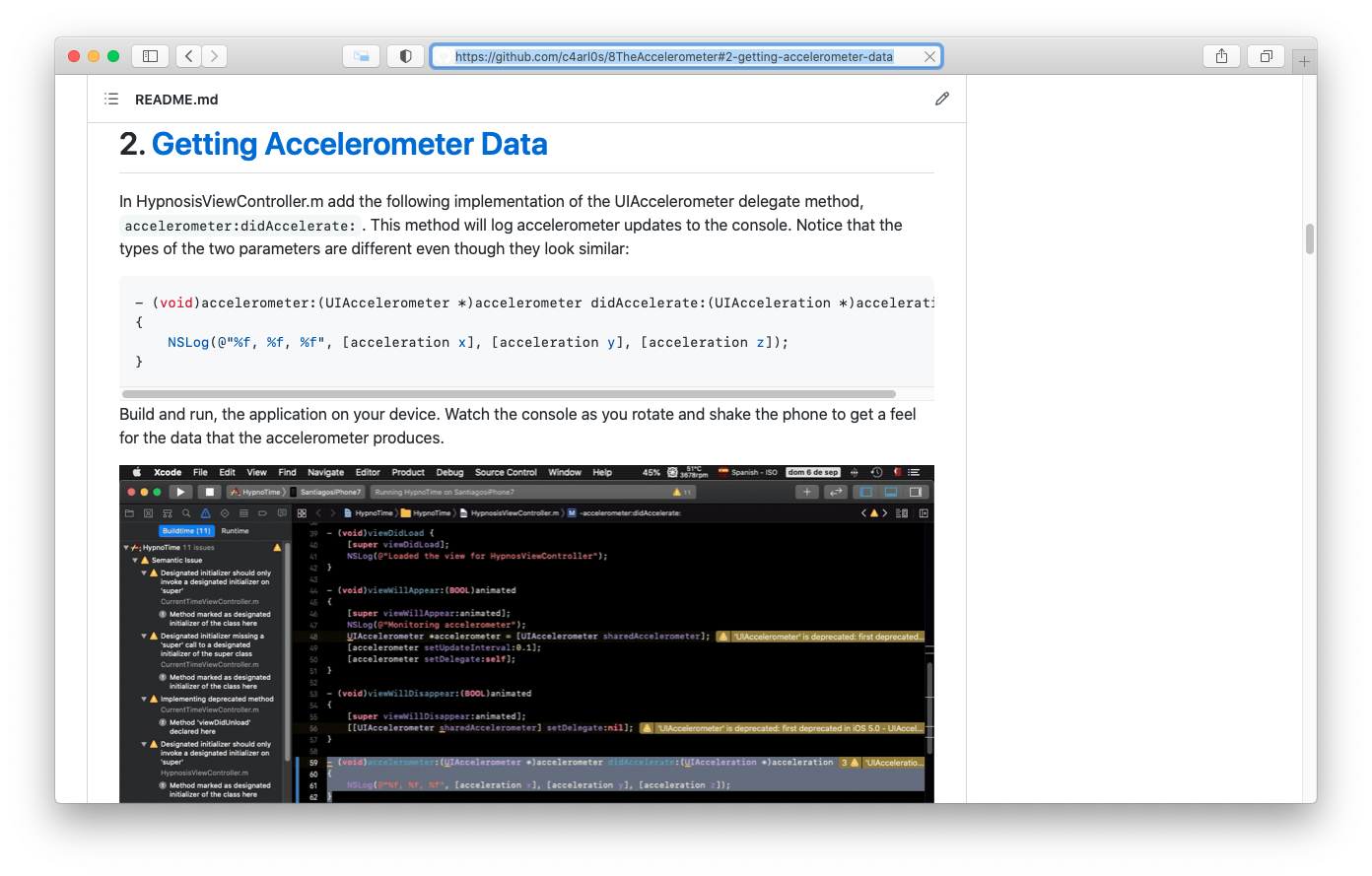
- 2. Getting Accelerometer Data
- 3. Orientation and Scale of Acceleration
- 4. Using Accelerometer Data
- 5. Smoothing Accelerometer Data
- 6. Detecting Shakes
- 7. Challenge: Changing Colors
- 8. For the More Curious: Filtering and Frequency
- 9. For the More Curious: Retina Display
| At a glance: Notes | |||
|---|---|---|---|
 |
 |
 |
 |
- 1. Notification and Rotation
- 2. Notification Center
- 3. UIDevice Notifications
- 4. Autorotation
- 5. Setting autoresizing masks programmatically and bitwise operations
- 6. Forcing Lanndscape Mode
- 7. Challenge: Proximity Notifications
- 8. For the More Curious: Overriding Autorotation
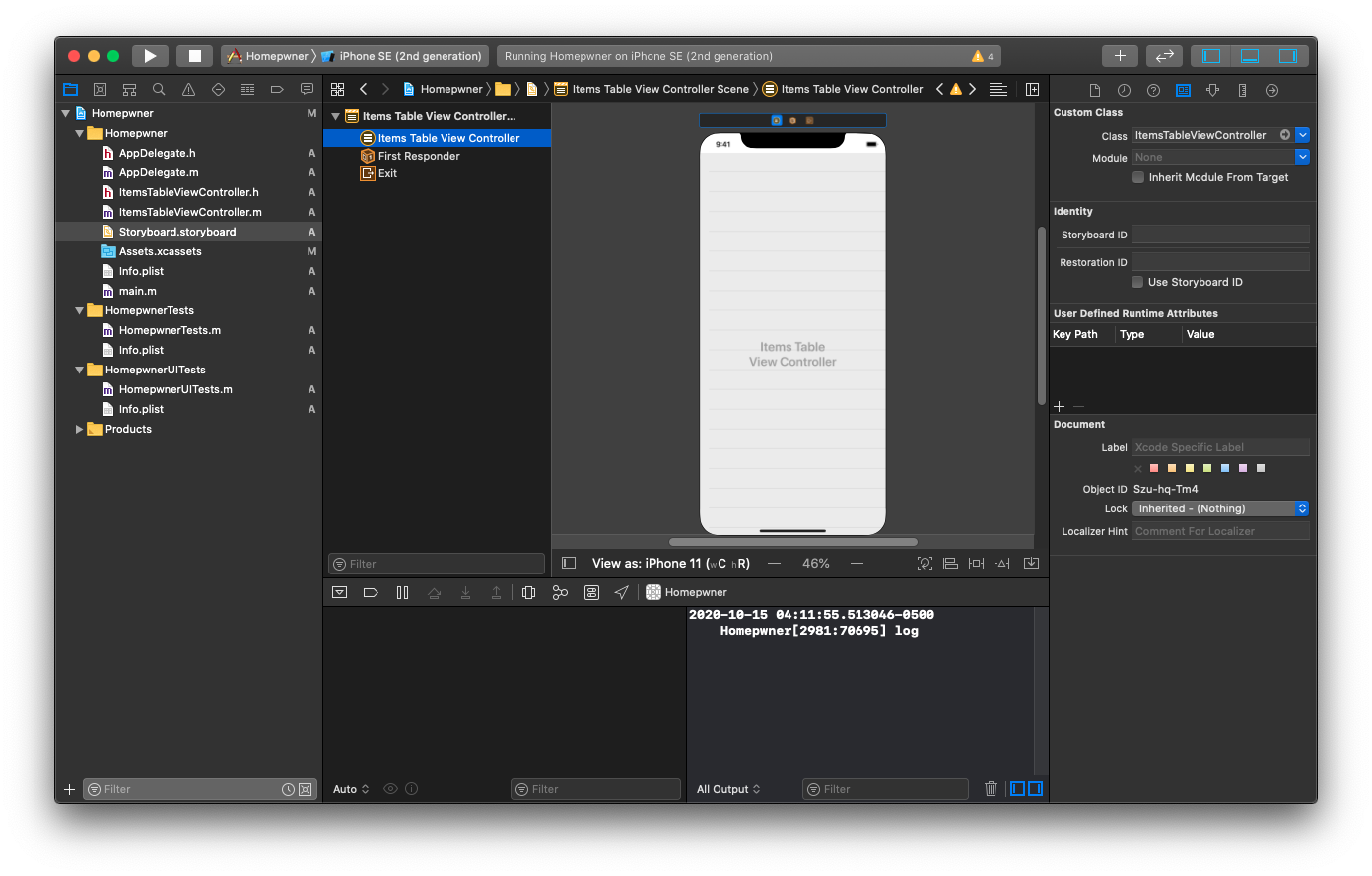
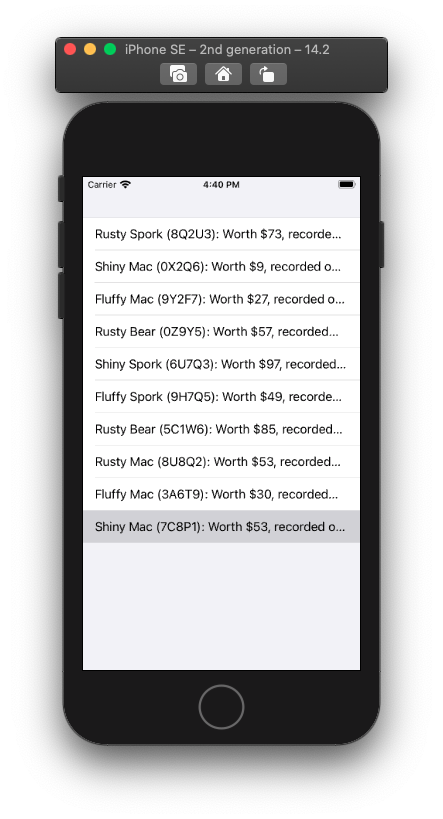
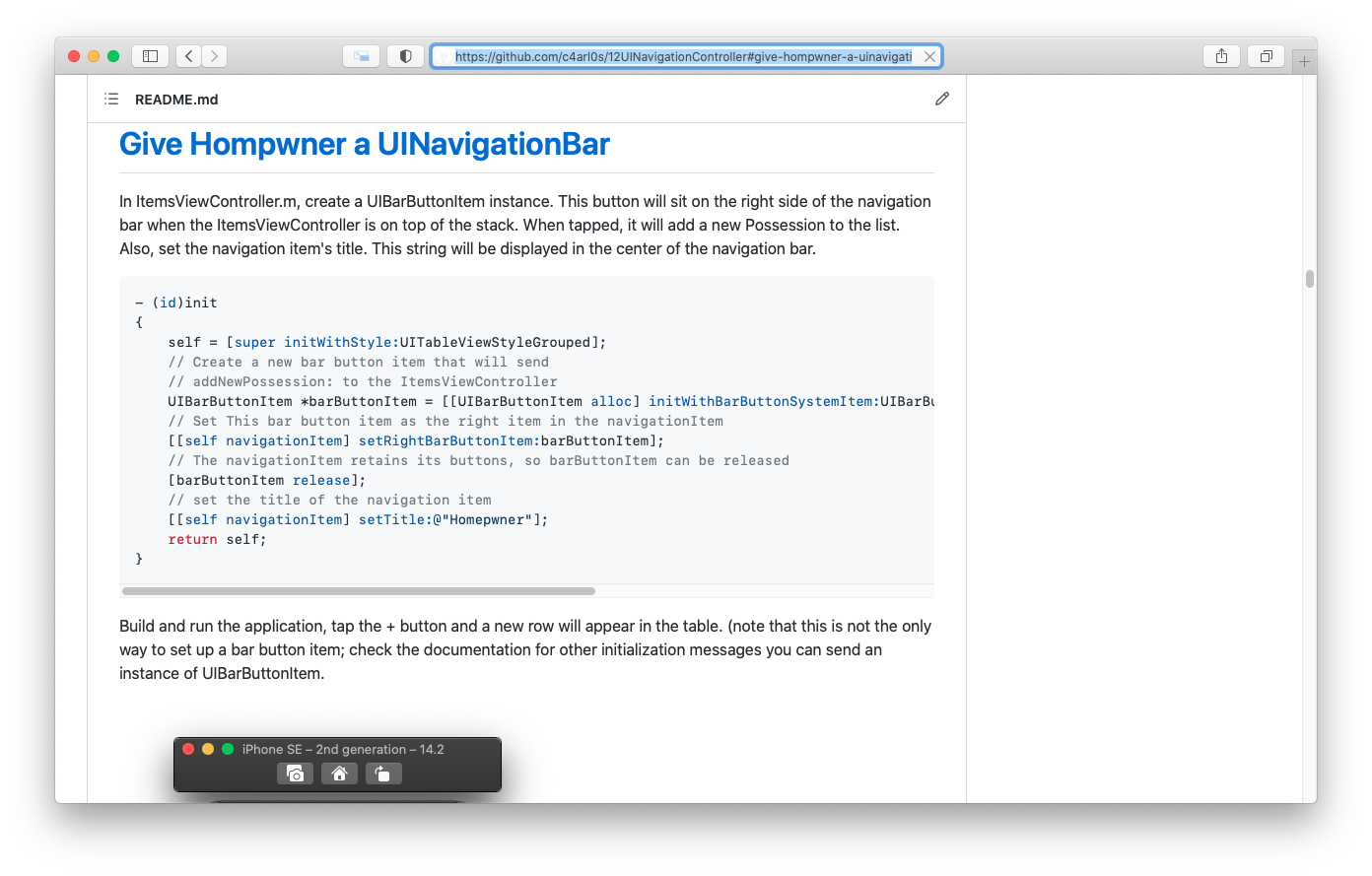
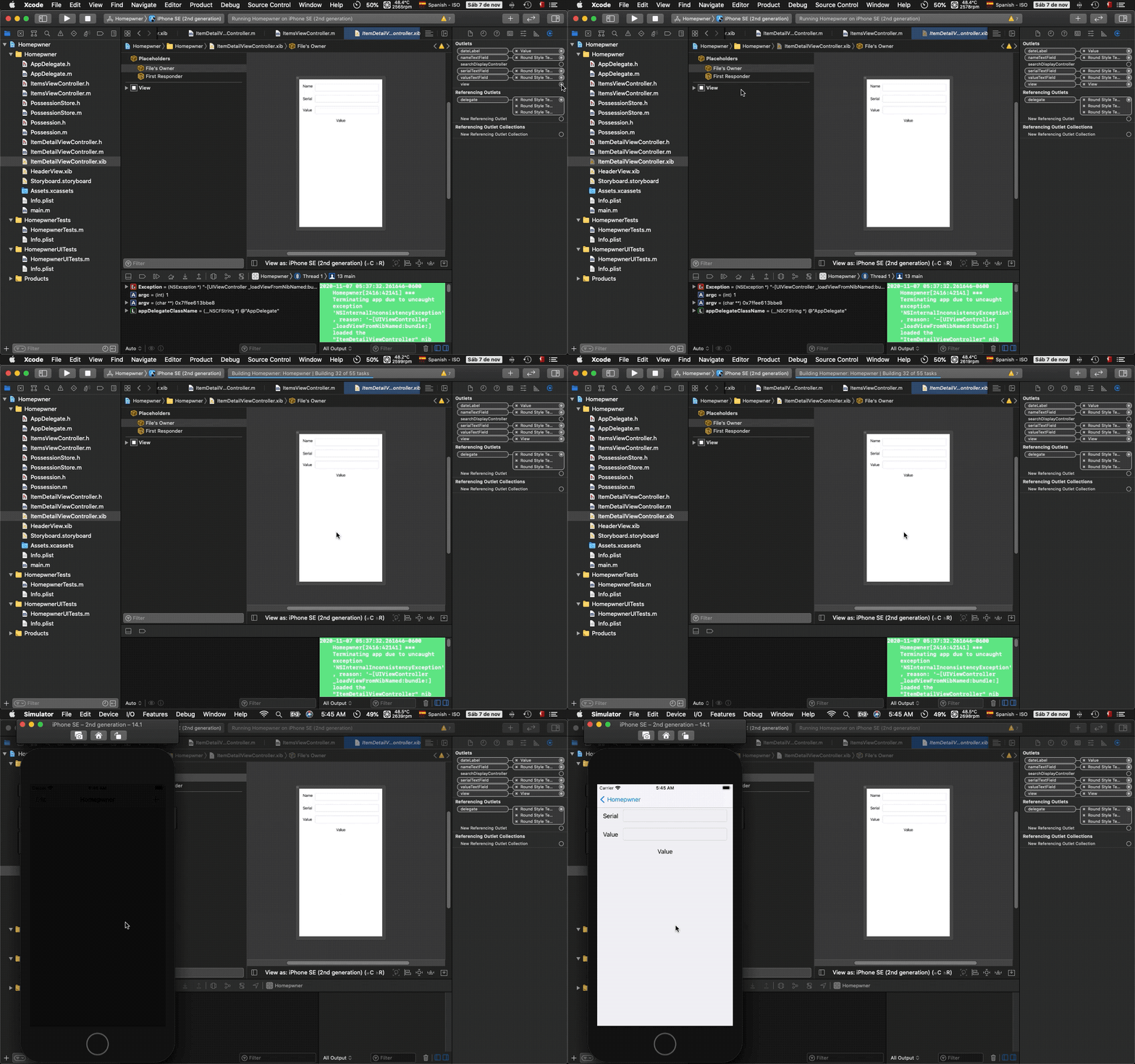
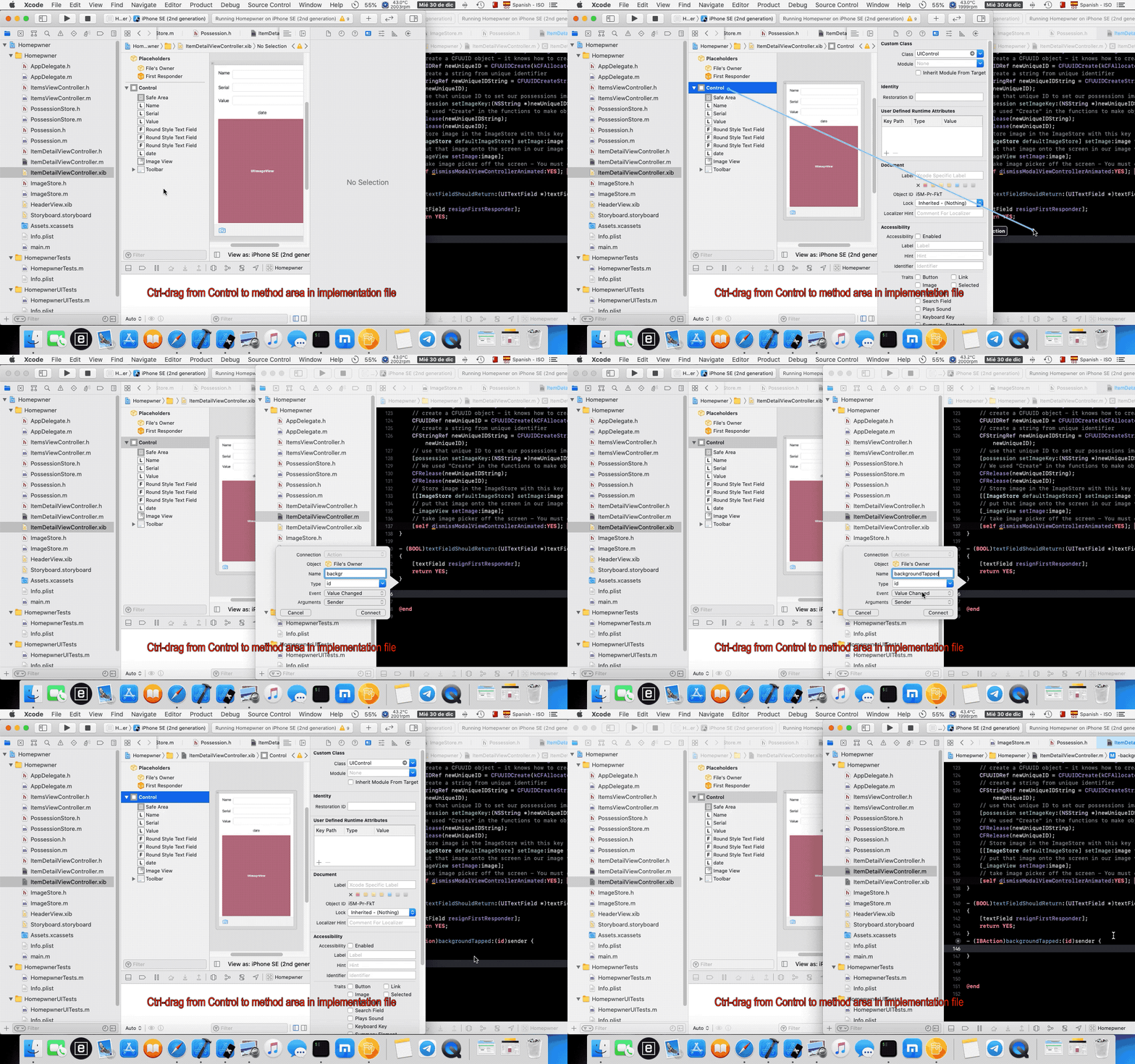
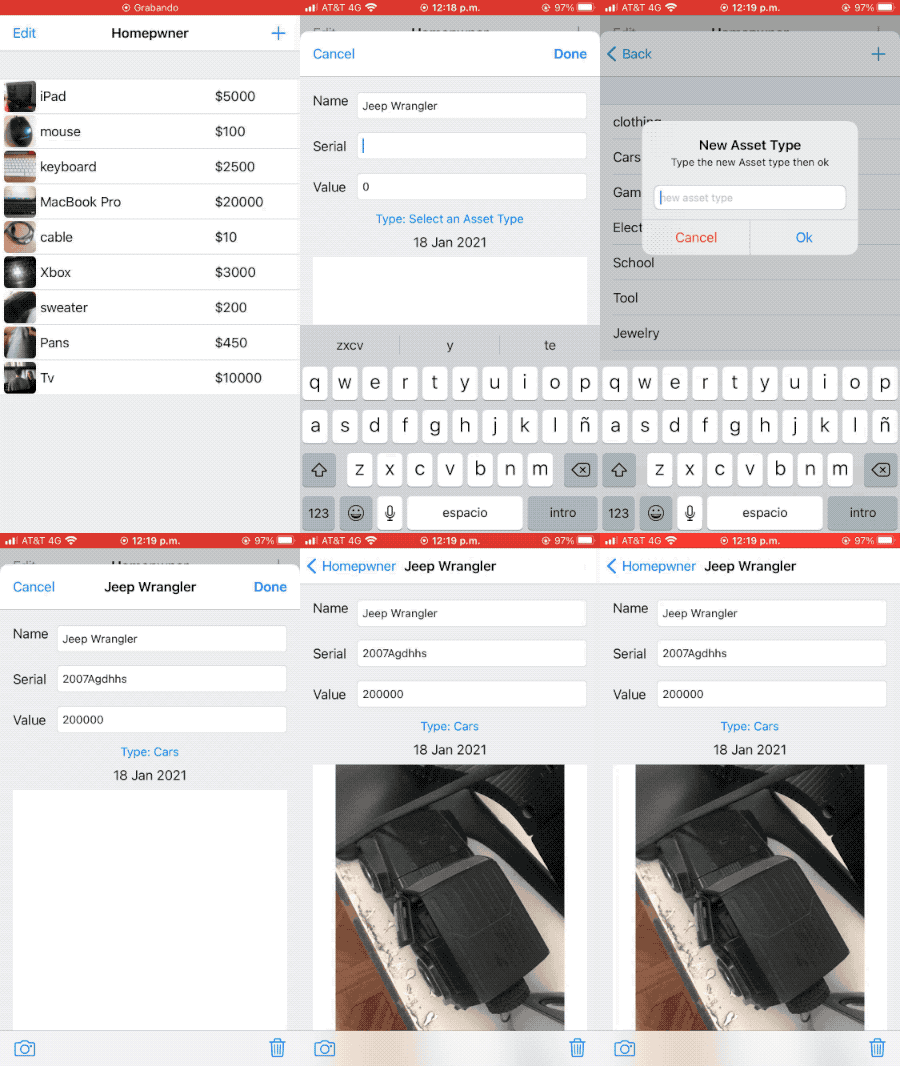
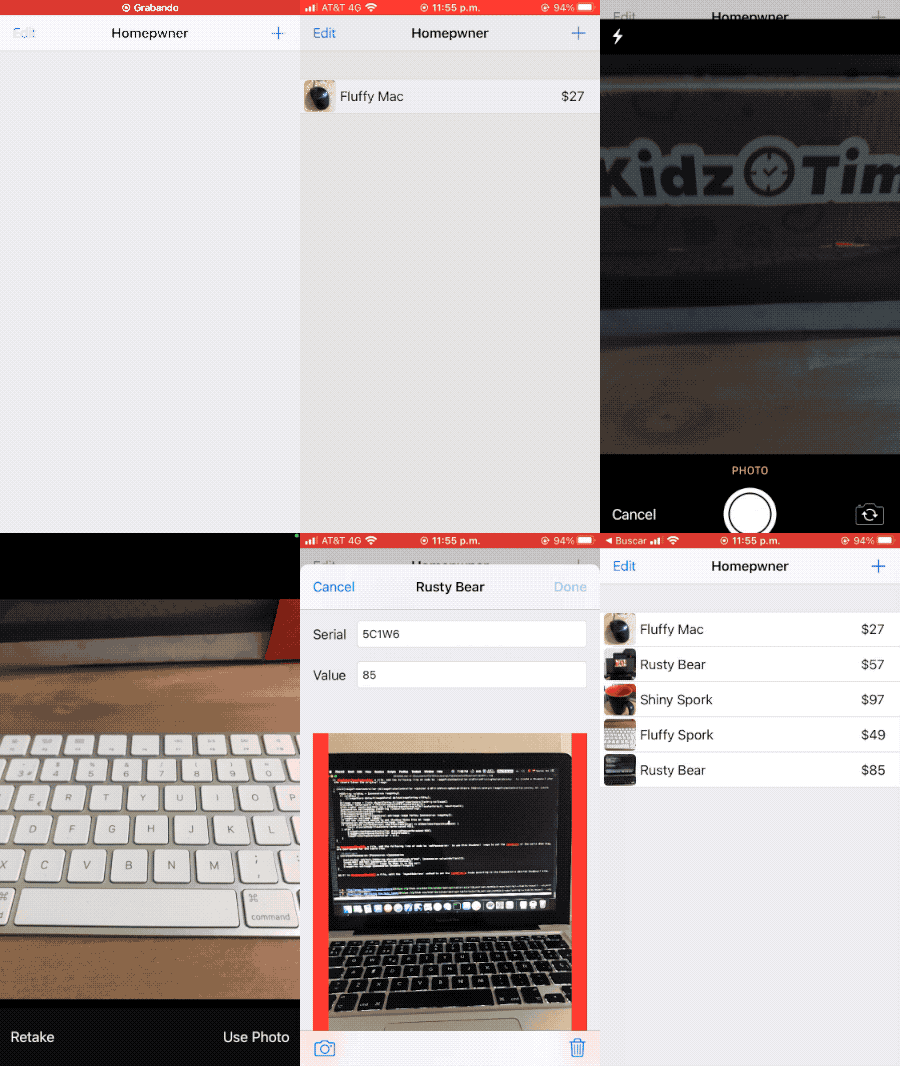
It keeps an inventory of all your possessions. In the case of a fire or other catastrophe, you will have a record for your insurance company. It will record the name, serial number, and a picture of any of your possessions.
| Notes | xcodeproj | ||
|---|---|---|---|
 |
 |
 |
 |
- 1. Beginning of the Homepwner Application
- 2. UITableViewController
- 3. subclassing UITableViewController
- 4. UITableView's Data Source
- 5. PossessionStore: a singleton
- 6. Implementing data source methods
- 7. UItableViewCells
- 8. Creating and retrieving UITableViewCells
- 9. Reusing UITableViewCells
- 10. Code Snippet Library
- 11. Challenge: Sections
| At a glance: Notes | |||
|---|---|---|---|
 |
 |
 |
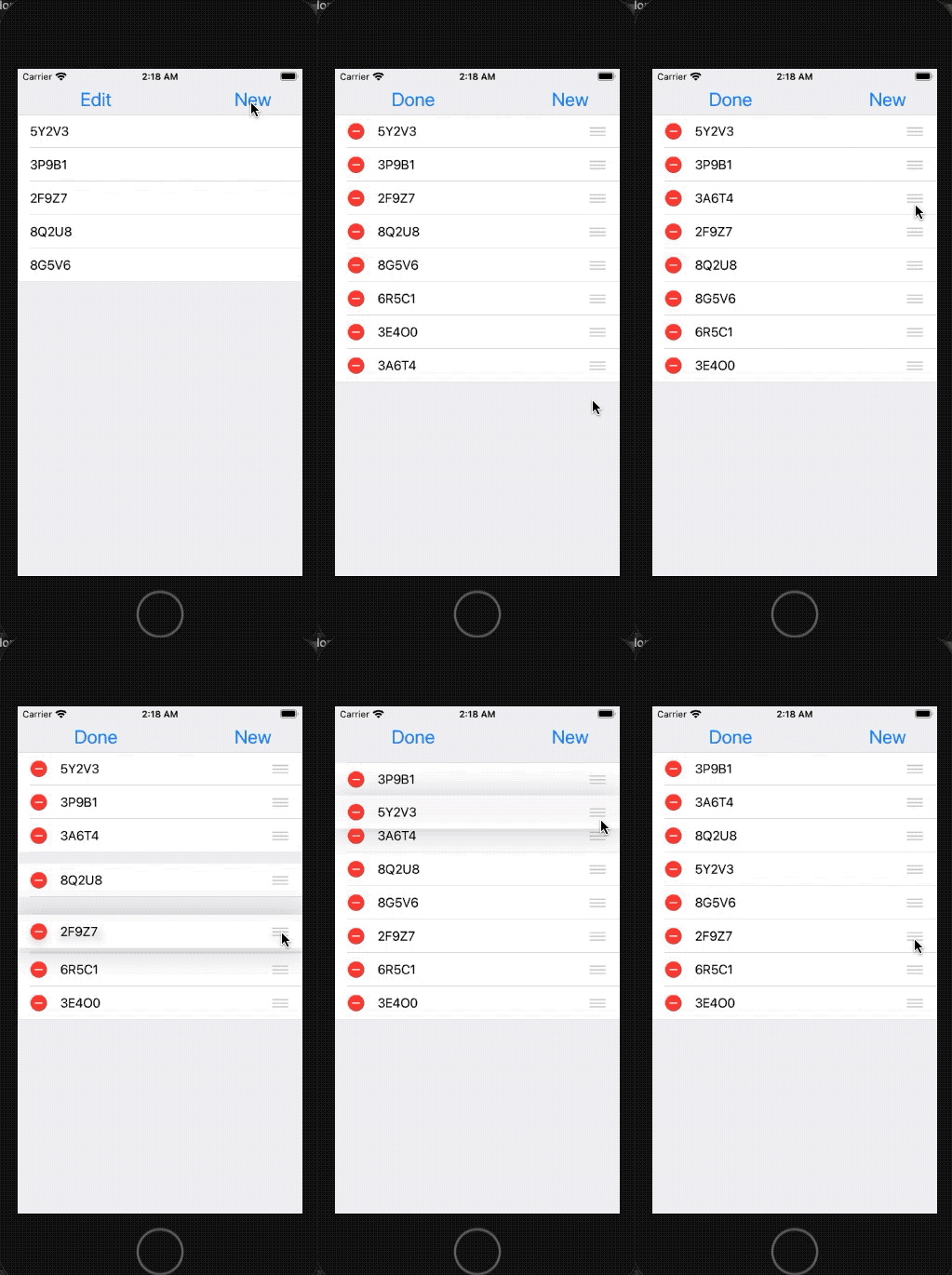 |
| At a glance: Notes | |||
|---|---|---|---|
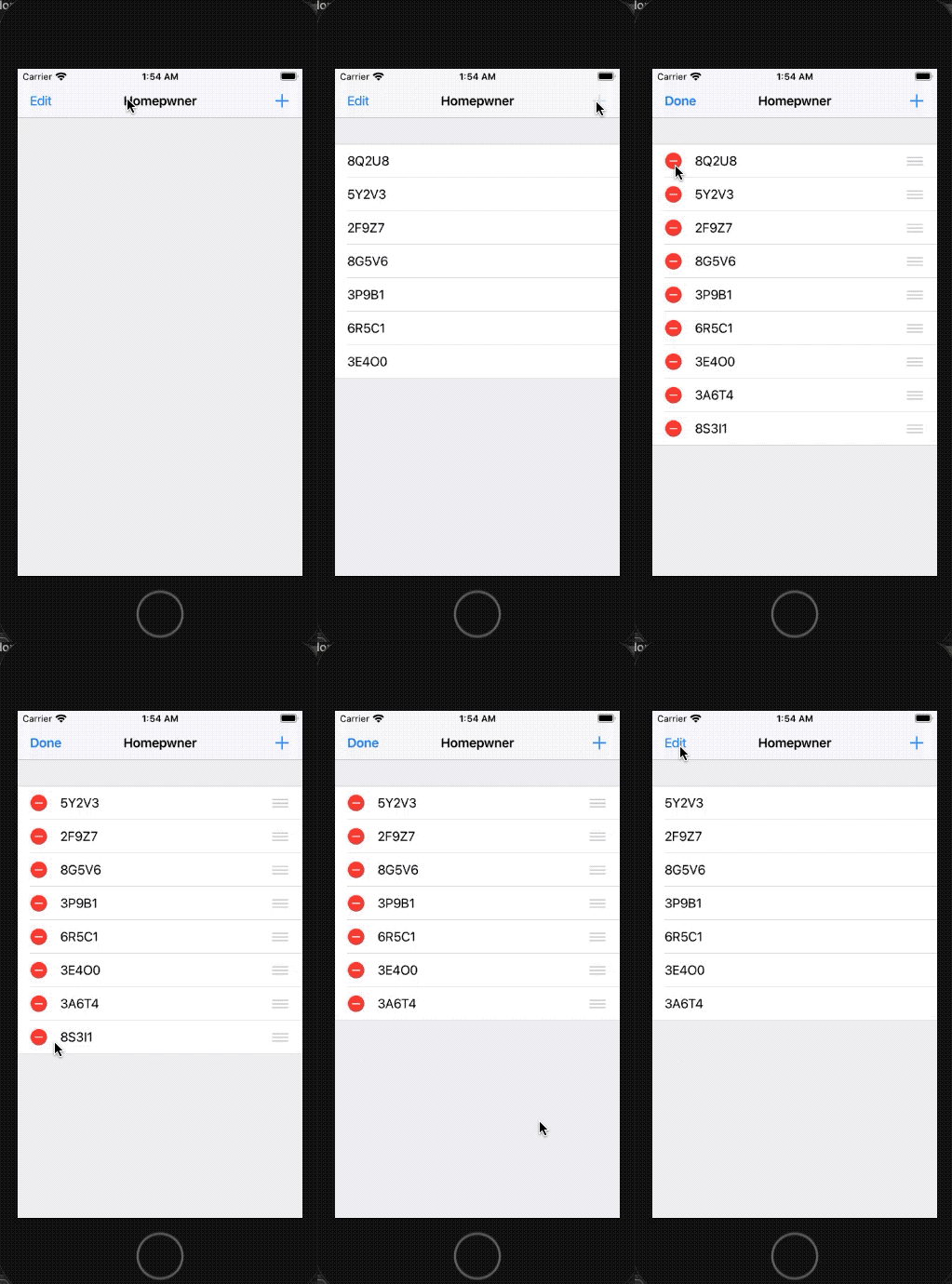 |
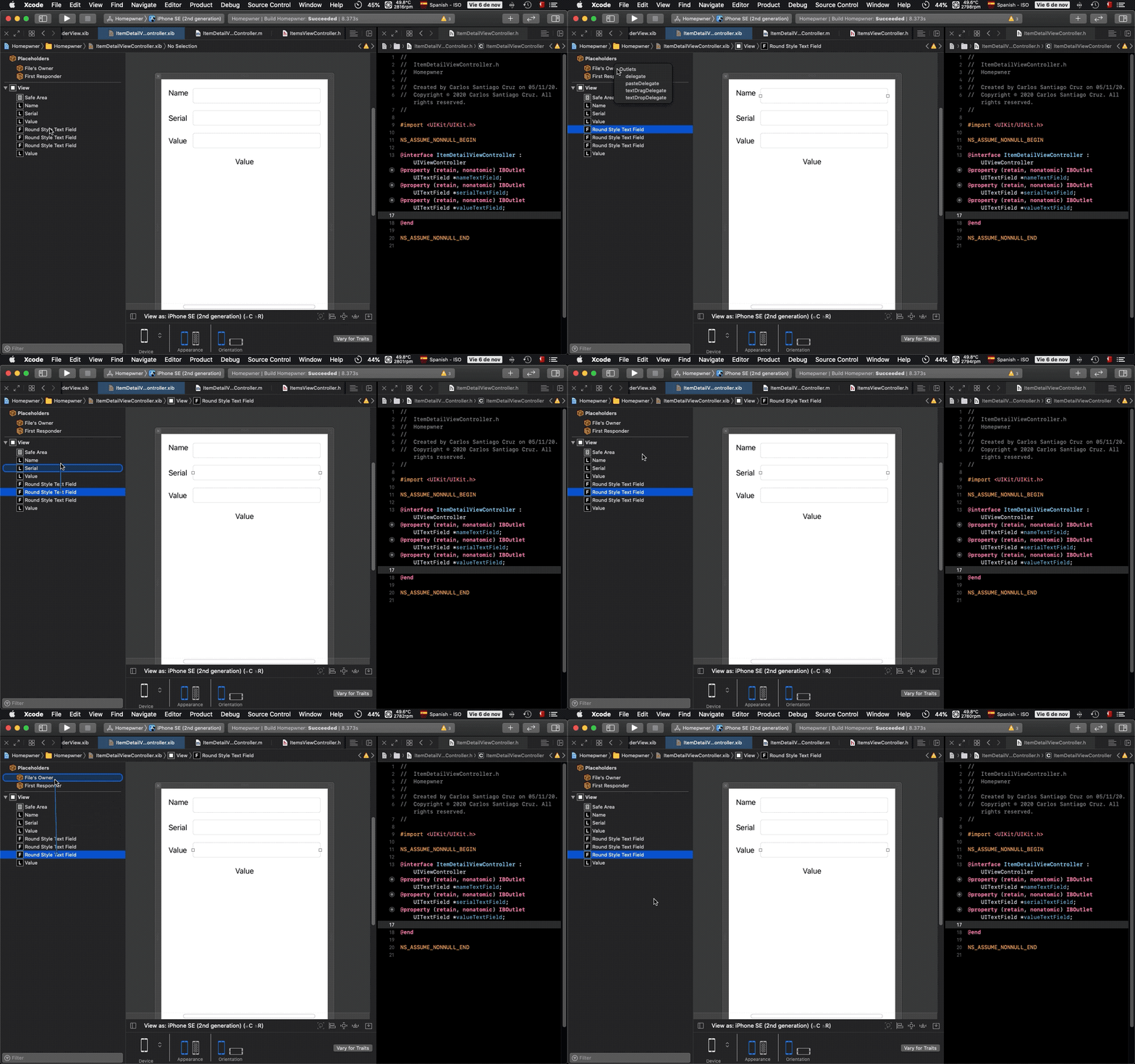 |
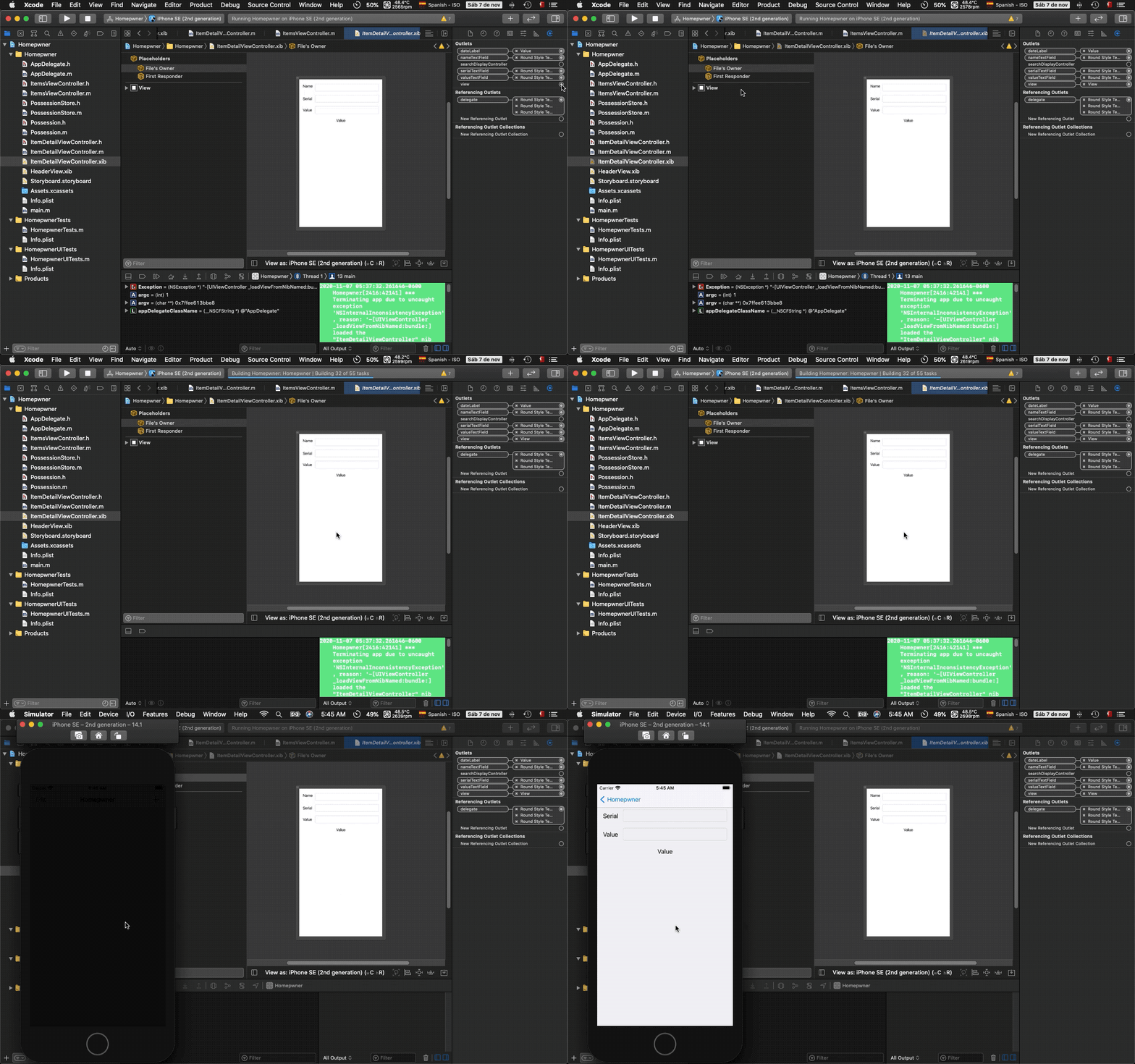 |
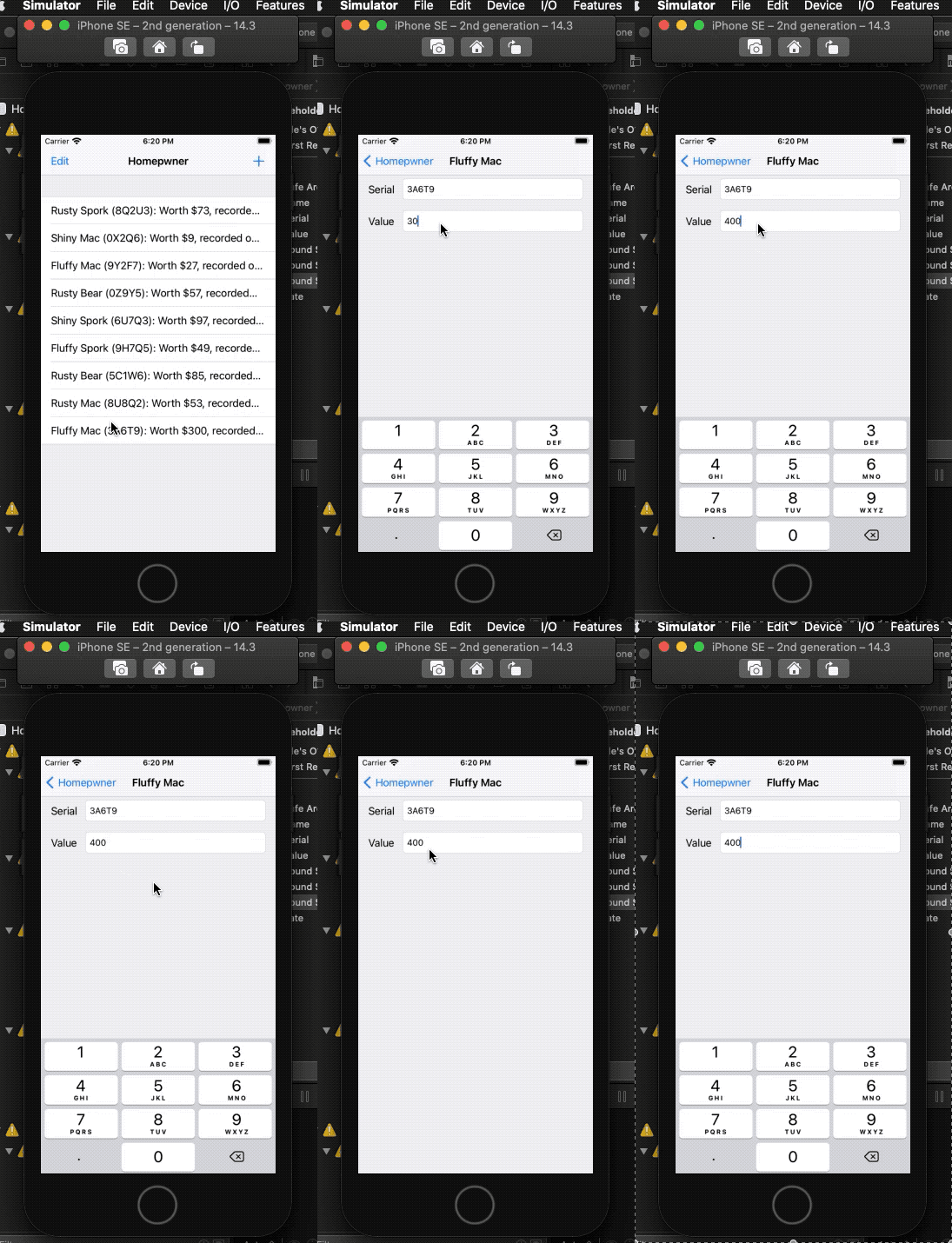 |
- 1. UINavigationController
- 2. UINavigationBar
- 3. An Additional UIViewController
- 4. Navigating with UINavigationController
- 5. Pushing view controllers
- 6. Passing data between view controllers
- 7. Appearing and disappearing views
- 8. Challenge: Number Pad
| At a glance: Notes | |||
|---|---|---|---|
 |
 |
 |
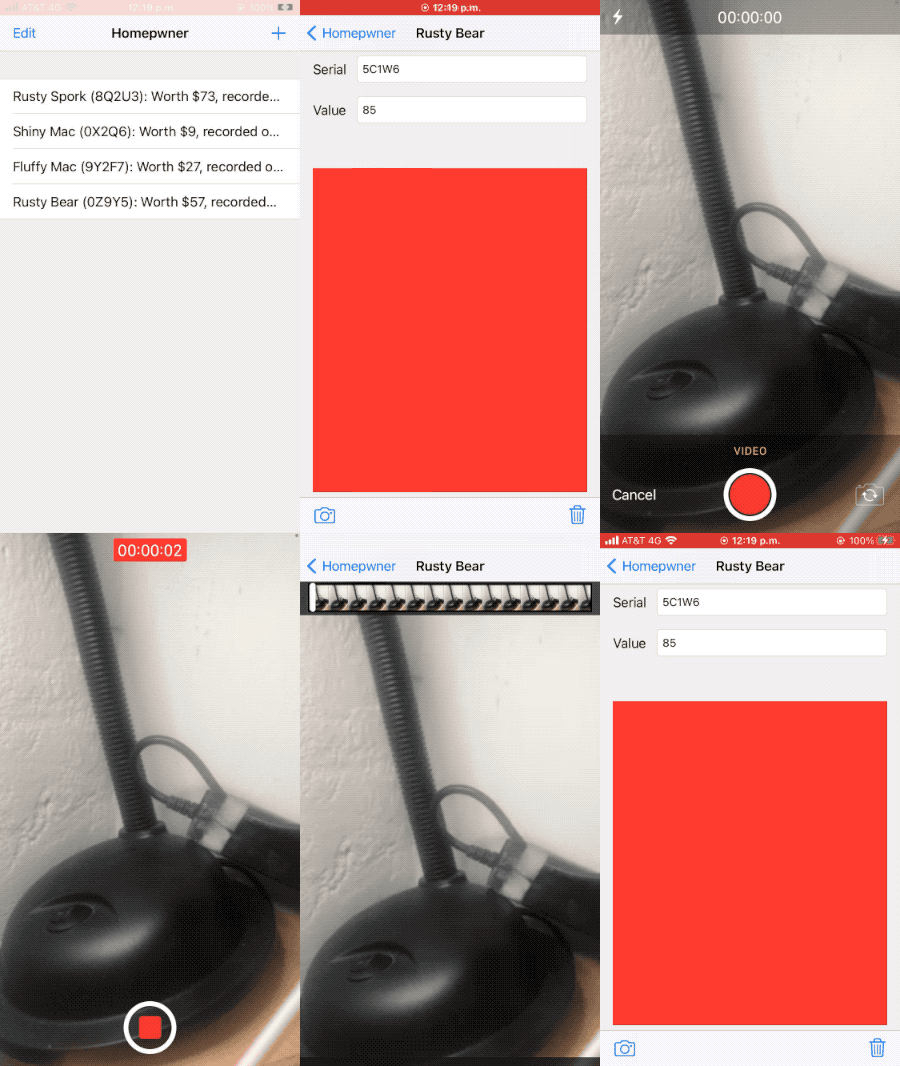 |
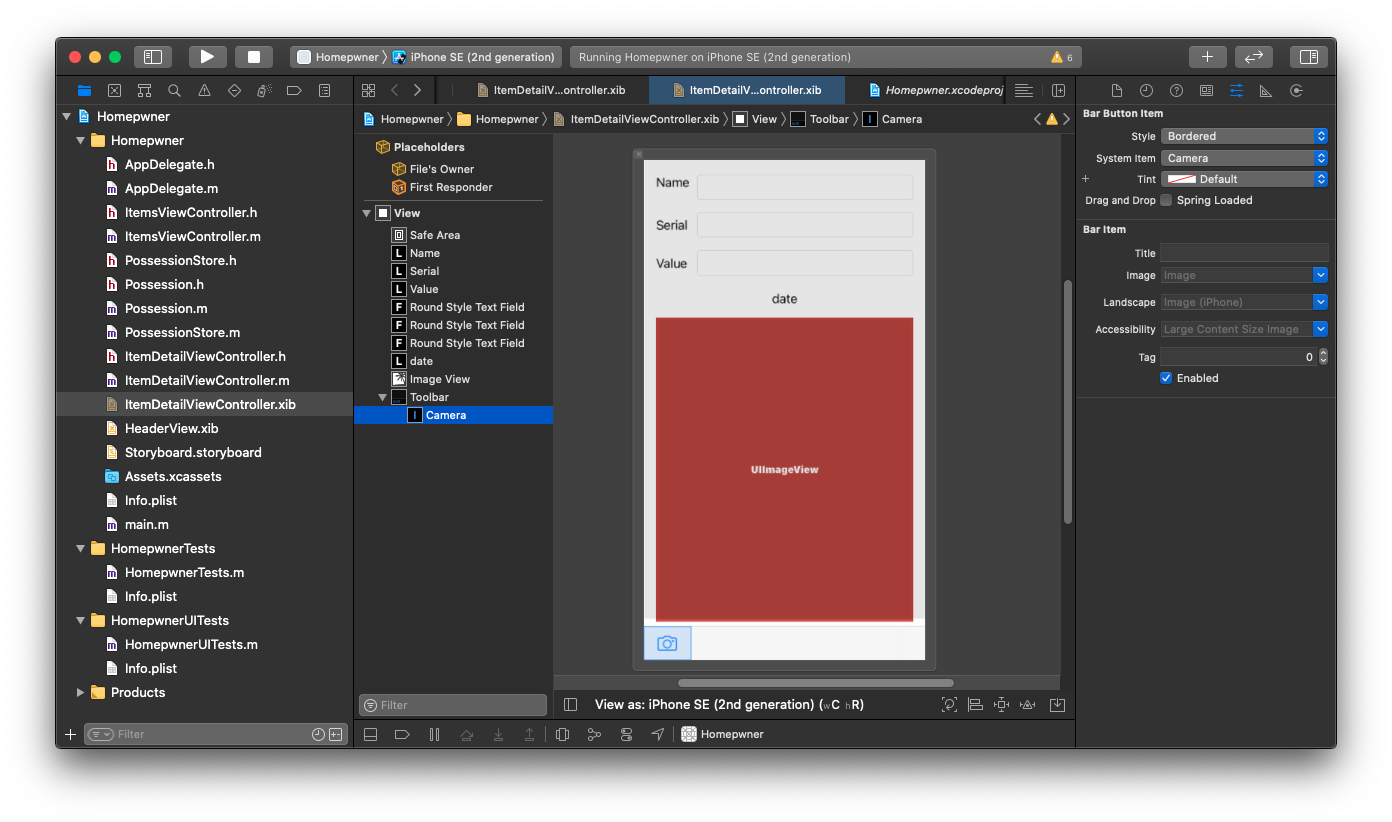
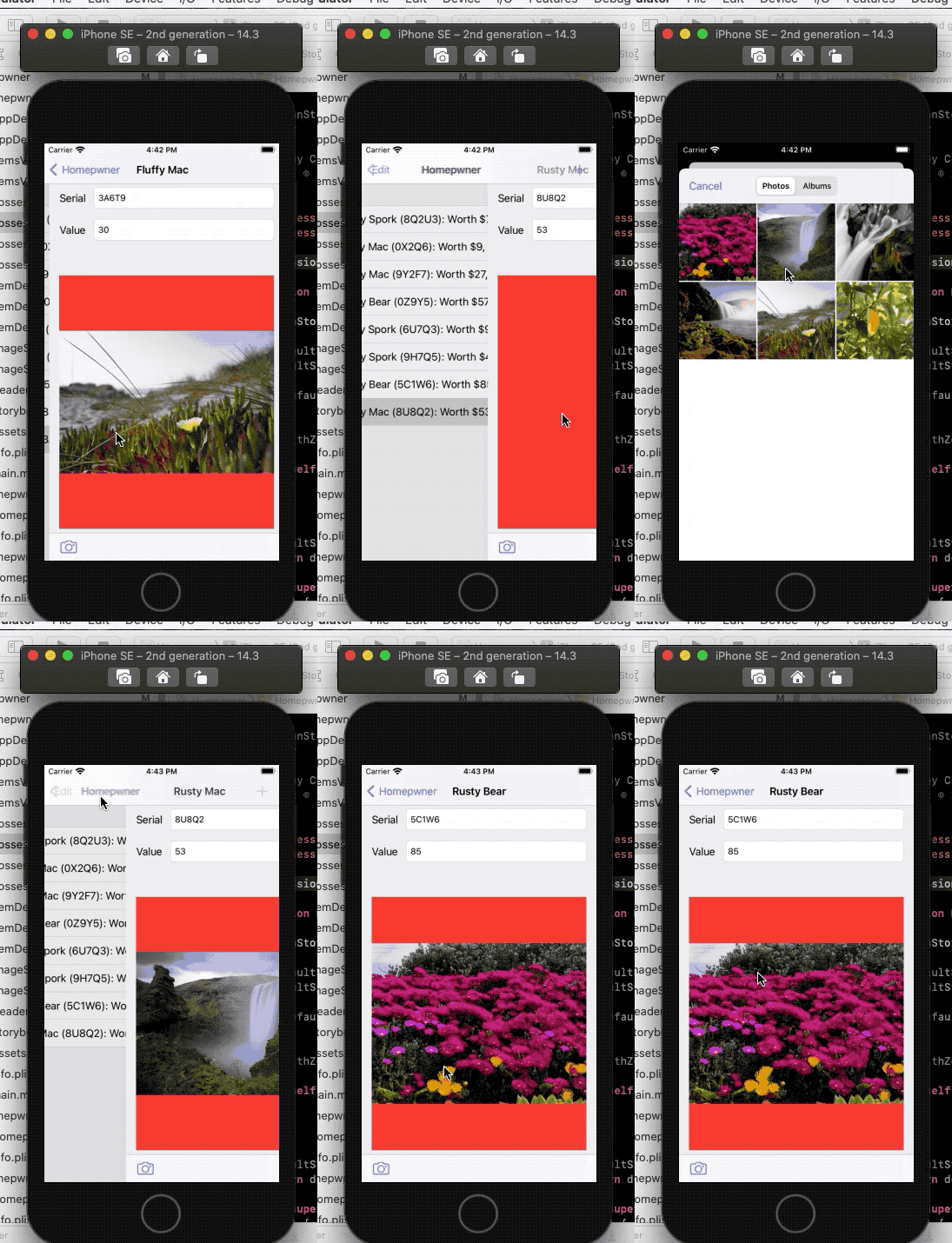
- 1. Displaying Images and UIImageView
- 2. Taking pictures and UIImagePickerController
- 3. ImageStore
- 4. NSDictionary
- 5. Creating and using keys
- 6. Dismissing the keyboard
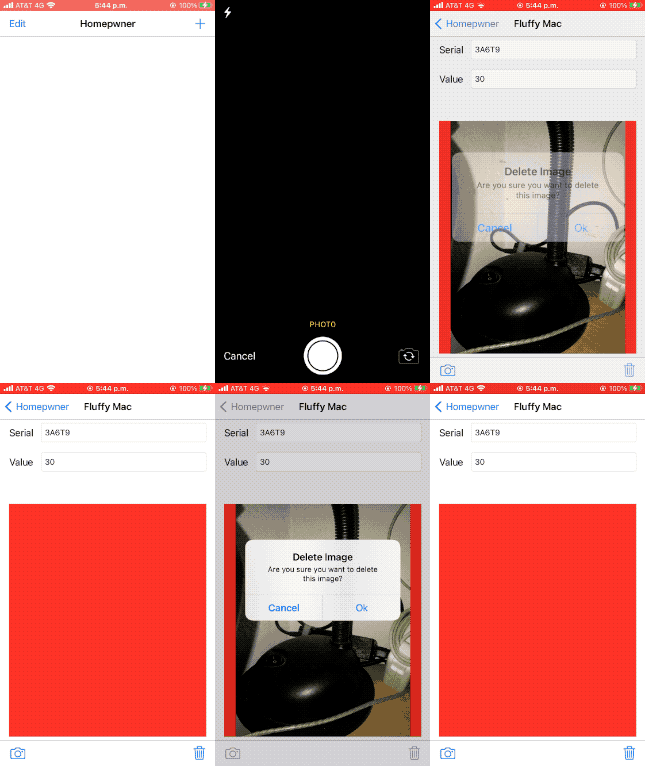
- 7. Challenge: Removing an Image
- 8. For the More Curious: Recording Video
| At a glance: Notes | |||
|---|---|---|---|
 |
 |
 |
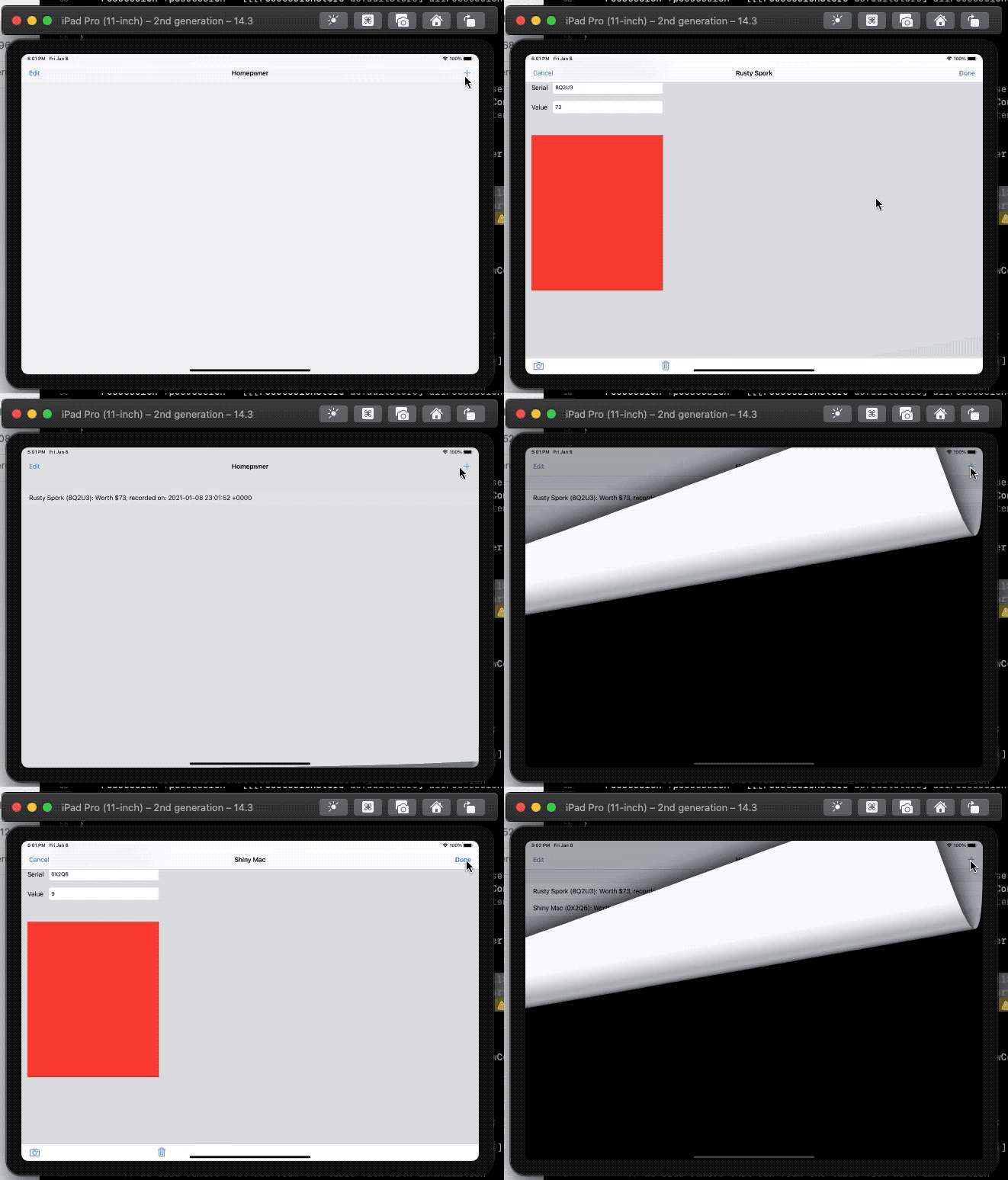 |
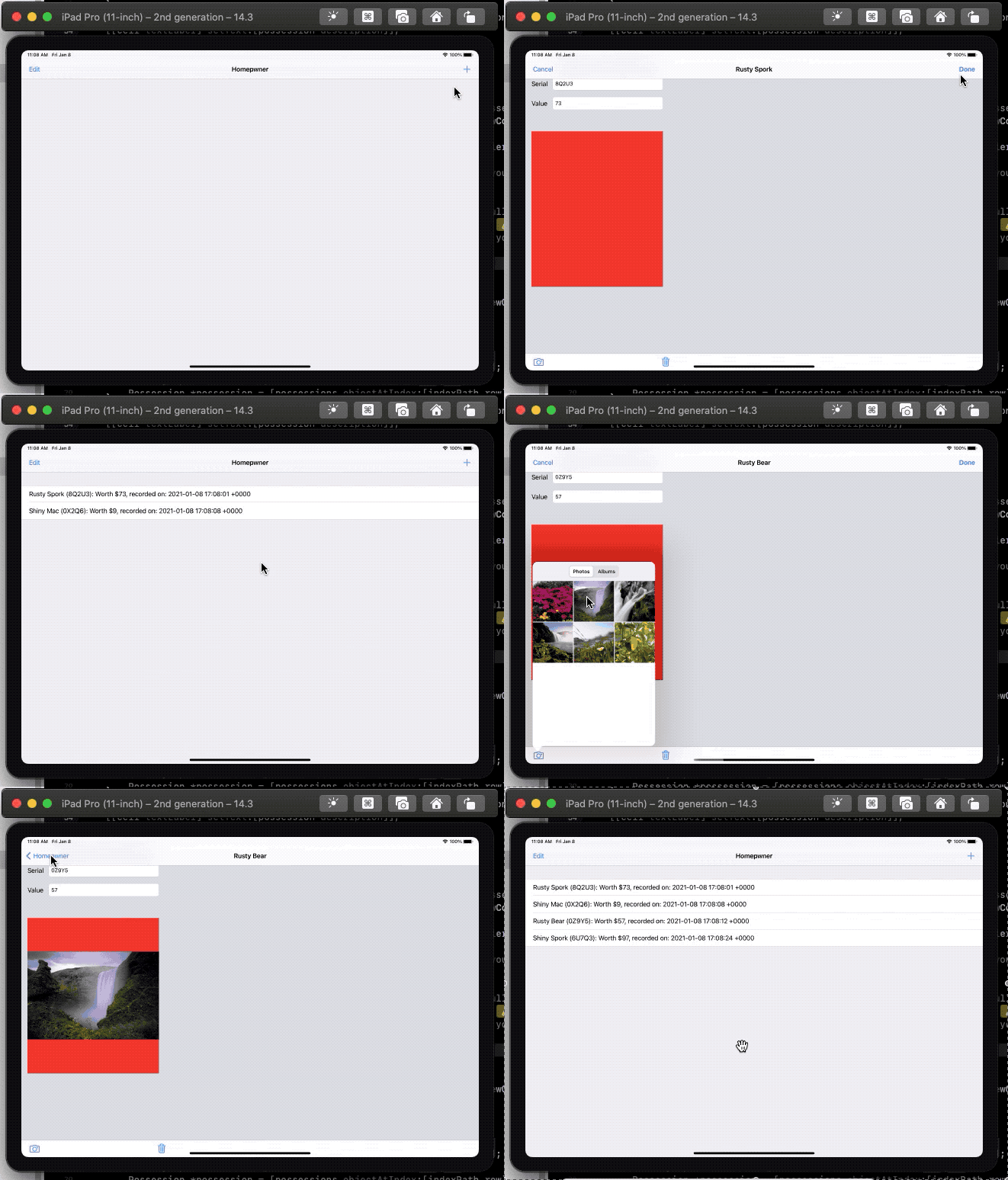
- 1. Universalizing Homepwner
- 2. UIPopoverController
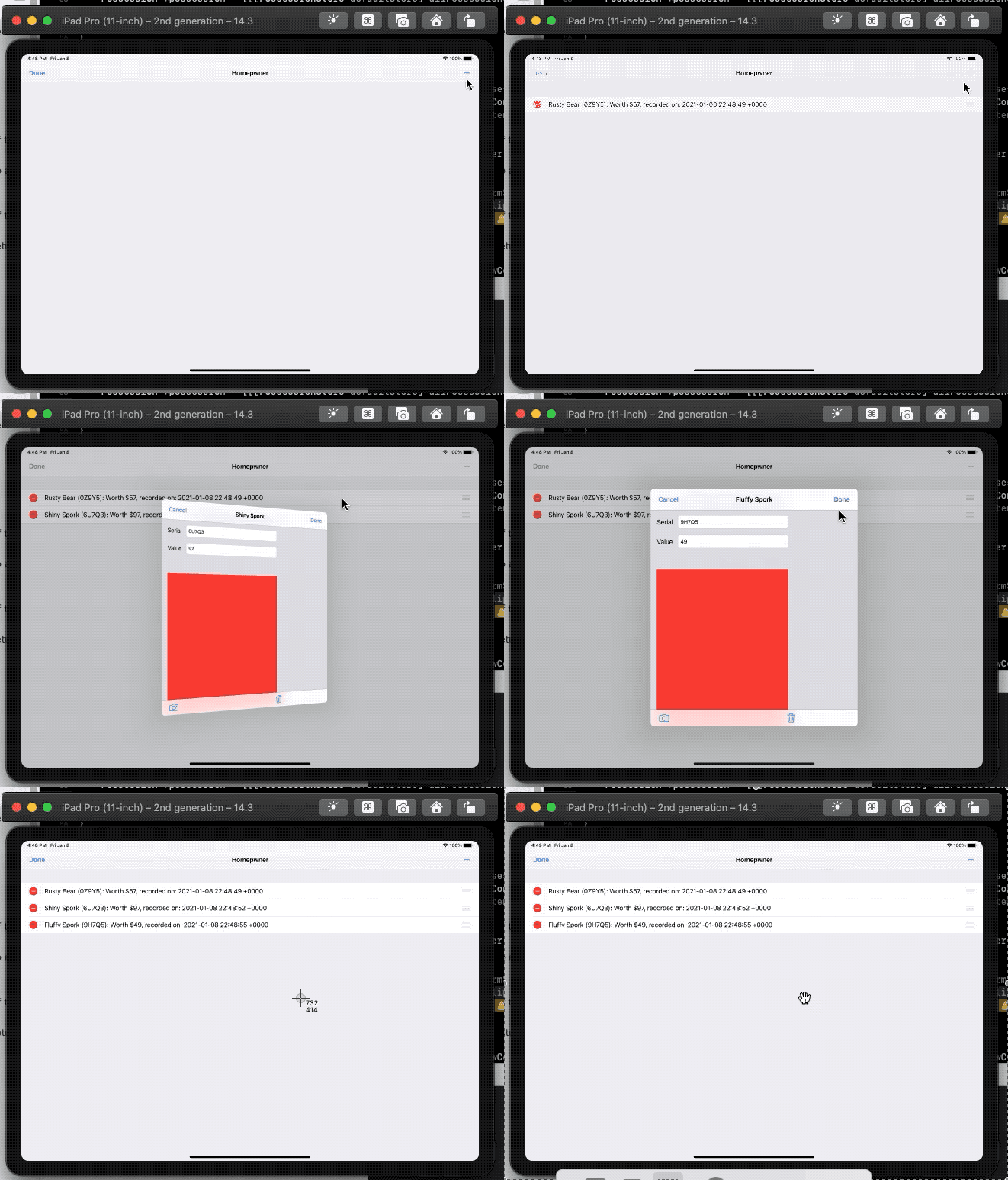
- 3. Modal View Controllers
- 4. Dismissing Modal View Controllers
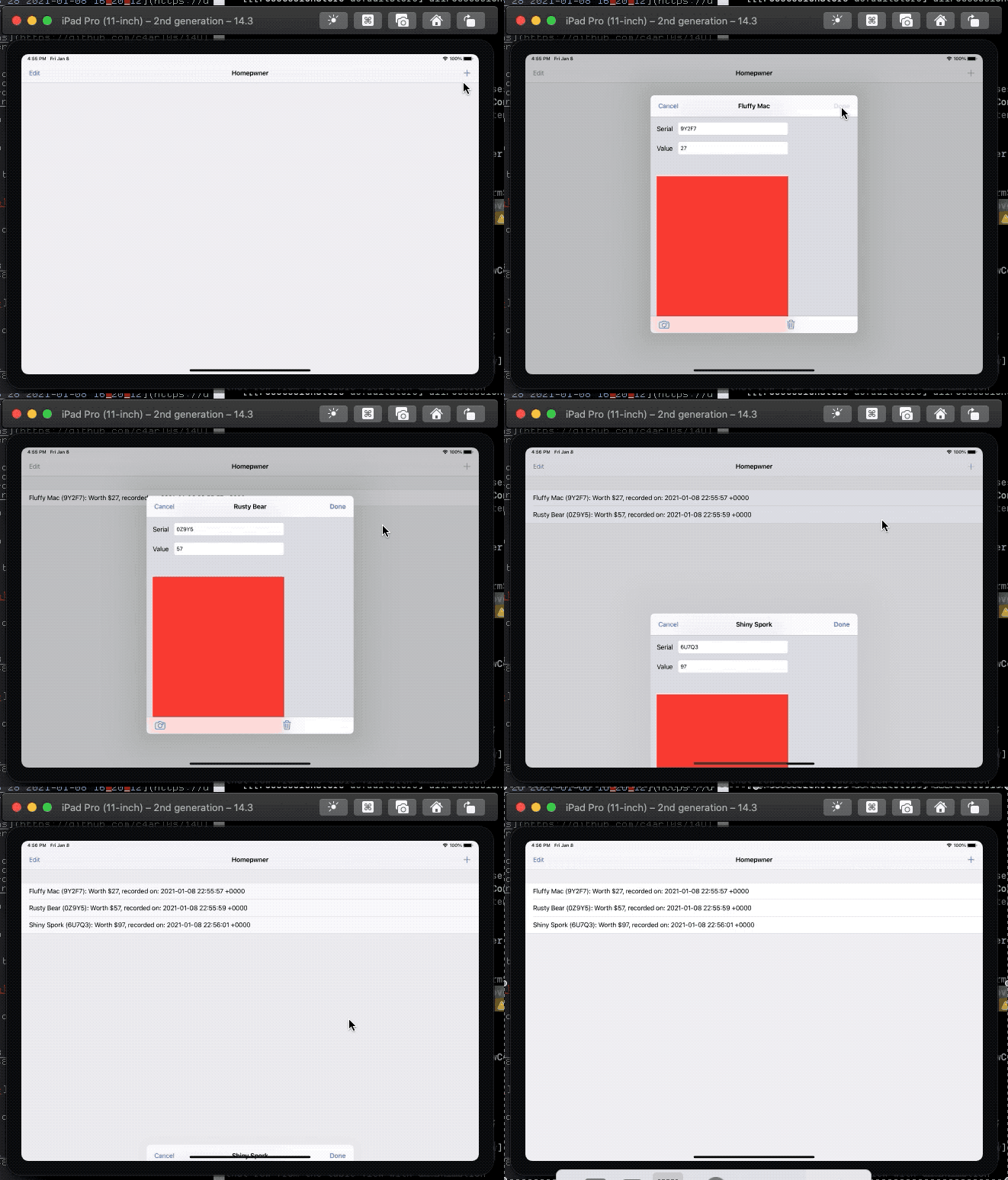
- 5. Modal View Controllers Styles
- 6. Writing a View Controller Delegate Protocol
- 7. Modal View Controller Transitions
| At a glance: Notes | |||
|---|---|---|---|
 |
 |
 |
 |
- 1. Application Sandbox
- 2. Constructing a file path
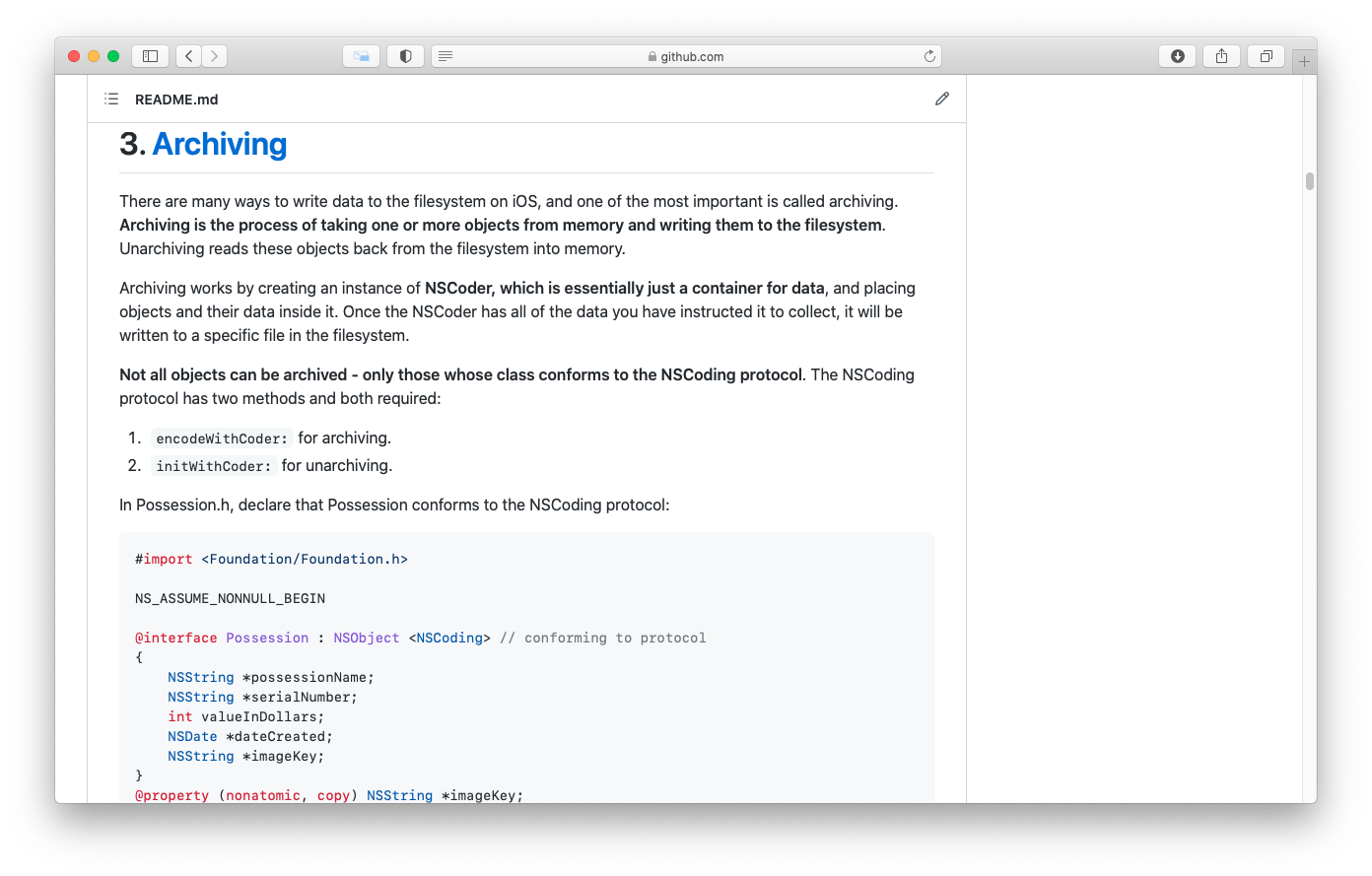
- 3. Archiving
- 4. Archiving objects
- 5. Unarchiving objects
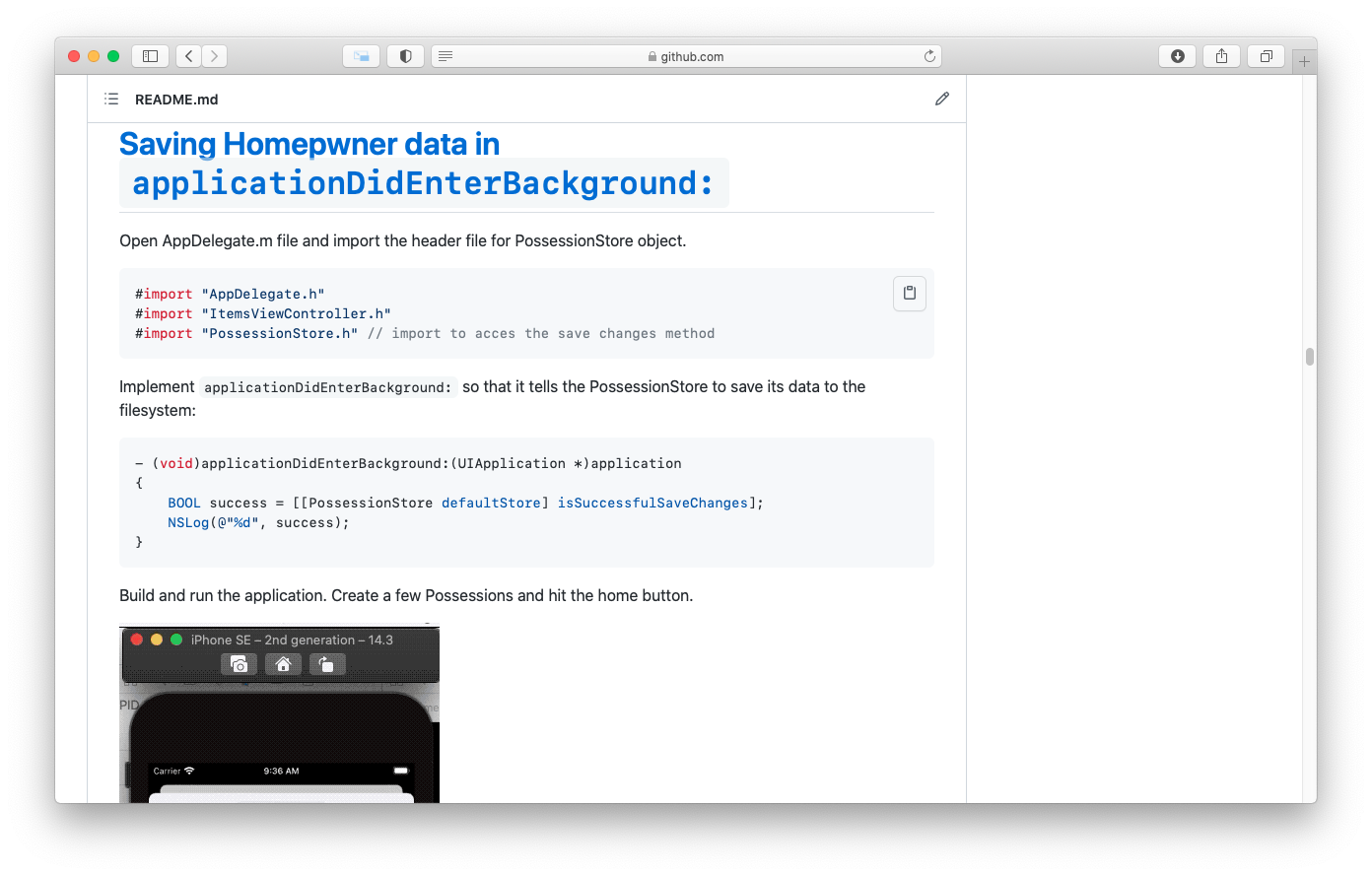
- 6. Application States, Transitions, and multitasking
- 7. writing to filesystems with NSData
- 8. More on Low-Memory Warnings
- 9. Model-View-Controller-Store Design Pattern
- 10. Challenge: Archiving Whereami
- 11. For the more Curious: Application State Transitions
- 12. For the more Curious: Reading and Writing to the filesystem
- 13. For the more Curious: The Application Bundle
| At a glance: Notes | |||
|---|---|---|---|
 |
 |
 |
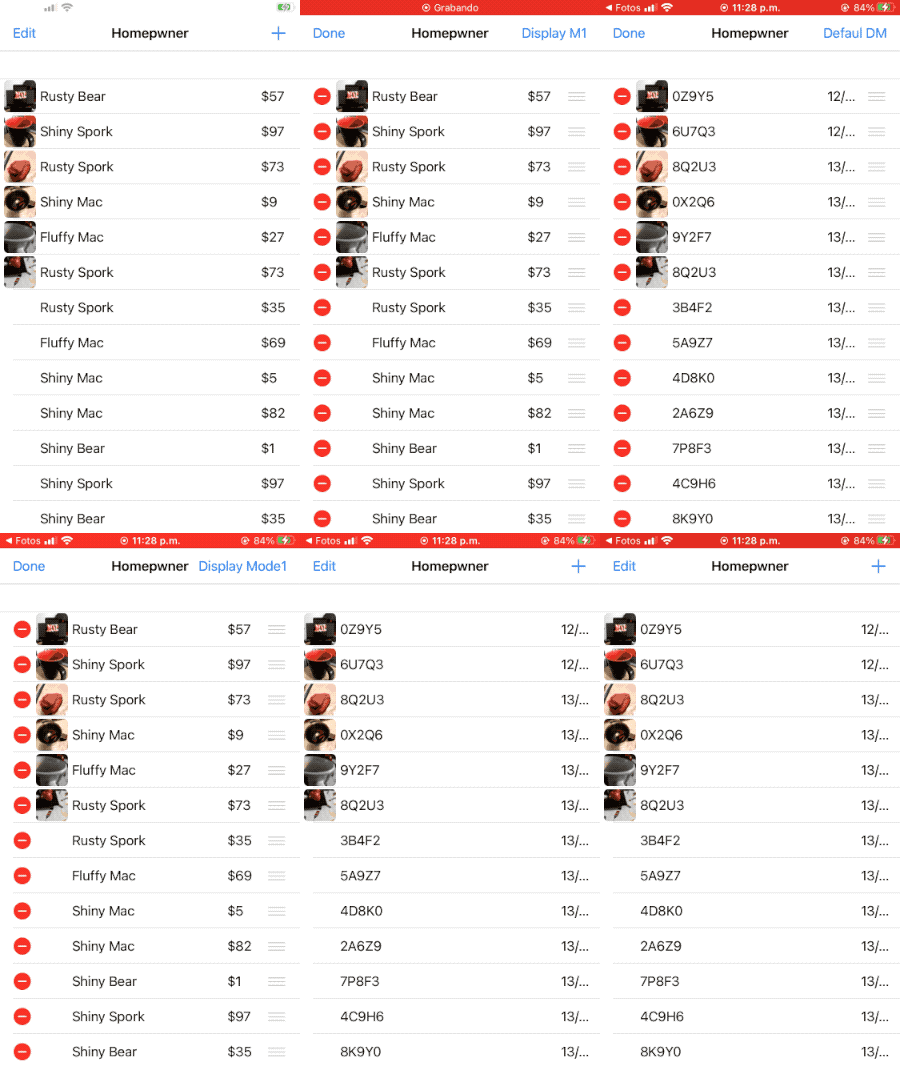 |
- 1. Creating HomepwnerItemCell
- 2. Creating Subviews
- 3. Laying out subviews
- 4. Using the custom cell
- 5. Image Manipulation
- 6. Challenge: Accessory Indicators
- 7. Challenge: Shrinking the Main Image
| At a glance: Notes | |||
|---|---|---|---|
 |
 |
 |
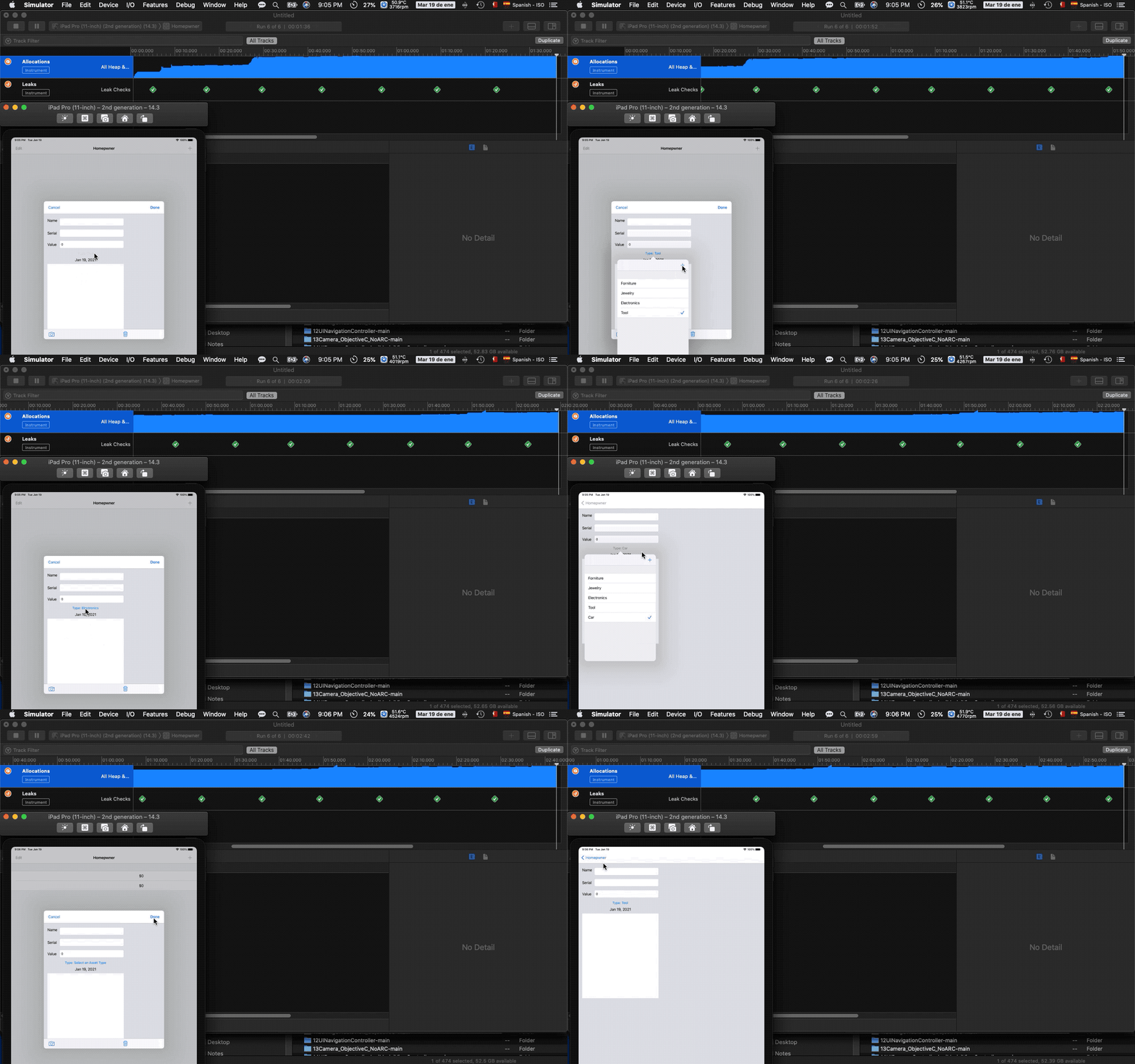 |
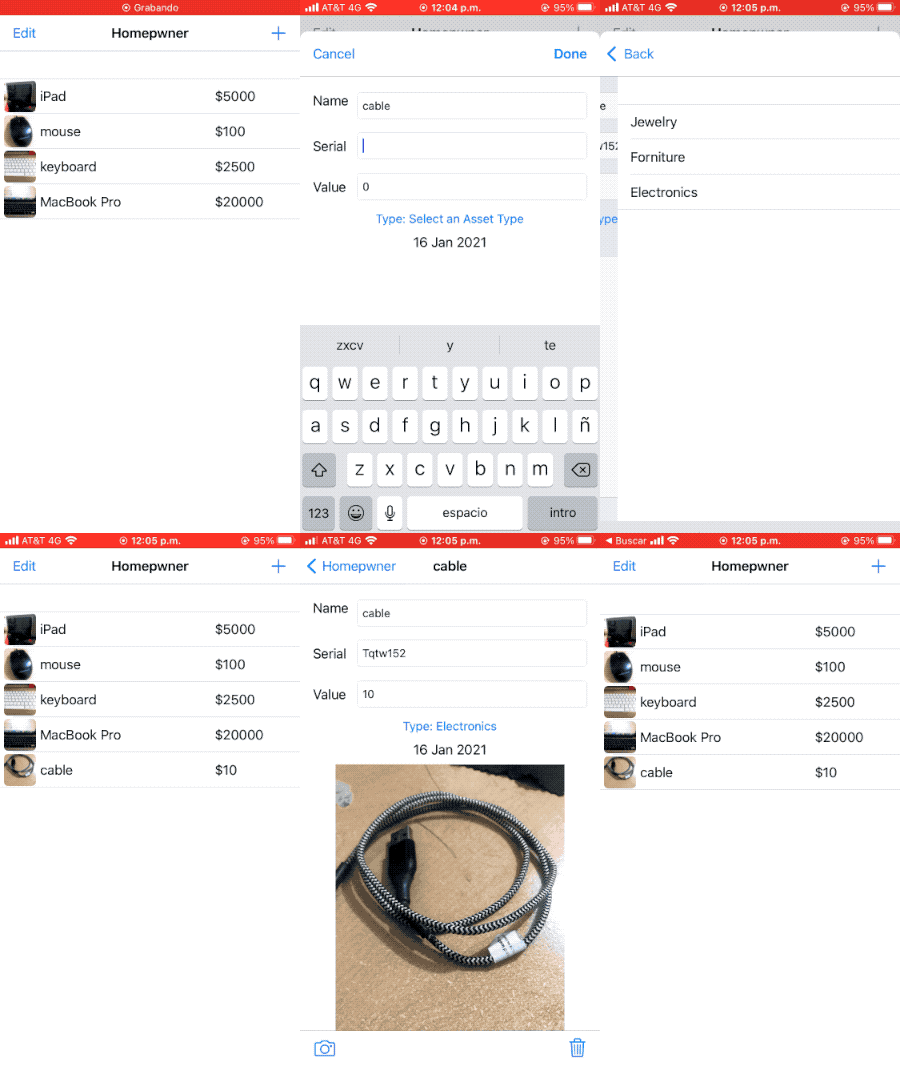
- 1. Objective-Relation mapping
- 2. Moving Homepwner to Core Data
- 3. The model file
- 4. NSManagedObject and subclasses
- 5. Updating PossessionStore
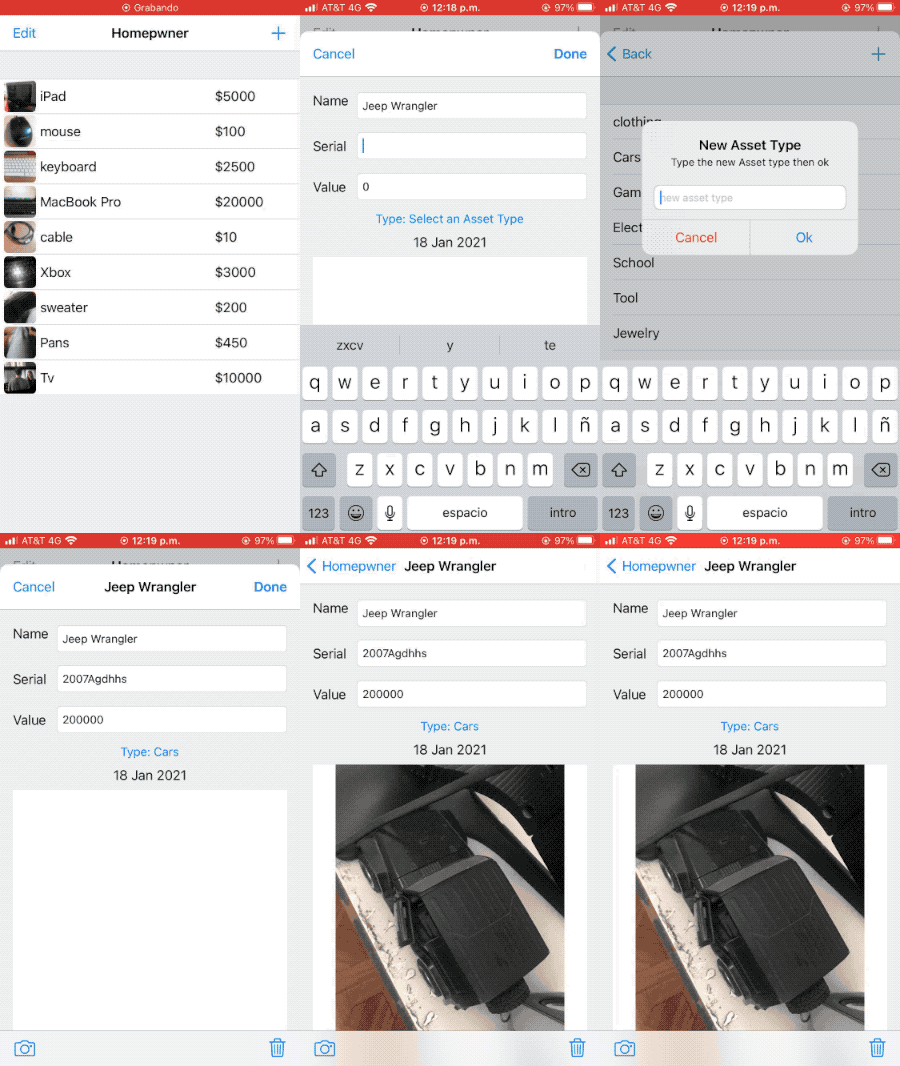
- 6. Adding AssetTypes to Homepwner
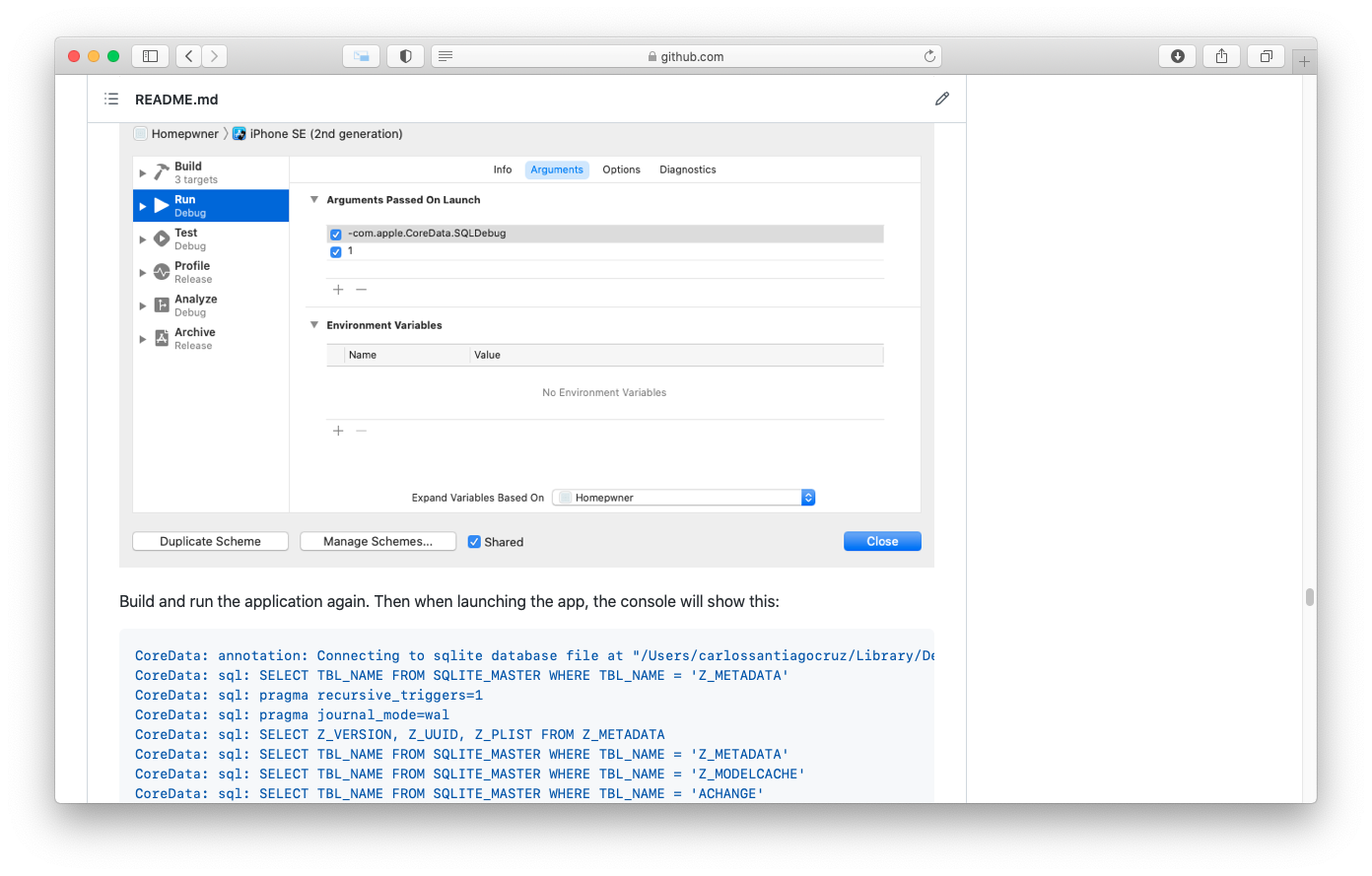
- 7. More about SQL
- 8. Trade-offs of Persistence Mechanisms
- 9. Challenge: New Asset Types
- 10. Challenge: Assets on the iPad
| At a glance: Notes | |||
|---|---|---|---|
 |
 |
 |
 |
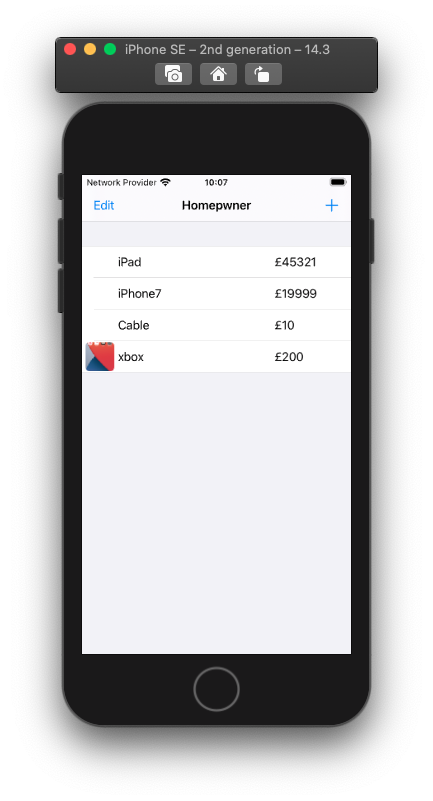
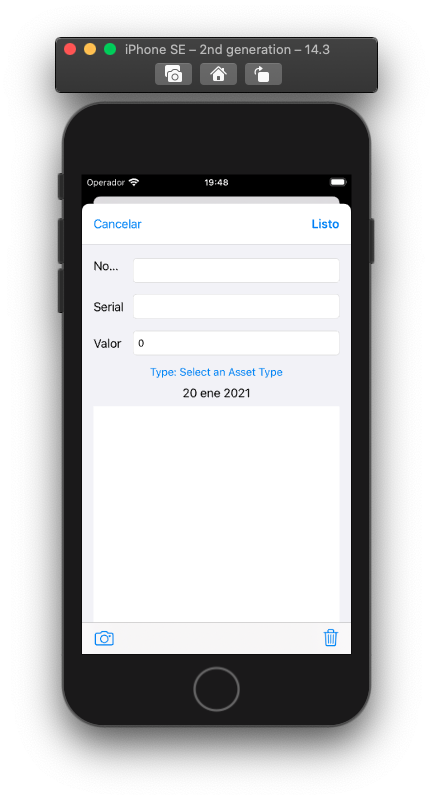
- 1. Internationalization using NSLocale
- 2. Localizing Resources
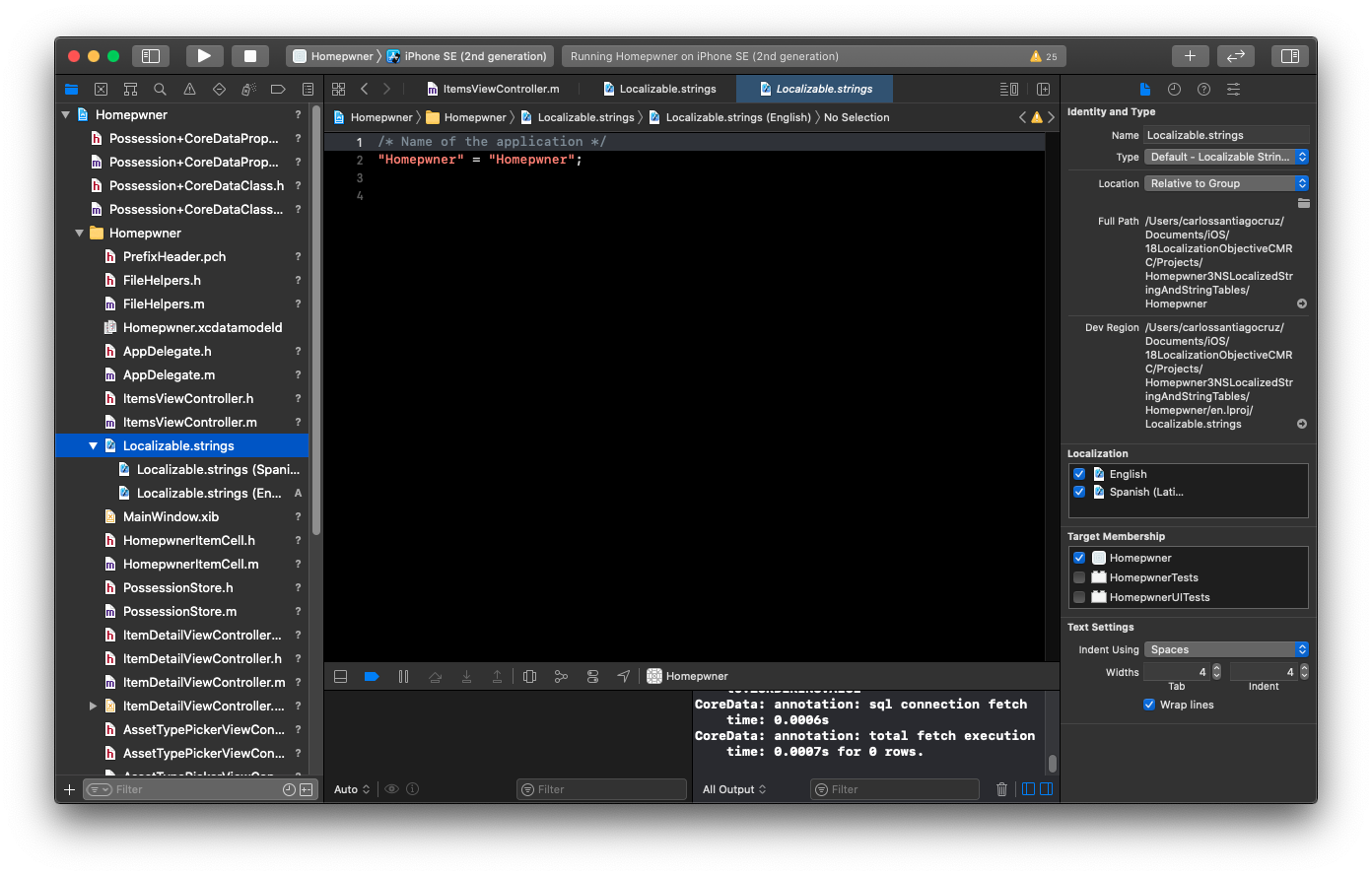
- 3. NSLocalizedString and String tables
- 4. Challenge: Another localization
- 5. For the More Curious: NSBundle's Role in Internationalization
| At a glance: Notes | |||
|---|---|---|---|
 |
 |
 |
 |
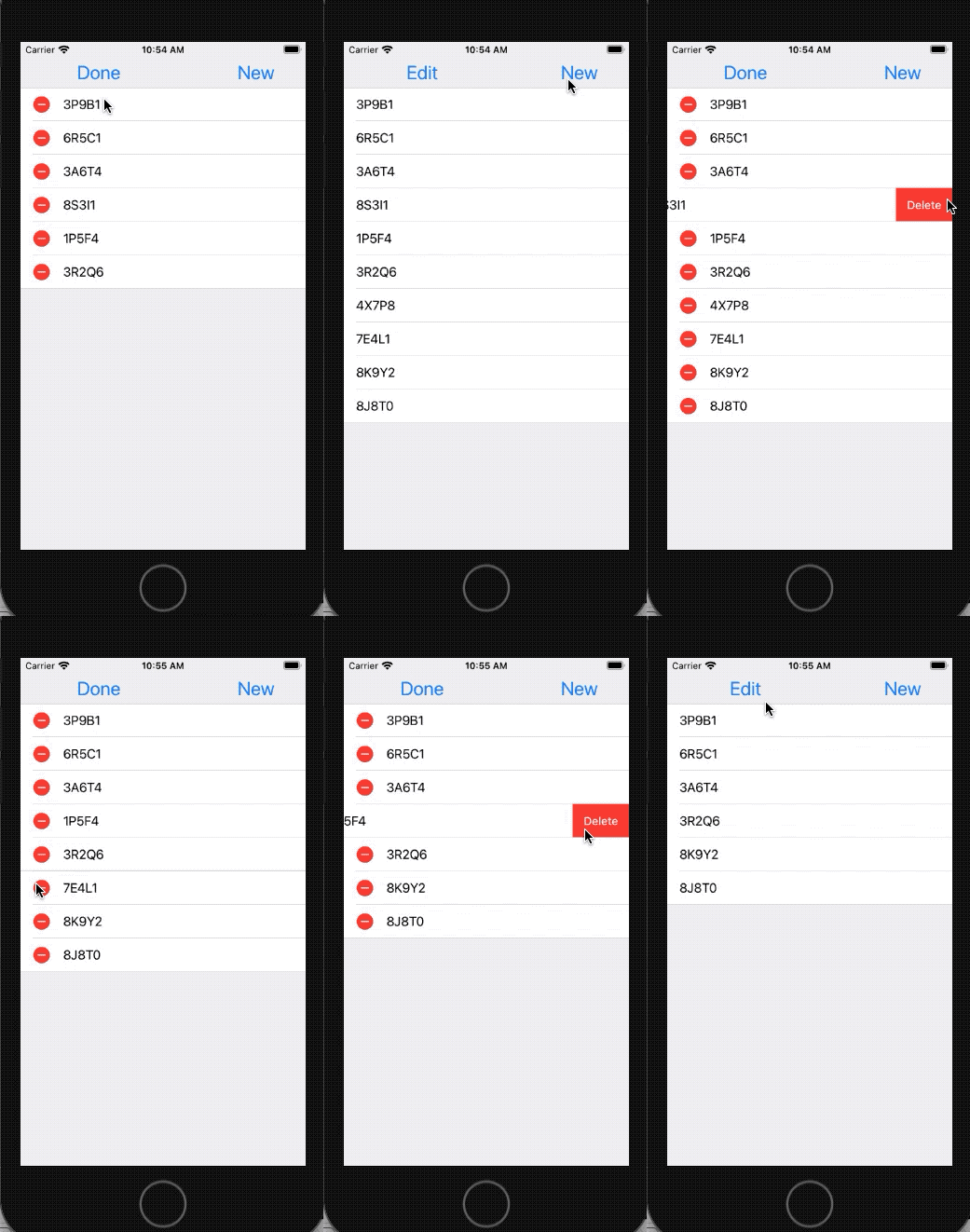
This application lets the user draw lines by dragging across the view, you will be able to delete them and save them.
| Notes | xcodeproj | ||
|---|---|---|---|
 |
 |
 |
 |
- 1. Touch Events
- 2. Creating the TouchTracker Application
- 3. Turning Touches into Lines
- 4. The Responder Chain
- 5. Challenge: Saving and Loading
- 6. Challenge Circles
- 7. For the More Curious: UIControl
- 8. Challenge: Squares
| At a glance: Notes | |||
|---|---|---|---|
 |
 |
 |
 |
- 1. The Static Analizer
- 2. Instruments
- 3. The Allocations Instrument
- 4. Settings in Allocations
- 5. Headshot Analysis
- 6. Time Profiler Instrument
- 7. XCode schemes
- 8. Creating a new scheme
- 9. Build Settings
| At a glance: Notes | |||
|---|---|---|---|
 |
 |
 |
 |
- 1. Layers and views
- 2. Creating a CALayer
- 3. Layer Content
- 4. Implicitly Animatable Properties
- 5. For the More Curious: Programmatically Generating Content
- 6. For the More Curious: Layers, Bitmaps, and Context
- 7. Challenge: Dynamic Layer Content
| At a glance: Notes | |||
|---|---|---|---|
 |
 |
 |
 |
- 1. Animation Objects
- 2. Spinning with CABasicAnimation
- 3. Timing functions
- 4. Animation Completion
- 5. Bouncing with a CAKeyframeAnimation
- 6. Challenge: More Animation
- 7. For the More Curious: The Presentation Layer and the Model Layer
| At a glance: Notes | |||
|---|---|---|---|
 |
 |
 |
 |
- 1. Colorizing TouchDrawView
- 2. Blocks as Variables
- 3. Capturing variables
- 4. Using blocks with other built-in methods
- 5. Keeping code compact with blocks
- 6. Categories
- 7. For the More Curious: Memory Management and Blocks
- 8. For the More Curious: Pros and Cons of Callback Options
Application that reads the RSS feed from the Apple newsroom web services. These news will be listed in a table view.
| Notes | xcodeproj | ||
|---|---|---|---|
 |
 |
 |
 |
- Web Services
- Starting the Nerdfeed application
- Fetching data from a URL
- Working with NSURLConnection
- Parsing XML
- A quick tip on logging
- UIWebView
- For the More Curious: NSXMLParser
- For the More Curious: The Request Body
- For the More Curious: Credentials
- Challenge: More Data
- Challenge: More UIWebView
| At a glance: Notes | |||
|---|---|---|---|
 |
 |
 |
 |
- 1. Spliting Up Nerdfeed
- 2. Master-Detail Communication
- 3. Displaying the Master View Controller in Portrait Mode
- 4. Universalizing Nerdfeed
MediaPlayer will have a very simple interface so that you can concentrate on the guts of media playback. The application will display two buttons that will initiate different types of audio playback, and it will also display a movie.
| Notes | xcodeproj | ||
|---|---|---|---|
 |
 |
 |
 |
- 1. Creating the Media Player Application
- 2. System Sound
- 3. Registering System Sounds
- 4. Playing System Sounds
- 5. Compress Audio Files
- 6. Playing Movie Files
- 7. MPMoviePlayerViewController
- 8. Preloading video
- 9. Background Processes
- 10. Guidelines for background execution
- 11. Other forms of background execution
- 12. Low-level APIS
- 13. Challenge: Audio Recording
It creates a server to broadcast its presence and advertise its service on a local area network.
| Notes | xcodeproj | ||
|---|---|---|---|
 |
 |
 |
 |
- 1. Bonjour
- 2. Creating CocoaServer
- 3. Publishing a Bonjour service
- 4. Browsing for services via Bonjour
- 5. HTTP Communicatio
- 6. Writing a web server in Objective-C
- 7. Getting address data from the server
- 8. Byte ordering
- 9. Making service requests
- 10. Receiving service requests
- 11. For the More Curious: TXTRecords
| At a glance: Notes | |||
|---|---|---|---|
 |
 |
 |
 |
- 1. Preparing Client for Push Notifications
- 2. Registering for notifications
- 3. Provisioning for push notifications
- 4. Delivering a Push Notification
- 5. Getting the token to the provider
- 6. Sending Push Notifications
- 7. Connecting to Apple's server with NSStream
- 8. Using NSStream
- 9. Providing data to the notification server
- 10. Detecting errors in notification delivery
- 11. More on reading from a stream
- 12. Additional Client-side Notification handling
- 13. Sounds and badges
- 14. Accessing data in notifications
- 15. The production Server and Moving Forward
- 16. For the More Curious: The Feedback Service