An assignment of Web Programming (2021 spring), a course by Professor Ric Huang in NTU. A practice on React.js.
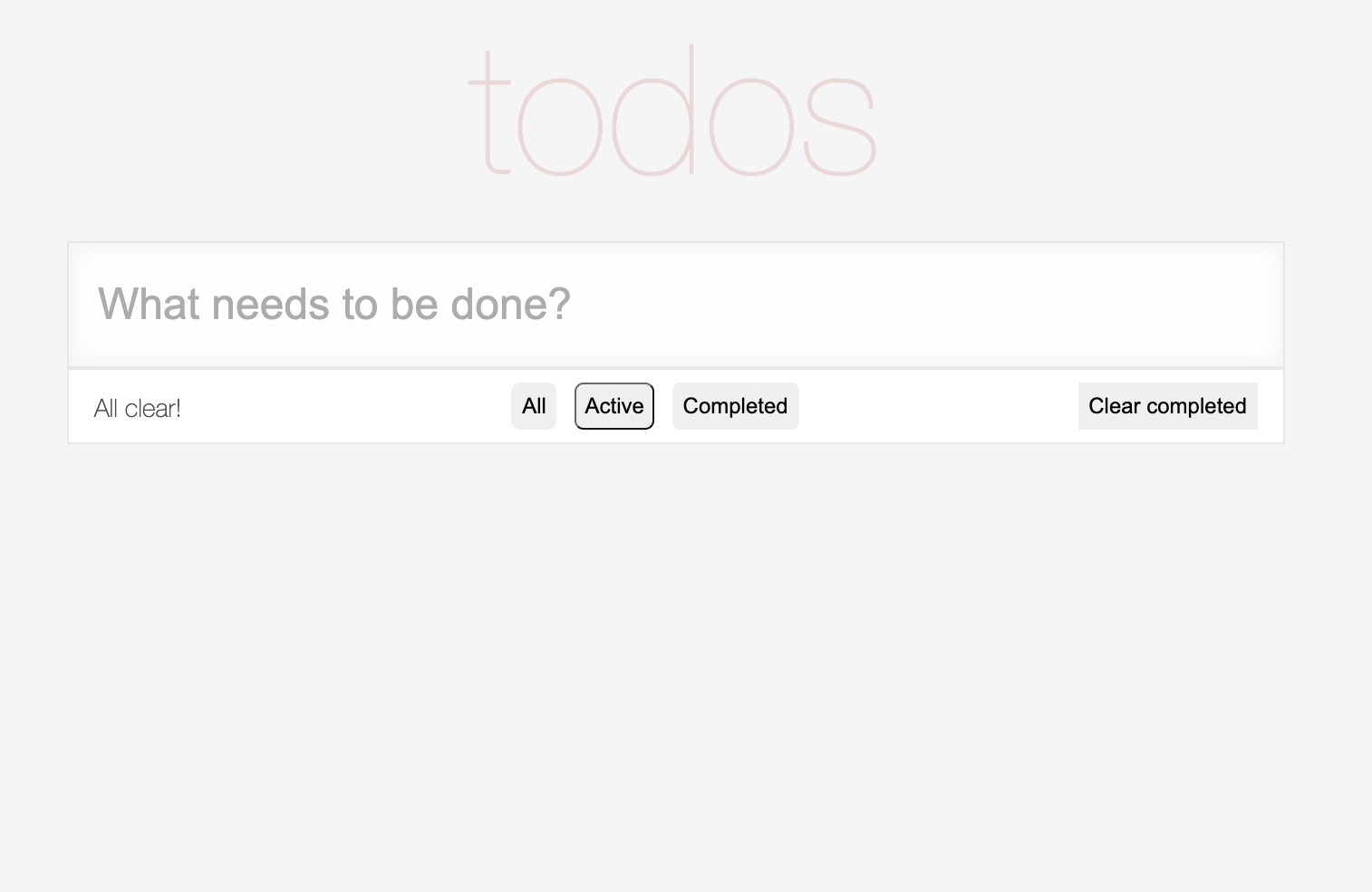
When users first enter, the page is shown as below.

Users can insert new ToDo items by typing in the input box and pressing enter. The text on the left bottom corner will show how many incompleted items are left on the list.

By checking the check box on the left of each item, users can mark items to be completed, and a button to clear completed items will appear on the right bottom corner.
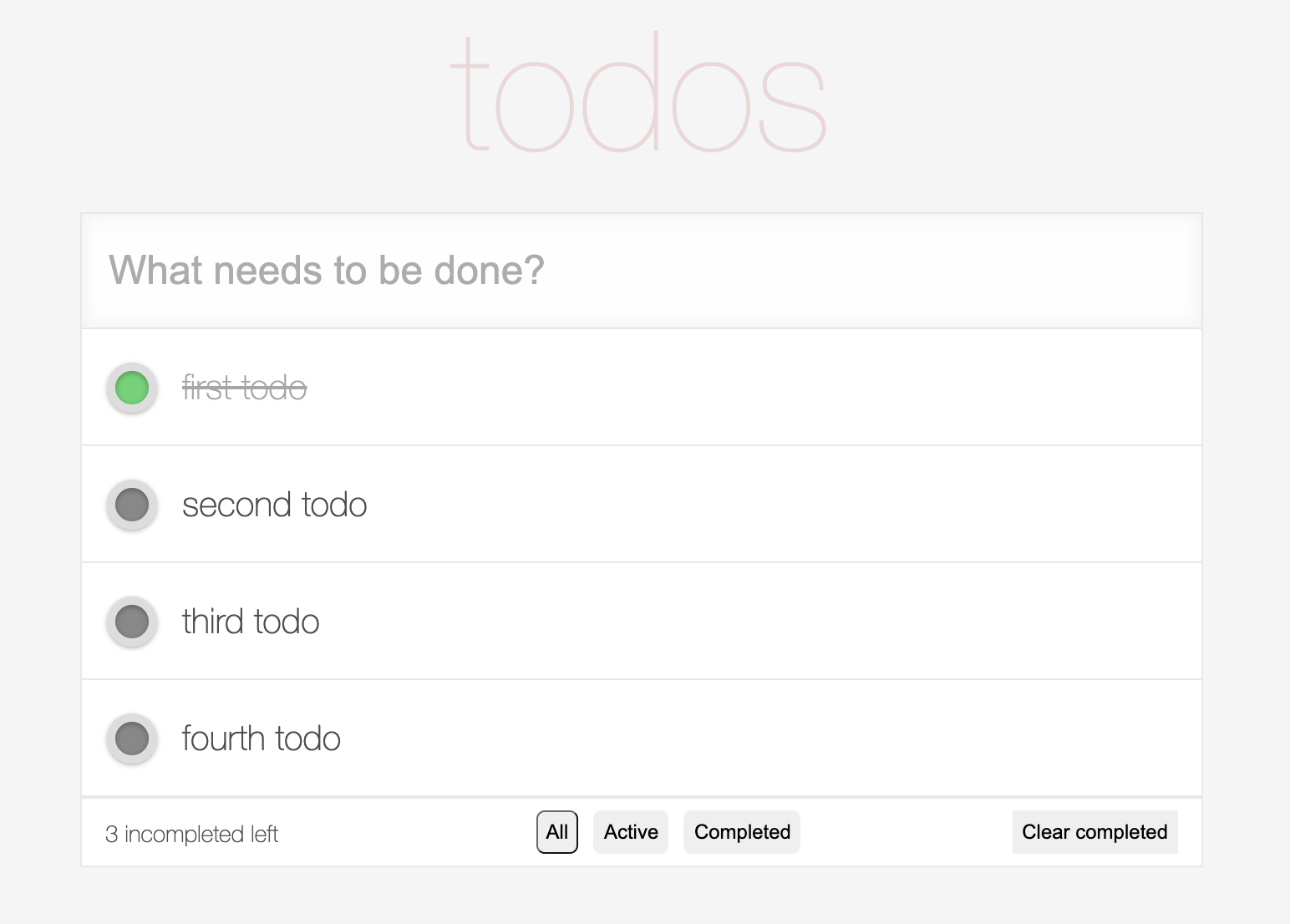
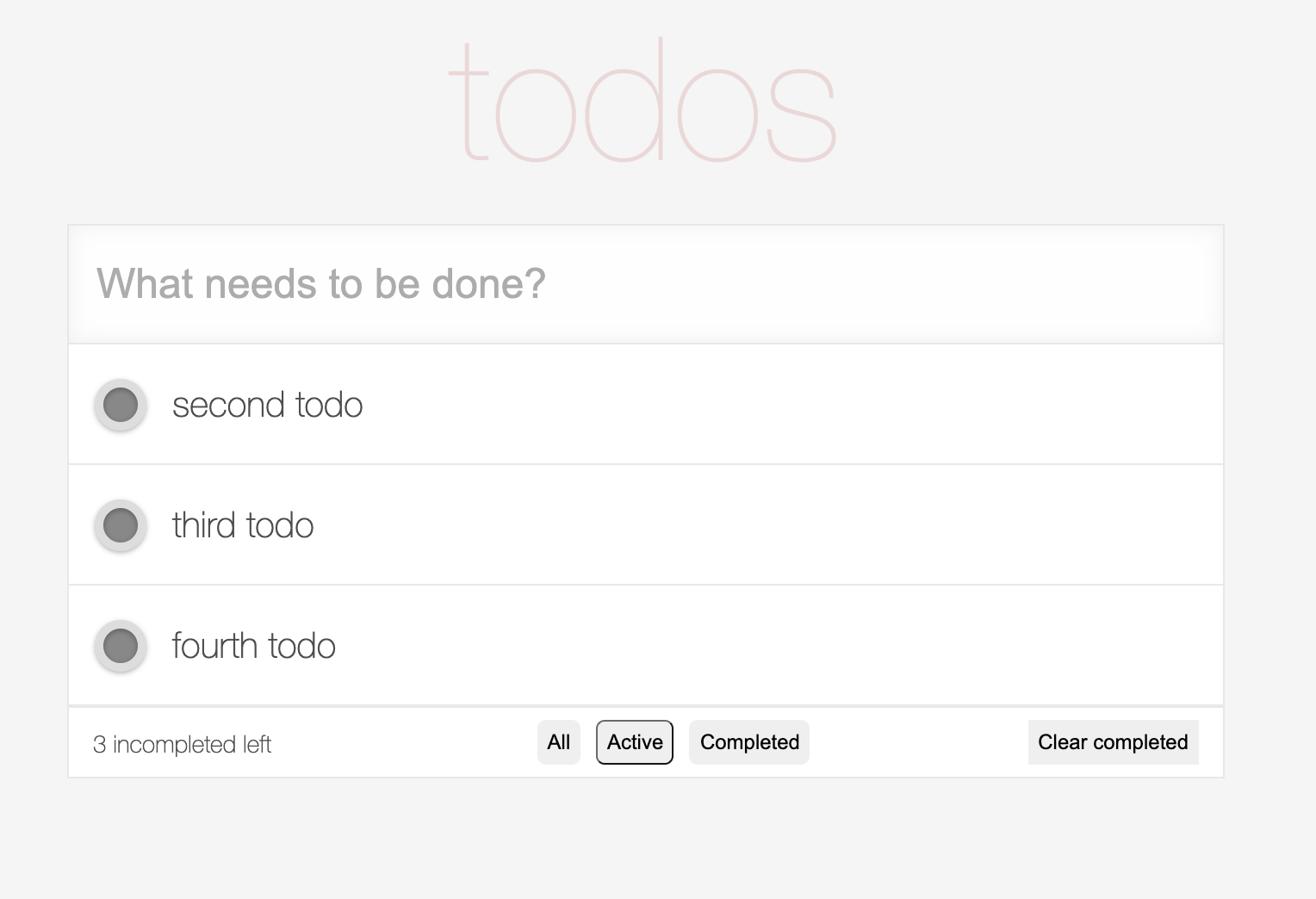
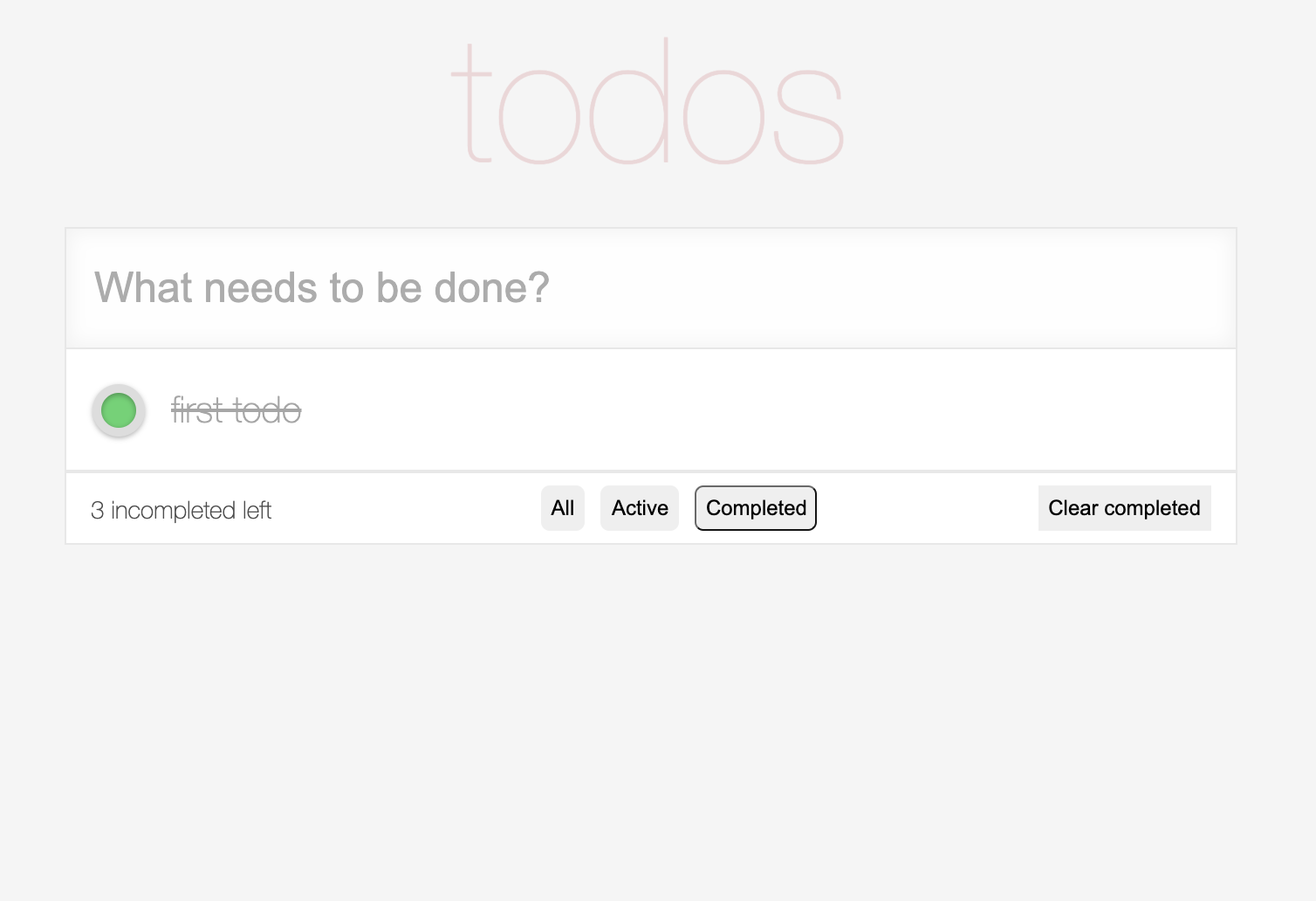
Buttons on the middle of the footer bar allow users to choose to view items in certain status.
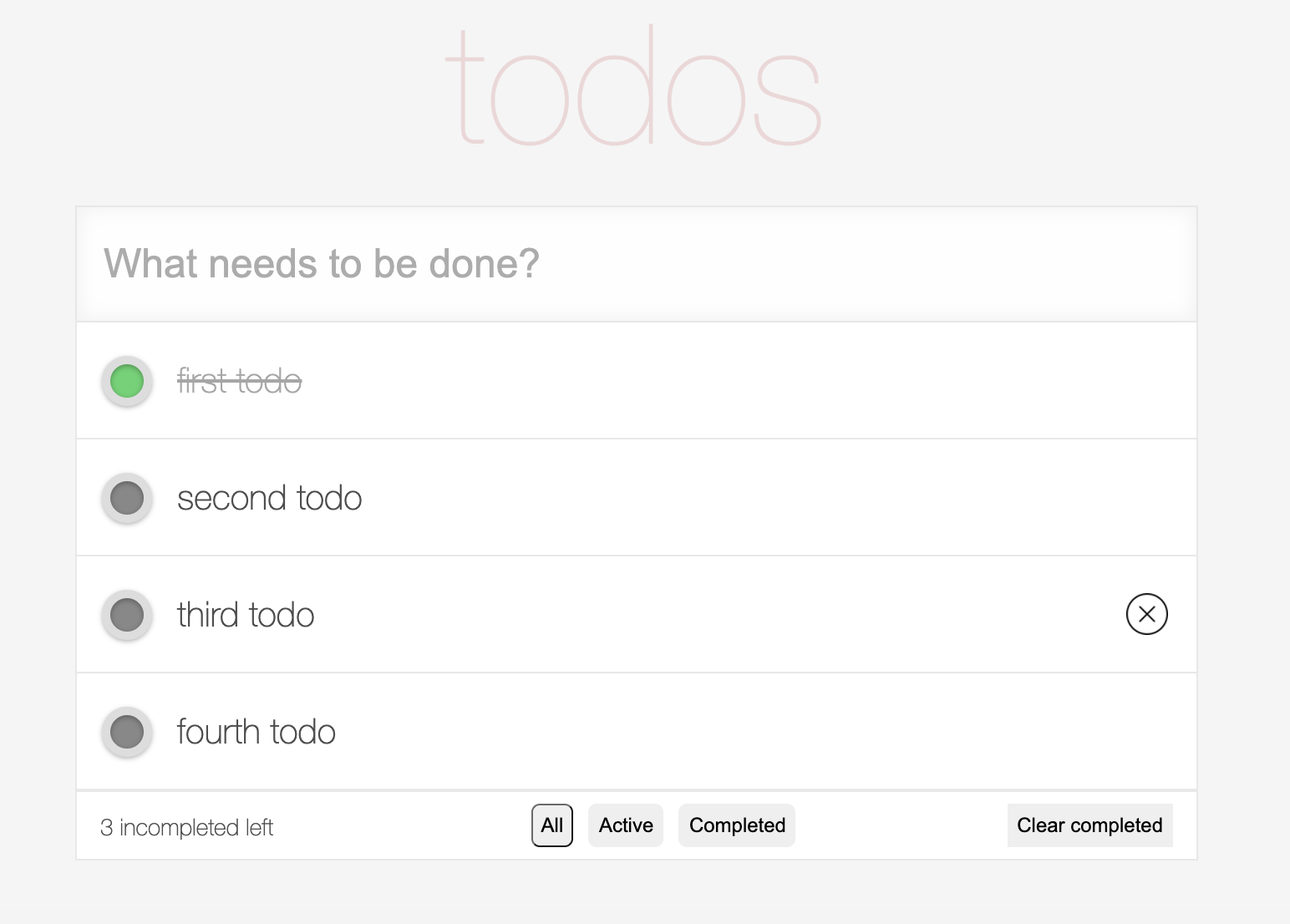
To delete items, users can either click on the 'x' icon that appears on the right of an item when the mouse hovers above, or click on the 'Clear completed' button to clear all completed items.
Once all items are completed, the left bottom text will show "All clear!". And there will be no items to show if users choose to view items in the active status.
The files 'public/img', 'src/components/Header.js', and 'public/styles.css' are provided by the Professor Huang and the TAs of Web Programming in NTU.