Writing Tests
WebFormsTest is designed to support any unit test framework in the .NET ecosystem without the need to start a web server to test the .NET code in an ASP.NET web forms application. This harness does NOT test JavaScript or appearance of a web application.
The typical unit test suite configuration involves a web application that will be tested and a standard class library project that will host the fixtures that will exercise the application code. In Visual Studio, this configuration can be achieved by:
- Add a new test project to your solution
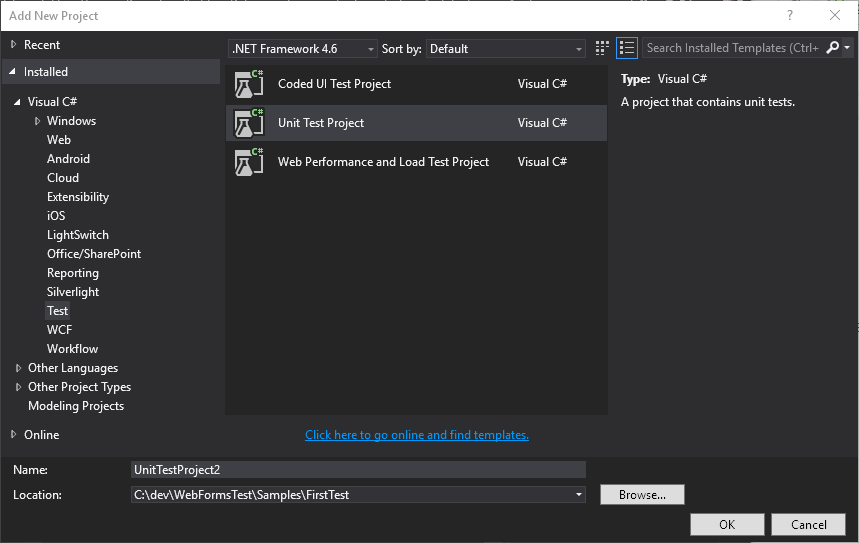
- Choose to add a unit test project to your solution when you create the web project

In both modes, a class library project is created with the MSTest unit test framework enabled.
Next, install the NuGet package for the WebFormsTest harness into your test project with this command in the NuGet package management console inside of Visual Studio:
Install-Package WebFormsTest
Now we can start writing Your First Test