
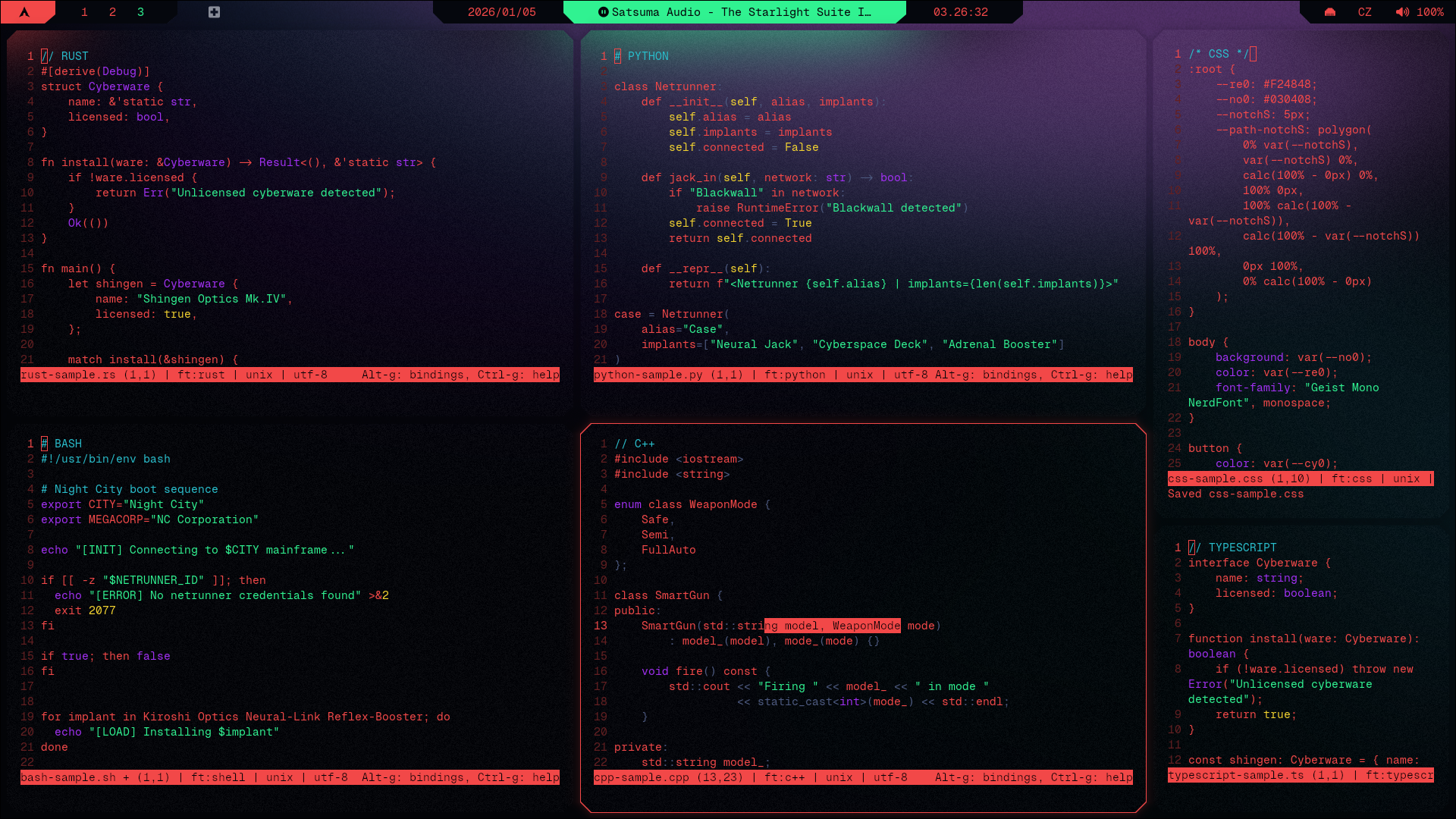
micro ↗ (top-left to bottom-right: rust, python, css; bash, c++, html)
- Make sure Geist Mono Nerd Font is installed, you can do that from terminal with:
curl -L https://github.com/ryanoasis/nerd-fonts/releases/latest/download/GeistMono.zip -o GeistMono.zip
mkdir -p ~/.local/share/fonts
unzip GeistMono.zip -d ~/.local/share/fonts/GeistMono
fc-cache -fv- Make sure micro is installed:
sudo pacman -S micro - See Installation Guide if you're coming from cybr-hyprland and haven't set up prerequisites yet
- micro Github
mkdir -p ~/.config/micro/colorschemes
$EDITOR ~/.config/micro/colorschemes/cybrcore.micro
2. Insert cybrcore theme
micro
# press CTRL+E
set colorscheme cybrcore.micro