3. Blockchain Visualisation
A decentralized platform web application based on the Ethereum blockchain, a block explorer of the Ethereum blockchain, and it contains the same functions as in the Dapp. By using programmed smart contracts, it ensures privacy(personal medical data) and there is no cheating on the platform, third party is restricted from viewing the content of the NFT tokens.
Besides, it allows users to check on their own NFT tokens, and easily search and browse the transactions and blocks. It can provide information about each transaction, such as the hash, timestamp, transaction event and token ownership. Additionally, it will display the addresses of both the sender and receiver in each transaction, which secures authenticity on the blockchain.
To install IPFS, enter these commands:
wget https://dist.ipfs.tech/kubo/v0.17.0/kubo_v0.17.0_linux-amd64.tar.gz
tar -xvzf kubo_v0.17.0_linux-amd64.tar.gz

cd kubo
sudo bash install.sh
Download Ganache by clicking the Download button, or browse all Ganache Releases to choose the version and appropriate binary for your OS:
- Windows: Ganache-*.appx
- Mac: Ganache-*.dmg
- Linux: ganache-*.AppImage
To start IPFS:
ipfs init
ipfs daemon
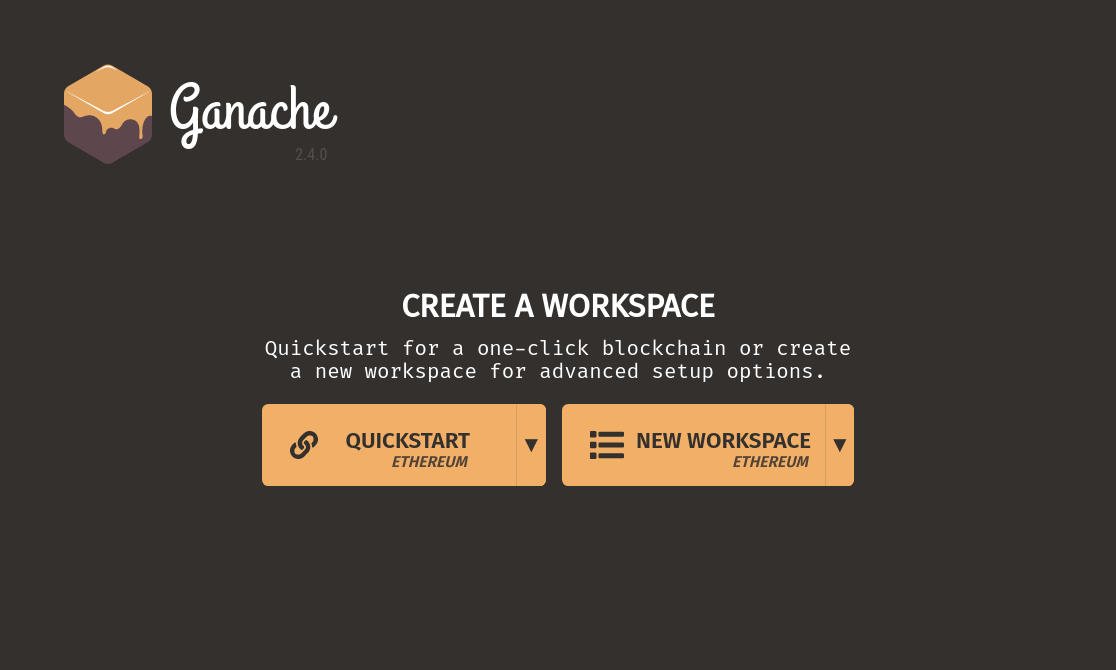
To start Ganache, create a workspace
To start application:
python3 EthereumProject/App/connection/connection.py
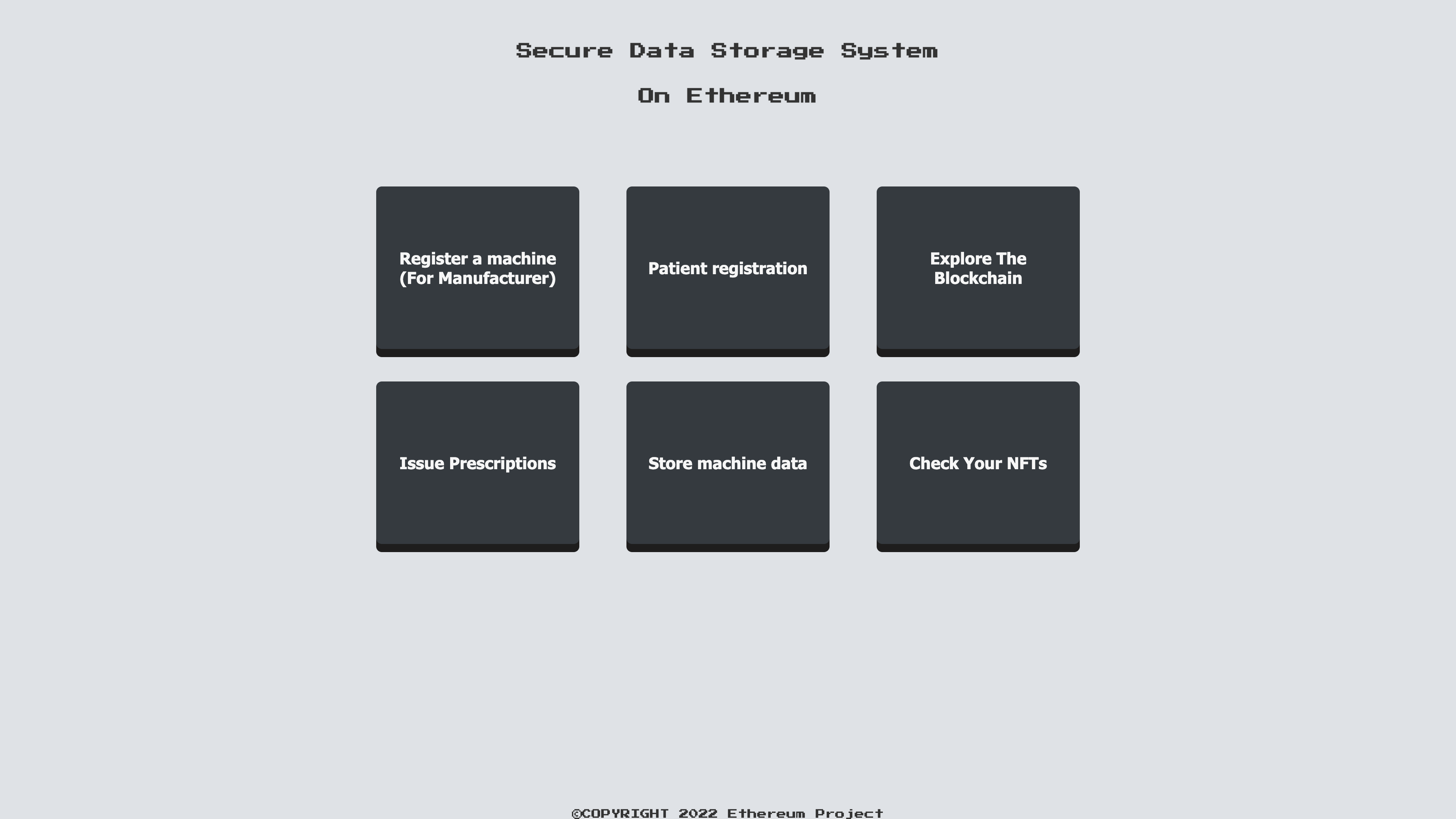
- Register a machine(for manufacturer)
- Patient Registration
- Issue prescriptions
- Store machine data
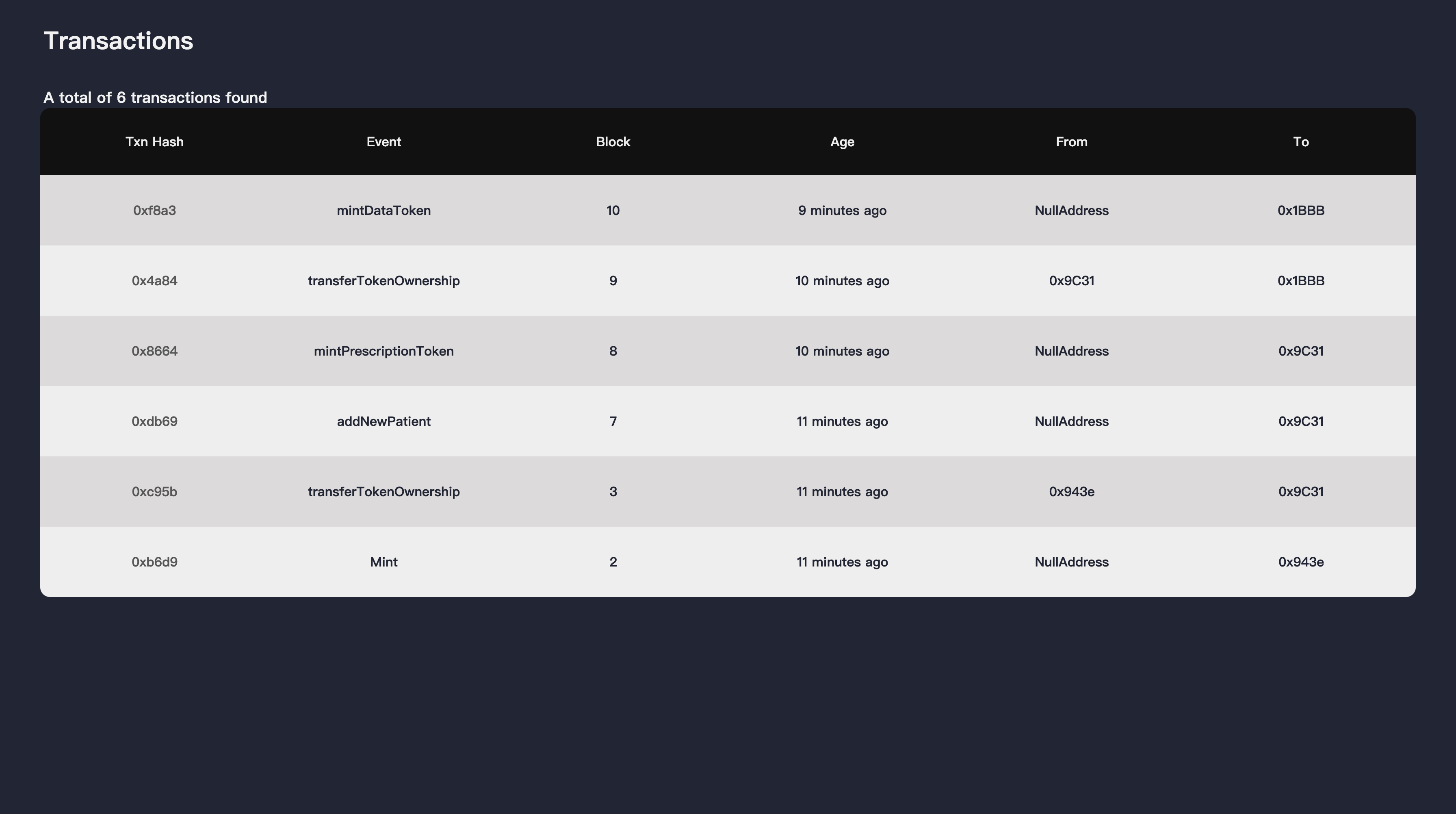
- Display all the valid transaction history on the blockchain
- Each row will show the transaction hash, event, block number, age, sender and receiver
- Click the transaction hash to view the transaction details
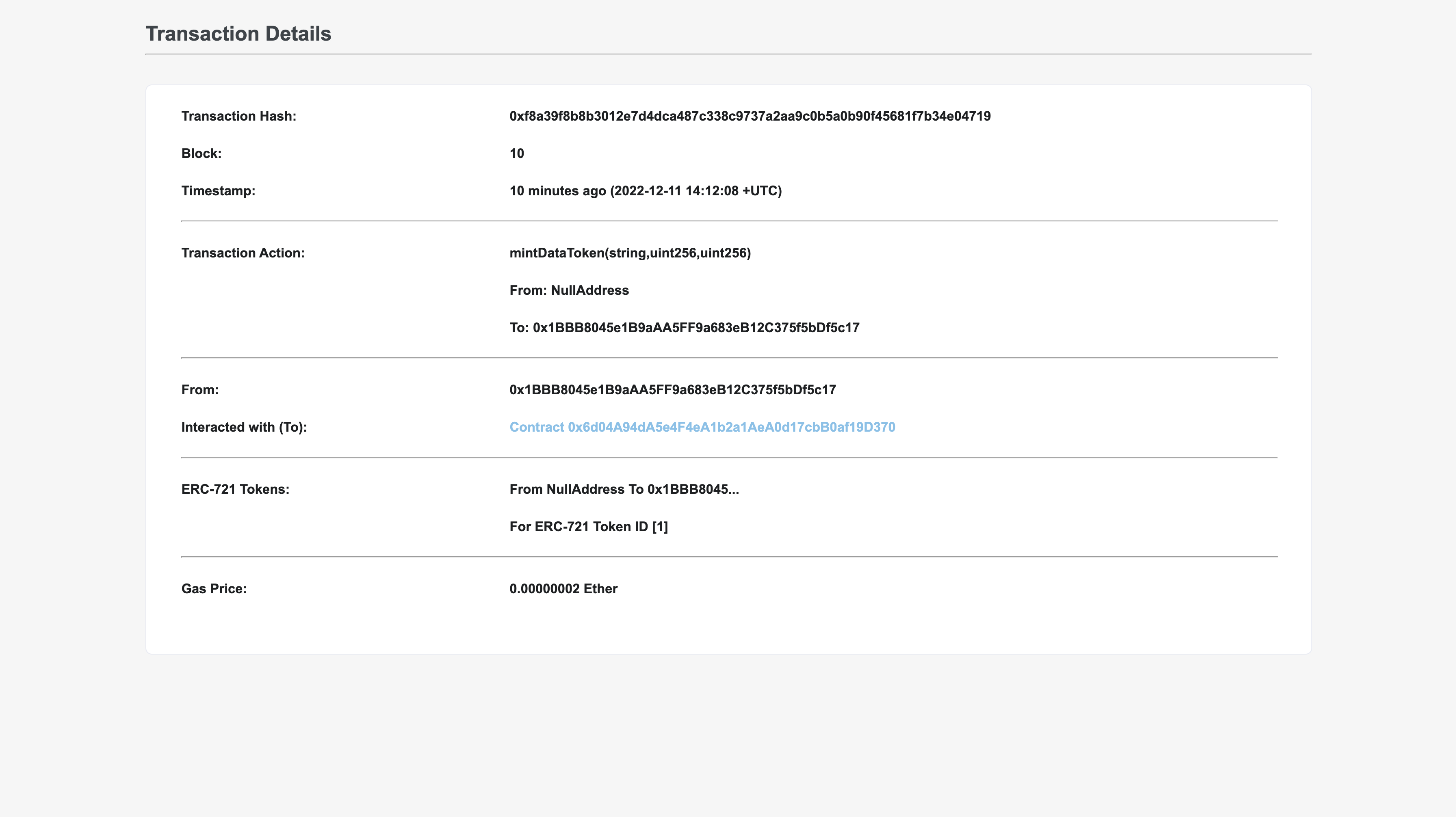
- Display all the information of a single transaction
- Provide all the details of this single transaction
- Click the contract address to view all the transaction history of the contract address
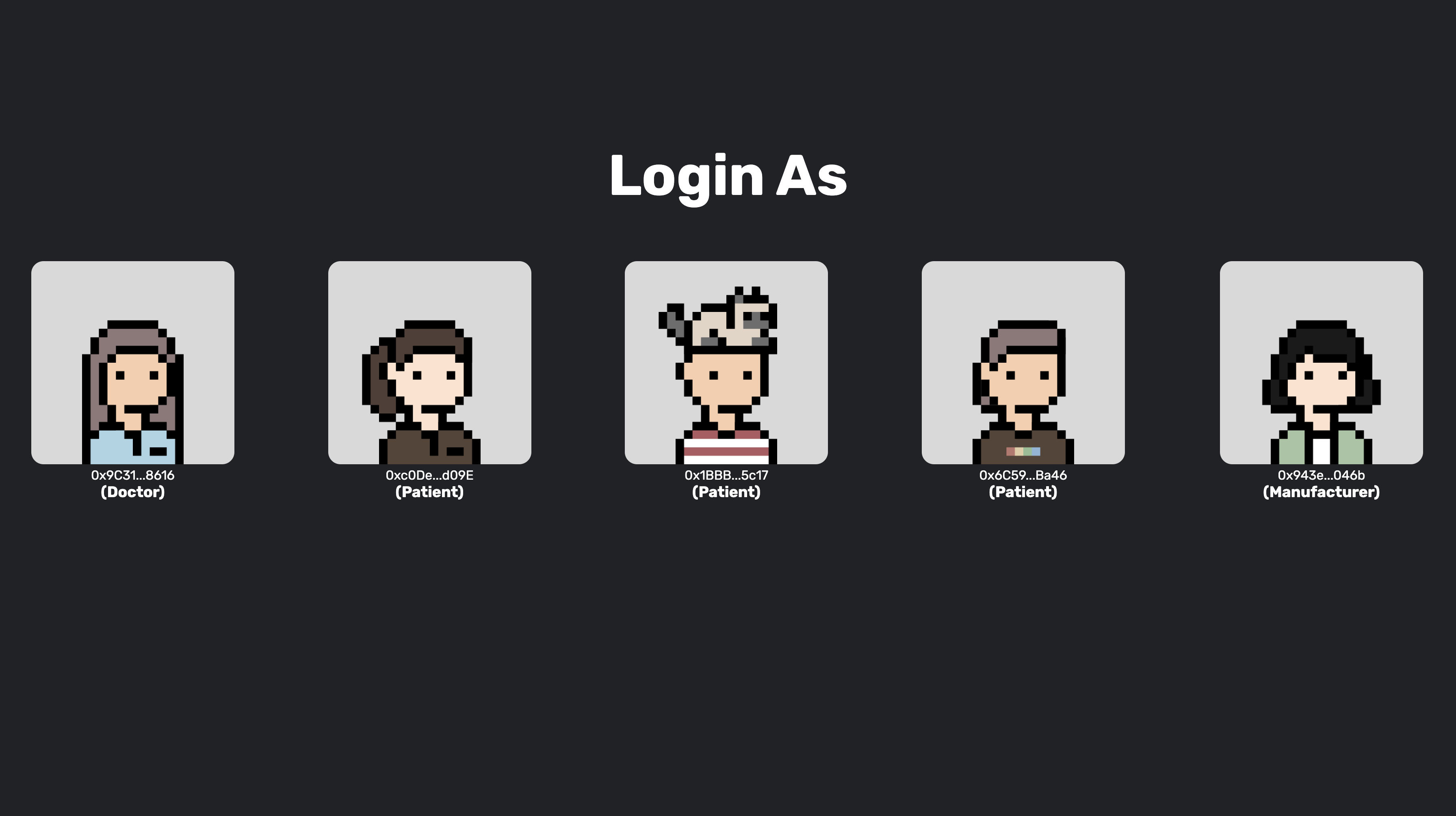
- Login
- Login with different account to view the own tokens and account's activity from different perspective
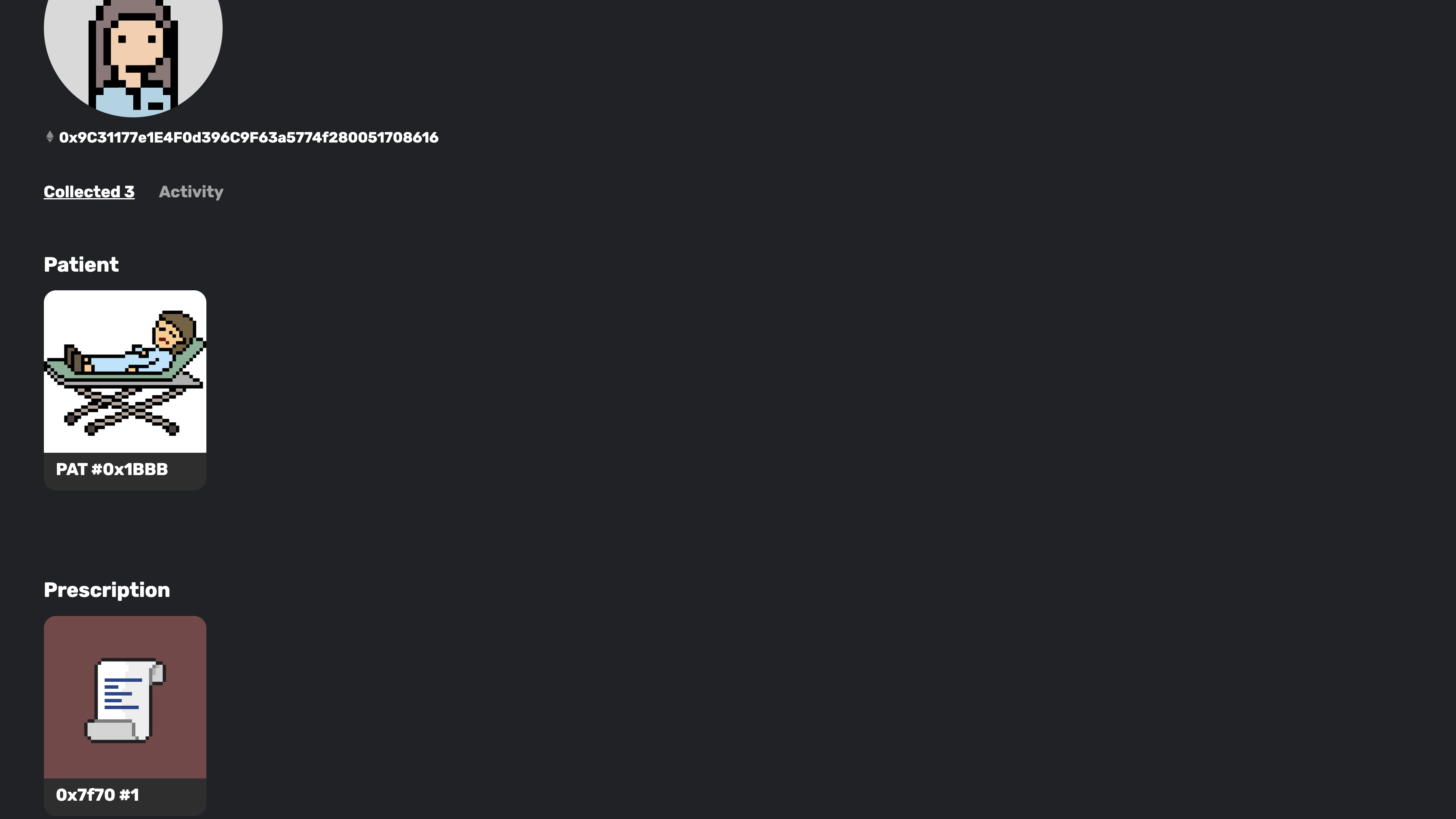
- Collection
- View all the tokens that current user owns
- Click the token to view the information and activity of the selected token
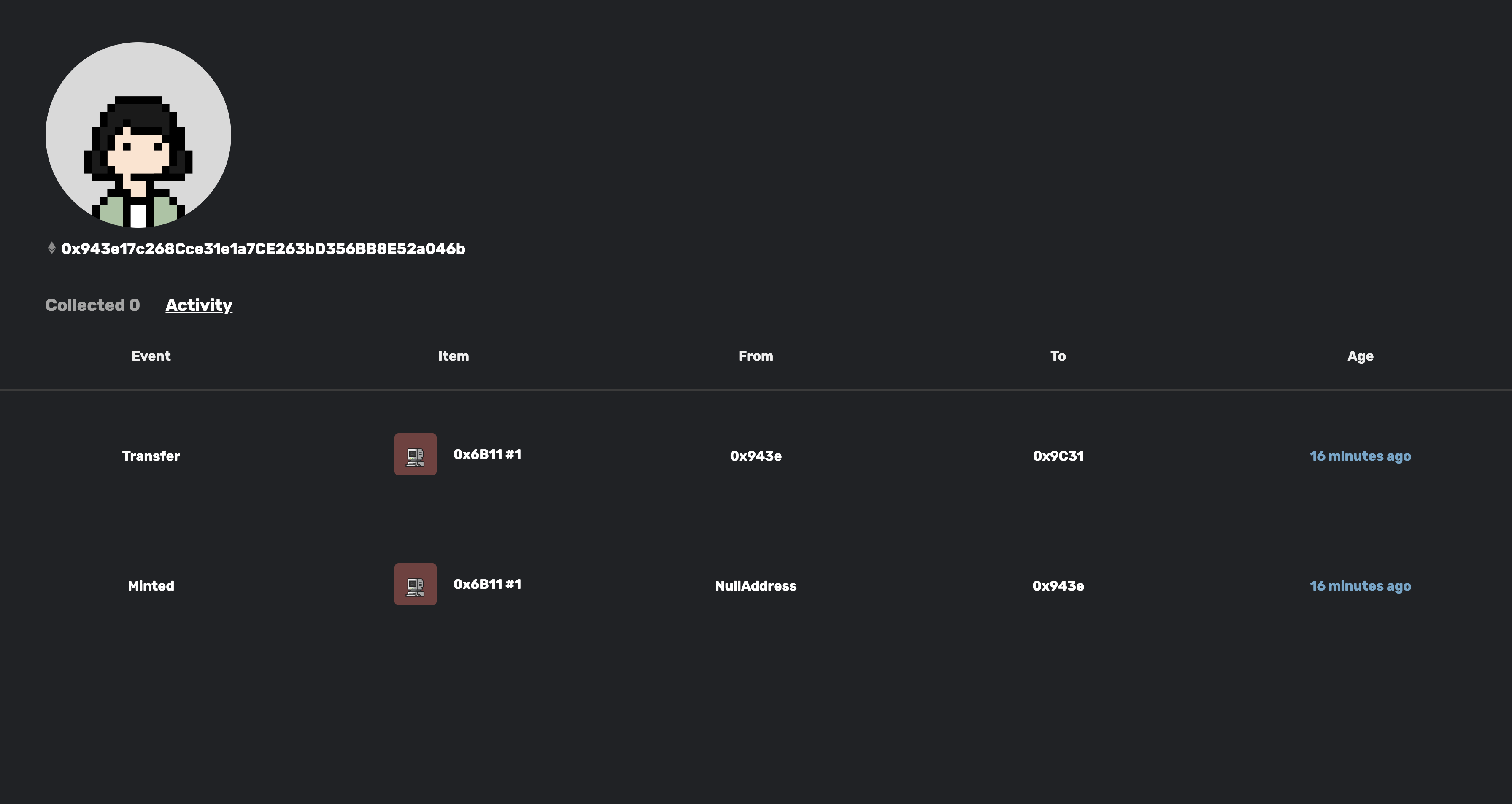
- Activity
- View all the activity(Mint, Transfer) related to the user
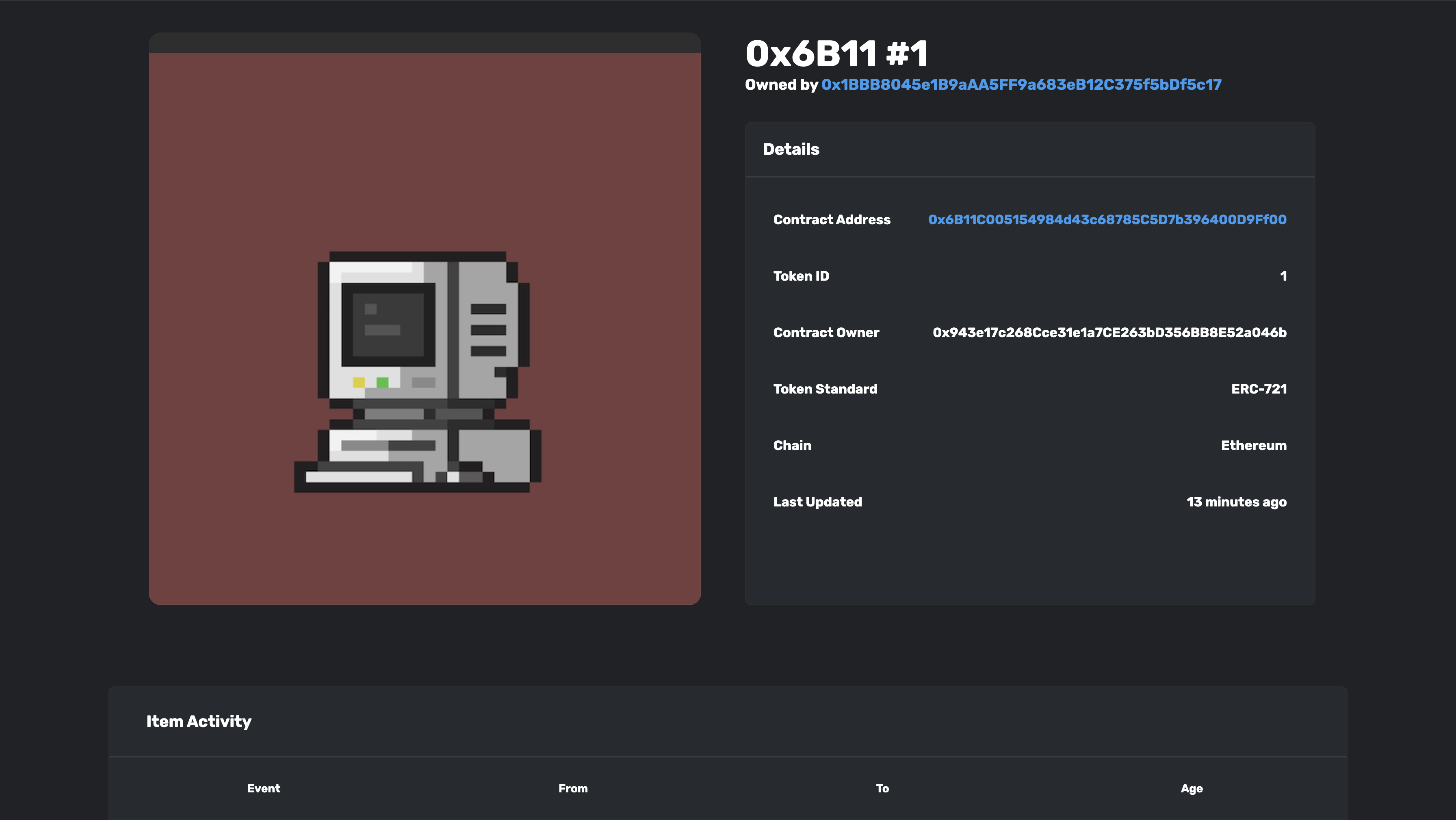
- Token details
- View all the information related the token, such as owner address, token id and previous transaction history
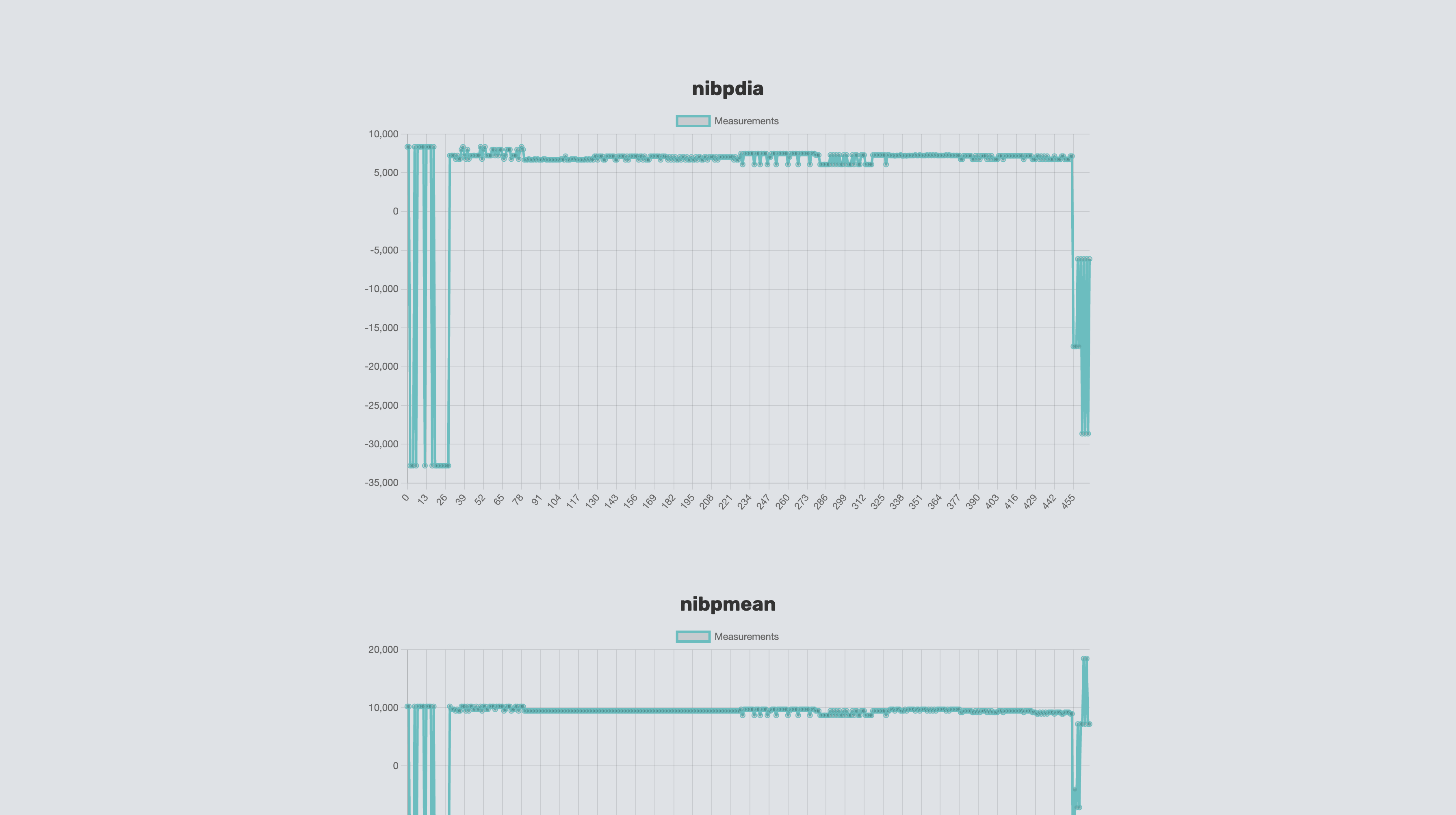
- Machine data tokens store CSV files containing medical data sets which contain coarse and fine grained measurements such as mask pressure, leak rates, respiration rates etc.
- User can retrieve the data sets from IPFS system and display them on a webpage.