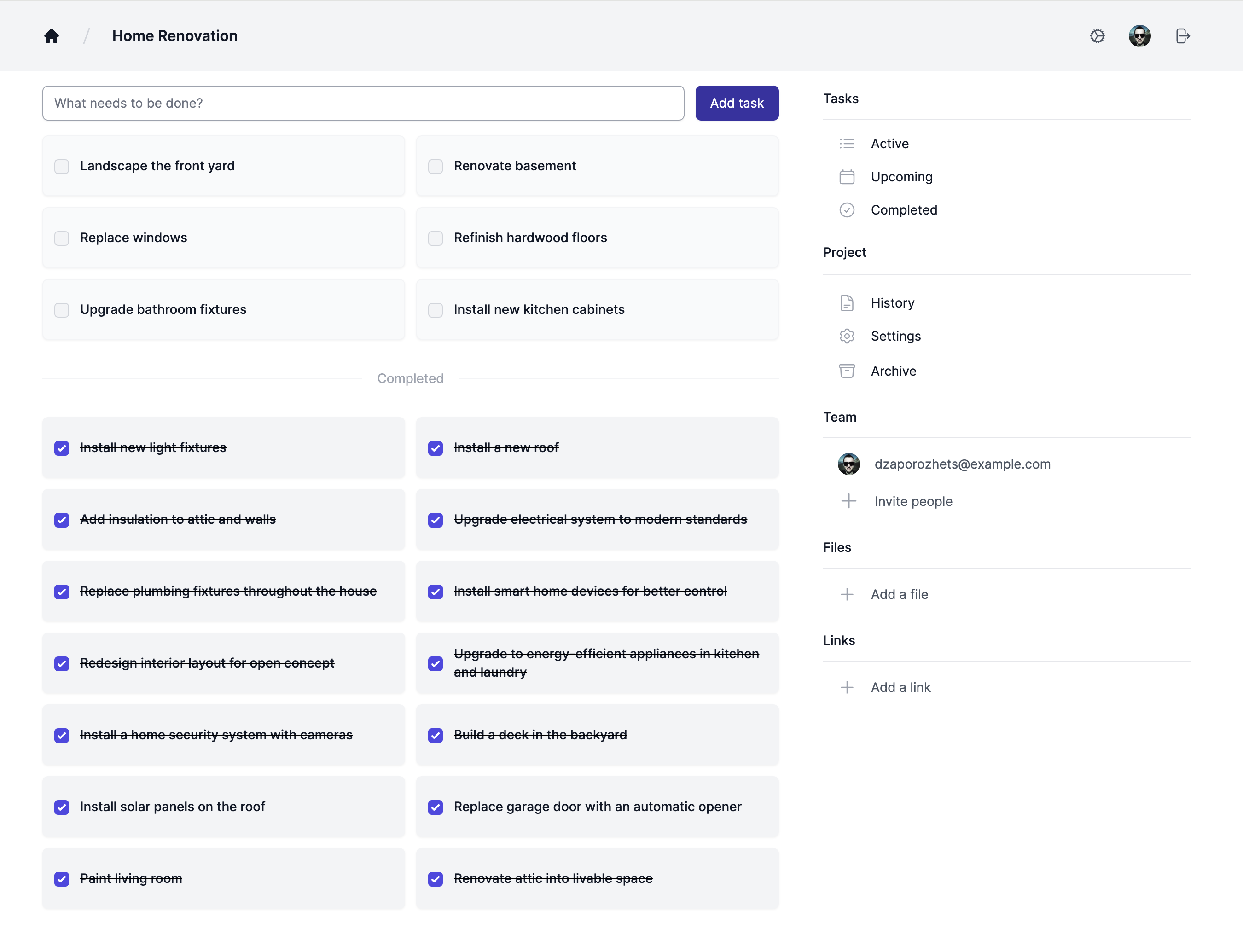
MicroProject.app is a lightweight project management tool designed for individuals and small teams to collaborate, track progress, and manage tasks efficiently without the complexity of traditional project management software.
To run the application, you have 3 options:
For testing and getting started quickly:
# Get the source code
git clone https://gitlab.com/dzaporozhets/microprojectapp.git

# Development mode (at http://localhost:3000/)
docker-compose -f docker-compose.dev.yml up --build

# Production mode (at https://localhost/)
SECRET_KEY_BASE=$(openssl rand -hex 64) docker-compose -f docker-compose.prod.yml up --build
For detailed Docker setup, see Docker Guide.
For production deployments, use a cloud platform like Heroku. For step-by-step instructions, see our Heroku deployment guide.
For proper production setups on your own server, follow the installation instructions.
The app requires several environment variables to be set for proper configuration. For detailed configuration steps and a complete list of required environment variables, refer to the Configuration Guide.
If you have questions, feedback, or suggestions, feel free to reach out:
- Create an Issue: Open an issue on this project to report bugs, request features, or ask questions.
- Twitter: Mention me on Twitter at
@dzaporozhets.
This project is licensed under the MIT License. See the LICENSE file for details.
By contributing to this project, you agree to the Developer Certificate of Origin (DCO). We encourage all contributors to sign off their commits using Signed-off-by: Your Name <your.email@example.com>. You can do this by adding -s to your git commit command.