Conversational AG-UI web interface and backend server
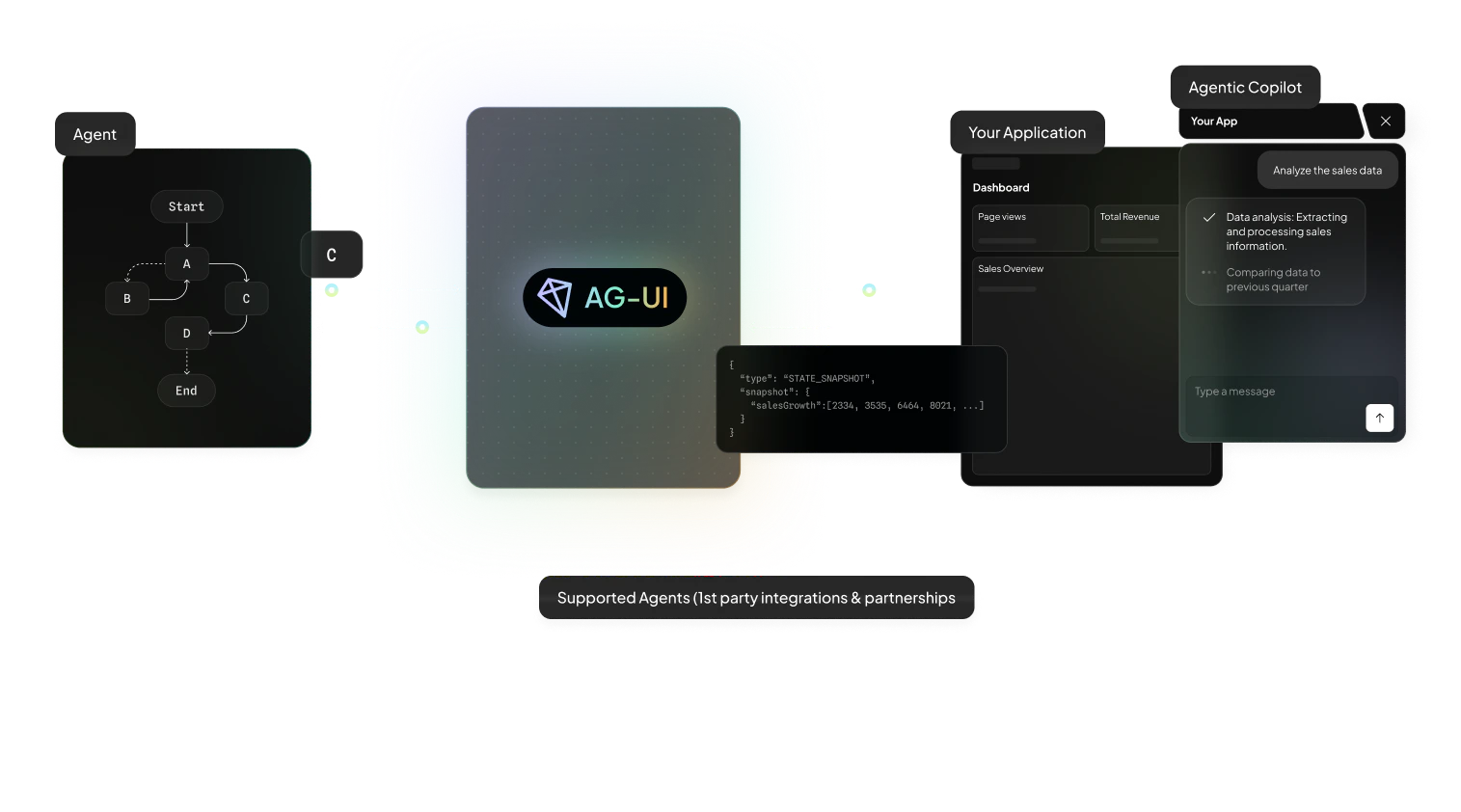
Copy the application settings example into appsettings.Development.json in the repository root and configure exactly one provider:
{
  "OpenAI": {
    "ApiKey": "<your-api-key>",
    "Model": "<provider-model>"
  }
}
Start the services:
docker compose up --buildOpen the frontend at http://localhost:3000.
Stop the services:
docker compose downFor a native backend run, create src/Server/appsettings.Development.json or use user secrets, then start the backend:
dotnet run --project src/ServerThe repository-root appsettings.Development.json is still used by docker compose via the mounted secret file.
Open another console and start the frontend:
cd src/Web
npm run devThe backend can expose configured remote AG-UI agents as delegate tools for the primary clerk agent. Configure named agents under Agents:
{
  "Agents": {
    "news": {
      "Protocol": "AGUI",
      "Endpoint": "http://localhost:8888",
      "Description": "Mock news agent that returns structured Fake News stories."
    }
  }
}
Run the mock news agent locally in a separate console:
dotnet run --project samples/Fake-NewsThe sample also includes Kubernetes manifests in samples/Fake-News/deploy/k8s.
Tests are grouped into categories to make it easy to run only what you need:
| Category | Description |
|---|---|
| (default) | Unit and fake-backed integration tests — no external services required. |
ExternalDependency |
Tests that require a running stack, internet access, or other external systems. |
Live |
Tests that call real websites or cloud services instead of local fakes. |
Run tests which don't need an internet connection or external services:
# Run all default tests:
dotnet test --filter "TestCategory!=ExternalDependency&TestCategory!=Live"
End-to-end tests use Playwright. We have to install a headless browser first (once):
tests/E2ETests/bin/Debug/net10.0/playwright.ps1 install --with-deps chromiumThese tests are black-box tests - no server is started or managed by the test project. The full stack (frontend + backend) must be running before executing the tests:
# Against the local stack:
dotnet test tests/E2ETests

# Against a remote environment:
E2E_BASE_URL=https://staging.example.com dotnet test tests/E2ETests
When a test fails a trace zip is automatically saved next to the test assembly and you can open it in the Playwright Trace Viewer:
npx playwright show-trace tests/E2ETests/bin/Debug/net10.0/traces/ChatPage_CanSendMessage_ReceivesResponse.zipDeployment documentation is split by service: