





- PHP 5.4 or higher
- Admin theme now using AdminLTE
For Laravel 4, use version
~1.
Open your composer.json file, and add the new required package.
{
  "require" : {
     "pingpong/menus": "2.0.*@dev",
     "pingpong/trusty": "2.0.*@dev",
     "pingpong/testing": "2.0.*@dev",
     "pingpong/presenters": "2.0.*@dev",
     "pingpong/admin": "dev-develop"
  }
}
Next, open a terminal and run.
composer update
Next, Add new service provider in config/app.php.
'Pingpong\Admin\Providers\SupportServiceProvider',
'Pingpong\Admin\AdminServiceProvider',
Next, update your auth.model config value to Pingpong\Admin\Entities\User.
// file: config/auth.php
return [
   'model' => 'Pingpong\Admin\Entities\User',
];
If you want to use your App\User model, you can extends the Pingpong\Admin\Entities\User class to your App\User or other model class.
// example
namespace App;

class User extends \Pingpong\Admin\Entities\User
{
  //
}
Next, publish the package's config and assets.
php artisan vendor:publish --provider="Pingpong\Admin\AdminServiceProvider"
Next, install the package.
php artisan admin:install
Done.
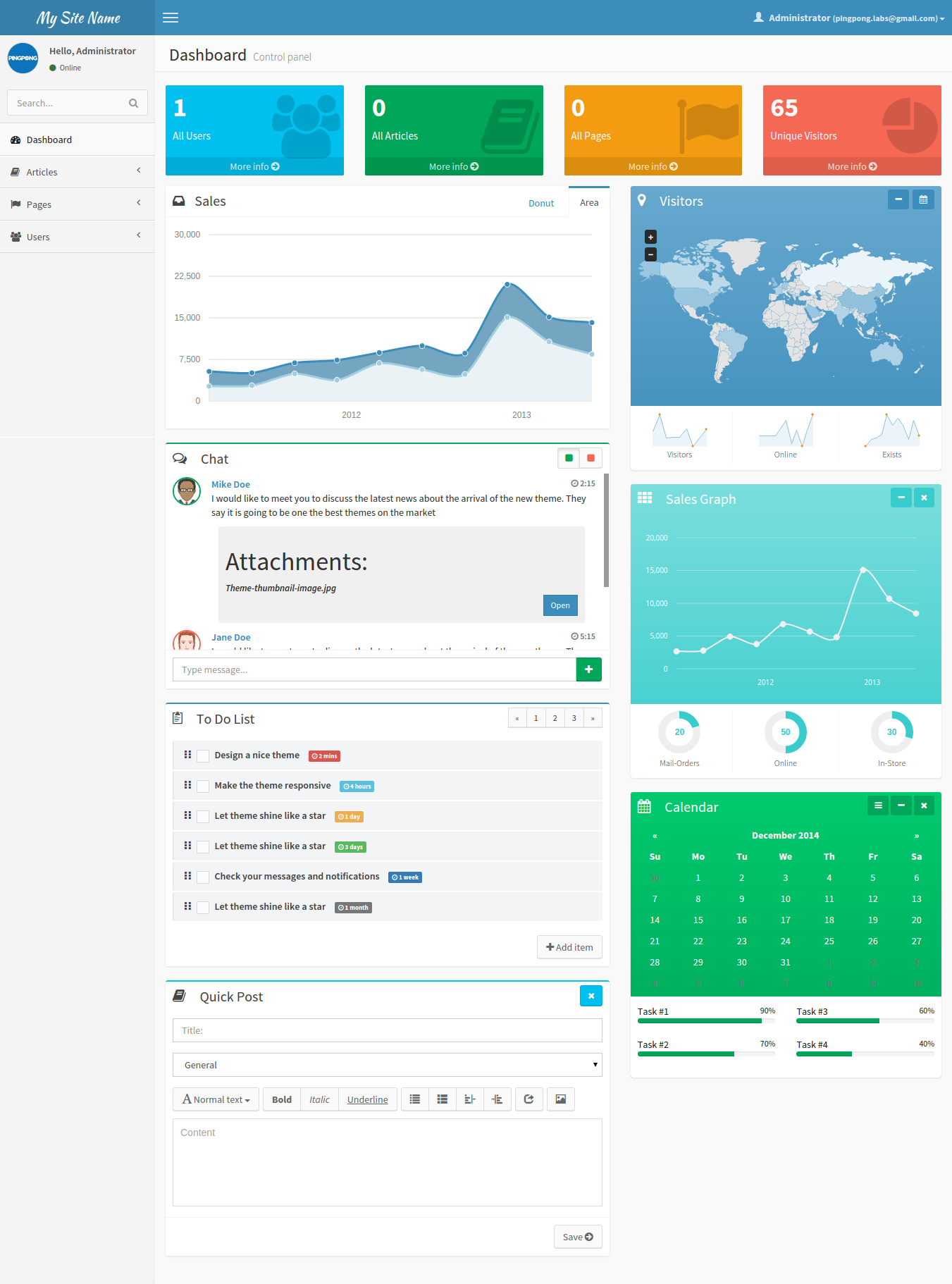
Browse your app to the url : http://your-host.com/admin. By default the login credentials is pingpong.labs@gmail for the email and secret for the password.
For more documentation please see wiki part of this repo.
This package is open-sourced software licensed under The BSD 3-Clause License