Add option for aligning label in index direction in TextPlot1D#430
Merged
Conversation


Contributor
|
This looks like a useful addition. This plot has a test suite, so tests would be useful, even if they are just smoke tests that plot with each of the settings and check that the plot isn't all white. |


Contributor
Author
|
Thanks for merging this. I am sorry to admit I completely forgot about this PR and the tests you asked me to write 😞 |
This file contains hidden or bidirectional Unicode text that may be interpreted or compiled differently than what appears below. To review, open the file in an editor that reveals hidden Unicode characters.
Learn more about bidirectional Unicode characters
Sign up for free
to join this conversation on GitHub.
Already have an account?
Sign in to comment
2 participants


Add this suggestion to a batch that can be applied as a single commit.This suggestion is invalid because no changes were made to the code.Suggestions cannot be applied while the pull request is closed.Suggestions cannot be applied while viewing a subset of changes.Only one suggestion per line can be applied in a batch.Add this suggestion to a batch that can be applied as a single commit.Applying suggestions on deleted lines is not supported.You must change the existing code in this line in order to create a valid suggestion.Outdated suggestions cannot be applied.This suggestion has been applied or marked resolved.Suggestions cannot be applied from pending reviews.Suggestions cannot be applied on multi-line comments.Suggestions cannot be applied while the pull request is queued to merge.Suggestion cannot be applied right now. Please check back later.
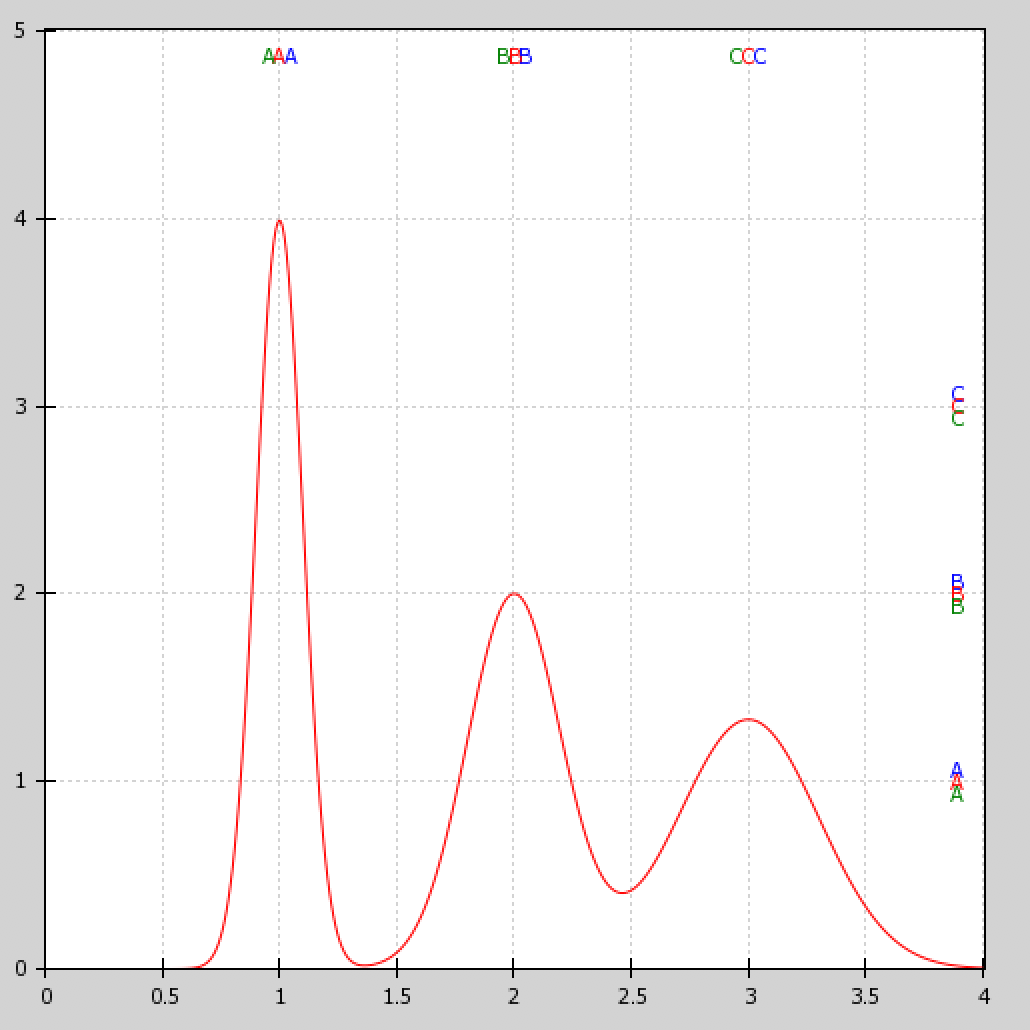
This is a nice little feature that I implemented for another project and wanted to port here as well. This PR adds options to align the label in the index direction (either left/center/right or top/center/bottom depending on orientation). There were already options for this sort of thing in the non-index direction but there was no way to do it in the index direction.
Screenshot with toy plot showing the new possible positioning: left/center/right or top/center/bottom (previously the label was always placed where the blue letters are)