When drawing with Enable + Qt, some pixels seem to have gone missing, causing broken lines in an image.
e.g.
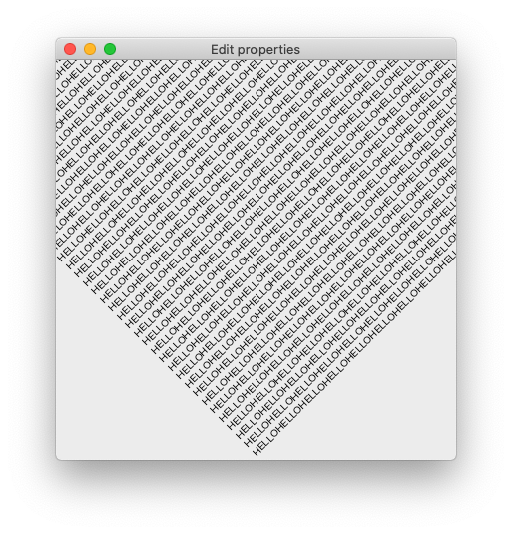
One can see, with eagle eyes, that the lines are broken along the middle row and column.
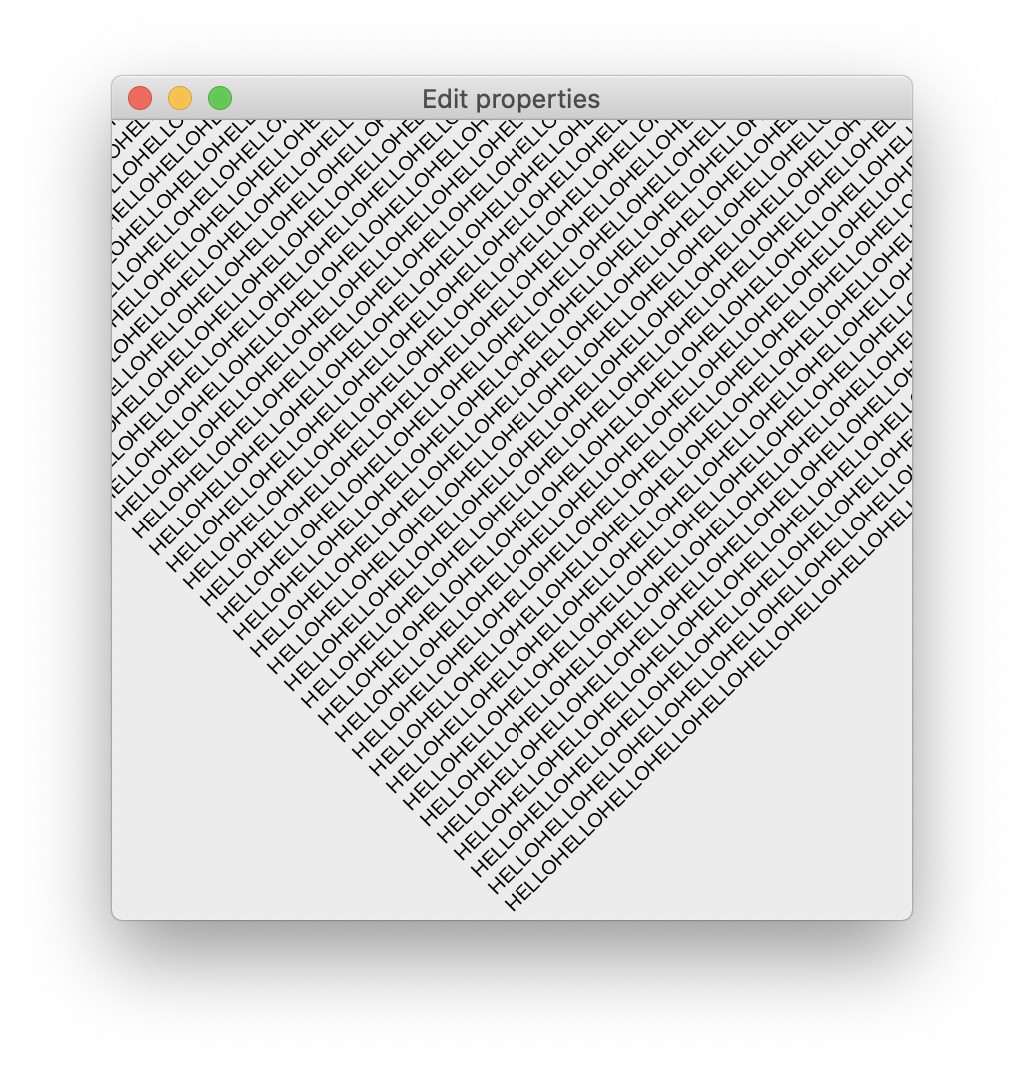
This issue is more obvious in a non-HiDPI situation than in a HiDPI situation. The above image is from a non-HiDPI setting. The following image is from a HiDPI setting:
To reproduce:
from traits.api import HasTraits, Instance
from traitsui.api import Item, View
from enable.api import Label, Component, ComponentEditor


TEXT = "\n".join(["HELLO" * 1000] * 1000)


class DemoFrame(HasTraits):

    component = Instance(Component)

    traits_view = View(
        Item("component", editor=ComponentEditor(), show_label=False),
        resizable=True,
    )

    def _component_default(self):
        return self._create_component()

    def _create_component(self):
        return Label(text=TEXT, rotate_angle=45.0, position=(200, 0))


if __name__ == "__main__":
    DemoFrame().configure_traits()
Enable version: 5.1.0
Platform: OSX (with retina display and without, see description above)
Qt backend: PySide2
Note: A lot of existing examples in Enable uses rectangles, so such misalignments would not be obvious visually (a rectangle may simply be a pixel shorter).

When drawing with Enable + Qt, some pixels seem to have gone missing, causing broken lines in an image.

e.g.
One can see, with eagle eyes, that the lines are broken along the middle row and column.
This issue is more obvious in a non-HiDPI situation than in a HiDPI situation. The above image is from a non-HiDPI setting. The following image is from a HiDPI setting:

To reproduce:
Enable version: 5.1.0
Platform: OSX (with retina display and without, see description above)
Qt backend: PySide2
Note: A lot of existing examples in Enable uses rectangles, so such misalignments would not be obvious visually (a rectangle may simply be a pixel shorter).