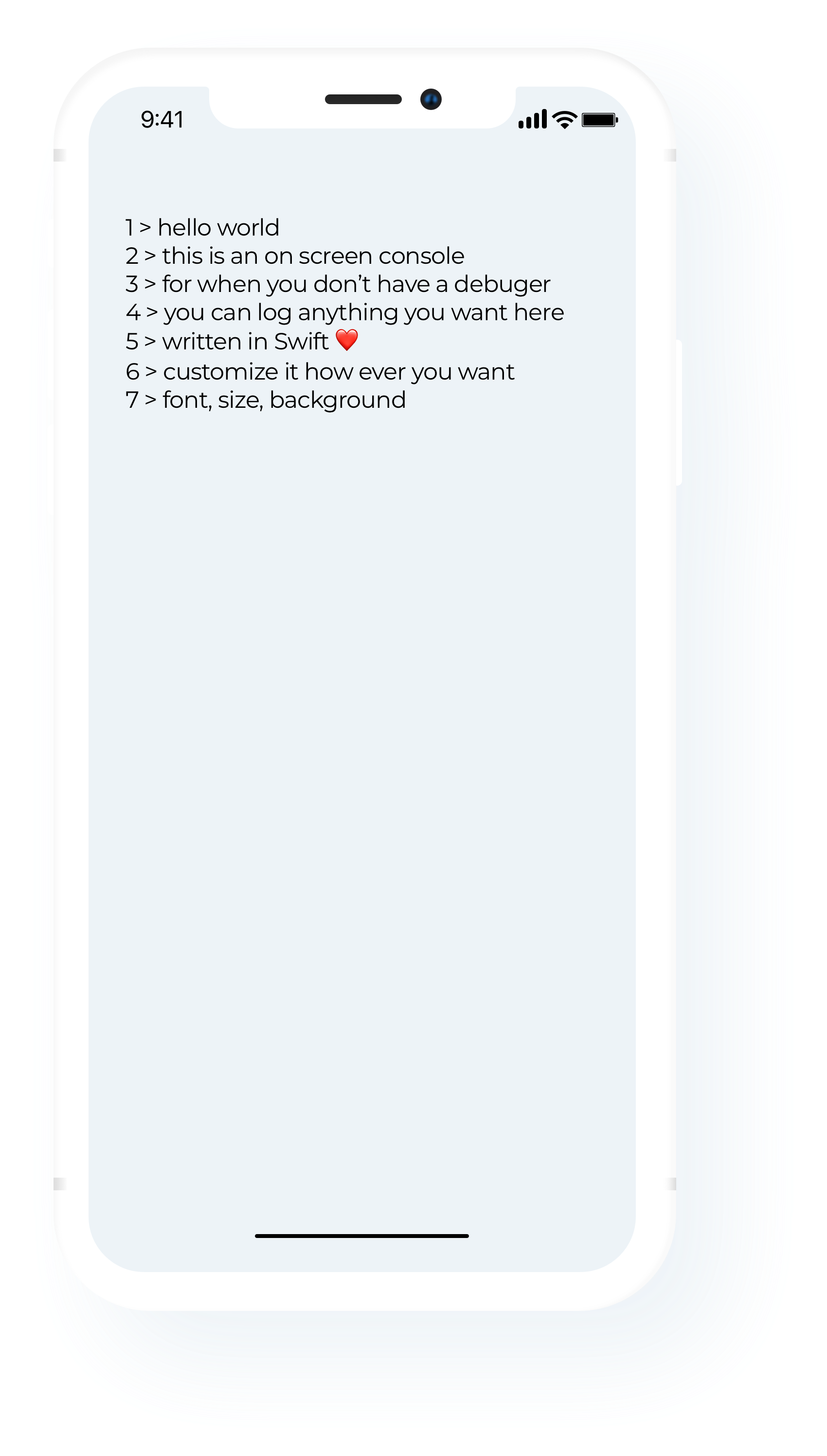
A debugging console directly on the app's screen. There were times during development of certain apps when I couldn't use Xcode's debugger console so an on screen one made perfect sense.



Using CocoaPods
- Add the pod
OnScreenConsoleto your Podfile.
pod 'OnScreenConsole'- Run
pod installfrom Terminal, then open your app's.xcworkspacefile to launch Xcode.
import OnScreenConsoleThat's it - now go debug your app whenever wherever!
Initialize:
var console = OnScreenConsole(frame: CGRect(x: 10, y: 10, width: 200, height: 200))
// make sure to insert the view over you own UI in order to see it
view.insertSubview(console, at: 10)
Customize:
// Enable row numbers
console.showRowNumber = true

// Customization
console.backgroundColor = .clear
console.textColor = .green
console.font = UIFont(name: "Montserrat", size: 20)
Use:
console.newLineWith("this is not an error")Designed & built by Mihai Fischer (@fischu). Distributed with the Apache License 2.0 license.