



Available for Chrome, Firefox, Brave, Edge, Opera and Safari





DoucheBlock is like an ad blocker but for your Twitter timeline. It will automatically (or after confirmation) block people who use specific keywords in the Twitter bio. It does not contain any tracking and does not interact with any 3rd party servers. Developer never sees your personal data, does not have access to your credentials and cannot know how you use it.
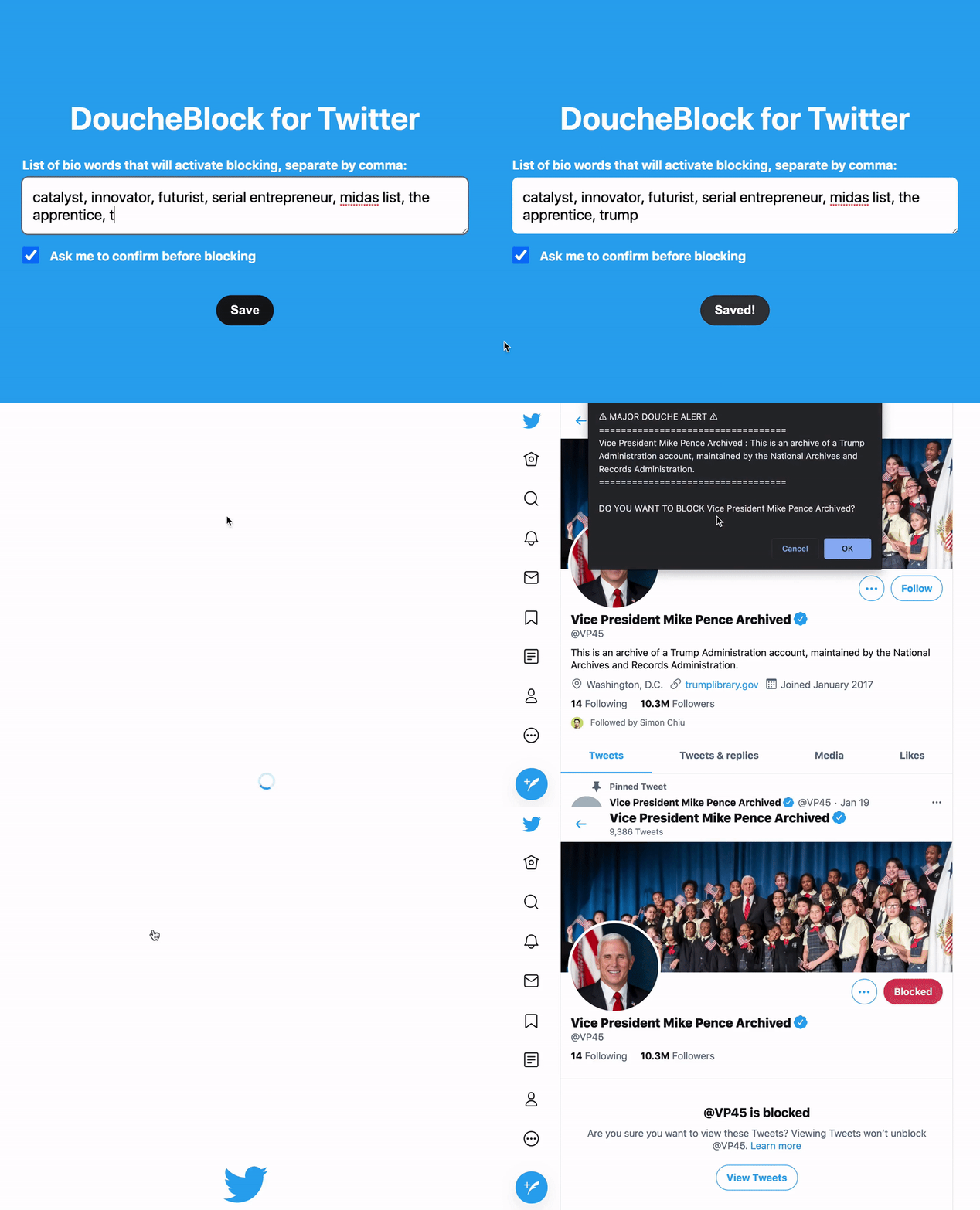
You can set it to confirm before blocking or just allow it to block automatically. You do not need to be viewing the profile for the extension to find these douches; above is for demo purposes only.



See even more comments at Wall of Love!
Originally inspired by this tweet:
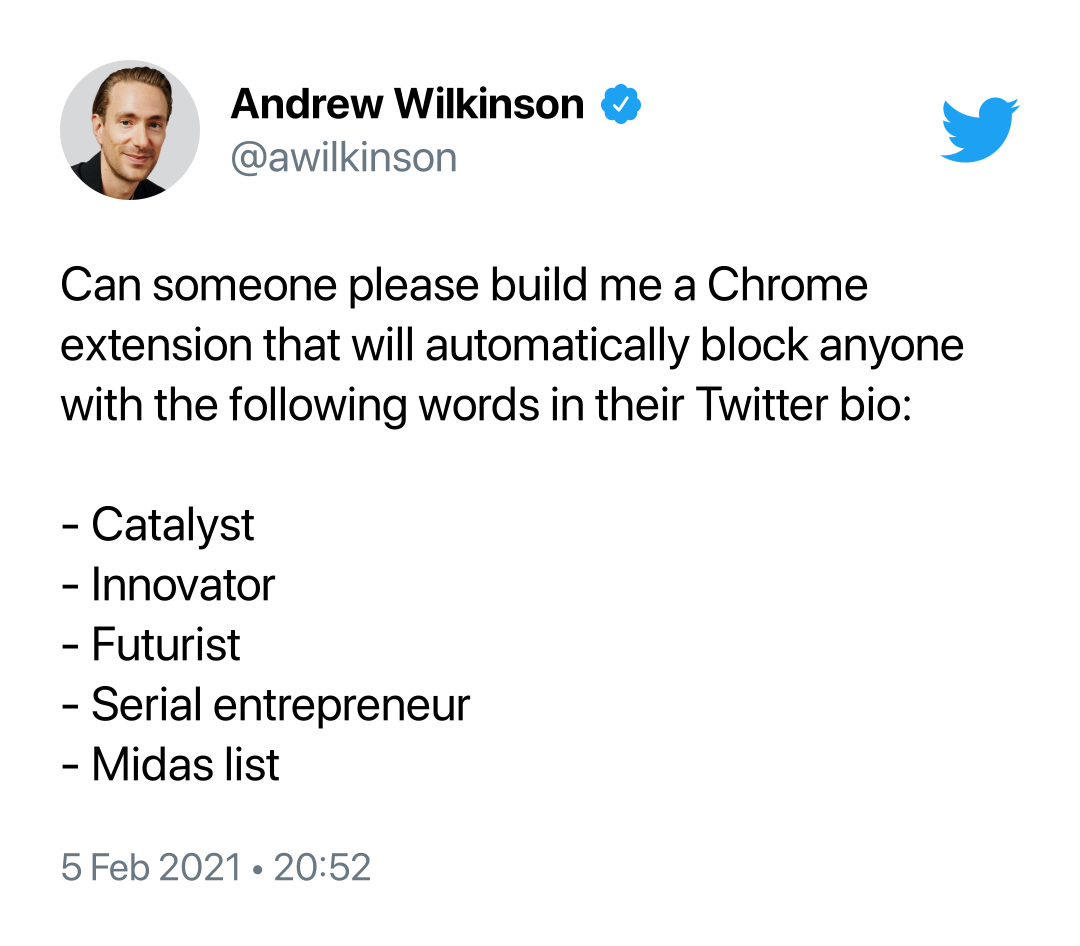
Thanks to Pikaso.me for the screenshots!
Support your fellow indie hackers and find more useful social media tools here →
-
🧬 This extension impersonates the current user. You do not have to sign in/grant access. Study the source to learn how.
-
🛡️ This extension contains no tracking, analytics, or any such privacy violations. What you see in this repo is what you get.
-
⏱️ DoucheBlock MVP took 12 hours to build, from start to finish, including how to hack the API, build automation, tests and docs (use extension-cli for speed). Much more effort has gone into this project since.
-
🎉 This extension runs 100% on the client there is no backend server → infinite scale → privacy for user.
Documentation for this source code is available here →
Built with Extension CLI. For instructions see User Guide →
Issues & Feature Requests: Submit on Github