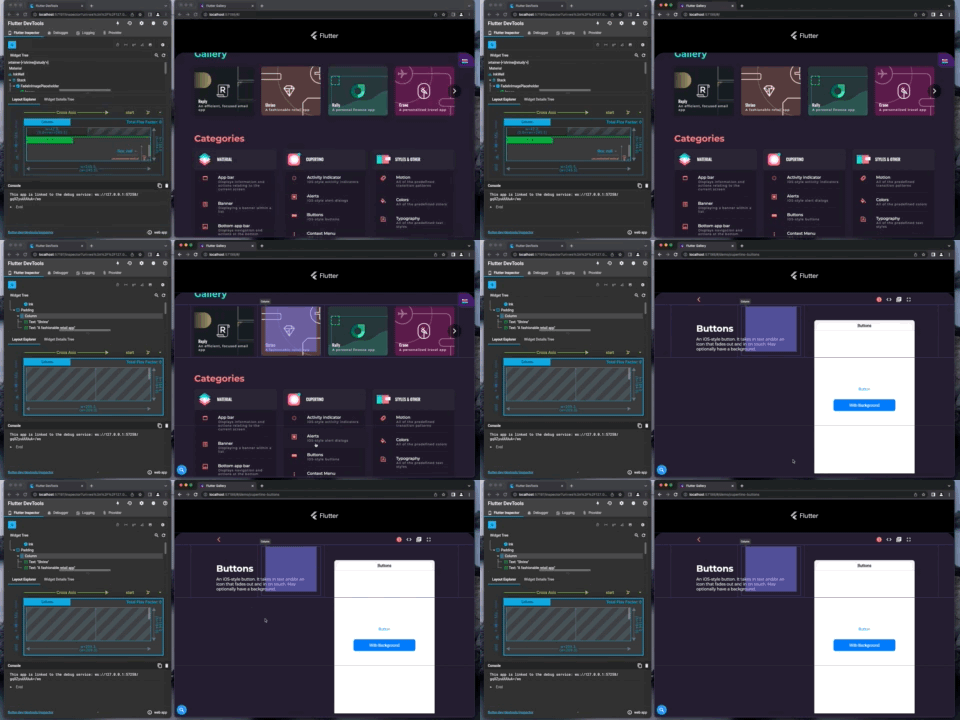
Widget inspector state is not cleared when navigating to new view in connected app #4869

Description

How to reproduce:
- Go into widget inspector mode
- Click on a widget to inspect
- Then, in the connect app, click on a widget what changes the view (I'm using the Flutter Gallery app)
- The widget inspector outlines from the old view are still present on the screen
See demo: