Releases: githubcatw/BrowserWindow
1.2.1

This is an important bug fix release.
General
Platform specific openers are now only compiled on their respective platforms.
This fixes an issue on Android where IL2CPP builds will fail with an "undefined reference" error like this:
Building Library\Bee\artifacts\Android\iz17e\libil2cpp.so failed with output:
(project)/Library/Bee/artifacts/Android/il2cppOutput/cpp/NT.BrowserWindow.cpp:443: error: undefined reference to '_openBW'
(project)/Library/Bee/artifacts/Android/il2cppOutput/cpp/NT.BrowserWindow.cpp:456: error: undefined reference to '_closeBW'
(project)/Library/Bee/artifacts/Android/il2cppOutput/cpp/NT.BrowserWindow.cpp:443: error: undefined reference to '_openBW'
(project)/Library/Bee/artifacts/Android/il2cppOutput/cpp/NT.BrowserWindow.cpp:456: error: undefined reference to '_closeBW'
clang++: error: linker command failed with exit code 1 (use -v to see invocation)
UnityEngine.GUIUtility:ProcessEvent (int,intptr,bool&)
Sample APK
As no new features are present, use the same APK as release 1.2.
1.2
Sample APK warning
If you want to try out the sample APK, uninstall any other version of it as the signing key has changed. This only affects the APK attached to this release, the Unity package is unaffected.
This is a minor feature release for Browser Window.
Closing browser windows
On some platforms, like iOS, apps have to manually tell the OS to close a browser window. This update adds a way to do this in Unity with the BrowserWindow.Close() method.
This currently works on iOS only.
Android specific changes
Disabling the Share button
Chrome custom tabs open with a share button by default. To prevent this, use BWAndroidConfig.DisableSharing(). Pretty simple.
Animations
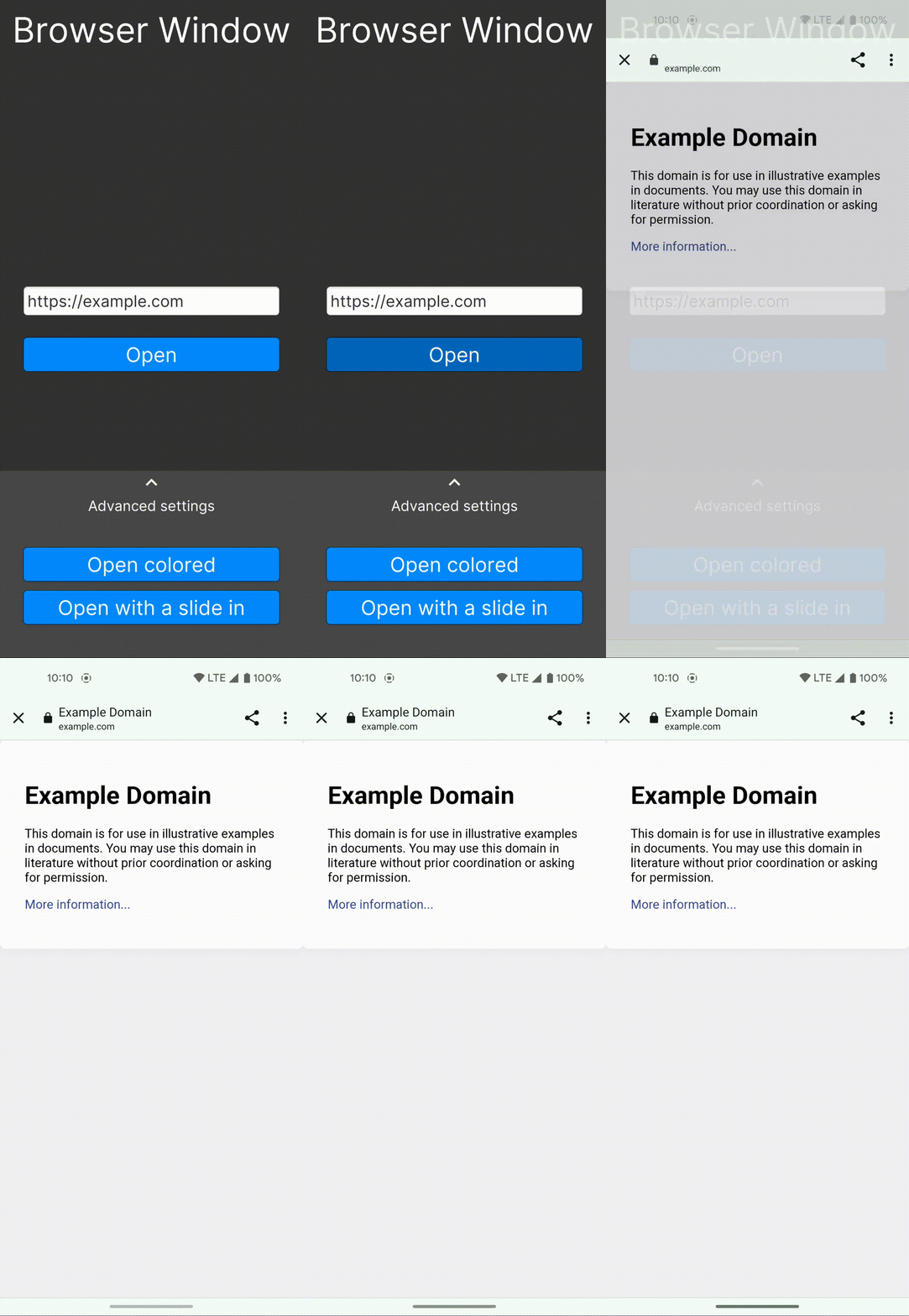
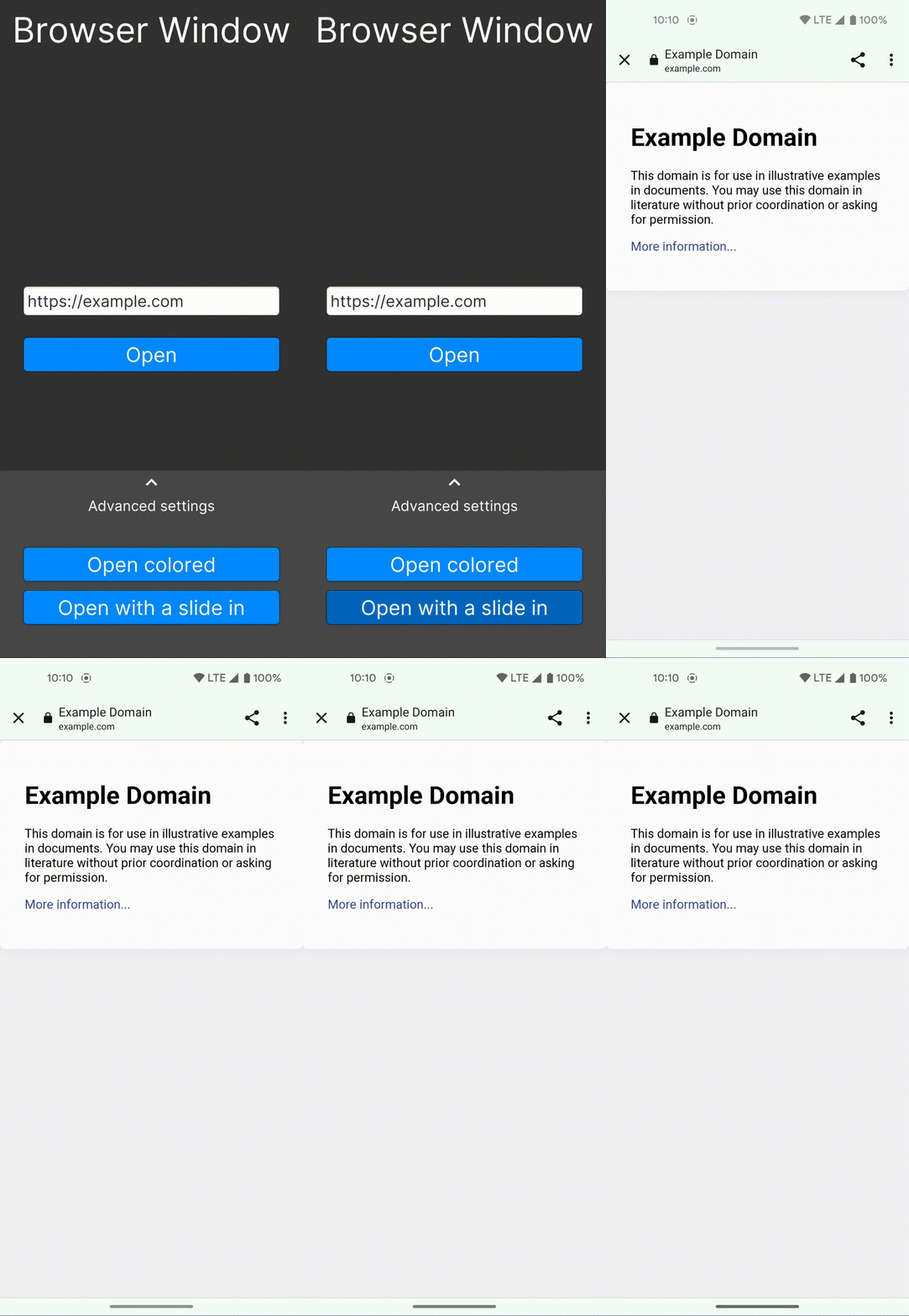
The transitions between a browser window and the game can now be changed using new methods in BWAndroidConfig: SetAnimations, SetStartAnimation and SetExitAnimation.
For this feature a BWAndroidAnimation class has been added. The library also comes with 2 preset animations:
 |
 |
|---|---|
BWAndroidAnimations.Fade |
BWAndroidAnimations.SlideLeft |
For more information see the documentation.
1.1
This is a feature release for Browser Window, featuring some improvements:
Full iOS support
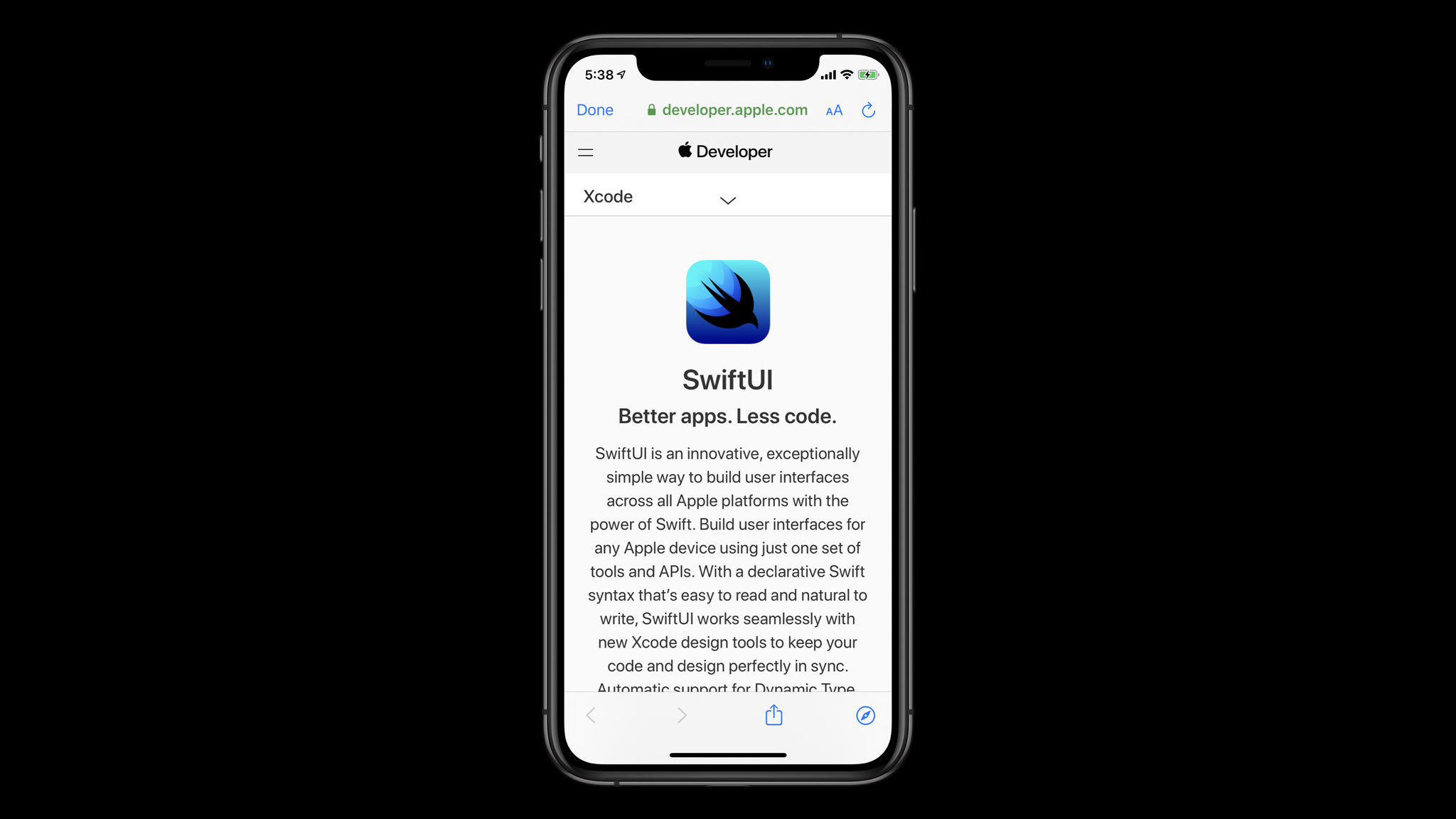
iOS SKSafariViewController is now supported. This means that, instead of just opening Safari, Browser Window will now show a custom window on iOS:
(credit: Apple Developer)
And you don't need to update your code - simply call BrowserWindow.Open() as usual.
Platform configuration
Sometimes, a Browser Window implementation on one platform might support more features than one on another platform. To give developers the ability to control these options, 1.1 introduces platform-specific configuration.
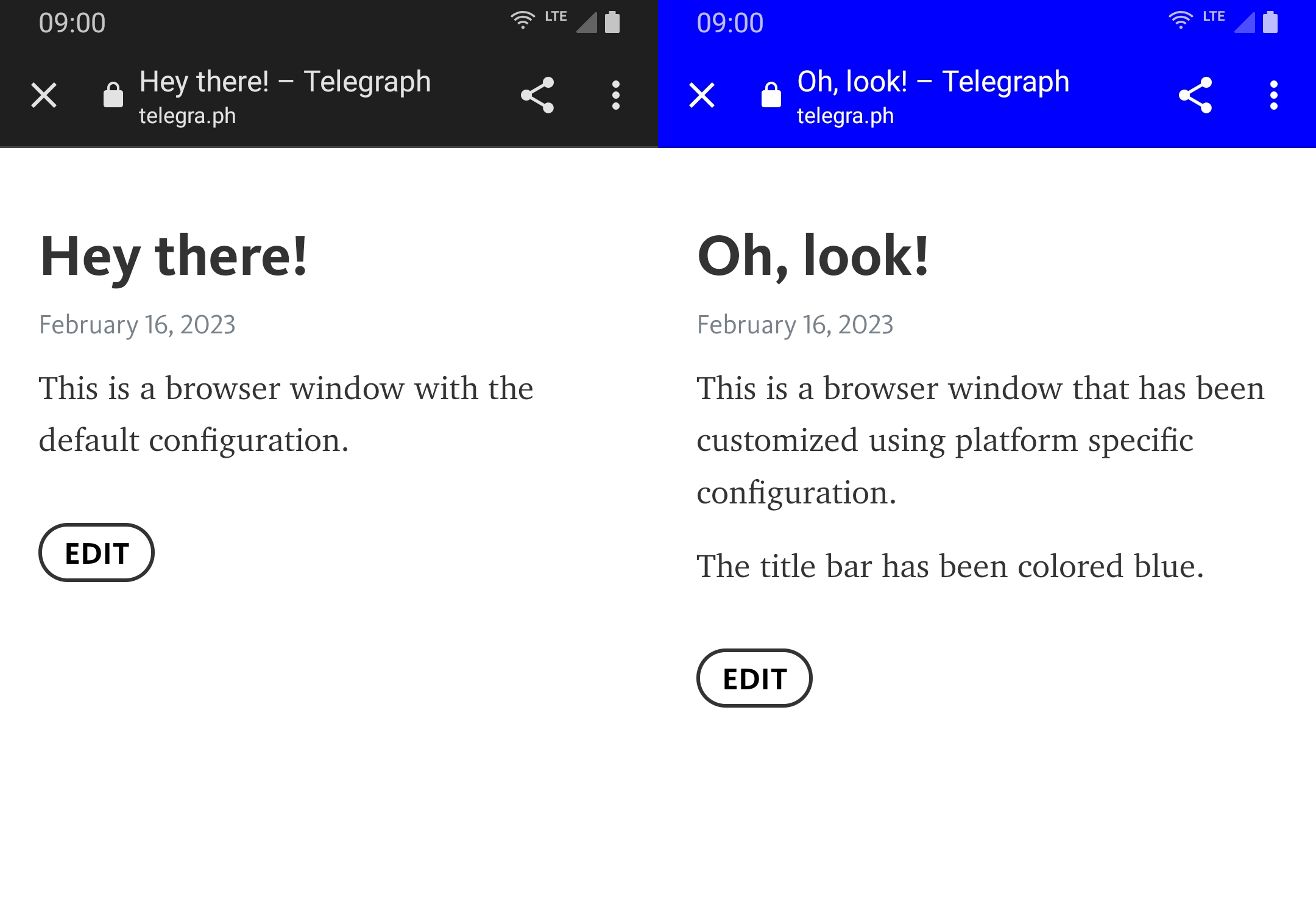
As the name suggests, this is a way to configure platform-specific settings. This requires a slightly different way to call Browser Window functions - instead of just calling BrowserWindow.Open() you have to create an object and pass it the configuration:
// Create a BrowserWindow object and set the Android config
BrowserWindow window = new BrowserWindow();
// Create an Android configuration
BWAndroidConfig androidConfig = new BWAndroidConfig();

// Customize the Android configuration here.

// Set the Android configuration
window.SetAndroidConfig(androidConfig);

// Then, in your code, use:
window.CustomOpen("https://example.com");
Currently this is only supported on Android. To learn more and see more detailed examples and what settings are supported please read the wiki page on this feature.
1.0
Initial release.