
Note
Wireless OSINT & Signal Intelligence Platform
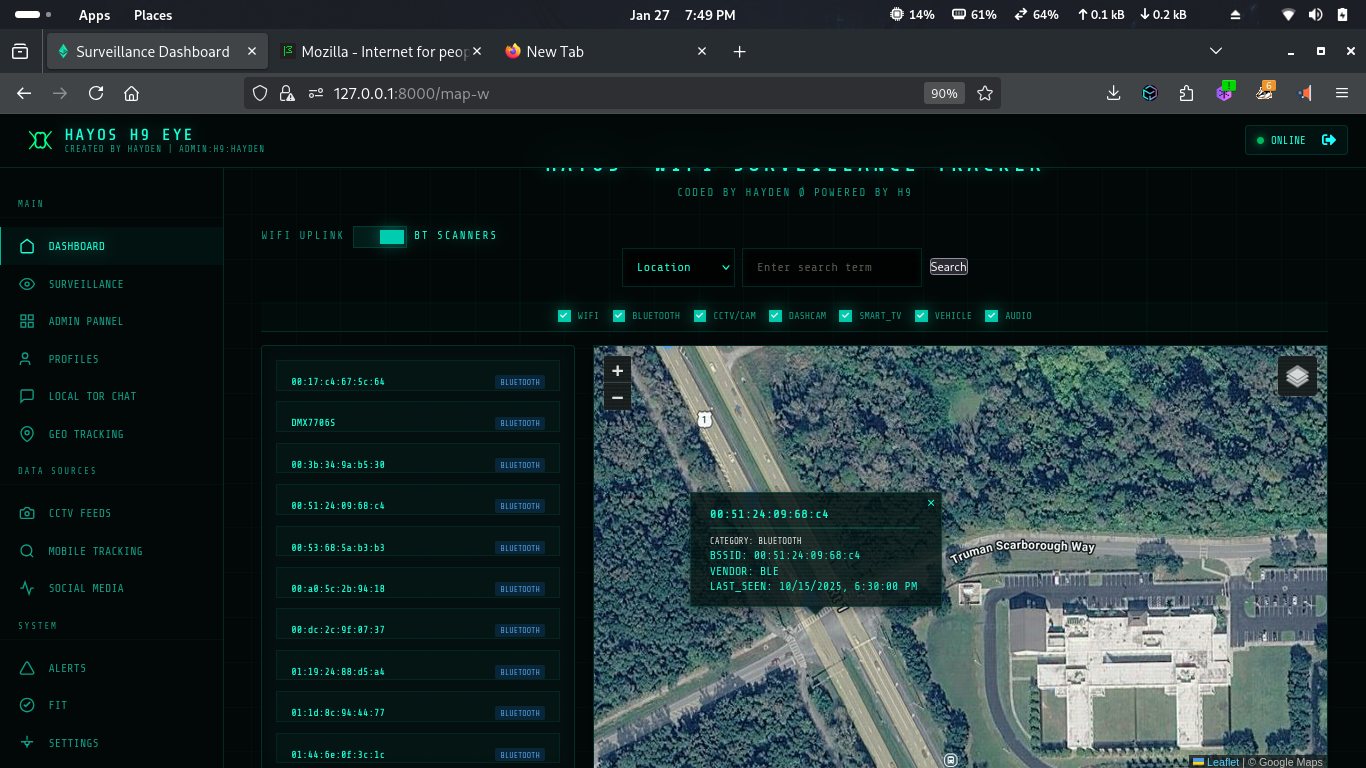
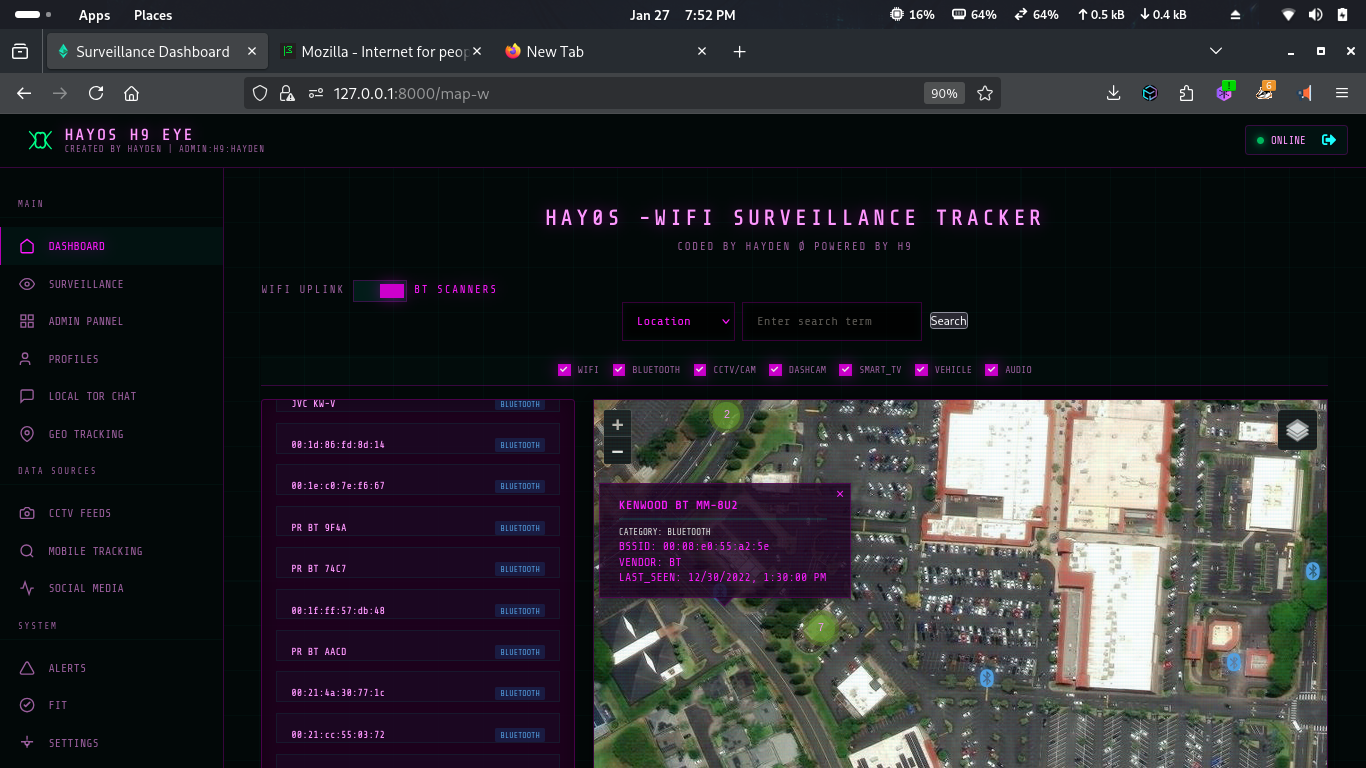
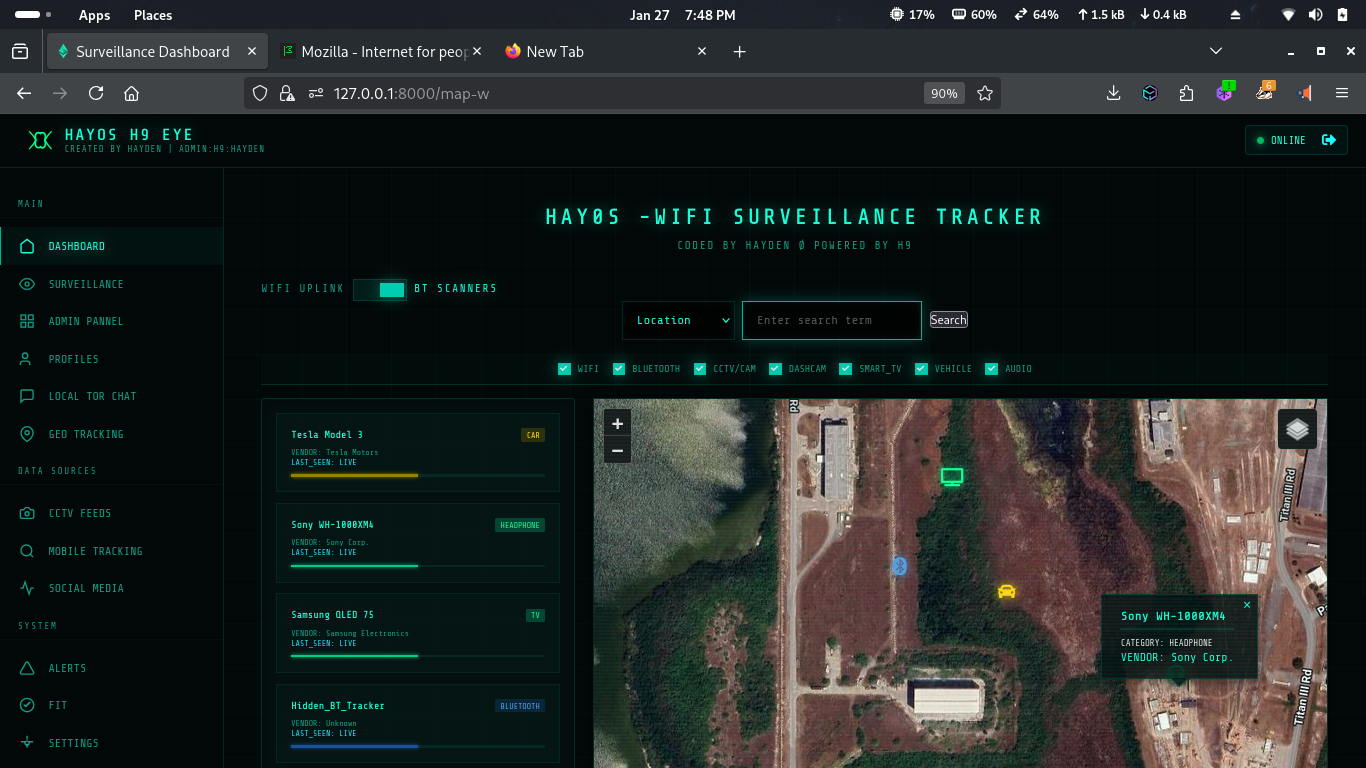
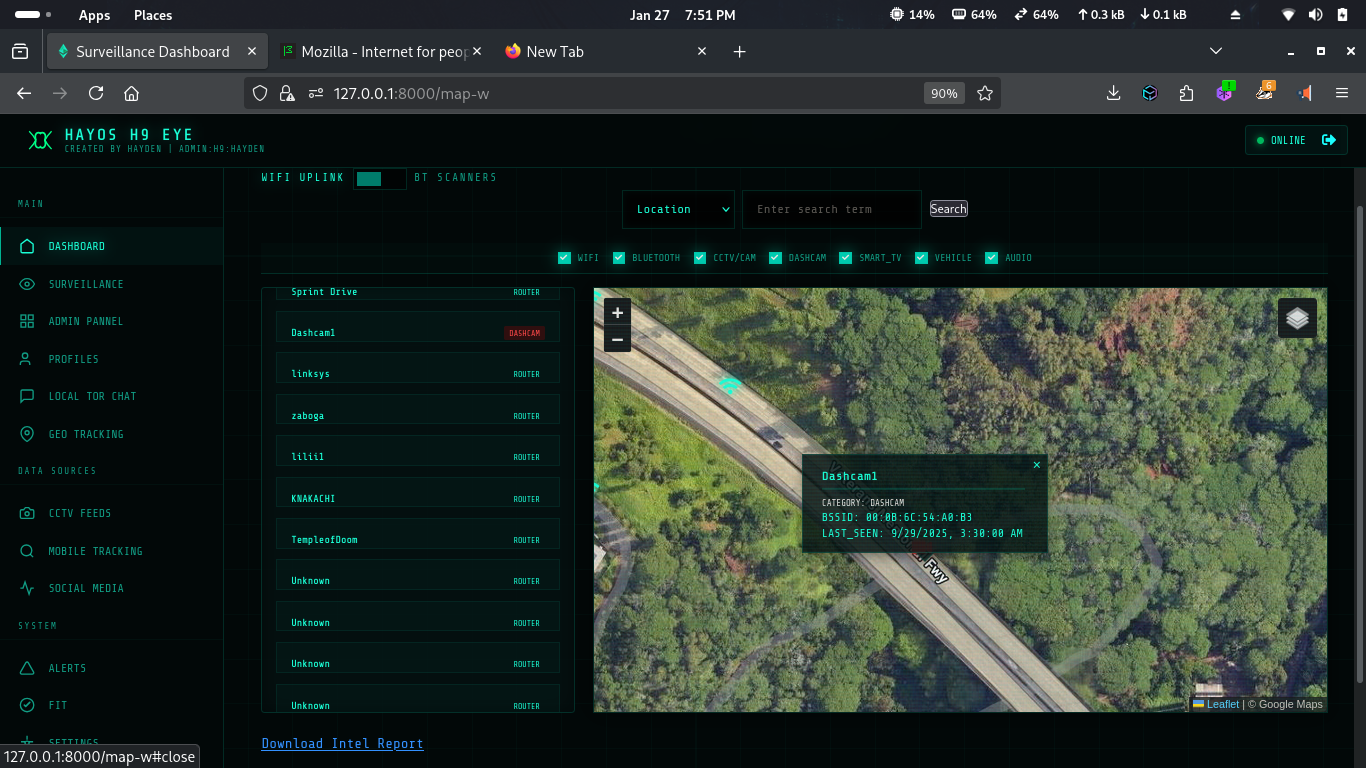
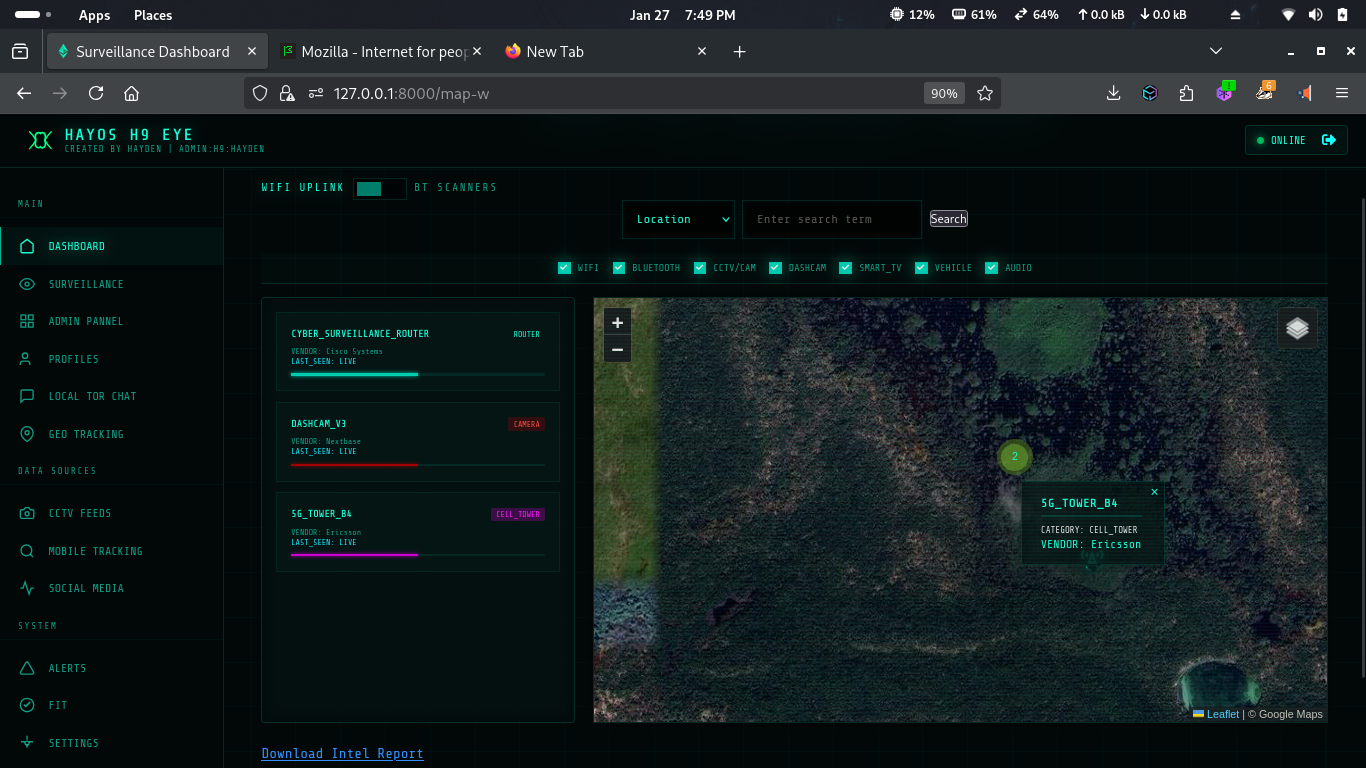
WireTapper is a wireless OSINT tool designed to discover, map, and analyze radio-based devices using passive signal intelligence. It provides investigators, researchers, and security analysts with real-time visibility into the invisible wireless landscape around them.
WireTapper detects and correlates signals from common wireless technologies, helping users understand what devices exist, where they are likely located, and how they interact, without active intrusion.
🔗 Website: https://haybnz.web.app
🔗 Blog on WireTapper: Read on Medium



WireTapper can identify and analyze signals from:
- Wi-Fi access points & clients
- Bluetooth & BLE devices
- Wireless CCTV / IP cameras
- Vehicles broadcasting RF signals (infotainment, telemetry, keyless systems)
- Headphones, wearables, and smart devices
- Smart TVs & IoT appliances
- Cell towers & mobile network beacons
WireTapper integrates with several external services to provide intelligence. You will need to obtain API keys from the following:
- Wigle.net – Wireless network mapping and discovery.
- OpenCellID – Open-source database of cell towers.
- Shodan – Search engine for Internet-connected devices.
- Note: A Premium account is required to use Shodan's API with this tool.
Follow these steps to get WireTapper up and running:
-
Clone the repository:
git clone https://github.com/h9zdev/WireTapper.git cd WireTapper -
Install dependencies: It is recommended to use a virtual environment.
pip install -r WireTapper.txt
-
Configure API Keys and Run:
Choose one of the following methods to configure your API keys and run the application:
Open
app.pyand manually enter your API keys by replacing the empty strings:WIGLE_API_NAME = "your_wigle_api_name" WIGLE_API_TOKEN = "your_wigle_api_token" OPENCELLID_API_KEY = "your_opencellid_api_key" SHODAN_API_KEY = "your_shodan_api_key"
Then, start the server:
python app.py
This is the recommended approach for better security. You can export your keys in the terminal:
export WIGLE_API_NAME="your_wigle_api_name"
export WIGLE_API_TOKEN="your_wigle_api_token"
export OPENCELLID_API_KEY="your_opencellid_api_key"
export SHODAN_API_KEY="your_shodan_api_key"
Alternatively, you can define these keys in a
.envfile. Then, start the server:python app-env.py
The application will be available at
http://localhost:8080/map-w.
This project is licensed under the Creative Commons Attribution-NonCommercial 4.0 International (CC BY-NC 4.0) License. See the LICENSE file for more details.
Unauthorized use is strictly prohibited.
📧 Contact: singularat@protn.me
Donate via Monero: 45PU6txuLxtFFcVP95qT2xXdg7eZzPsqFfbtZp5HTjLbPquDAugBKNSh1bJ76qmAWNGMBCKk4R1UCYqXxYwYfP2wTggZNhq


![@google-labs-jules[bot]](https://avatars.githubusercontent.com/in/842251?s=64&v=4)