sqlite-web is a web-based SQLite database browser written in Python. This version has been migrated from Flask to FastAPI for improved performance and modern async capabilities.
Project dependencies:
- FastAPI - Modern, fast web framework
- Uvicorn - ASGI server
- Peewee - ORM for database operations
- Pygments - Syntax highlighting
- Jinja2 - Template engine
$ pip install -r requirements.txtOr install dependencies individually:
$ pip install fastapi uvicorn[standard] python-multipart jinja2 itsdangerous pygments peeweeRun the application using the provided entry point:
$ python app.py /path/to/database.dbOr run directly with uvicorn:
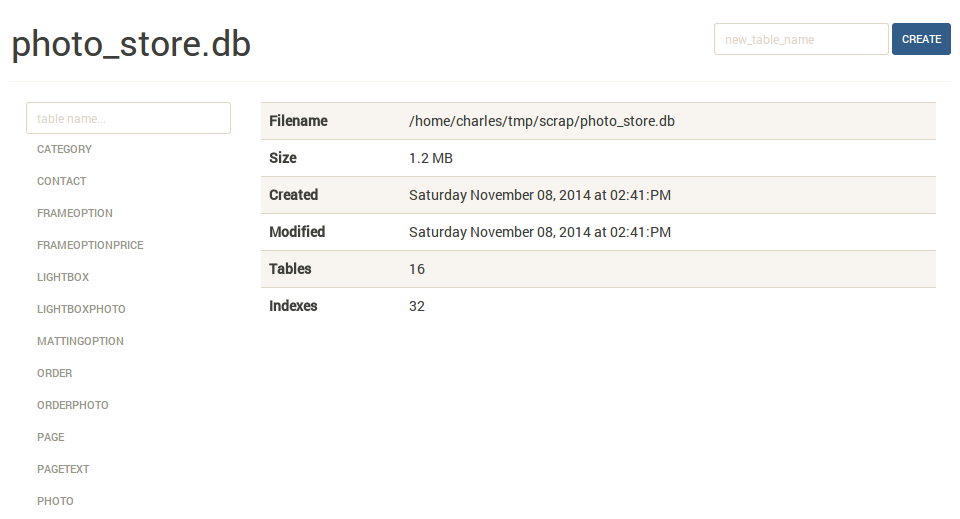
$ uvicorn sqlite_web.sqlite_web:app --host 127.0.0.1 --port 8080The index page shows some basic information about the database, including the number of tables and indexes, as well as its size on disk:
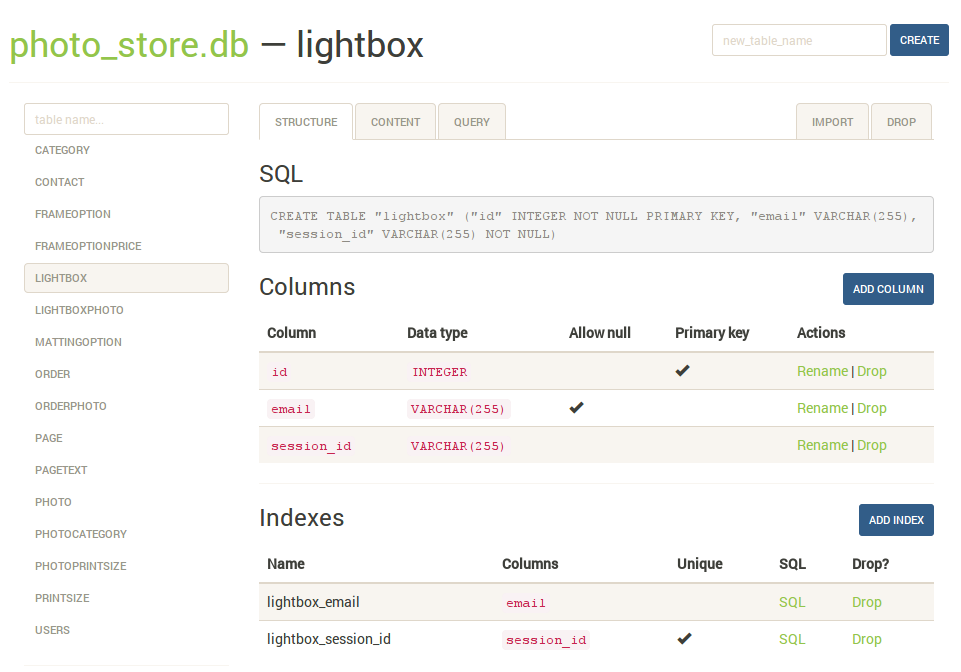
The structure tab displays information about the structure of the table, including columns, indexes, and foreign keys (if any exist). From this page you can also create, rename or drop columns and indexes.
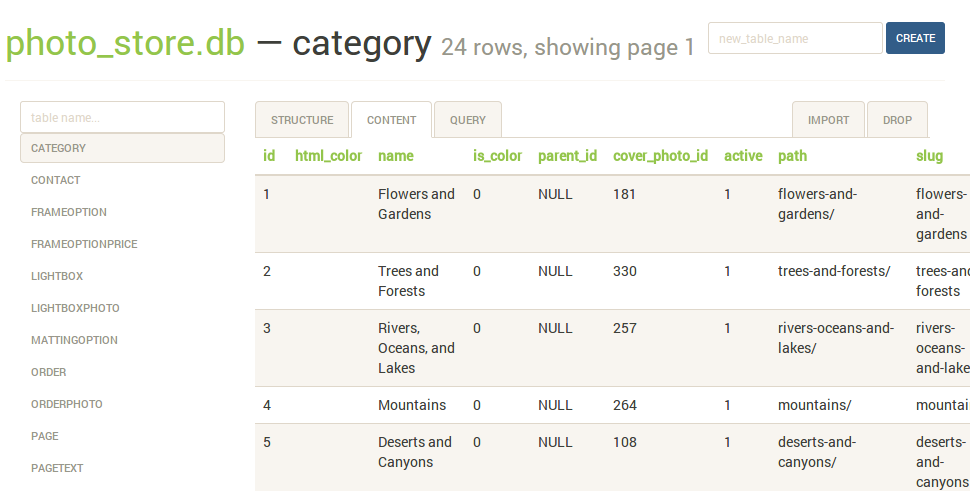
The content tab displays all the table data. Links in the table header can be used to sort the data:
The query tab allows you to execute arbitrary SQL queries on a table. The query results are displayed in a table and can be exported to either JSON or CSV:

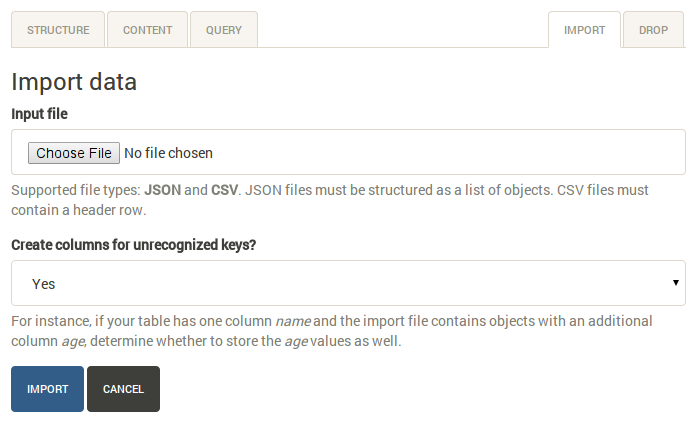
The import tab supports importing CSV and JSON files into a table. There is an option to automatically create columns for any unrecognized keys in the import file:
The syntax for invoking sqlite-web is:
$ python app.py [options] /path/to/database-file.dbThe following options are available:
-p,--port: default is 8080-H,--host: default is 127.0.0.1-d,--debug: default is false-x,--no-browser: do not open a web-browser when sqlite-web starts-P,--password: prompt for password to access sqlite-web. Alternatively, the password can be stored in the "SQLITE_WEB_PASSWORD" environment variable, in which case the application will not prompt for a password, but will use the value from the environment-r,--read-only: open database in read-only mode-u,--url-prefix: URL prefix for application, e.g. "/sqlite-web"
This project has been migrated from Flask to FastAPI. The original Flask implementation is preserved in the flask_backup folder for reference. Key changes include:
- Replaced Flask with FastAPI for better performance and async support
- Updated routing to use FastAPI decorators and dependency injection
- Migrated session handling to Starlette middleware
- Updated template rendering to use Jinja2Templates from FastAPI
- Improved form handling with FastAPI's Form and UploadFile classes
A Dockerfile is provided with sqlite-web. To use:
$ cd docker/  # Change dirs to the dir containing Dockerfile
$ docker build -t sqlite-web-fastapi .
$ docker run -it --rm \
    -p 8080:8080 \
    -v /path/to/your-data:/data \
    -e SQLITE_DATABASE=db_filename.db \
sqlite-web-fastapiTo run in development mode with auto-reload:
$ uvicorn sqlite_web.sqlite_web:app --reload --host 127.0.0.1 --port 8080See LICENSE file for details.