https://img.appledb.dev/device@res/deviceKey1,1/Silver.ext
Replace res with 64 or 256 to get an image which has a maximum horizontal or vertical pixel count of the respective value.
Replace deviceKey1,1 with the device you want an image of, e.g. iPhone14,2 for iPhone 13 Pro. While the deviceKey is often identical to the device identifier, it is not always. Check appledb for the correct key.
Replace ext with the file format you want. The file formats available are png, webp and avif.
To get an image with dark mode, append _dark to the filename: /Space Gray_dark.png
To get a different color, use the American spelling of the colour name: /Space Gray.png; if it's not a device, use an index number (starting at 0).
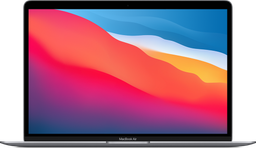
https://img.appledb.dev/device@256/MacBookAir10,1/Space Gray.png
256x147, Space Gray, light mode
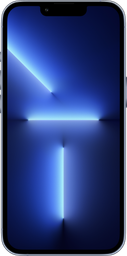
https://img.appledb.dev/device@256/iPhone14,2/Sierra Blue_dark.png
127x256, Sierra Blue, dark mode